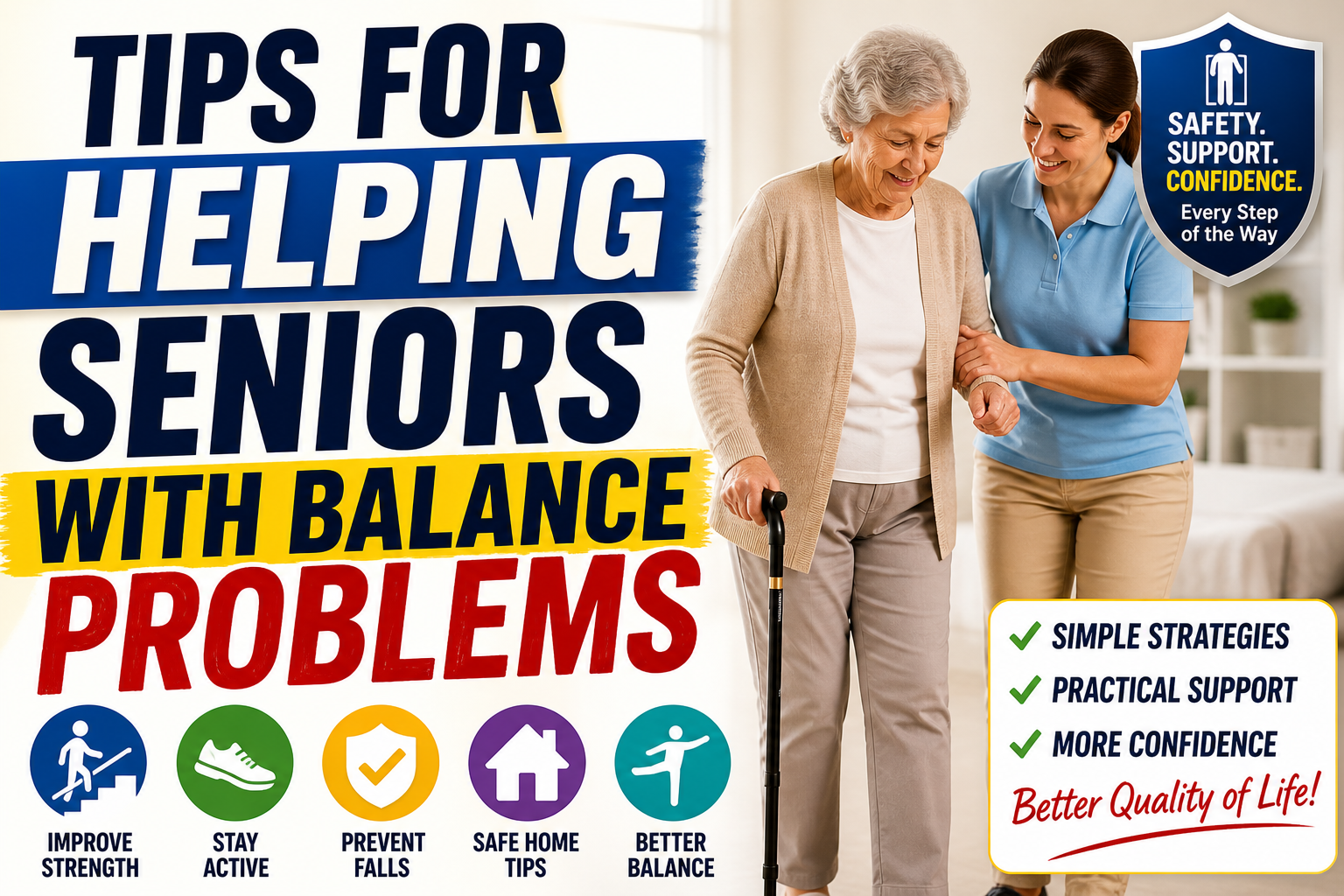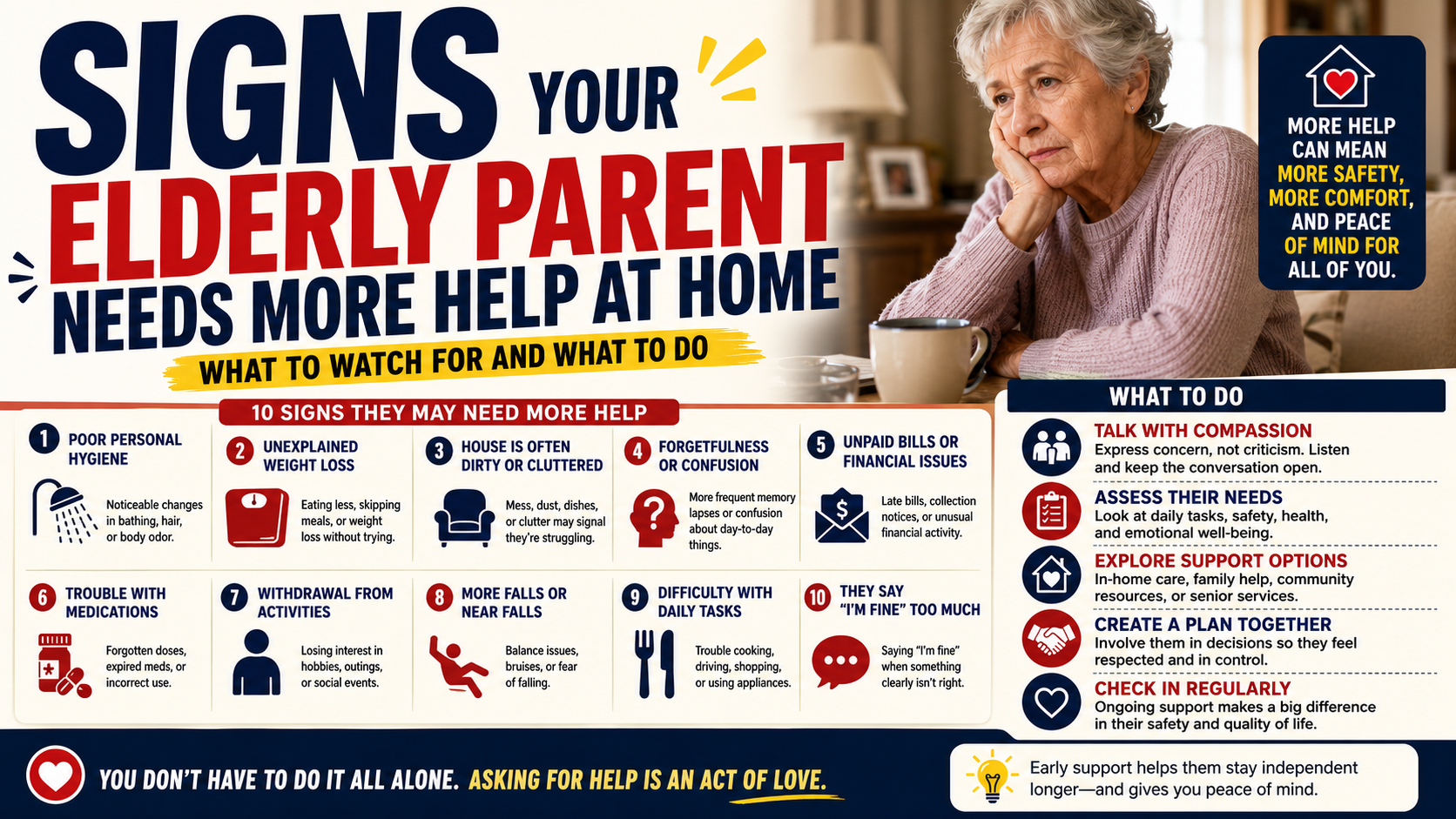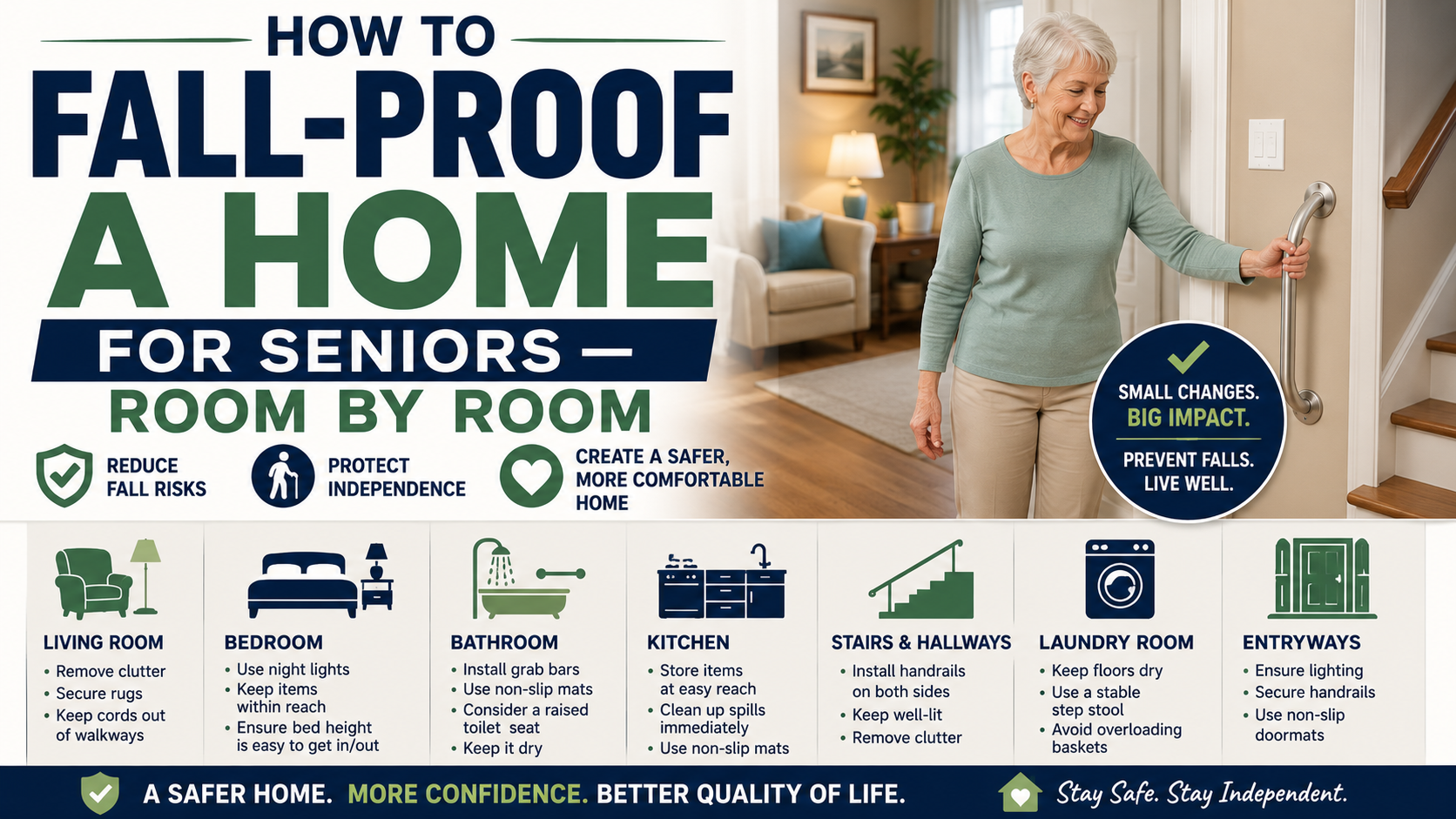
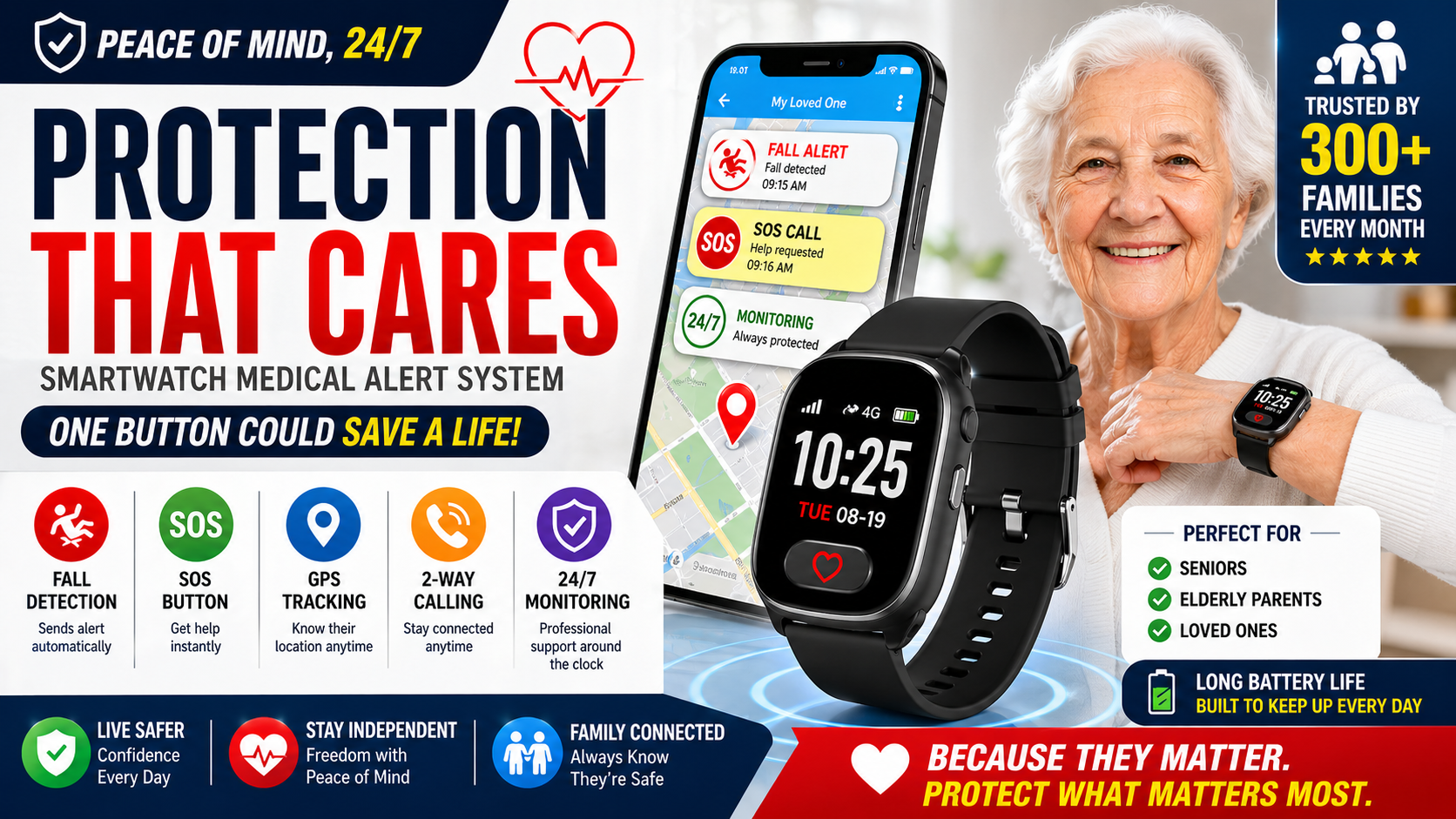
Looking for the best medical alert smartwatch for seniors? We broke down the top options so you can find the right one fast — with GPS, fall detection, and SOS built in.
Not every senior wants to wear a pendant around their neck. That’s just reality. And if your parent refuses to wear a medical alert device because it makes them feel old or embarrassed, then the most feature-packed system in the world is completely useless sitting in a drawer.
That’s exactly why medical alert smartwatches have become one of the most important developments in senior safety over the last several years. They look like a regular watch. They go on the wrist like a regular watch. Most people who see them on the street have no idea they’re anything other than a fitness tracker. But underneath, they’re doing everything a traditional medical alert system does — GPS tracking, automatic fall detection, SOS calling, and two-way communication. Our SecuLife Smartwatch Review — Is It Worth It for Seniors? examines one senior-focused watch that combines these functions in a single device.
The problem is the market is flooded with options, and not all of them are built with seniors in mind. Some are too complicated to set up. Some require expensive monthly monitoring contracts that nobody explained upfront. Some have fall detection algorithms that were clearly designed for younger, active users — not an 80-year-old moving carefully through a kitchen.
I’ve spent years in geriatric nursing watching families scramble to find the right safety solution after something has already gone wrong. The goal of this guide is to help you find the right device before that happens — and to make sure the device you choose is one your parent will actually wear every single day.
Who This Guide Is For
This guide is written primarily for adult children — sons and daughters who are trying to make a smart decision for an aging parent who still lives independently. If that’s you, you’re probably dealing with at least one of these situations:
- Your parent has already fallen once, and you’re terrified about what happens next time
- Your parent lives alone and you can’t always reach them when you call
- You’ve brought up medical alert systems before and gotten pushback — they don’t want to feel like an invalid
- You want GPS visibility so you know where they are without having to call every hour
- You’re managing early cognitive decline and wandering is becoming a real concern
A medical alert smartwatch addresses all of these concerns in one wearable device. The challenge is knowing which one is worth buying.
What to Look for in a Medical Alert Smartwatch for Seniors
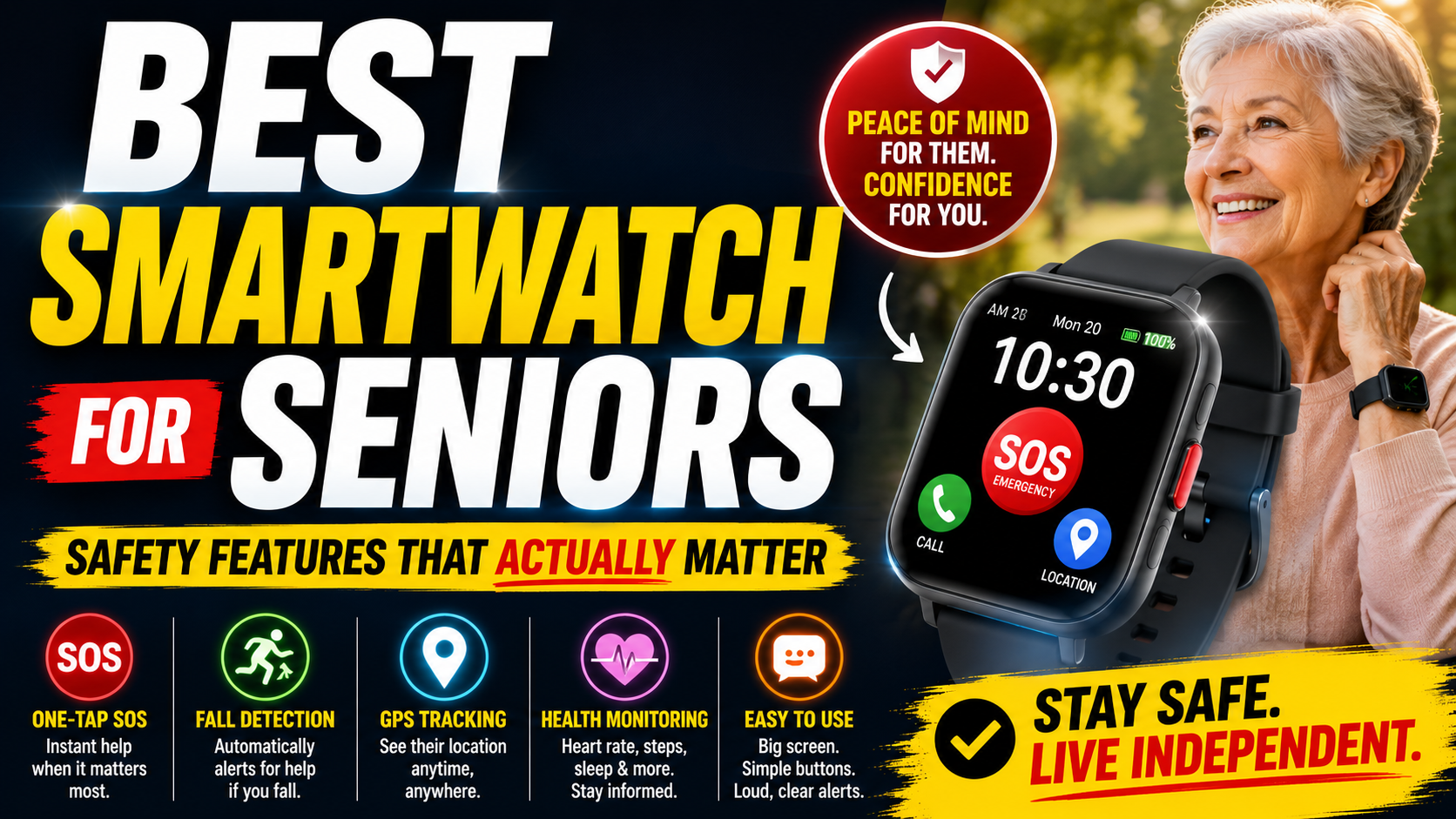
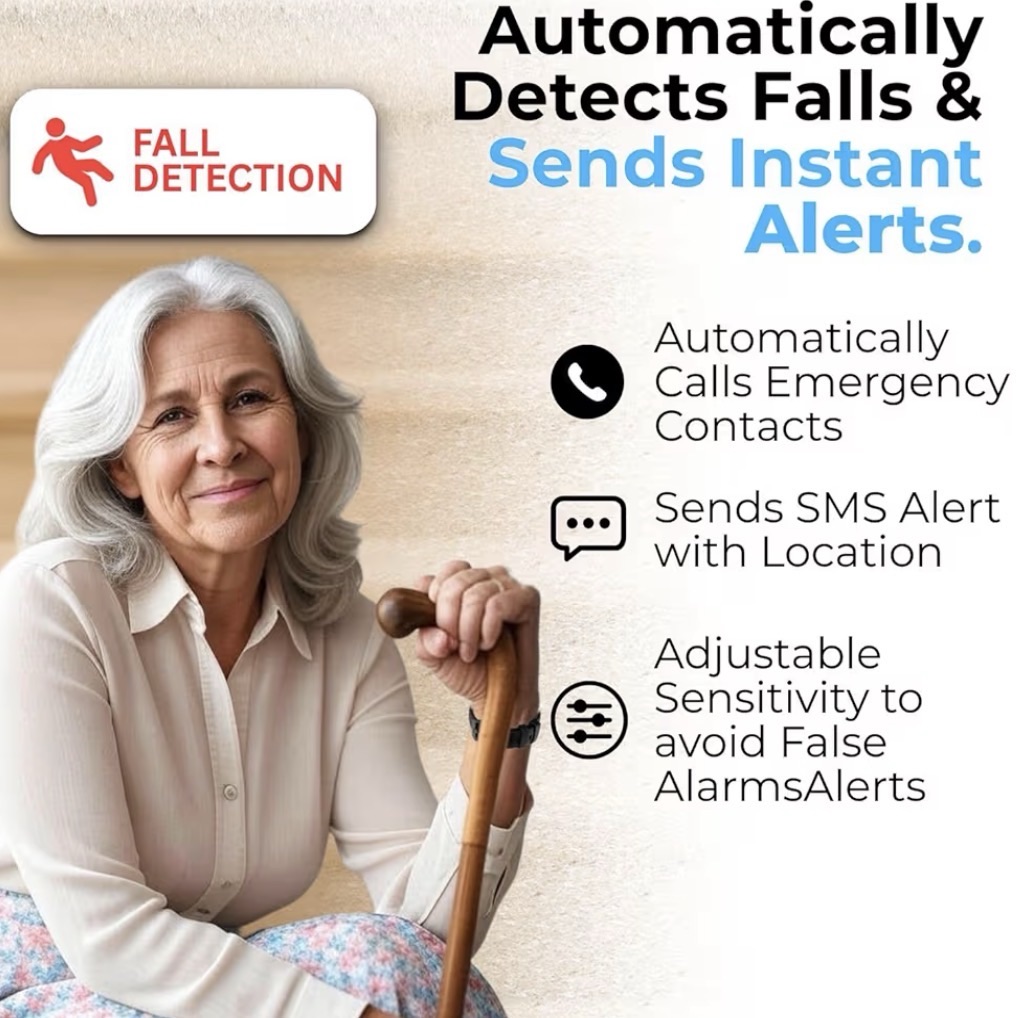
Before you start comparing specific devices, get clear on what features actually matter for your parent’s situation. Not every senior needs every feature. Here’s what separates a genuinely useful senior safety watch from a glorified fitness tracker. A broader breakdown of the features that matter most appears in Best Smartwatch for Seniors — Safety Features That Actually Matter.
Automatic Fall Detection
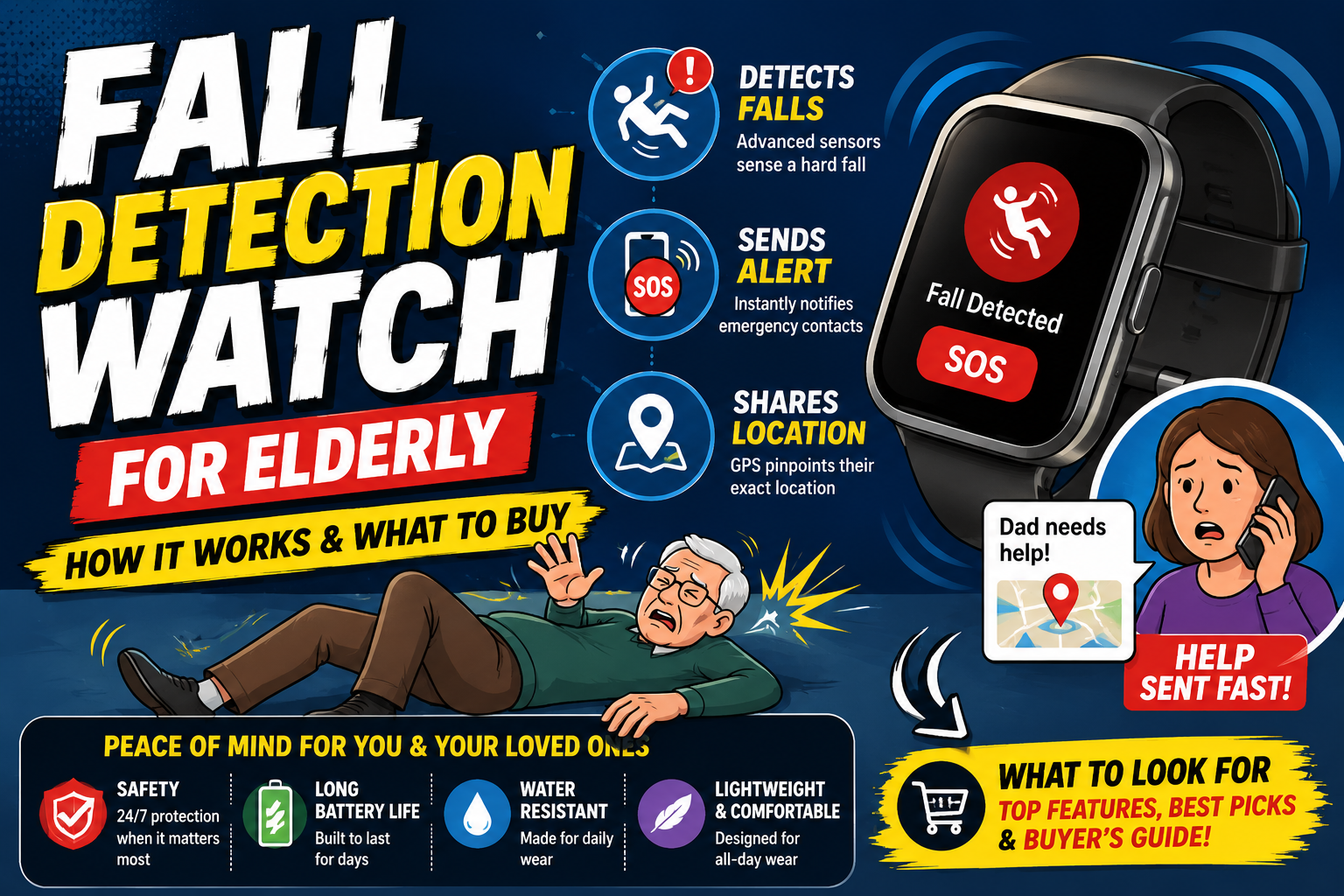
For most families, this is the most critical feature on the list. Automatic fall detection means the watch senses when a fall has occurred and triggers an emergency alert on its own — even if your parent is unconscious, disoriented, or simply can’t reach the button. The sensing process and buying considerations are covered in Fall Detection Watch for Elderly — How It Works and What to Buy.
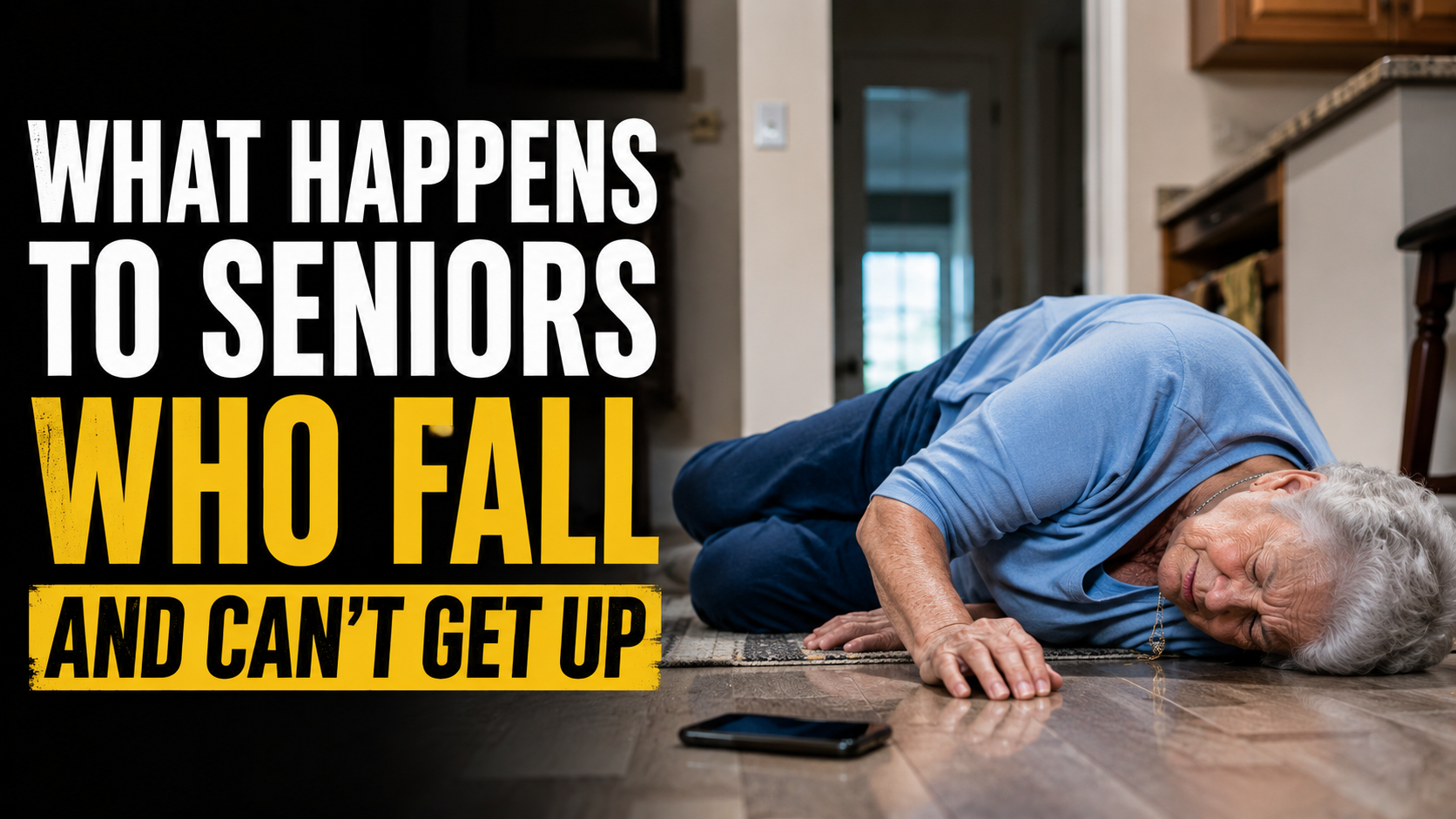
This matters more than people realize. According to the CDC, more than one in four adults over 65 falls each year. Many of those falls happen when no one else is home. A senior who falls and can’t get up may lie there for hours without automatic detection — and the consequences of that delay can be severe, including hypothermia, dehydration, pressure injuries, and secondary injury from attempting to get up unassisted. What Happens to Seniors Who Fall and Can’t Get Up — The Medical Reality Most Families Don’t Know explains why reducing the time spent on the floor can be medically critical.
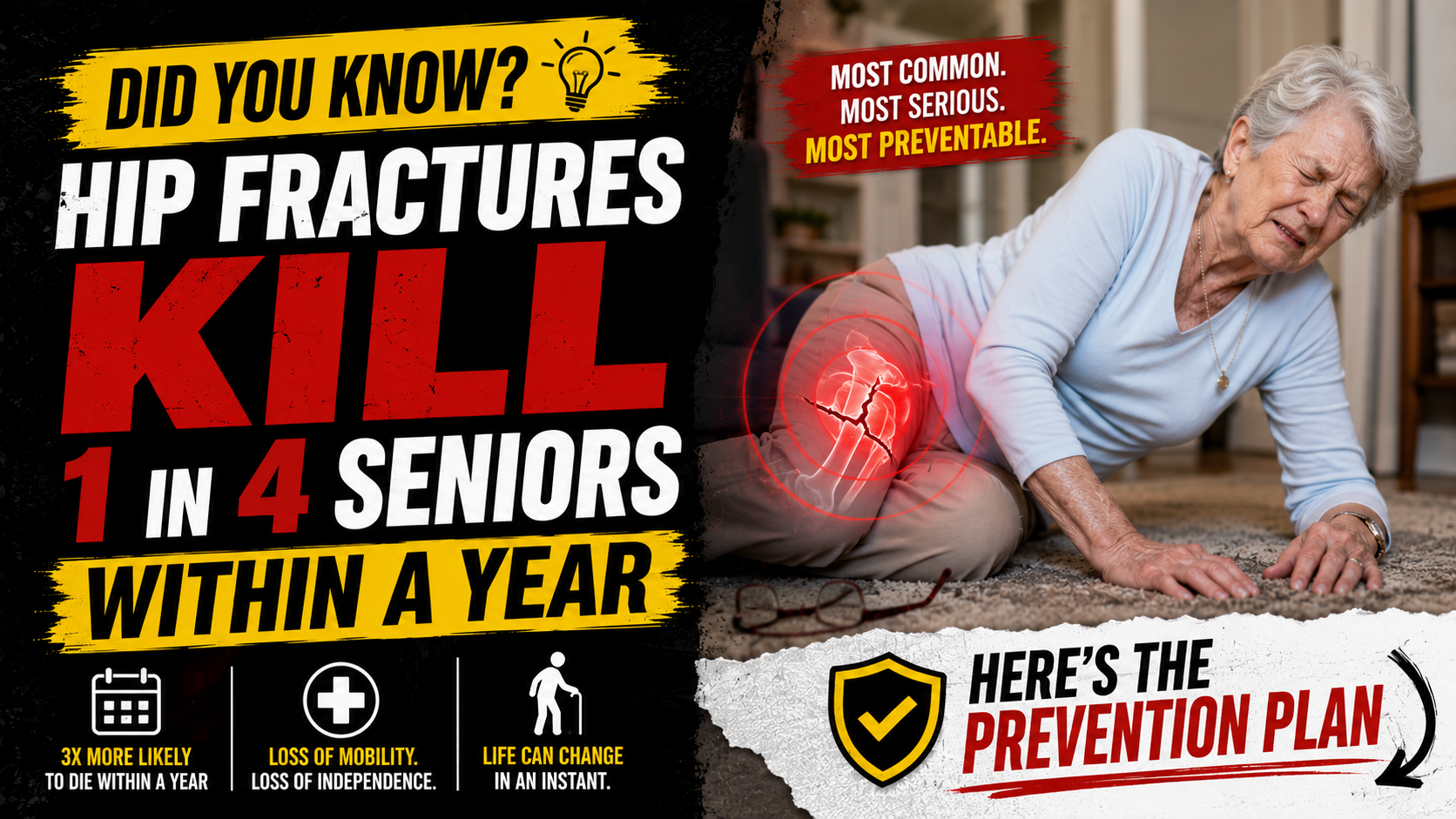
Not all fall detection is created equal. Consumer smartwatches calibrate their sensors for active, younger users. Dedicated senior safety watches tune their fall detection specifically for the movement patterns of older adults — slower gait, lower impact falls, and different body mechanics. This distinction is worth paying attention to. The stakes behind choosing dependable detection are clearer in this discussion of hip fracture risk.
GPS Tracking
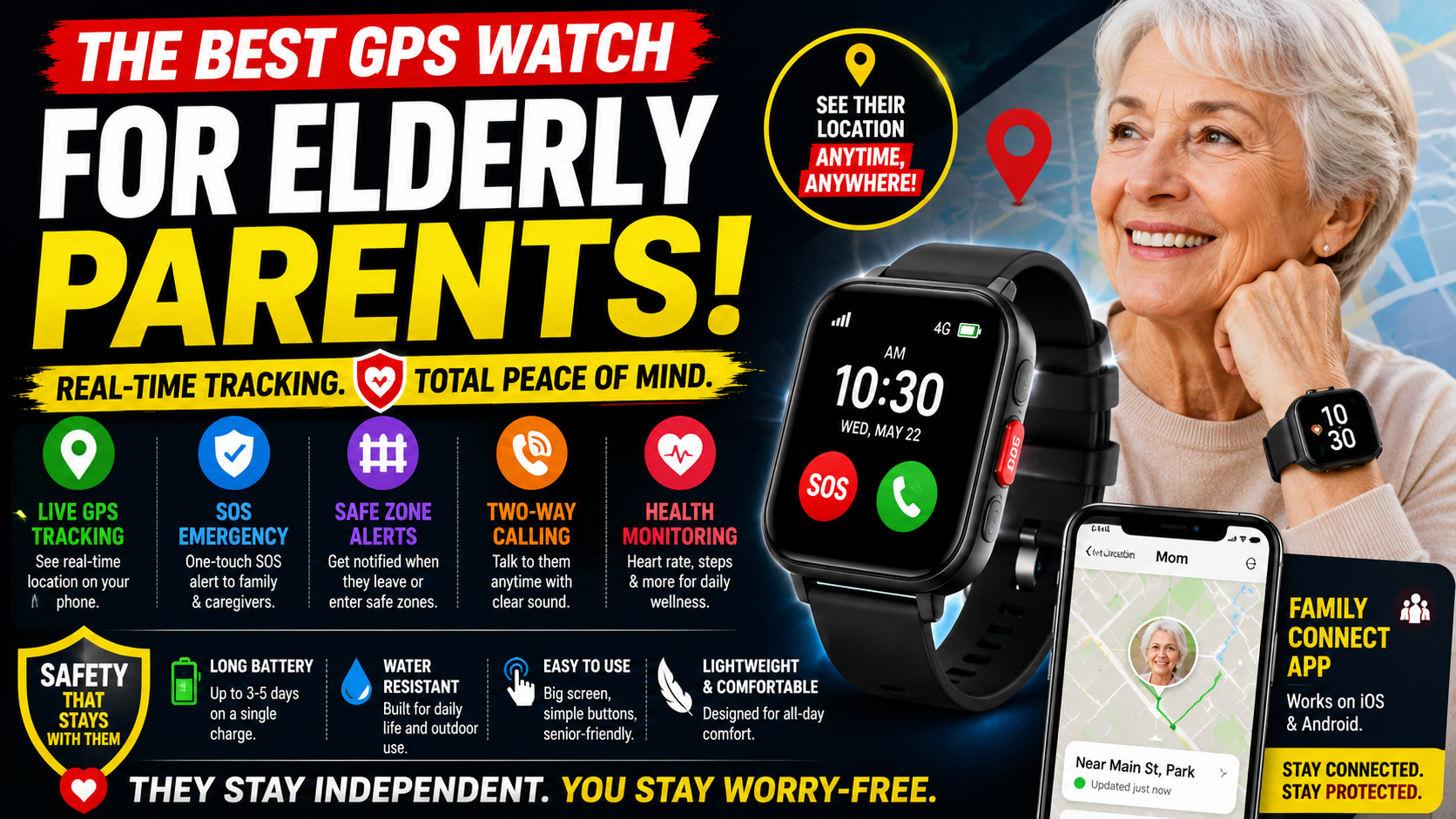
GPS tracking lets family members see exactly where their loved one is at any given moment through a companion app on their phone. For seniors who still drive, walk independently, go to appointments alone, or have any degree of memory loss, real-time GPS is one of the most valuable features available. Families focused especially on location tracking can compare the features in Best GPS Watch for Elderly Parents — Real-Time Tracking That Actually Works.
The peace of mind alone is significant. Instead of calling repeatedly to check in, you can simply glance at the app. Instead of panicking when they don’t answer, you can see they’re at the grocery store. And in a real emergency, GPS dramatically reduces the time it takes for first responders to locate someone who can’t communicate their location.
SOS Button
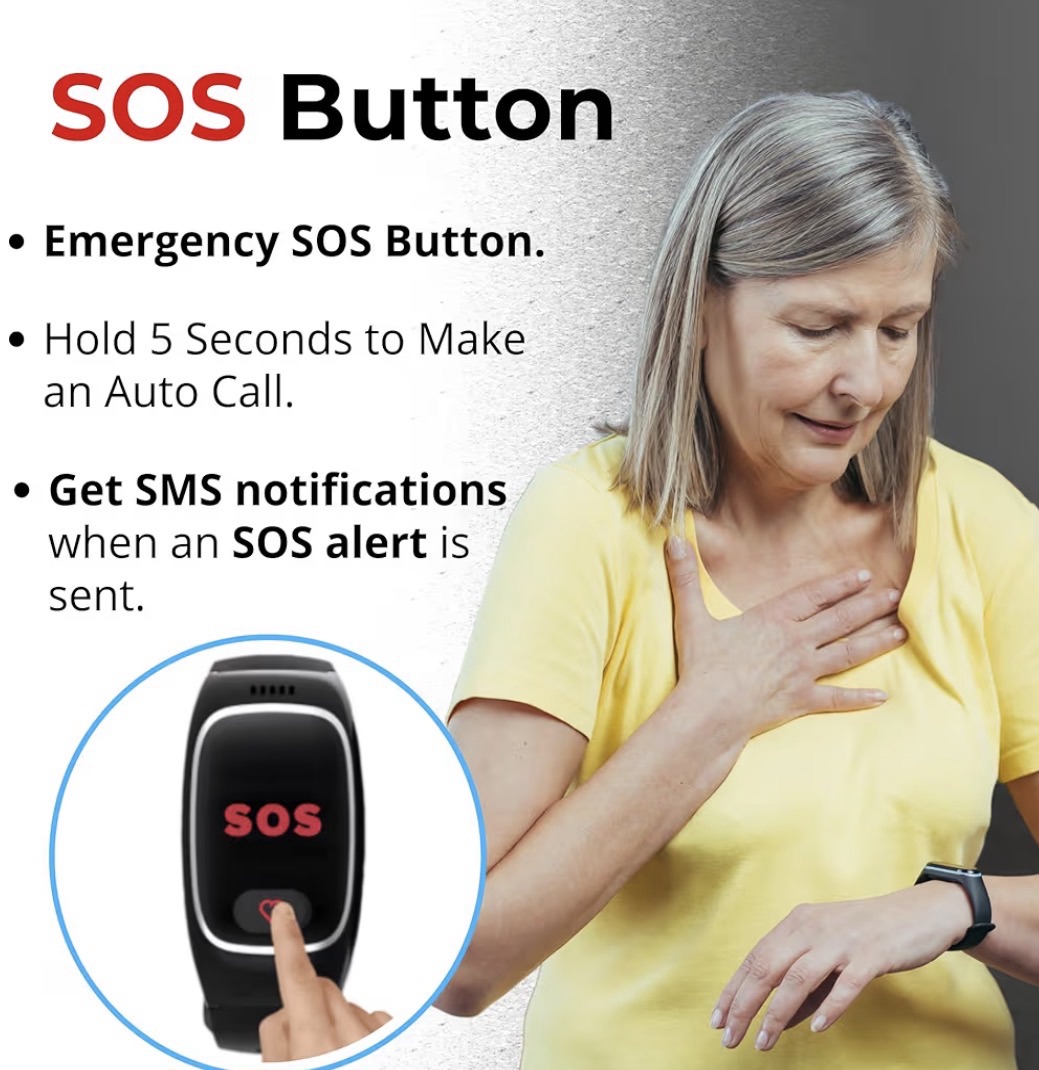
The SOS button is the core function of any medical alert device, and on a smartwatch it needs to meet a very specific standard: it must be findable and pressable under extreme stress, in the dark, with shaking hands, possibly from the floor.
That means a large, clearly marked button that doesn’t require navigating a touchscreen menu. When someone is lying on the bathroom floor after a fall, they cannot scroll through a smartwatch interface to find the emergency call option. The button needs to be right there, obvious, and responsive on the first press.
Two-Way Calling Through the Watch
Two-way calling allows your parent to speak and be heard directly through the watch — either to a monitoring center, to you, or to emergency services. This feature is more important than it sounds.
In most emergencies, the phone is not where it needs to be. It’s on the counter when they’re in the bathroom. It’s in the car when they’ve fallen in the driveway. It’s across the room when they need it immediately. A watch that can make and receive calls means communication is always on their wrist — exactly where it should be.
Battery Life
A medical alert watch that needs charging every few hours is a problem. Seniors are not always consistent about charging habits, and a device that dies in the afternoon is a device that isn’t there when something happens at dinner.
Look for watches that offer at least full-day battery life under normal use, and ideally devices with a simple, predictable charging routine — like plugging in every night before bed — that can become part of a daily habit without much thought.
Ease of Use and Display Clarity
If your parent can’t figure it out, they won’t wear it. This is not a criticism of older adults — it’s an acknowledgment that senior-specific devices need to be designed for senior users, not adapted from products built for a younger demographic.
Look for large, easy-to-read displays, minimal required interaction, and an interface that doesn’t require ongoing app management or software updates on the device itself. The best senior safety watches are set up once and then simply work.
Monthly Monitoring Fee vs. Direct Contact
Some medical alert smartwatches connect to a professional 24/7 monitoring center — trained operators who assess the situation and dispatch help. These typically cost $20–$50 per month in addition to the device itself.
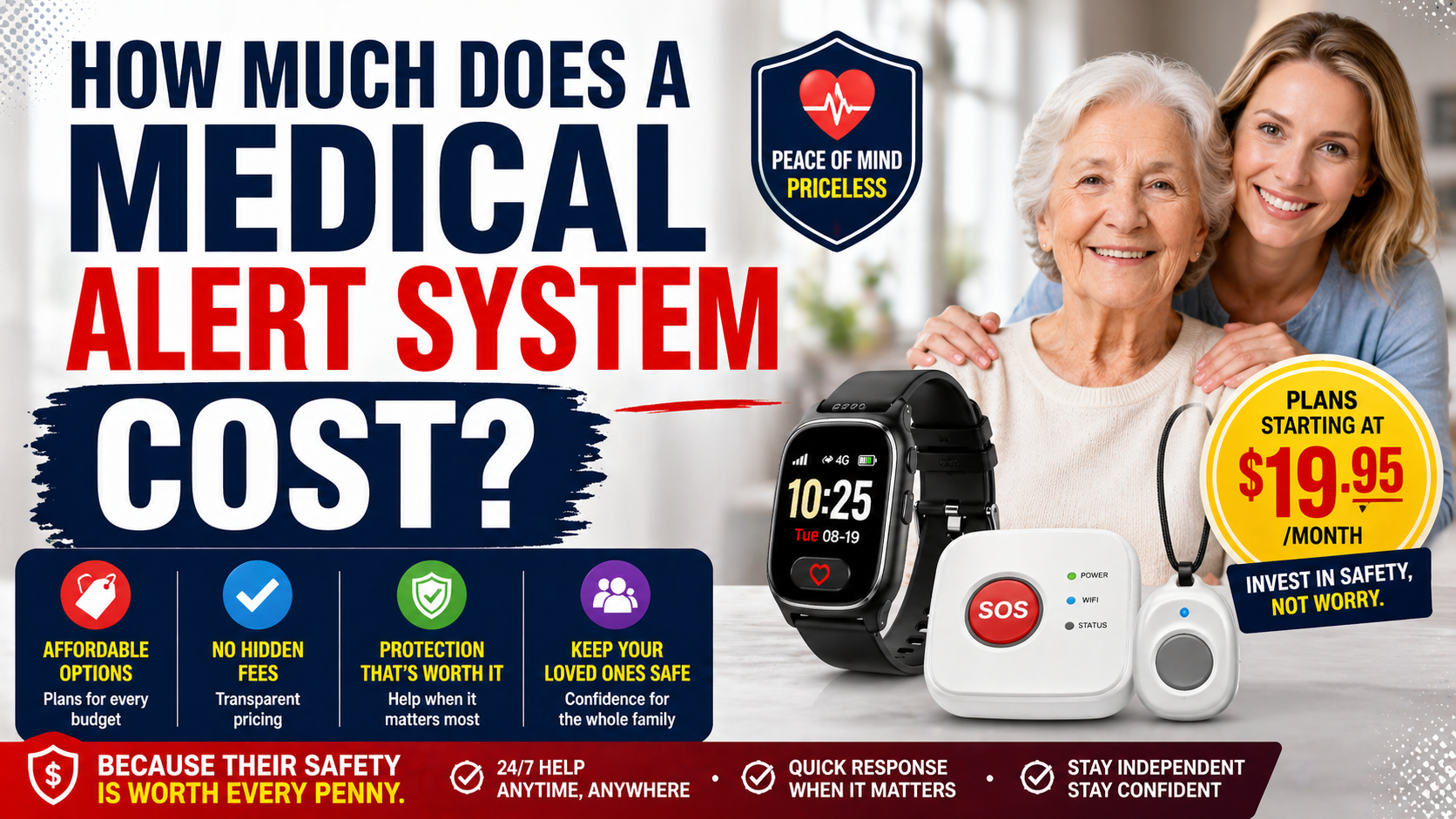
Others connect directly to designated family contacts or to 911 without a monthly subscription. Both models are legitimate, but you need to understand which you’re buying before you commit. For families who are actively reachable and want to be the first point of contact, the no-subscription model works well and keeps ongoing costs low. Comparing medical alert monthly fees helps families see whether avoiding professional monitoring actually lowers the total cost.
The Best Medical Alert Smartwatch for Seniors
After reviewing what’s available on the market, one device stands out as the strongest option for most families — particularly those who want comprehensive protection without the complexity of a traditional system or the burden of an ongoing monthly monitoring fee.
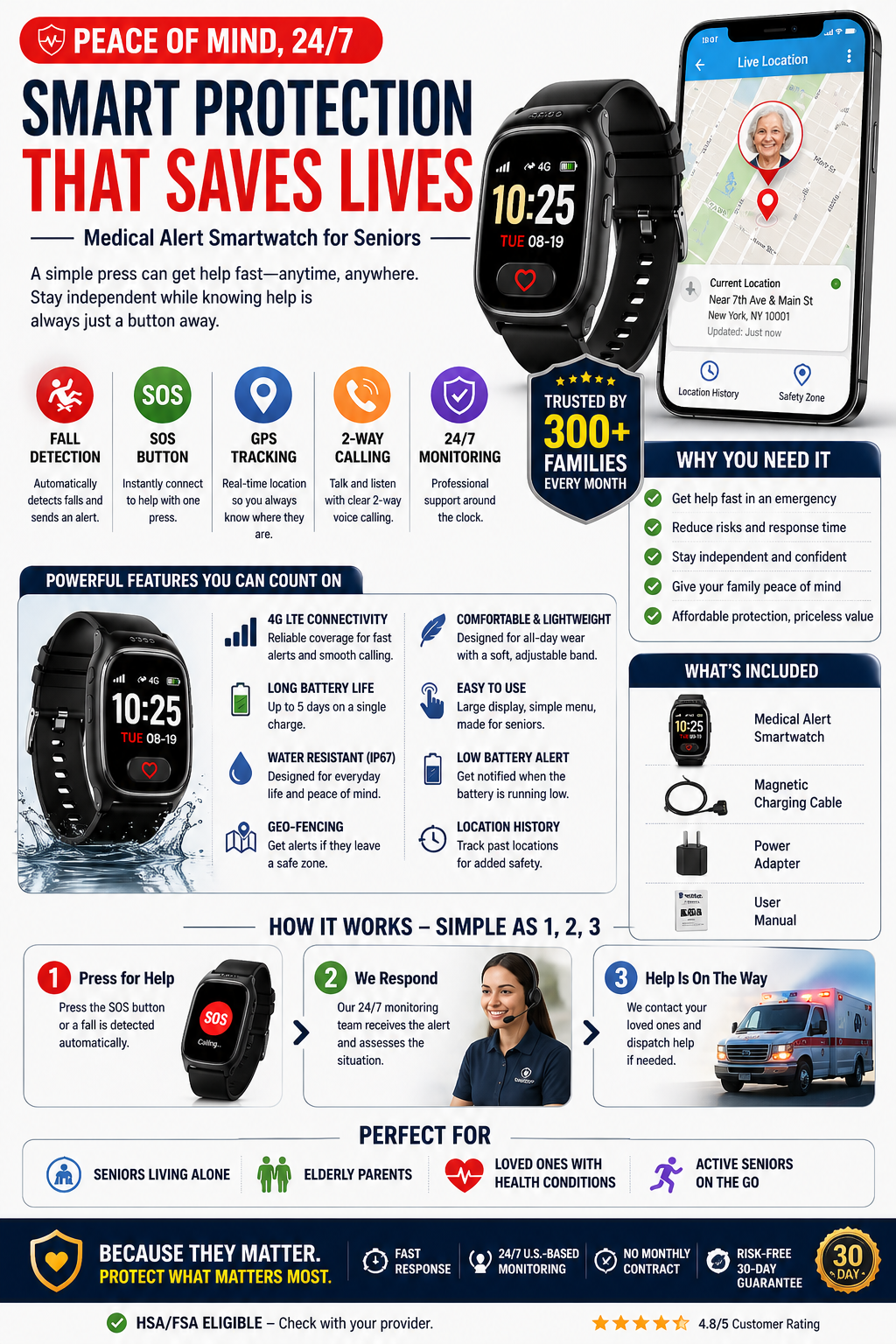
SecuLife Smartwatch — Medical Alert Bracelet with GPS, Fall Detection, SOS, and Two-Way Calling
The SecuLife Smartwatch is one of the most complete senior safety watches available, and it accomplishes something that’s harder than it sounds: it packs genuine medical alert functionality into a device that doesn’t look like a medical alert device.
That matters enormously. One of the biggest barriers to adoption with traditional medical alert pendants is that seniors don’t want to wear them because of how they look and what they signal to others. The SecuLife looks like a smartwatch. It goes on the wrist like a smartwatch. Most people who see it won’t give it a second glance — and that means there’s a dramatically higher chance your parent will actually wear it every day instead of leaving it on the nightstand.
What it includes:
- Automatic fall detection that triggers an alert without any button press
- Real-time GPS tracking accessible through a companion app
- Large, accessible SOS button for immediate emergency contact
- Two-way calling directly through the watch
- Two-way communication so family members can speak with their loved one through the device
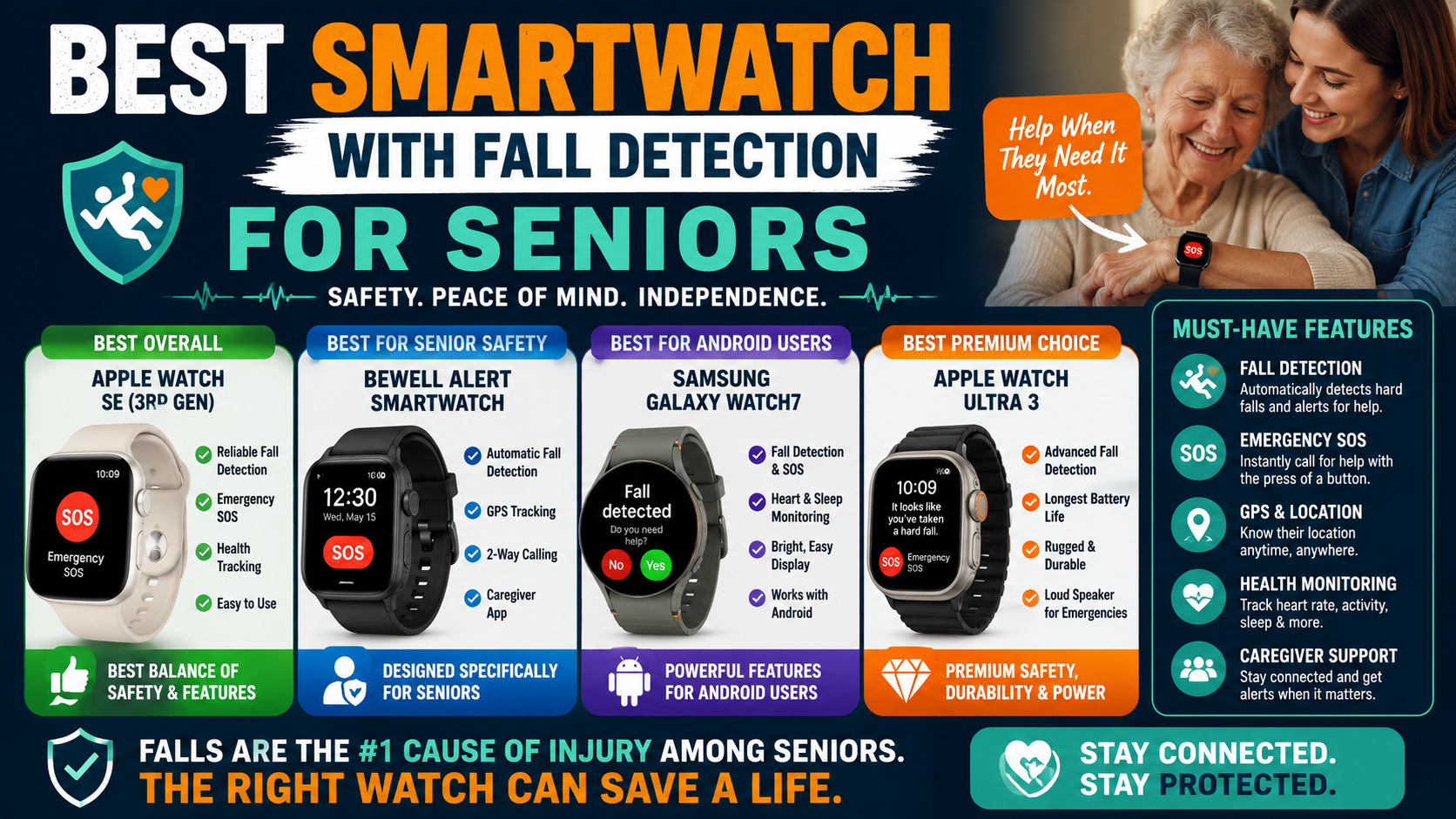
Fall detection runs continuously in the background without any action required from the wearer. If a fall is detected and there’s no response from your parent, the alert goes out automatically. For seniors living alone, this is the single feature that makes the biggest difference — because the whole point is that help gets called even when they can’t call for it themselves. Families comparing devices can use this guide to evaluate the strongest smartwatch fall detection options for senior safety.
The SOS button is large and accessible. When pressed, it immediately contacts designated family members and can connect to emergency services. There’s no menu to navigate, no touchscreen to fumble with. It works the way an emergency button should work — immediately and without friction.
GPS tracking gives family members real-time location visibility through the companion app. You can check where your parent is at any time — not just during emergencies. For families dealing with early-stage memory issues, or simply for adult children who want to know their parent made it to their doctor’s appointment, this feature alone justifies the purchase.
Two-way calling through the watch means your parent can communicate even if their phone is in another room, in their purse, or uncharged. In a real emergency, the ability to speak and be heard without finding a phone is genuinely valuable.
The design is clean and wearable. Battery life is solid enough for full-day use. The setup process is manageable, and once it’s configured, your parent doesn’t need to interact with any settings or menus — they just wear it.
For families who have been putting off getting a medical alert device because their parent refuses to wear a pendant, the SecuLife is frequently the answer to that problem. It removes the stigma barrier while delivering the core protection that makes these devices worth having in the first place.
→ Check current price and reviews on Amazon
Medical Alert Smartwatch vs. Traditional Medical Alert System — Which Is the Right Choice?
This is one of the most common questions I hear from families, and the honest answer is that both have their place. The right choice depends on your parent’s specific situation.
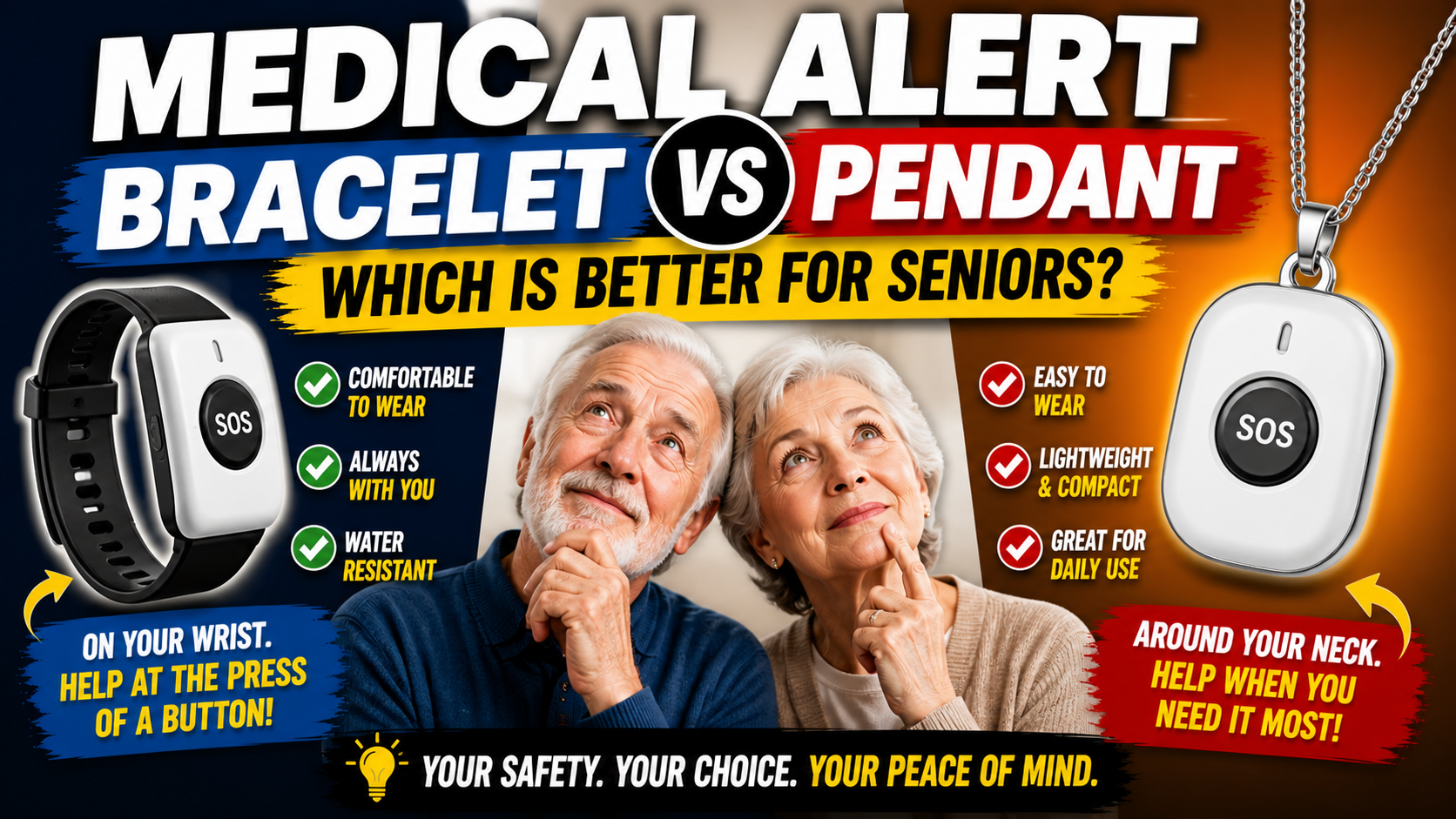
Traditional medical alert systems — base unit at home, pendant or wristband button — are still a strong choice for seniors who spend the majority of their time at home, have limited mobility, and don’t object to wearing a pendant. They tend to have extremely reliable connections to professional monitoring centers and very long button battery life. The practical differences between those two wearable options are laid out in this comparison of bracelet and pendant formats.
A medical alert smartwatch makes more sense when:
- Your parent flatly refuses to wear a pendant
- Your parent is still active and leaves home regularly
- You want GPS tracking built into the same device
- You want automatic fall detection on their wrist at all times
- You’re managing early memory loss and need real-time location access
- You want to avoid a monthly monitoring subscription
- Your parent travels or spends time away from home frequently
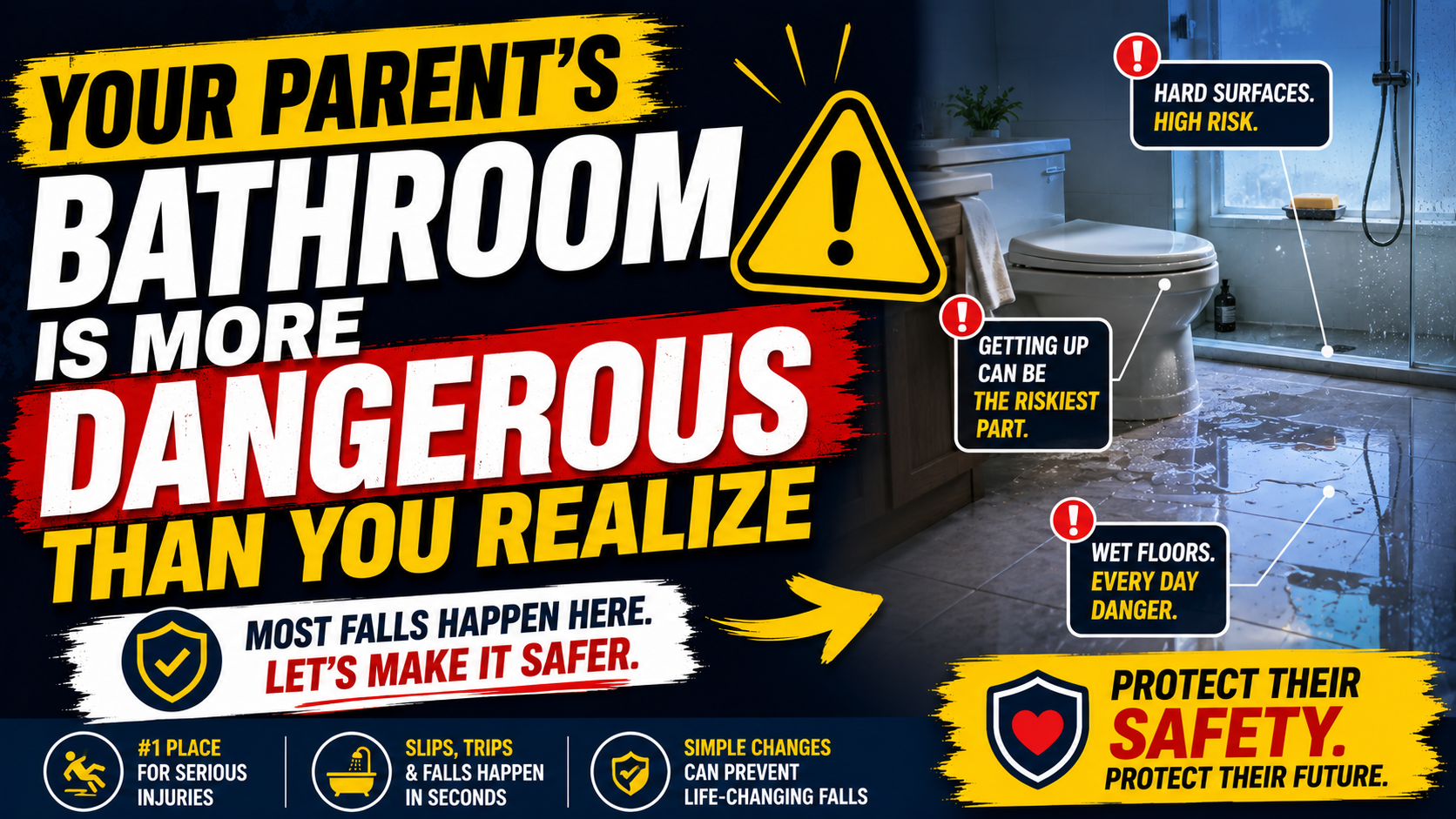
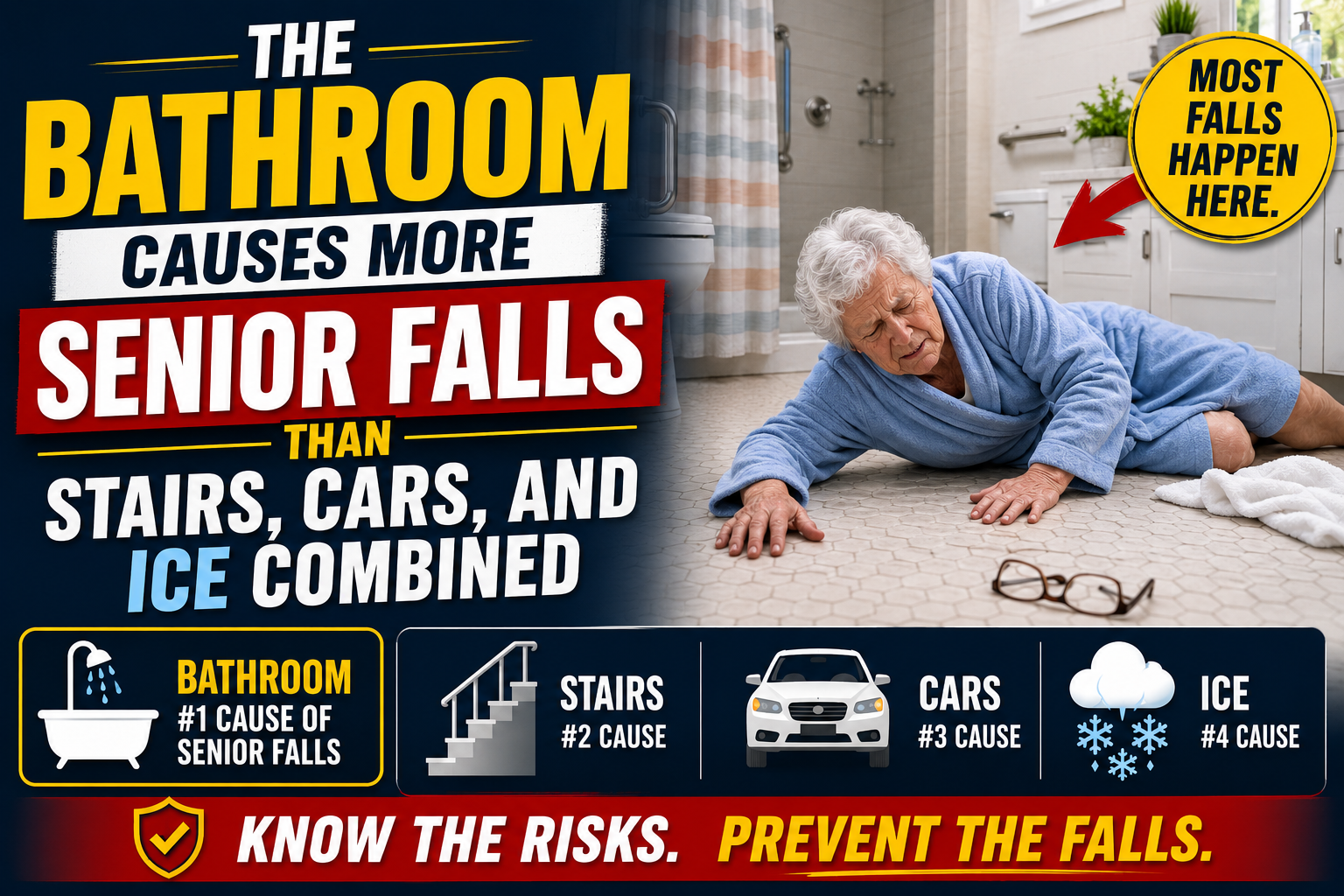
The wrist-worn format also has a practical advantage in one specific scenario: falls in the bathroom. Traditional base units often can’t hear clearly through a closed bathroom door. A watch on the wrist goes wherever your parent goes — including the shower, the bath, and the middle of the night when most falls actually happen. The need for protection in that setting becomes clearer when you consider the full range of bathroom fall risk.
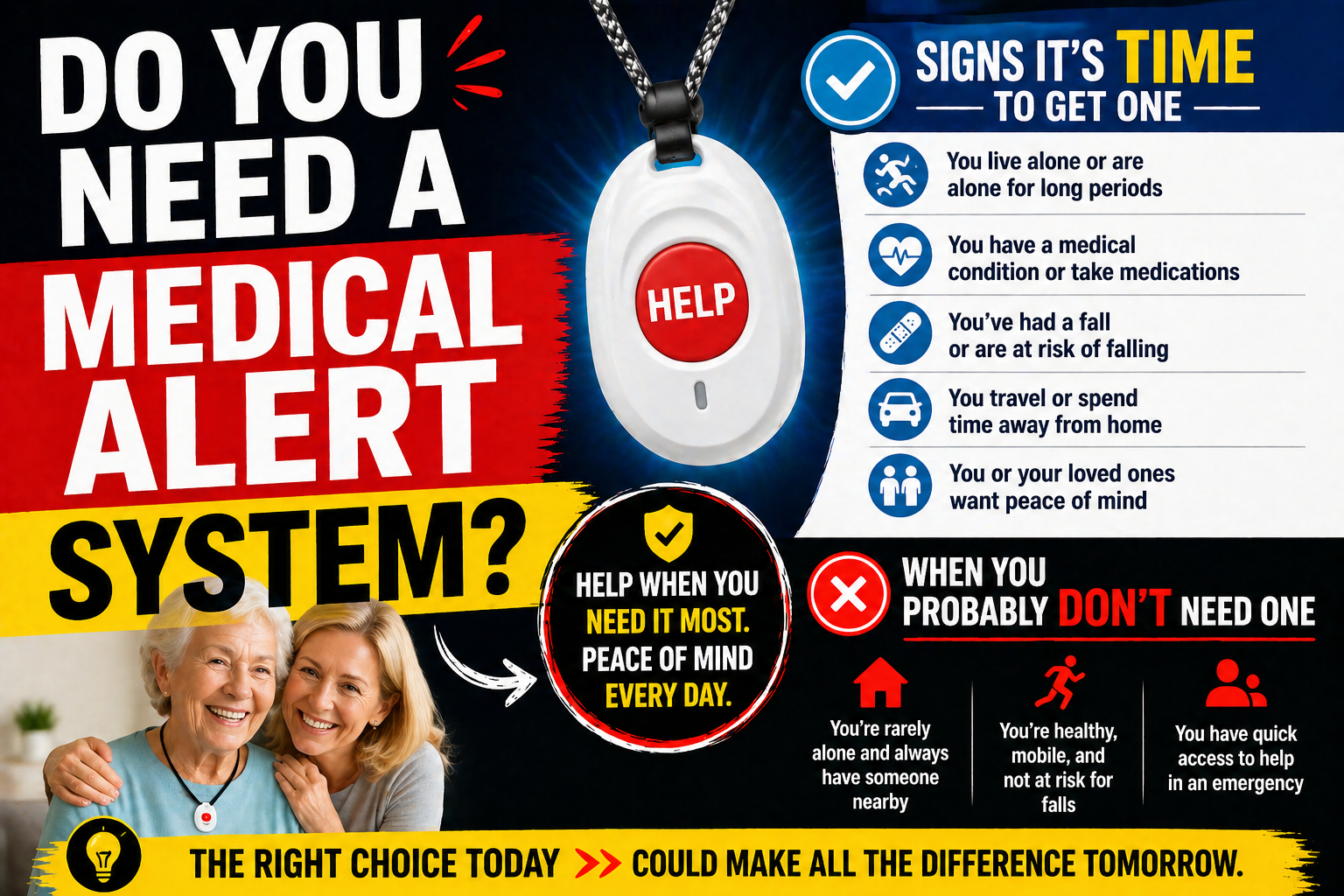
If you’re still weighing whether a medical alert device is even necessary yet, our guide on the signs it’s time for a medical alert system can help you think through where your parent actually is right now. And if you want a clear explanation of how these devices work before making any decisions, our plain-English guide to how medical alert systems work is worth reading first.
What About Apple Watch or Samsung Galaxy Watch — Do Those Work?
This comes up constantly, and it’s a fair question. Consumer smartwatches have gotten genuinely impressive, and both the Apple Watch and Samsung Galaxy Watch have fall detection and emergency SOS functionality built in.
For the right senior — someone who is tech-comfortable, already uses a smartphone confidently, and has family nearby to help with setup and maintenance — a consumer smartwatch can work reasonably well as a safety device.
But there are real limitations worth understanding before you go that route.
Setup and maintenance complexity is a genuine barrier. Apple Watch requires an iPhone, Apple ID, iCloud setup, and ongoing software updates. If your parent isn’t comfortable with their smartphone, adding a smartwatch to manage is adding another layer of friction that often ends with the device sitting uncharged on the dresser.
The emergency experience is different. On a dedicated senior safety watch, the SOS button is the point of the whole device — it’s prominent, it’s obvious, and pressing it is the entire purpose. On an Apple Watch, emergency SOS is buried in a sequence of button presses and digital crown interactions that are genuinely difficult to execute under stress.
Fall detection calibration matters. Consumer smartwatches calibrate fall detection for active users who move quickly and with force. Seniors fall differently — often more slowly, with different impact profiles. Dedicated senior safety watches are tuned specifically for those patterns.
For most families with aging parents, a purpose-built senior safety watch like the SecuLife is a more reliable choice than repurposing a consumer device that wasn’t designed with this use case as the priority.
How to Choose the Right Smartwatch for Your Parent’s Specific Situation
Not every senior needs the same thing. Here’s a quick breakdown by situation to help you match the right features to your parent’s actual needs.
If Your Parent Lives Completely Alone
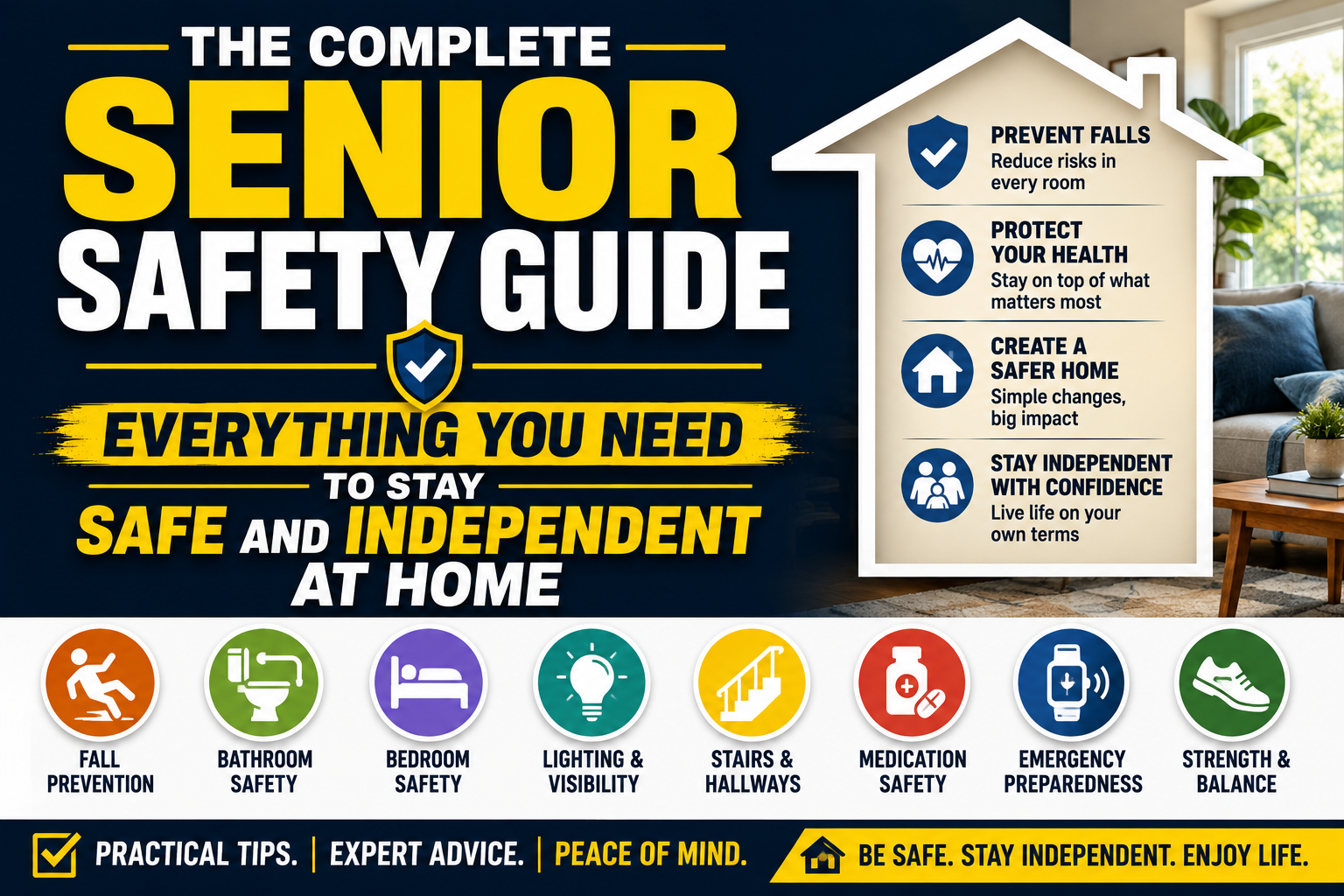
Automatic fall detection is non-negotiable. The entire risk in a solo living situation is that a fall happens and no one knows. Make sure any device you consider has genuine automatic fall detection — not just an SOS button they have to press themselves. Automatic detection works best as part of a broader senior home safety guidance for someone living independently.
If Your Parent Is Still Active and Goes Out Regularly
GPS tracking becomes critical. You want a device that works away from home just as well as it works in the living room. Confirm that the watch uses cellular GPS — not just Bluetooth — so the tracking works at full range wherever they go.
If Your Parent Has Early Memory Loss
Real-time GPS and location history are the priority features. The ability to see where they are and where they’ve been gives families enormous peace of mind and dramatically improves response time if wandering becomes an issue.
If Your Parent Refuses Every Device You’ve Suggested
Lead with the watch format and downplay the medical alert angle. Show them the SecuLife and talk about it as a way to reach you without finding their phone. Let them wear it for comfort before activating all the safety features. Once it’s part of their daily routine, acceptance typically follows.
If Budget Is a Concern
Focus on devices that don’t require monthly monitoring fees unless you specifically want professional monitoring. A solid device with direct-to-family SOS and GPS provides excellent protection at a significantly lower total cost than a monitored system.
Getting Your Parent to Actually Wear It Every Day
This is where most families hit their biggest obstacle. Buying the right device is only half the problem. Getting your parent to wear it consistently — every single day, including weekends, including days they’re “just staying home” — is the other half.
Frame it around staying independent, not around safety fears. “This means you can stay in your own home longer” lands very differently than “this is in case you fall.” The first one is empowering. The second one is frightening and feels like an accusation.
Lead with the features they’ll appreciate in everyday life — calling you from the watch, knowing you can find them if they need you, not having to carry their phone everywhere. Save the fall detection conversation for after they’ve worn it for a week and gotten comfortable with it.
Let them be part of the setup process. Have them choose which family members get alerts. Let them practice pressing the SOS button in a non-emergency test. The more ownership they feel over the device, the more likely they are to wear it.
Set a consistent charging routine — plugging in every night before bed is the easiest habit to build. Some families even buy a second charging cable to keep at a visible spot, so there’s no excuse for skipping a charge.
Check in casually about it in the first few weeks. “How’s the watch feeling?” is a better conversation than “Are you wearing your medical alert device?” One feels normal. The other feels like surveillance.
Questions Families Ask Before Buying a Medical Alert Smartwatch
Does the watch work if there’s no Wi-Fi?
The best senior safety watches use cellular connectivity — the same network as a cell phone — so they work anywhere there’s cell coverage, not just at home on Wi-Fi. Confirm cellular connectivity before buying any device.
What happens when the battery dies?
If the watch loses power, the safety features stop working. This is why battery life and a consistent charging habit matter so much. Look for devices with battery indicators that give advance warning so your parent knows to charge before it’s completely dead.
Can I check on my parent without them knowing?
GPS tracking through the companion app allows family members to check location without calling or alerting the wearer. Most families use this as a quiet reassurance check rather than constant monitoring. It’s worth having a transparent conversation with your parent about this feature so it doesn’t feel like covert surveillance — honesty about the capability usually goes over better than they expect.
Is the watch waterproof?
Check the specific water resistance rating before purchasing. Most dedicated senior safety watches have at least splash resistance, and many are rated for showering. Full submersion rating varies by device. Since bathrooms are one of the highest-risk environments for senior falls, water resistance is an important feature to confirm.
What if my parent accidentally triggers the SOS?
Accidental SOS triggers happen, especially in the early days. Most devices build in a short cancellation window — usually 30 seconds to a minute — where the alert can be cancelled before it goes out. After the initial learning period, accidental triggers become much less frequent.
Making the Decision — What It Really Comes Down To
There are a lot of options in this space, and it’s easy to get overwhelmed comparing specs and features across a dozen different devices. But when you step back, the decision really comes down to two things.
First: will your parent actually wear it? A device they refuse to put on is worthless regardless of its feature list. The watch format removes the biggest adoption barrier — stigma — that stops most seniors from wearing traditional medical alert pendants.
Second: does it cover the basics reliably? Automatic fall detection, GPS, SOS, and two-way communication. Those four features cover the vast majority of emergency scenarios a senior living independently is likely to face.
The SecuLife Smartwatch covers all of it in one device, without a mandatory monthly monitoring contract, in a form factor seniors are actually willing to wear. For most families navigating this decision, that combination is exactly what they need.
Read through the reviews on Amazon before you buy — the feedback from other families in situations just like yours is some of the most useful information available when making this kind of decision.
About the Author
Margaret Holloway, RN spent 22 years working as a registered nurse in geriatric care, including more than a decade in a hospital-based falls prevention program in Cincinnati, Ohio. After retiring from clinical nursing, she began writing about senior safety to help families navigate decisions she watched hundreds of them struggle with under pressure. Margaret’s own mother wore a medical alert device for the last four years of her life — an experience that reinforced for her how much the right device, chosen at the right time, actually matters. She writes for Elder Safety Guide to give families the kind of honest, practical guidance she wished more of her patients’ families had access to before something went wrong.