Thinking about the SecuLife Smartwatch for an elderly parent? Here’s our full honest review — what it does well, what to know before buying, and who it’s best for.
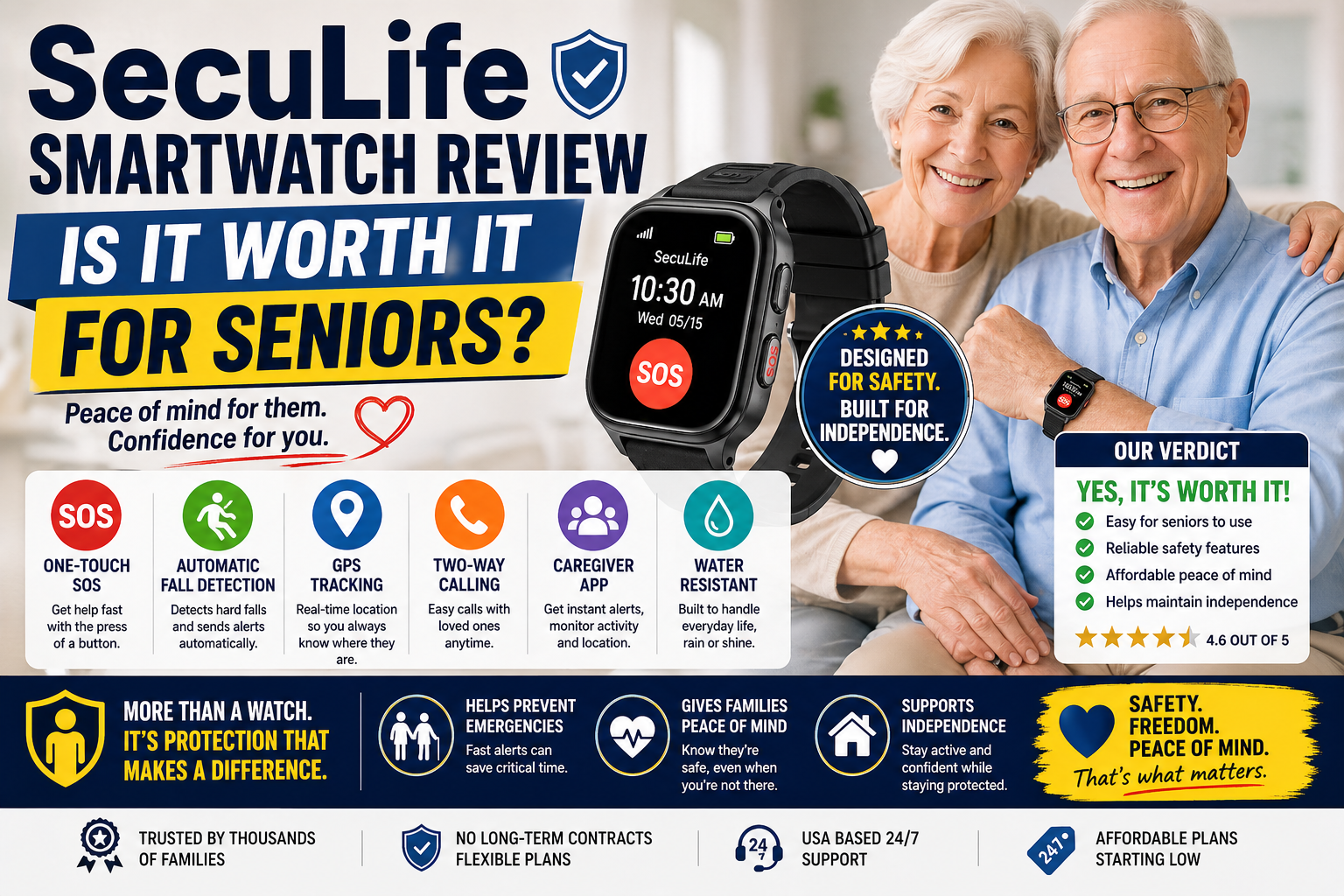
When a device promises to detect your parent’s fall automatically, call for help without them pressing a button, show you their location in real time, and do all of it from something that looks like a regular watch — it’s reasonable to be a little skeptical.
The SecuLife Smartwatch makes exactly those promises. And after looking closely at what it actually delivers, how it works, what it costs, and what real families say about using it, the honest answer is that it delivers on the core promises that matter most — with a few things worth knowing before you buy.
This is not a sponsored review. We cover what works, what doesn’t, who this device is right for, and who might be better served by a different option.
Who Is the SecuLife Smartwatch For?
Before getting into the features, it helps to understand who this device is actually designed for — because it’s not the right fit for every situation, and being clear about that upfront will save you time.
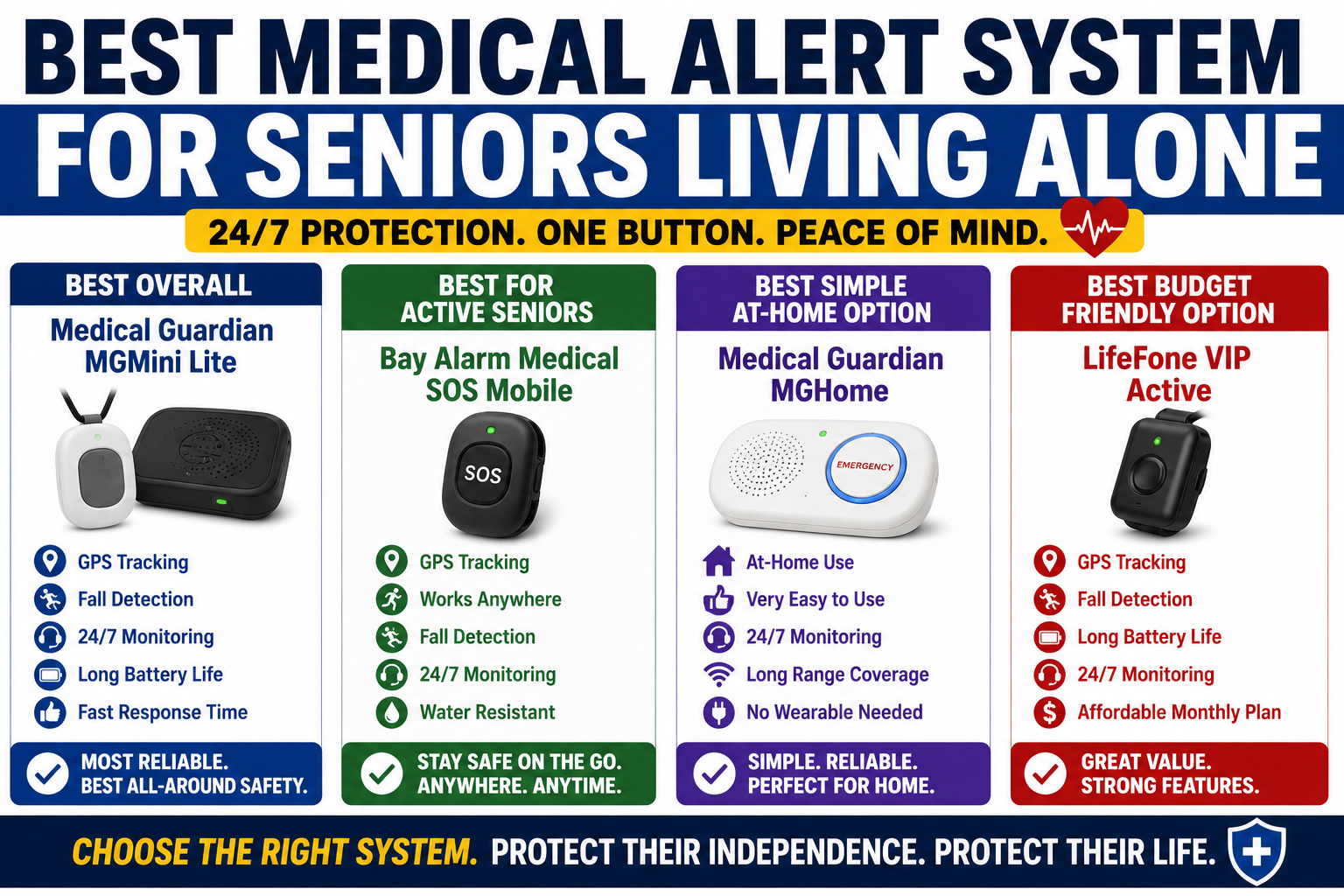
The SecuLife Smartwatch is best suited for: If you are comparing this watch with other options, our guide to Best Medical Alert System for Seniors Living Alone — What to Look For and Why It Matters explains which features matter most when someone lives alone.
- Seniors who refuse to wear a traditional medical alert pendant — the watch format removes the stigma barrier that stops many older adults from wearing protection at all
- Seniors who are still active and leave the house regularly — GPS tracking works anywhere with cell coverage, not just at home
- Families who want location visibility without calling constantly — the companion app shows real-time location at any time
- Seniors with early memory concerns — GPS tracking and geofencing alerts give families meaningful peace of mind
- Families looking to avoid high monthly monitoring fees — SecuLife connects to family members directly rather than a professional call center
It is probably not the best fit for seniors with significant dexterity problems who would struggle with a watch clasp, or for those who need the reassurance of a professional 24/7 monitoring center on the other end of every alert.
What the SecuLife Smartwatch Actually Does
Let’s go through each core feature honestly — what it does, how well it does it, and what you need to know.
Automatic Fall Detection
This is the feature most families care about most, and it’s the one that justifies the device for seniors living alone.

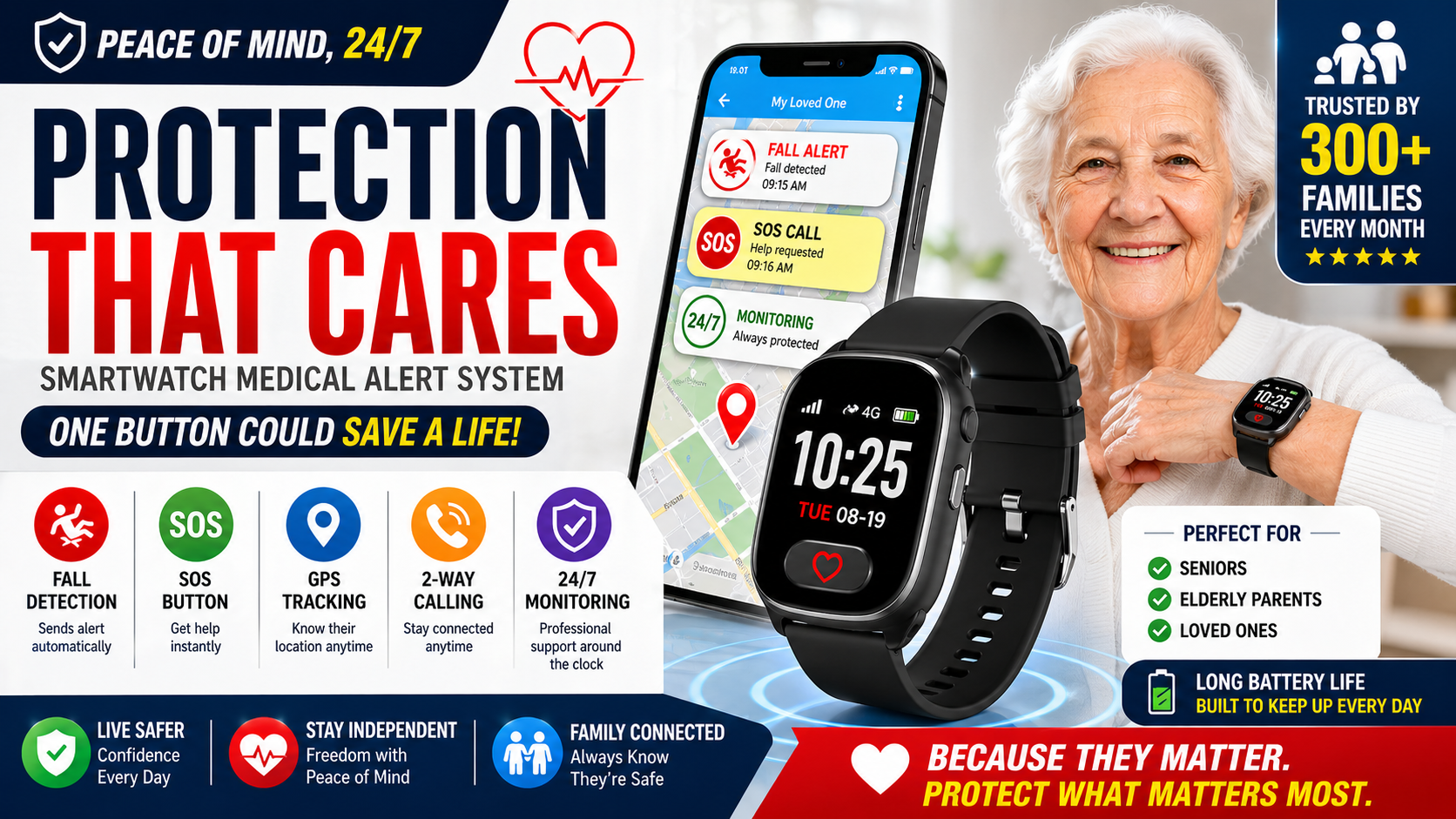
The SecuLife Smartwatch monitors movement continuously using built-in sensors. When a fall pattern is detected — a rapid downward movement followed by sudden stillness — the device automatically triggers an alert to designated family contacts. This happens without your parent pressing anything. Without them finding their phone. Without them being conscious or able to respond. Families comparing these capabilities can use this guide to evaluate medical alert watch features.
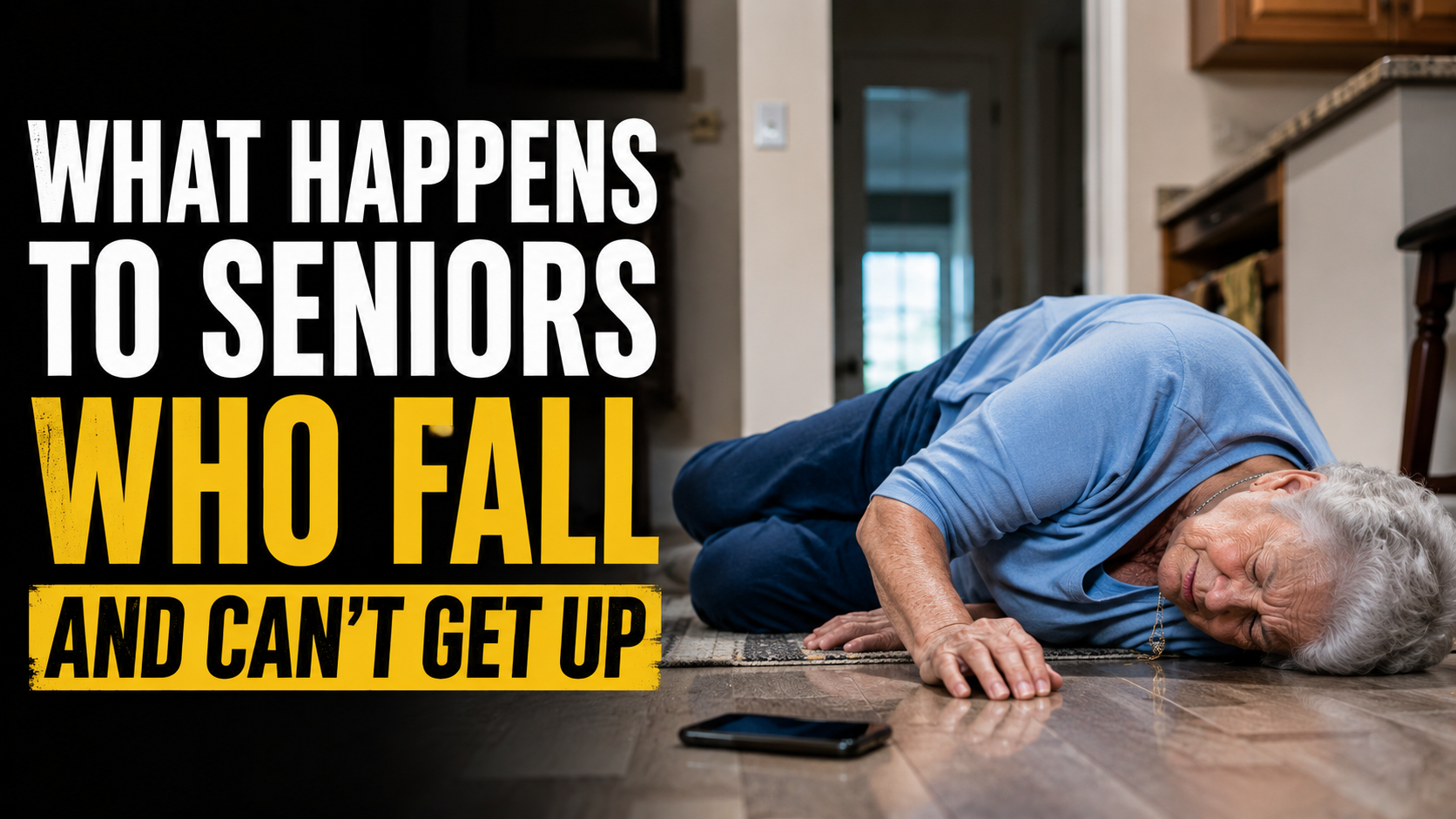
For seniors who live alone, this is the scenario that matters: a fall happens, they can’t get up, they can’t reach anything. Automatic fall detection means help gets called anyway. The medical consequences of waiting on the floor are explained in What Happens to Seniors Who Fall and Can’t Get Up — The Medical Reality Most Families Don’t Know.
No fall detection system is perfect — very hard falls and certain movement patterns can occasionally trigger false alerts, and some genuine falls with unusual mechanics may not be detected. But the core functionality works as described for the typical fall scenario, which is what matters for day-to-day protection.
Real-Time GPS Tracking
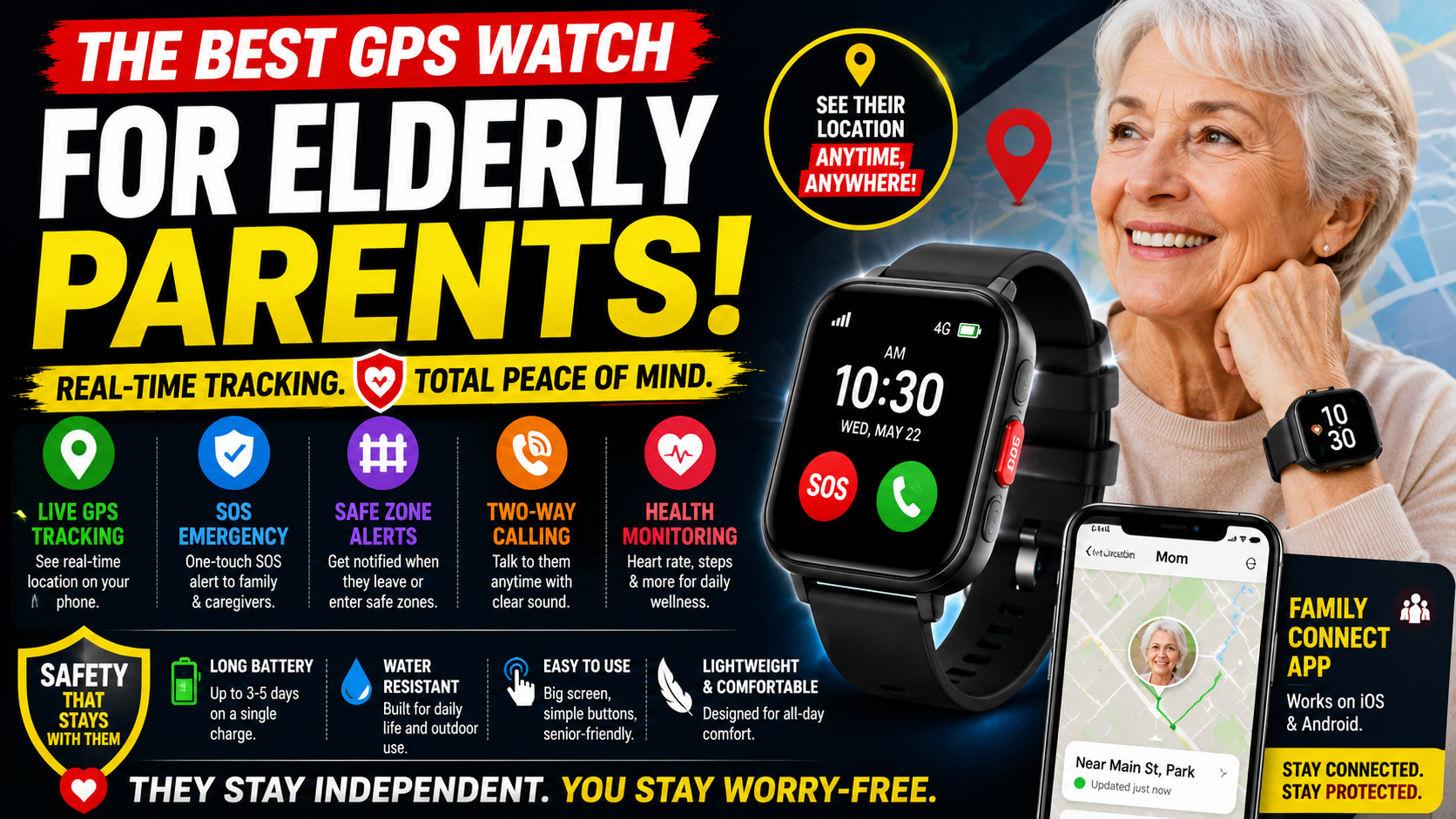
GPS tracking runs through the SecuPro companion app, available for family members on their smartphones. Location updates in real time, and family members can check where their parent is at any point without calling them. Families comparing tracking options can see how the recommended GPS watches for elderly parents handle real-time location and safety features.
The tracking works anywhere with cellular coverage — not just at home on Wi-Fi. This is important. A device that only tracks location at home isn’t GPS tracking in any meaningful sense. SecuLife uses cellular connectivity so your parent is trackable whether they’re at a doctor’s appointment, on a walk, at the grocery store, or somewhere unexpected.

Geofencing alerts are a particularly useful feature for families managing cognitive decline. You set a geographic boundary — say, a radius around their home — and receive an alert if your parent leaves that area. This is the feature that gives families managing early dementia genuine peace of mind without constant manual checking. Families also benefit from pairing geofencing with dementia home safety strategies that address wandering and other household risks.
SOS Button
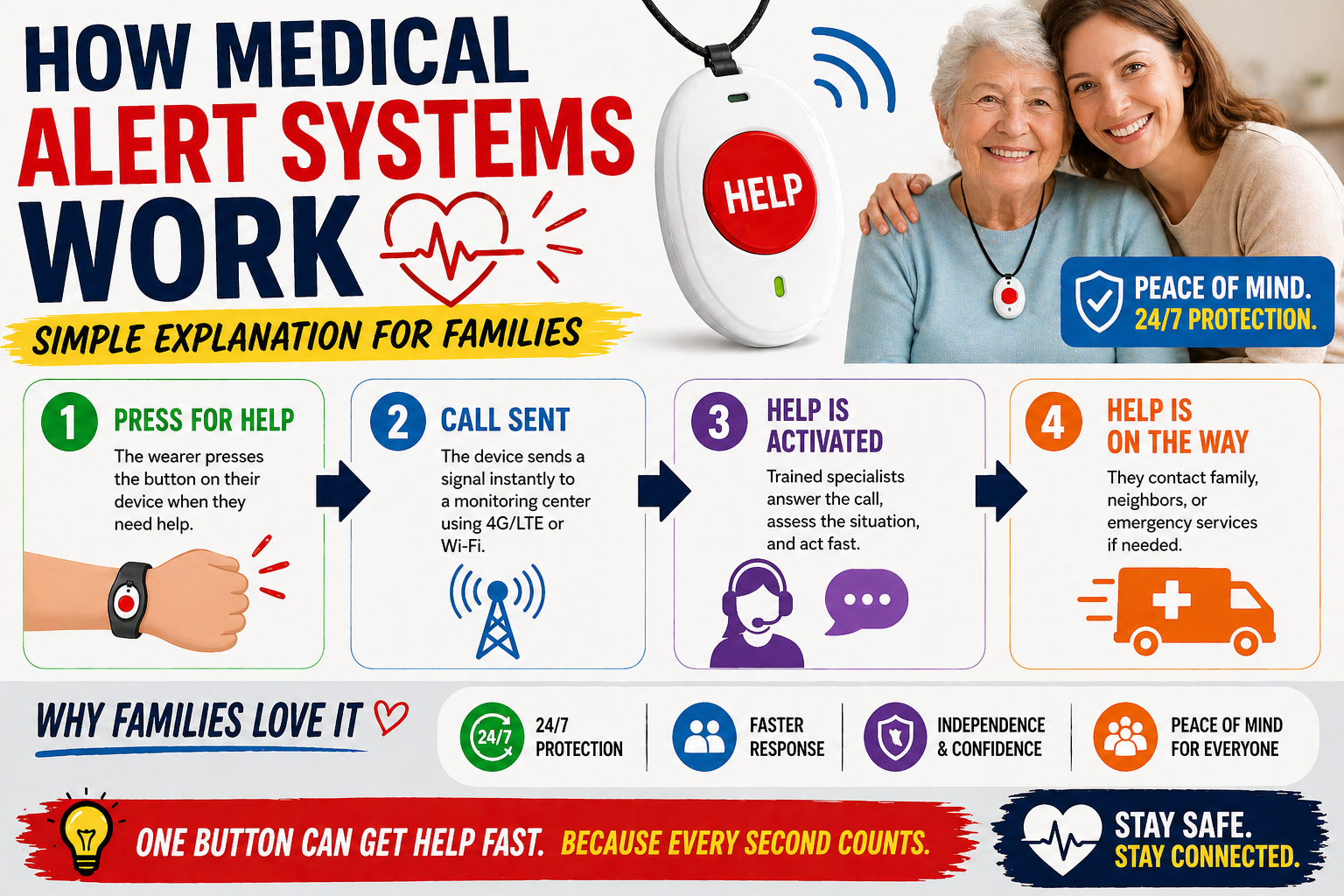
The SOS button is large, clearly marked, and requires a press-and-hold to activate — long enough to prevent accidental triggers during normal movement, short enough to be usable in a genuine emergency.
When activated, it immediately contacts designated family members and can connect to emergency services. The alert includes your parent’s GPS location so responders know exactly where to go.
The press-and-hold design is worth understanding before setup. Make sure your parent practices the activation a few times so it’s muscle memory — not something they have to figure out under stress. Most families do a test activation in the first week to confirm everything works and to get their parent comfortable with the motion.
Two-Way Calling Through the Watch
The SecuLife Smartwatch functions as a standalone communication device — your parent can make and receive calls directly through the watch without needing their phone nearby. The speakerphone is designed to be loud and clear enough for seniors with some hearing reduction.
This feature is more valuable than it sounds in everyday use. When your parent is in the garden, in the bathroom, or anywhere their phone isn’t immediately at hand, calls still come through. In an emergency where they’ve dropped or can’t reach their phone, they can still communicate.
You can also call the watch directly from the app — useful for checking in without requiring your parent to find and answer their phone.
Geofencing and Activity Alerts
Beyond GPS tracking, the SecuPro app offers customizable alerts for a range of activity patterns. You can set alerts for when your parent leaves a designated safe zone, when unusual inactivity is detected, or when specific locations are entered or exited. For families managing a parent with early cognitive decline, these features add a meaningful layer of awareness without requiring constant manual monitoring.
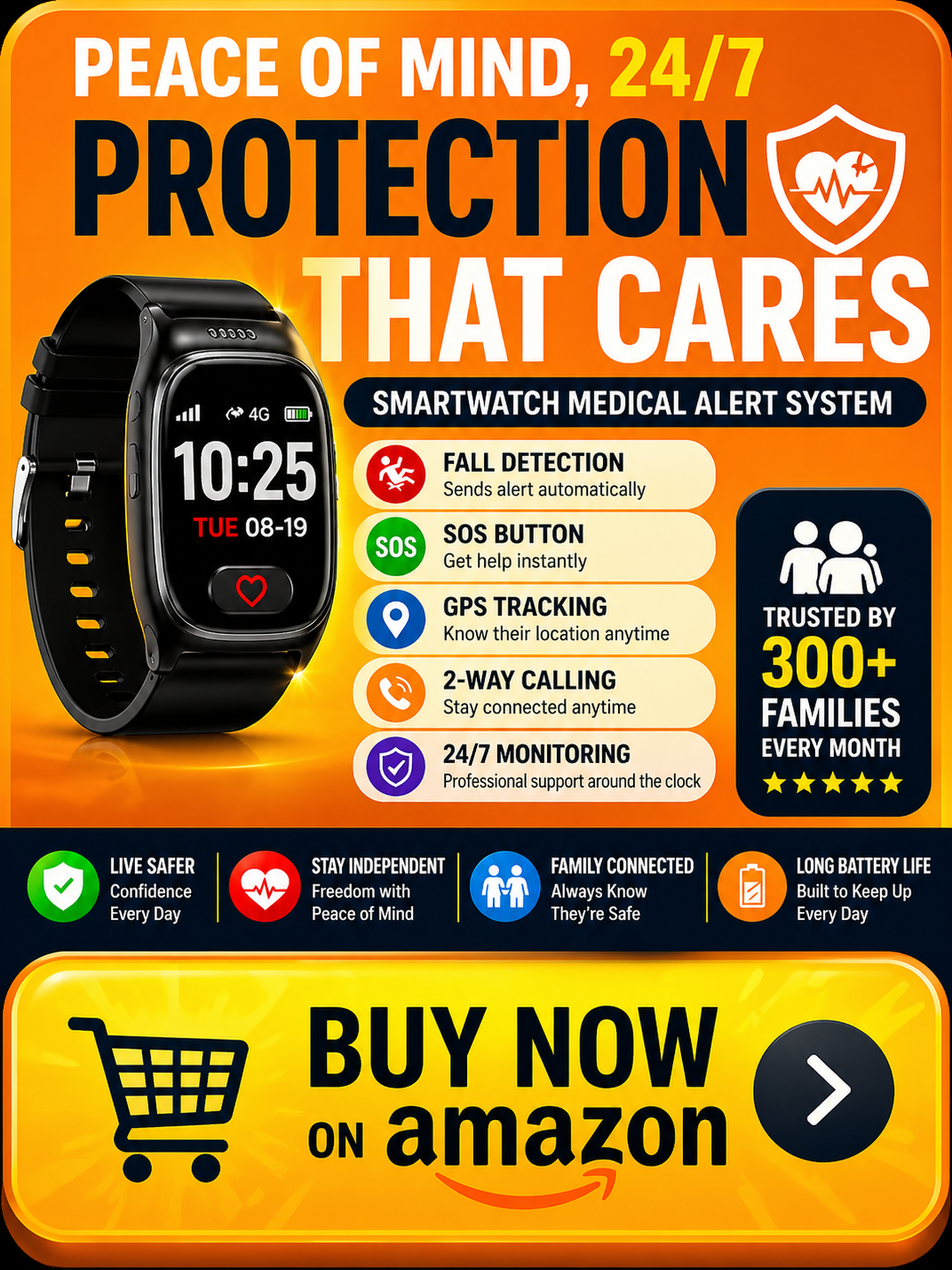
SecuLife Smartwatch Pricing — The Full Breakdown
The SecuLife Smartwatch requires both a device purchase and an ongoing service plan. Here’s exactly what you’ll pay.
Device cost: The watch itself is purchased upfront. Check the current price on Amazon as it varies — see current pricing here.
Service plans:
- Annual plan — $20/month paid upfront ($240/year). Best value for families committed long-term.
- Monthly plan with one-year contract — $25/month. No activation fee. Good middle ground.
- Month-to-month — $34/month with a $29 activation fee. No contract, maximum flexibility.
All plans include unlimited fall detection alerts, real-time GPS tracking, two-way calling, full app access for family members, and 7-day-a-week customer support. There are no hidden add-on fees for core features — fall detection and GPS are not separate charges on top of the base plan.
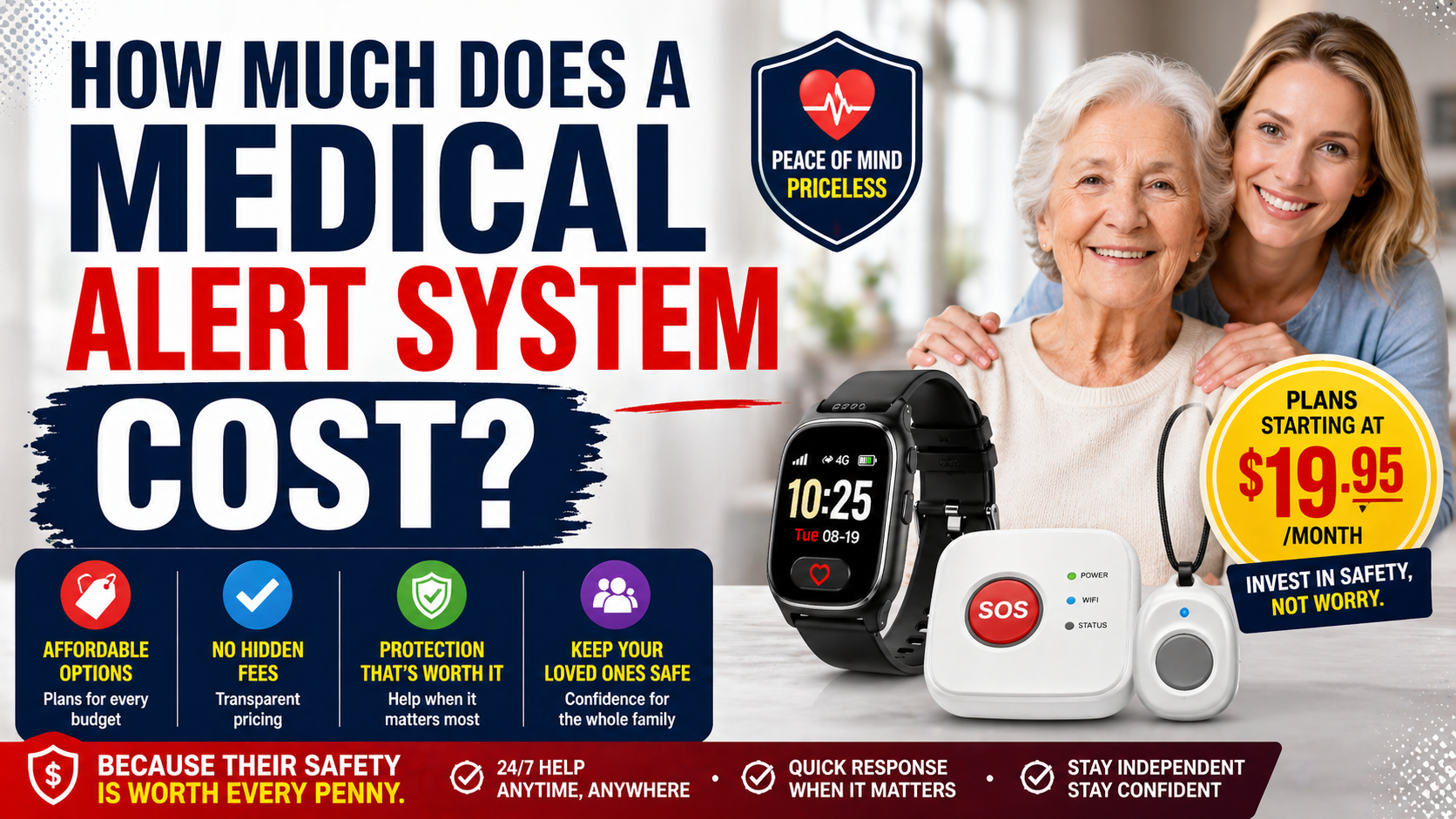
How this compares to competitors: Traditional medical alert systems with professional monitoring typically run $35 to $55 per month, often with additional charges for fall detection and GPS. SecuLife’s $20 to $25 per month for a full-featured device without those add-on costs is genuinely competitive — particularly for families who don’t need professional monitoring. Families comparing monthly fees and add-on charges can also use How Much Does a Medical Alert System Cost? The Full Honest Breakdown to evaluate the total cost of different systems.
Over 12 months on the annual plan, you’re looking at $240 in service costs plus the device. Over 24 months that’s $480 in service — less than many competitors charge in a single year.
What the Reviews Say — Real Family Feedback
The most useful information when evaluating a medical alert device comes from families who have actually used it in real situations. Here’s an honest summary of what SecuLife customers consistently report.
What families consistently praise:
- The watch format — seniors who refused pendants willingly wear this
- GPS accuracy — families report reliable, real-time location visibility
- Fall alert speed — alerts reach family members quickly after detection
- The app — described as intuitive and easy to set up for family members
- Customer support — SecuLife’s 7-day support gets consistently positive mentions
- The speakerphone volume — noted as genuinely loud enough for seniors with hearing reduction
What some families note as limitations:
- Battery life requires daily charging — manageable with a consistent bedtime routine but worth being aware of
- Cellular coverage dependent — performance in rural areas with weak signal varies like any cellular device
- Monthly subscription required — the device does not function without an active plan
The pattern in the reviews is consistent: families who were skeptical before purchase — particularly those whose parent had refused other medical alert devices — are frequently the most positive reviewers after using it. The watch format solves the adoption problem that makes traditional devices ineffective for a significant portion of seniors.
SecuLife Smartwatch vs. Traditional Medical Alert Systems
The comparison families most often face is between the SecuLife and a traditional pendant-style medical alert system. Here’s the honest side-by-side.
SecuLife Smartwatch advantages:
- Watch format — dramatically higher adoption rate among resistant seniors
- GPS works anywhere, not just at home
- Real-time location visibility for family through app
- Two-way calling without a base unit
- Lower monthly cost than most monitored systems
- No professional monitoring delay — alerts go directly to family
Traditional system advantages:
- Professional monitoring — trained operator always available regardless of whether family is reachable
- Longer button battery life on simple pendant devices
- Simpler operation for seniors who find a watch interface confusing
- Strong in-home range on base unit systems
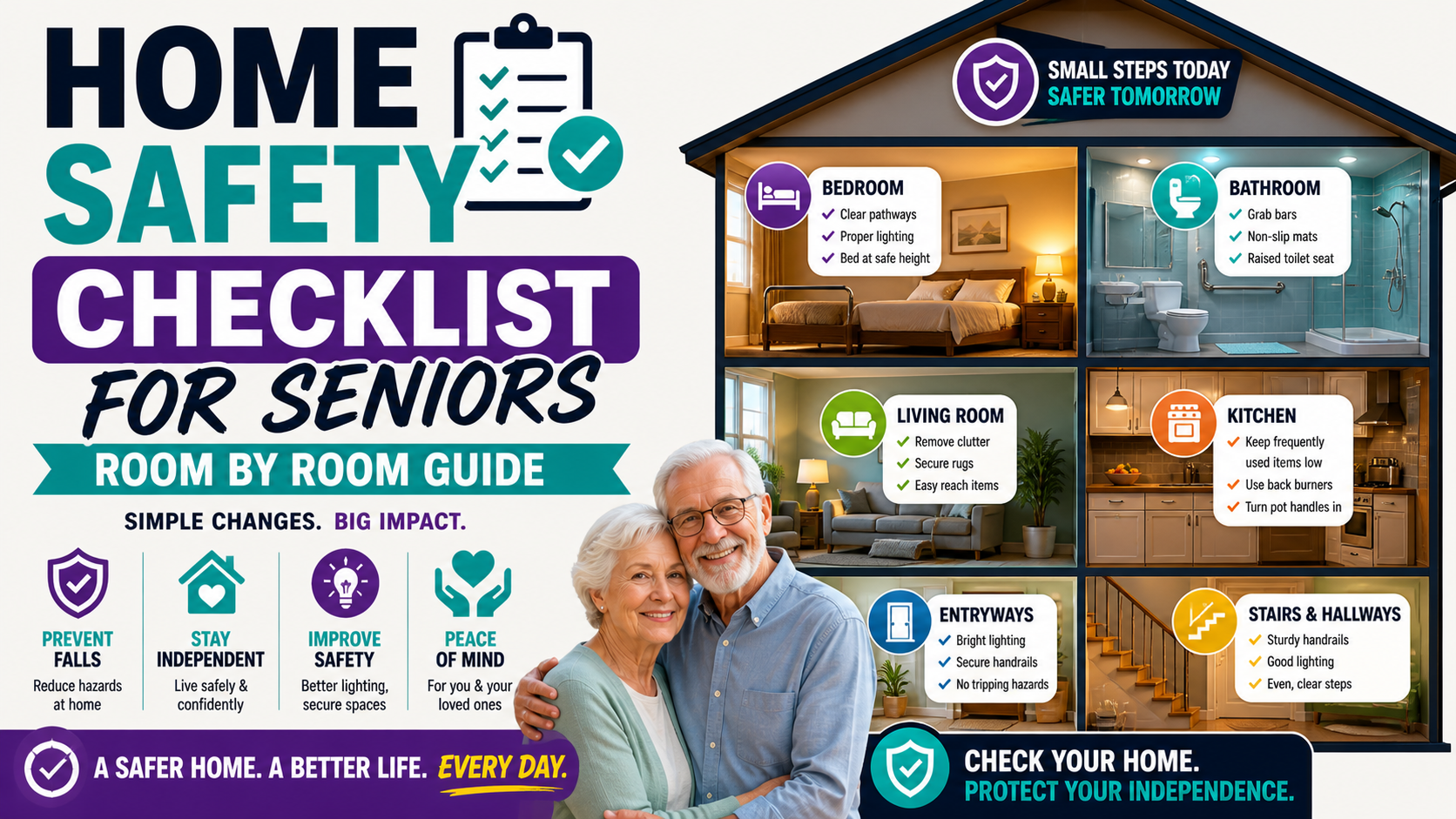
For most families where at least one person is generally reachable and the senior is still active enough to leave home regularly, the SecuLife wins the comparison. For seniors who are largely homebound and whose family has limited availability, a monitored system may be the safer choice.
We cover this comparison in detail in our guide to the best medical alert smartwatches for seniors, including what to look for in any device before you buy.
Setting Up the SecuLife Smartwatch — What to Expect
The setup process is manageable for most families, though it does require a smartphone and some initial configuration time. Here’s what the process looks like so there are no surprises.
- Purchase the device and choose a service plan — either at purchase or during activation
- Download the SecuPro app on your smartphone (and any other family members who should receive alerts)
- Activate the device through the app — this is where you enter plan details and set up the cellular connection
- Add emergency contacts — designate who receives fall alerts and SOS calls, in what order
- Set up geofencing if relevant — define safe zones and configure alert thresholds
- Do a test run — test the SOS button, confirm alerts reach all contacts, check GPS accuracy
- Put it on your parent and establish the daily charging routine
The initial setup takes most families 30 to 60 minutes. After that, the device largely runs in the background without ongoing management. The app is straightforward enough that adult children who aren’t particularly tech-savvy report being comfortable with it after the initial setup.
Getting Your Parent to Actually Wear It
Buying the right device is half the battle. Getting your parent to wear it every day is the other half — and for many families this is genuinely harder than the purchase decision.
Lead with independence, not fear. “This means you can stay in your own home longer” is a more effective framing than “this will call for help when you fall.” The first is empowering. The second is frightening and can feel patronizing.
Introduce the watch features gradually. Start with the calling feature — the ability to reach family without finding their phone. Let them wear it for comfort before activating all alerts. Once it’s part of their daily routine, resistance typically fades.
The watch format does most of the work here. Seniors who flatly refused to wear a pendant around their neck — because of how it looks, because of what it signals to others, because it feels like admitting something about their health — often accept a smartwatch without significant pushback. It looks like what everyone else is wearing. That’s not a small thing.
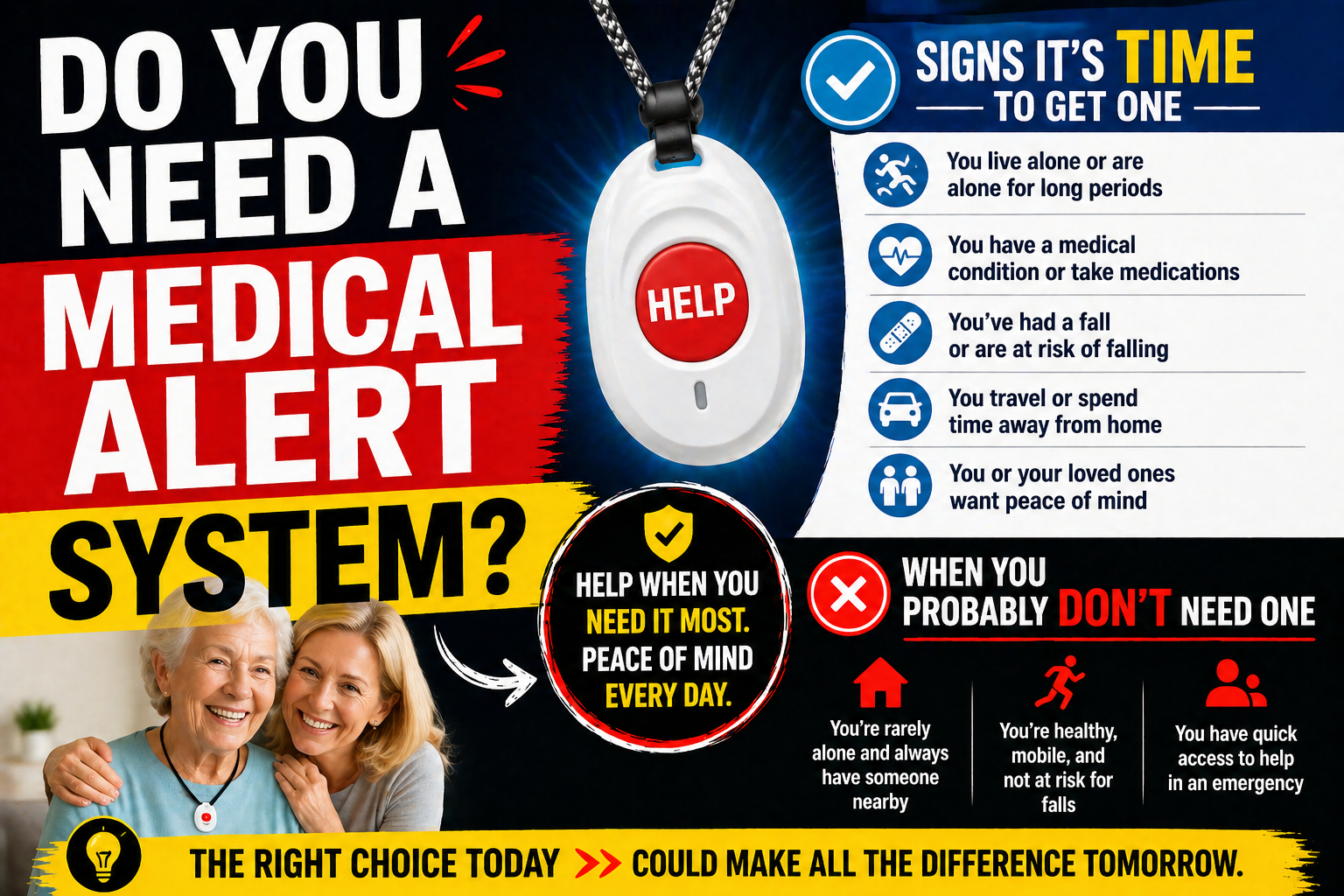
For more on navigating this conversation, our guide on signs it’s time for a medical alert system includes practical advice on approaching resistant parents.
Is the SecuLife Smartwatch Worth It?
For the right family situation — and that covers the majority of families researching this type of device — yes, it’s worth it.
The core value proposition is straightforward: automatic fall detection, real-time GPS, SOS calling, and two-way communication in a device seniors will actually wear, at a monthly cost that’s competitive with or below most alternatives.
The device does what it says it does. The pricing is transparent. The reviews from real families are consistently positive on the things that matter most — the watch getting worn, the alerts working, the GPS being accurate, the app being usable.
The limitations are real but manageable — daily charging requires a routine, cellular coverage is necessary, and the monthly subscription is ongoing. None of those are surprises if you go in knowing about them.
If your parent has refused other medical alert devices, if GPS visibility is important to your family, or if you’re looking for comprehensive protection without a high monthly monitoring fee — the SecuLife Smartwatch is a strong answer to all three.
→ Check current price and availability on Amazon
Read through the customer reviews before purchasing — the firsthand accounts from families in situations similar to yours are some of the most useful information available when making this decision.
For a broader look at the cost of medical alert systems overall and how SecuLife compares, our guide on how much a medical alert system costs breaks down the full picture.

Frequently Asked Questions About the SecuLife Smartwatch
Does the SecuLife Smartwatch work without a phone?
Yes — the watch operates independently using its own cellular connection. Your parent does not need a smartphone for the watch to make calls, detect falls, or track location. Family members need a smartphone to use the SecuPro app, but the wearer does not.
How accurate is the fall detection?
Fall detection works reliably for typical fall scenarios — a rapid downward movement followed by lack of response. Like all fall detection systems, it is not infallible — some unusual fall mechanics may not trigger detection, and very vigorous movements occasionally cause false alerts. The system is designed to err on the side of alerting rather than missing a genuine fall. Families comparing devices can see how fall detection works before weighing its limitations.
Can multiple family members receive alerts?
Yes — the SecuPro app supports multiple family members and caregivers. All designated contacts can receive fall alerts and SOS notifications simultaneously, and all can view GPS location through the app. This is particularly useful for families where multiple siblings share caregiving responsibilities.
What happens if my parent accidentally presses the SOS button?
The SOS button requires a press-and-hold rather than a single tap, which significantly reduces accidental activation. If an alert is triggered accidentally, you can cancel it through the app before emergency contacts are dispatched. After the first week or two of use, accidental triggers become very infrequent as your parent gets used to the button.
Is there a contract required?
The monthly plan requires a one-year contract. The month-to-month plan has no contract but costs more per month ($34 vs $25) and includes a $29 activation fee. The annual plan paid upfront has no contract in the traditional sense — you’ve paid for the year. Choose based on how certain you are about long-term use.
Does it work outside the United States?
The SecuLife service plan is designed for use within the United States. Check directly with SecuLife regarding international coverage before travel if your parent travels outside the country.
The Bottom Line
The SecuLife Smartwatch earns its place as one of the strongest options in the medical alert space for active seniors and the families who care for them. It solves the adoption problem that makes traditional devices ineffective for a significant portion of seniors, delivers on its core safety promises, and does it at a monthly cost that’s genuinely competitive.
If you’ve been putting off getting a medical alert device because your parent refuses to wear a pendant — this is very likely the answer you’ve been looking for.
→ See the SecuLife Smartwatch on Amazon
About the Author
Margaret Holloway, RN spent 22 years working as a registered nurse in geriatric care, including more than a decade in a hospital-based falls prevention program in Cincinnati, Ohio. After retiring from clinical nursing, she began writing about senior safety to help families navigate decisions she watched hundreds of them struggle with under pressure. Margaret’s own mother wore a medical alert device for the last four years of her life — an experience that reinforced for her how much the right device, chosen at the right time, actually matters. She writes for Elder Safety Guide to give families the kind of honest, practical guidance she wished more of her patients’ families had access to before something went wrong.