Smartwatches have gotten impressively capable. But can one actually replace a dedicated medical alert system for an older adult living alone? The answer is more nuanced than most people expect.
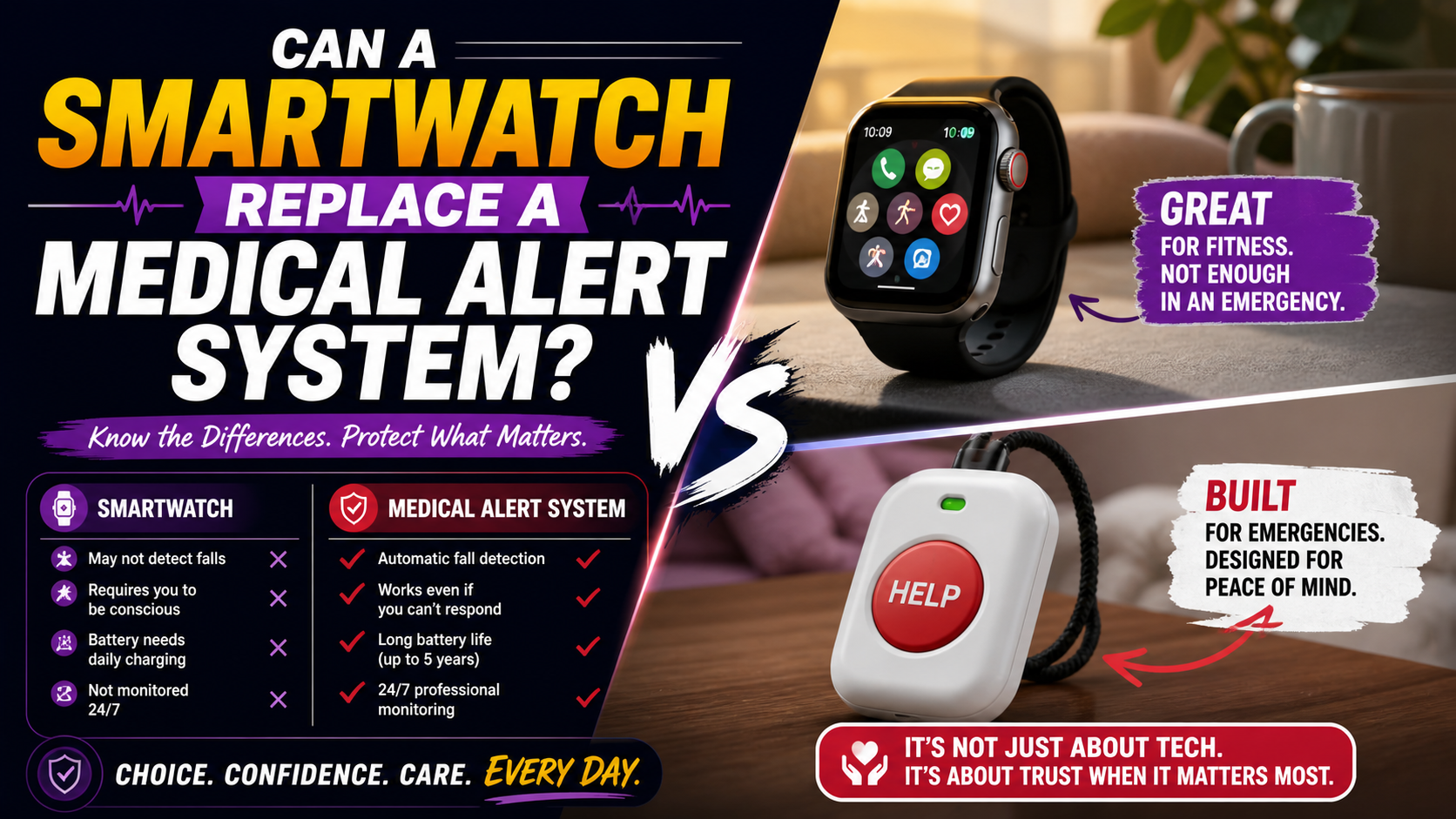
It’s a reasonable question. You already wear a smartwatch — or you’re thinking about getting one. It tracks your heart rate, counts your steps, and can call for help in an emergency. So do you really need a separate medical alert system on top of that?
The honest answer is: it depends on which smartwatch you have, how you use it, and what your specific situation looks like. For some people a smartwatch covers the bases well enough. For others — particularly those living alone, those with fall risk, or those whose family wants real safety assurance — a consumer smartwatch leaves meaningful gaps that a dedicated medical alert device fills. Those living alone can compare the safety requirements in Best Medical Alert System for Seniors Living Alone — What to Look For and Why It Matters.
This guide breaks down exactly where smartwatches succeed, where they fall short, and what the smartest solution looks like for different situations.
What Consumer Smartwatches Can Do
Modern consumer smartwatches — Apple Watch, Samsung Galaxy Watch, Google Pixel Watch — have genuinely impressive safety features that were unimaginable in a wrist device just a few years ago. It’s worth being clear about what they actually offer before discussing where they fall short.
Fall Detection
Apple Watch Series 4 and later, and several Samsung and Google models, include automatic fall detection. The watch uses accelerometers and gyroscopes to detect a fall pattern and prompts the user to confirm they’re okay. If there’s no response within about 60 seconds, it automatically calls emergency services and sends location to emergency contacts.
This is genuinely useful functionality — and for the right user it works well.
Emergency SOS
Most modern smartwatches can call emergency services directly from the watch. Apple Watch uses a side button press-and-hold. Samsung and other models have similar mechanisms. Location is shared with emergency services automatically.
Heart Rate Monitoring and Irregular Rhythm Detection
Apple Watch and several competitors can detect irregular heart rhythms that may indicate atrial fibrillation — a significant cardiac risk factor. This health monitoring capability goes beyond what most dedicated medical alert devices offer.
GPS and Location Sharing
Consumer smartwatches track location through GPS and can share it with family members through companion apps. Apple’s Family Sharing feature, for example, allows designated family members to see location.
Where Consumer Smartwatches Fall Short for Seniors
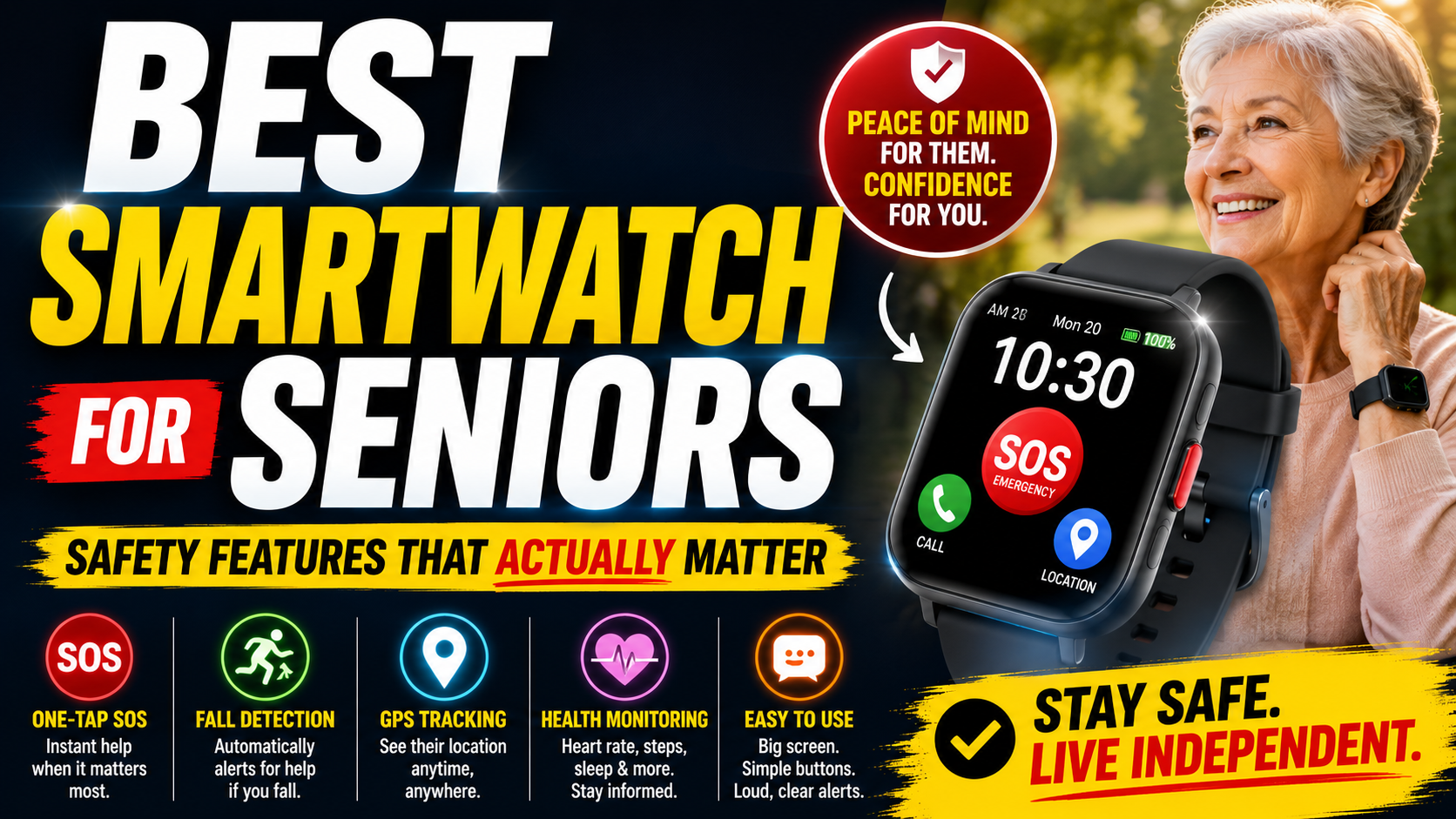
The features above sound comprehensive — and for a tech-comfortable, active, healthy adult they largely are. But several real-world limitations matter significantly for older adults using these devices as a primary safety tool. Those practical requirements are laid out in Best Smartwatch for Seniors — Safety Features That Actually Matter, which focuses on choosing a watch older adults can reliably use.
Setup and Ongoing Complexity
This is the most significant practical barrier. Apple Watch requires an iPhone, an Apple ID, iCloud setup, regular software updates, and ongoing app management. For seniors who aren’t deeply comfortable with their smartphone, adding a smartwatch that requires all of this creates a maintenance burden that often ends one of two ways: the watch stops working correctly because updates weren’t applied, or it ends up in a drawer because it became too frustrating to manage.
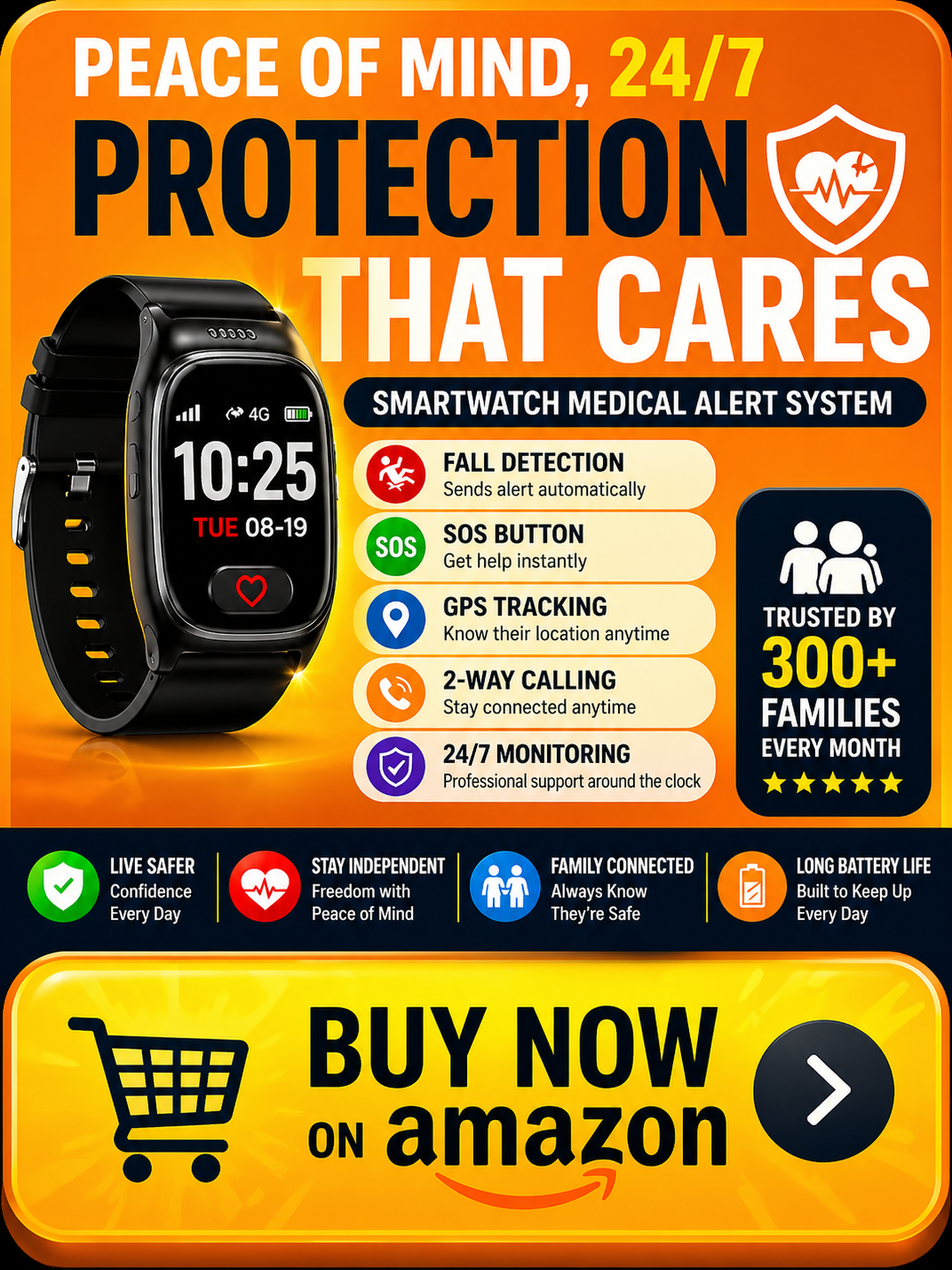
A dedicated medical alert device like the SecuLife Smartwatch is set up once — usually by a family member — and then simply works. No updates to manage. No app ecosystem to maintain. No Apple ID required on the watch itself. It does one thing excellently rather than many things adequately.
Fall Detection Calibration
Consumer smartwatch fall detection is calibrated for a general active adult population — younger, more active users who move with greater speed and force than most older adults. Falls in seniors often look different: slower, lower-impact, with different movement signatures than the athletic falls the algorithms were primarily trained on.
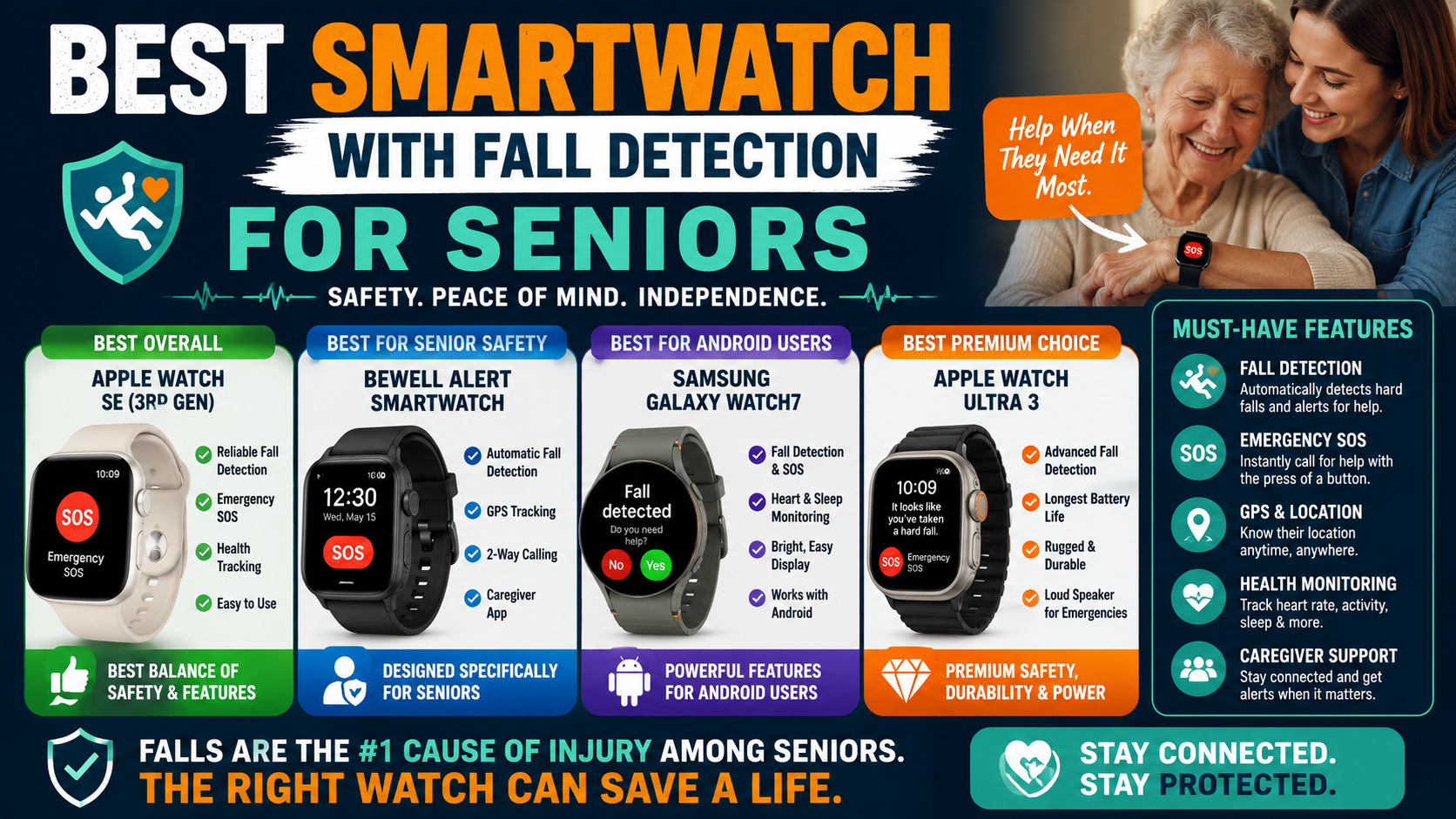
This matters in practice. A senior who falls slowly while lowering to the floor may not trigger the fall detection on a consumer smartwatch that’s looking for a high-acceleration impact. Dedicated senior safety devices tune their fall detection specifically for the movement patterns of older adults — slower gait, lower impact falls, different body mechanics. The differences between general-purpose and senior-focused fall detection are explained in this guide to senior-focused fall detection.
The Emergency Experience Under Stress
Here’s a scenario worth thinking through carefully: it’s 2am. You’ve fallen in the bathroom. You’re on the floor, possibly disoriented, possibly in pain. You need to call for help.
On an Apple Watch, emergency SOS requires pressing and holding the side button until a slider appears, then dragging the slider — or continuing to hold until the auto-call activates. Under stress, in the dark, possibly with an injured hand, this sequence is harder than it sounds.
On a dedicated medical alert device the SOS button is the entire point of the device. It’s large. It’s obvious. It’s designed to be found and activated by someone who is frightened and possibly injured. The best medical alert smartwatches for seniors are built around this single use case in a way consumer devices simply aren’t.
Dependency on the Paired Phone
Many consumer smartwatch features — including emergency calling on some models — depend on the paired smartphone being nearby or connected. A watch that can only call for help when the phone is within Bluetooth range is a watch that can’t help when the phone is in another room, left in the car, or uncharged.
Dedicated medical alert smartwatches operate on their own cellular connection independently of any phone. They work anywhere with cell coverage regardless of where the phone is.
The Wearing Problem
Consumer smartwatches are typically charged nightly — removed from the wrist, placed on a charger, put back on in the morning. Many people skip wearing them during the night entirely. But nighttime — getting up for a bathroom trip, the transition in and out of bed — is one of the highest fall-risk periods for older adults.
A medical alert device that isn’t on the wrist during the highest-risk hours isn’t providing protection during those hours. The charging and wearing habits that work fine for a fitness tracker don’t necessarily work for a safety device.
Where Dedicated Medical Alert Smartwatches Win
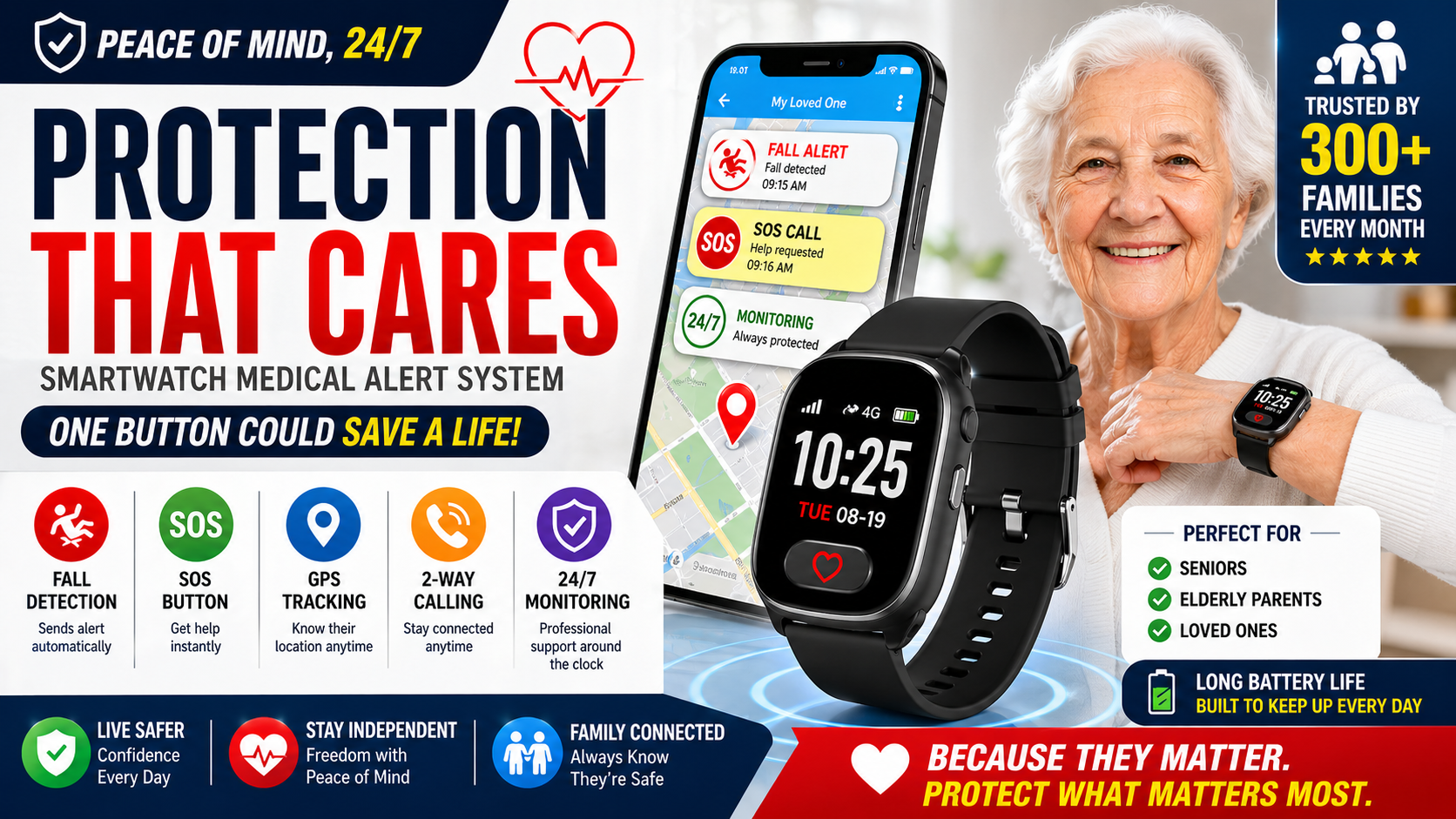
A dedicated medical alert smartwatch like the SecuLife Smartwatch is built from the ground up for senior safety — not adapted from a product designed for a younger, active, tech-comfortable demographic.
→ See the SecuLife Smartwatch on Amazon
Here’s where the dedicated device consistently outperforms consumer alternatives for older adults specifically.
Fall Detection Tuned for Seniors
The fall detection algorithms in dedicated senior safety devices are calibrated for the movement patterns of older adults — not general athletic users. That means better detection of the lower-impact, slower falls that are more common in this population, and fewer missed detections from falls that don’t look like a high-speed athletic impact.
Standalone Cellular Operation
The SecuLife operates on its own cellular connection. No paired phone required. No Bluetooth range limitation. It works in the bedroom, the bathroom, the backyard, and anywhere with cell coverage — independently of where any phone is located.
Direct Family Contact Without Monitoring Fees
When SOS is triggered or a fall is detected, alerts go directly to designated family members with GPS location included. No call center in the middle. No monthly monitoring fee on top of the service plan. Family members receive immediate notification and location — exactly what’s needed to respond effectively.
For a full breakdown of what the SecuLife costs across different plan options and how it compares to traditional monitored systems, our guide on how much a medical alert system costs makes the numbers clear.
Simpler Operation
Set up once by a family member. Worn daily. No ongoing management required from the user. No updates to apply, no apps to open, no settings to navigate. The watch does its job continuously in the background without requiring any ongoing interaction.
Real-Time GPS for Family
The SecuPro companion app gives family members real-time location visibility at any time — not just during emergencies. Check location without calling. Set geofencing alerts for seniors with early memory concerns. Know your loved one made it to their appointment without a check-in call.
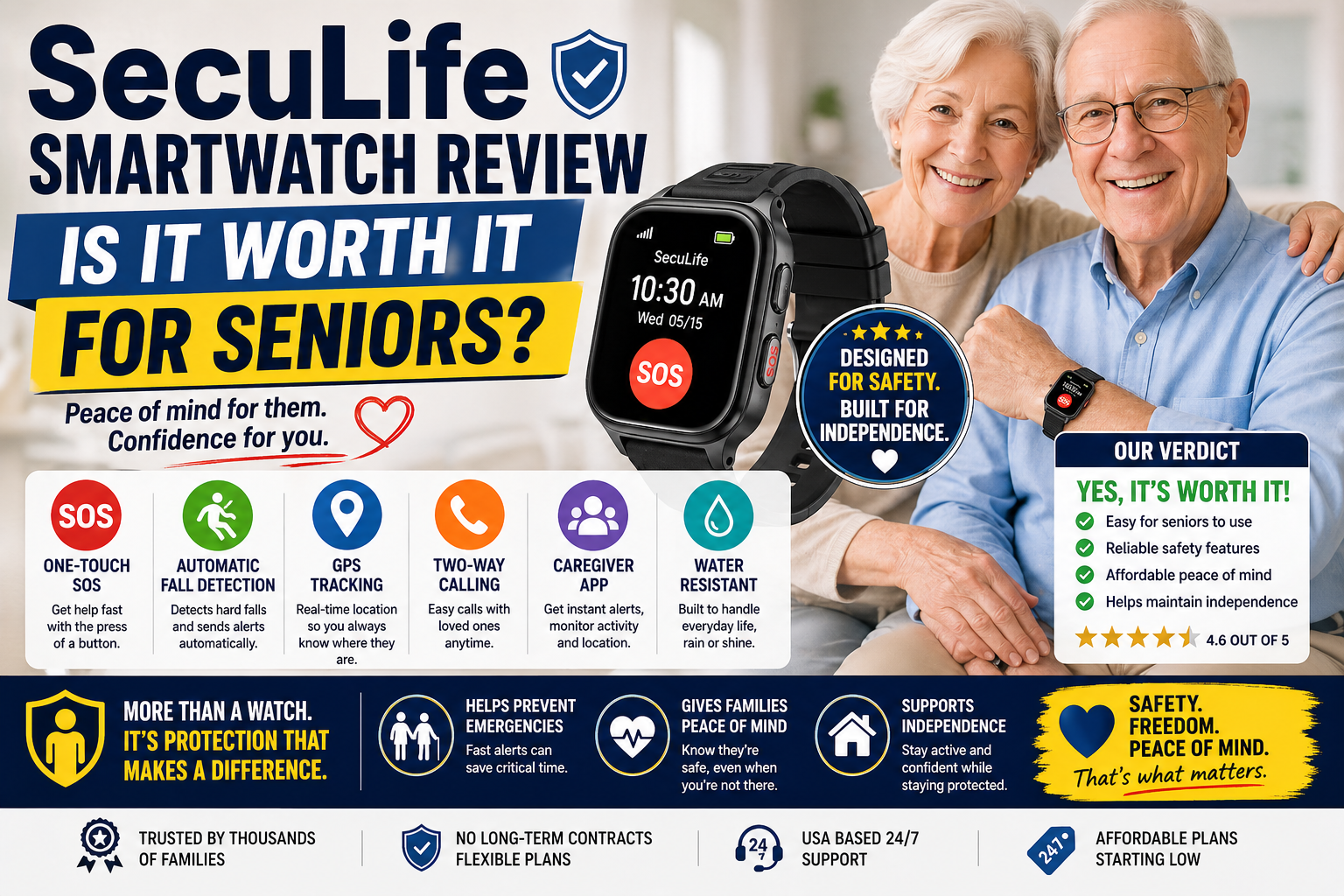
For the full picture of what the SecuLife offers, our complete SecuLife Smartwatch review covers every feature, real family feedback, and honest limitations in detail.
The Hybrid Approach — When Both Makes Sense
For seniors who are already comfortable using an Apple Watch or similar device and want to keep it, the question isn’t always either/or. Some people wear both — a consumer smartwatch for health monitoring, fitness tracking, and general connectivity, and a dedicated medical alert device specifically for fall detection and emergency response.
This approach makes particular sense when:
- You already own and enjoy a consumer smartwatch for its health and fitness features
- Your family wants the specific fall detection and GPS visibility that a dedicated device provides
- The consumer smartwatch’s emergency features feel complex or unreliable under stress
- You live alone and want a dedicated safety net beyond what the consumer device offers
Wearing both isn’t unusual — and for people who have invested in a consumer smartwatch they find valuable, it’s a reasonable way to get the best of both without replacing something that’s working.
Who Can Rely on a Consumer Smartwatch Alone
To be fair to the other side of the argument — there are situations where a consumer smartwatch genuinely does provide adequate safety coverage without a separate medical alert device.
A consumer smartwatch is likely sufficient as a primary safety tool if:
- You are tech-comfortable, actively manage your devices, and keep software updated
- You have low fall risk and no significant balance or mobility challenges
- You live with other people who would be aware of a fall quickly
- You reliably wear the watch during all waking hours including the morning routine
- Family members are nearby and highly reachable at all hours
If most of those conditions apply to your situation a consumer smartwatch may cover your needs well. But if you live alone, have any fall history, or your family wants reliable GPS visibility and fall detection they can count on — a dedicated device fills the gaps that matter most.
Who Needs a Dedicated Medical Alert Device
A dedicated medical alert smartwatch is the right choice when:
- You live alone — no one nearby to notice a fall, dedicated fall detection and automatic alerting is critical
- You have a fall history — one fall significantly increases the risk of another; reliable detection matters
- You’ve resisted wearing a pendant — a smartwatch format removes the stigma barrier while providing full protection
- Your family wants GPS visibility — real-time location access gives family members meaningful peace of mind
- Managing complex technology is a barrier — a device set up once and maintained by family removes the tech burden entirely
- You want to avoid high monthly monitoring fees — direct-to-family alerting costs significantly less than professional monitoring
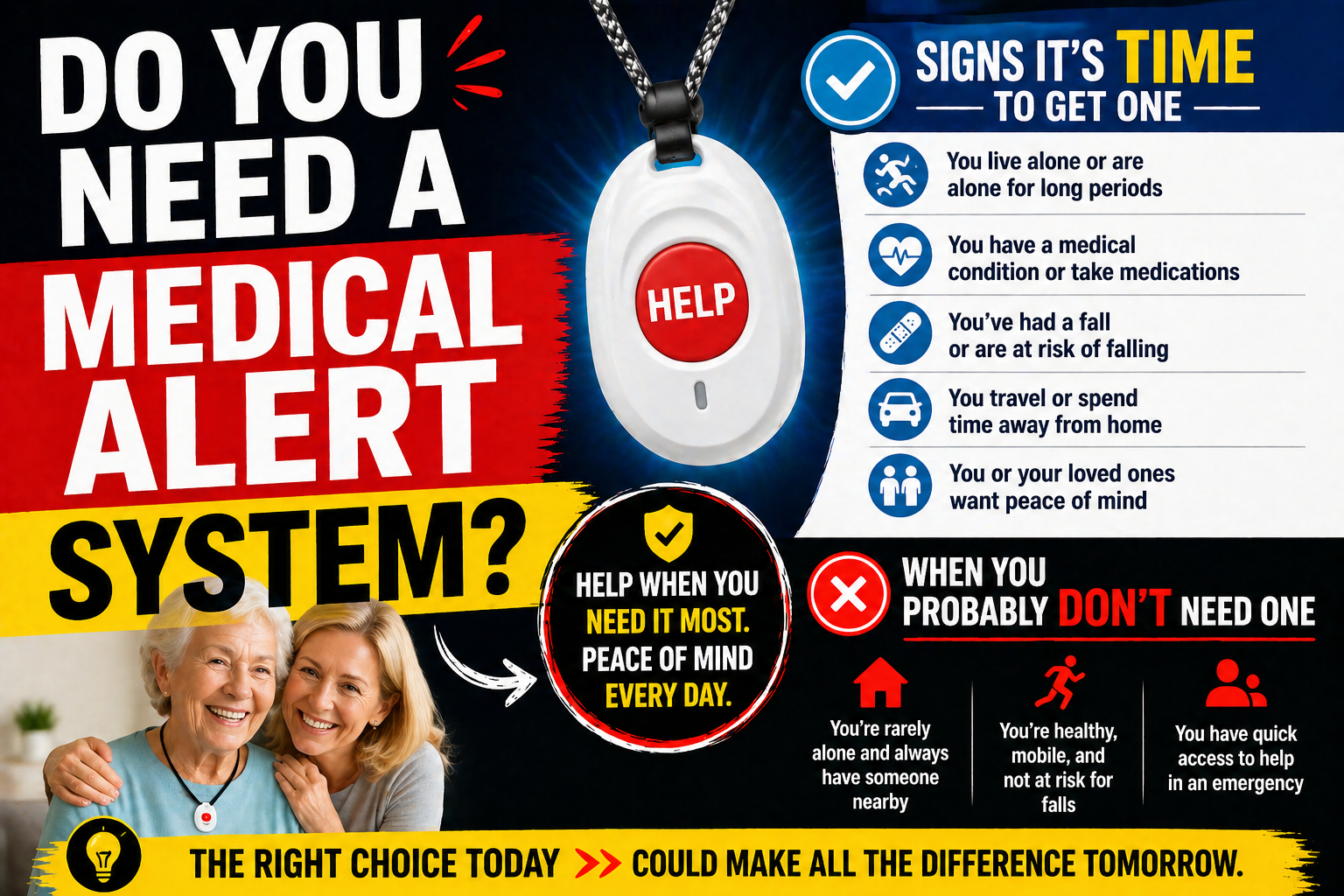
If you’re still working through whether any medical alert device is right for your situation, our guide on signs it’s time for a medical alert system walks through exactly what to consider. And for a plain-English explanation of how these devices actually work before making any decision, our guide on how medical alert systems work is worth reading first.
The Bottom Line
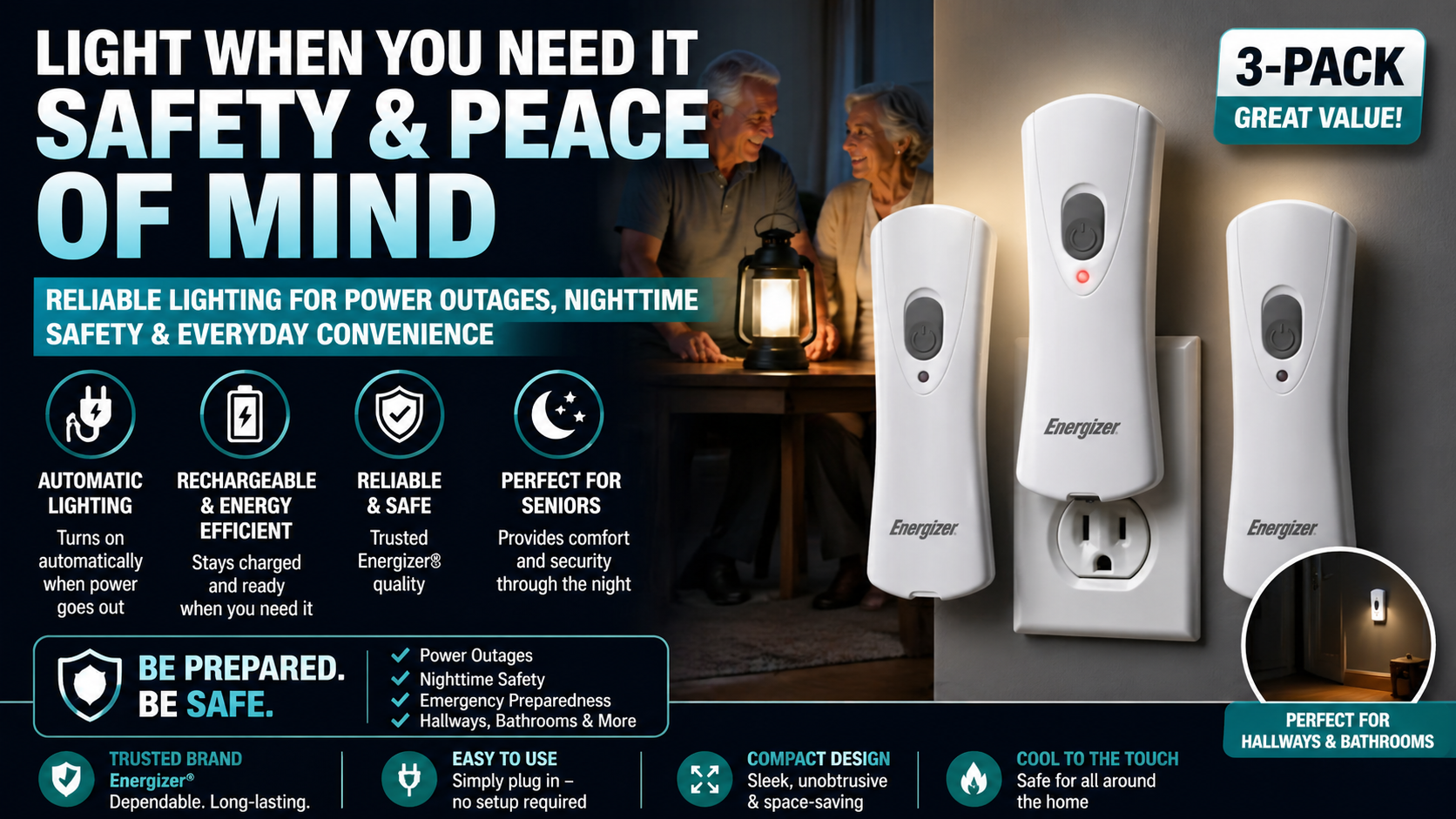
Consumer smartwatches have gotten genuinely impressive — and for the right person in the right situation they provide real safety value. But they were designed for a general audience, not specifically for older adults navigating fall risk, and the gaps show in the specific areas that matter most: fall detection calibration, emergency usability under stress, standalone operation, and setup simplicity.
A dedicated medical alert smartwatch like the SecuLife fills those gaps specifically because it was built for this use case from the ground up. It doesn’t try to be a fitness tracker or a notification hub — it tries to be the most reliable possible safety device for an older adult living independently. That focus shows in every design decision.
For most older adults living independently — especially those living alone — a dedicated medical alert device is the more reliable choice. For some the consumer smartwatch is adequate. And for others, wearing both makes the most sense.
The important thing is making a deliberate decision rather than assuming the smartwatch on your wrist covers the bases it may not actually cover.
→ See the SecuLife Smartwatch on Amazon — check current price and read customer reviews
Frequently Asked Questions
Does Apple Watch fall detection work for elderly users?
Apple Watch fall detection works for many elderly users — but it has limitations worth understanding. The feature must be enabled in the Health app settings (it’s not on by default for all users). The detection is calibrated for a general population rather than specifically for seniors, which can affect detection rates for lower-impact falls. It also requires the watch to be paired with a nearby iPhone for emergency calling on some models. It’s a useful feature but not a purpose-built senior safety solution.
What happens if the battery dies on a medical alert smartwatch?
If the battery dies the safety features stop working — which is why daily charging and battery awareness matter so much. The SecuLife and most dedicated medical alert smartwatches include battery indicators that warn before the battery reaches critical levels. Building a consistent charging routine — plugging in every night before bed — keeps the device operational reliably. If you’re concerned about overnight charging gaps, discuss with family members about the best charging schedule for your specific situation.
Can family members track location on both consumer and medical alert smartwatches?
Yes on both — but the implementation differs. Consumer smartwatches use platform-specific sharing like Apple’s Find My or Google’s location sharing, which requires the paired phone to be connected. Dedicated medical alert smartwatches like the SecuLife use their own cellular GPS that works independently of any phone, providing more reliable location visibility particularly when the phone is elsewhere.
Is a medical alert smartwatch covered by Medicare?
Original Medicare does not typically cover medical alert devices including smartwatches. Some Medicare Advantage plans include supplemental benefits that cover or subsidize these devices — coverage varies significantly by plan. Check with your specific plan before assuming out of pocket is the only option. FSA and HSA funds may also be applicable — check with your account administrator.
What if I already have a medical alert pendant — do I need to switch to a watch?
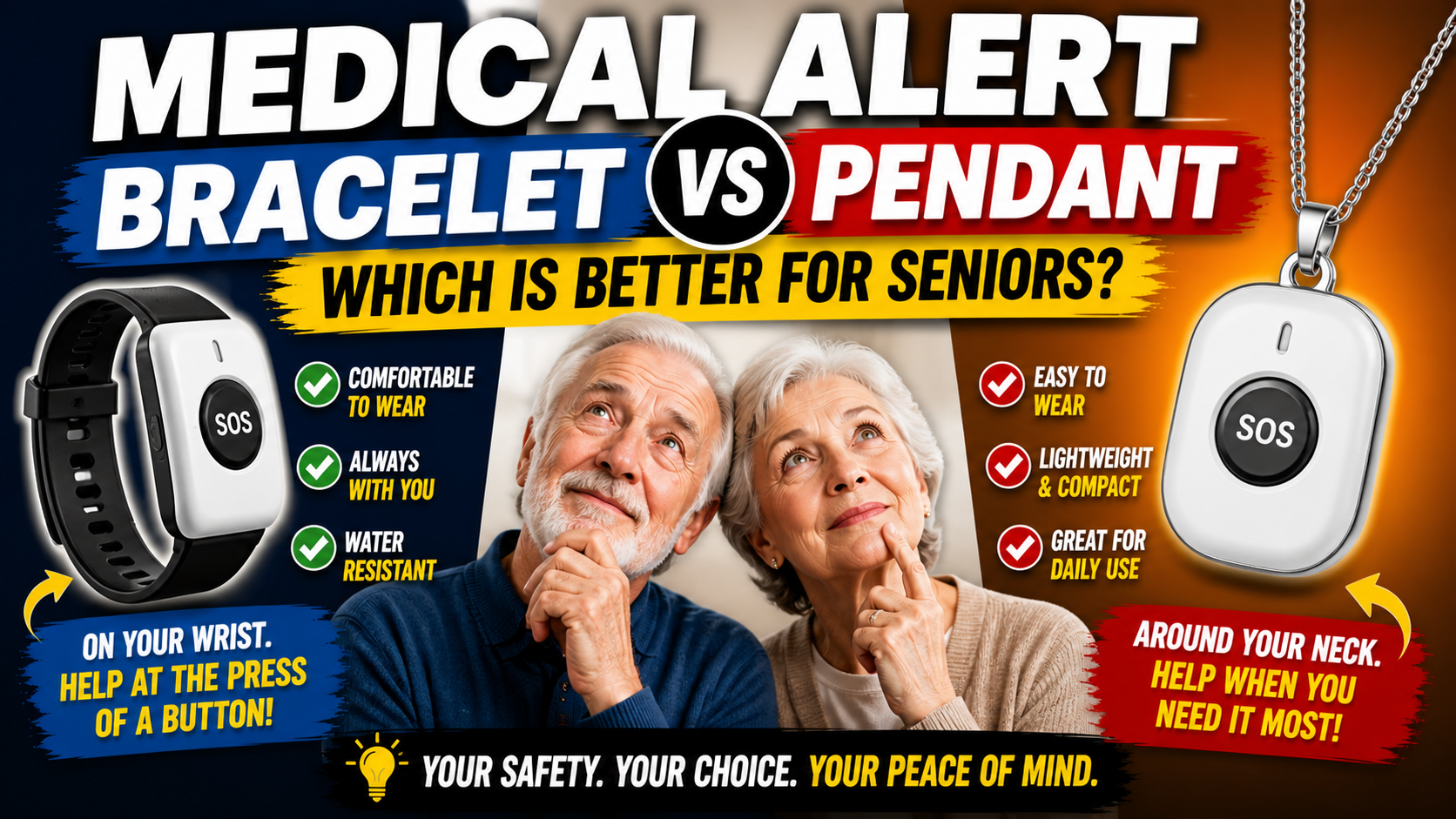
Not necessarily — if you’re wearing your pendant consistently and it’s providing the protection you need, there’s no urgent reason to switch. The watch format becomes important when a pendant isn’t being worn consistently, when GPS visibility away from home is needed, or when the pendant format has become a source of resistance or embarrassment. The best medical alert device is the one that actually gets worn every day. For help weighing the everyday tradeoffs behind that choice, see this guide to choosing between a pendant and bracelet.
Make a Deliberate Decision
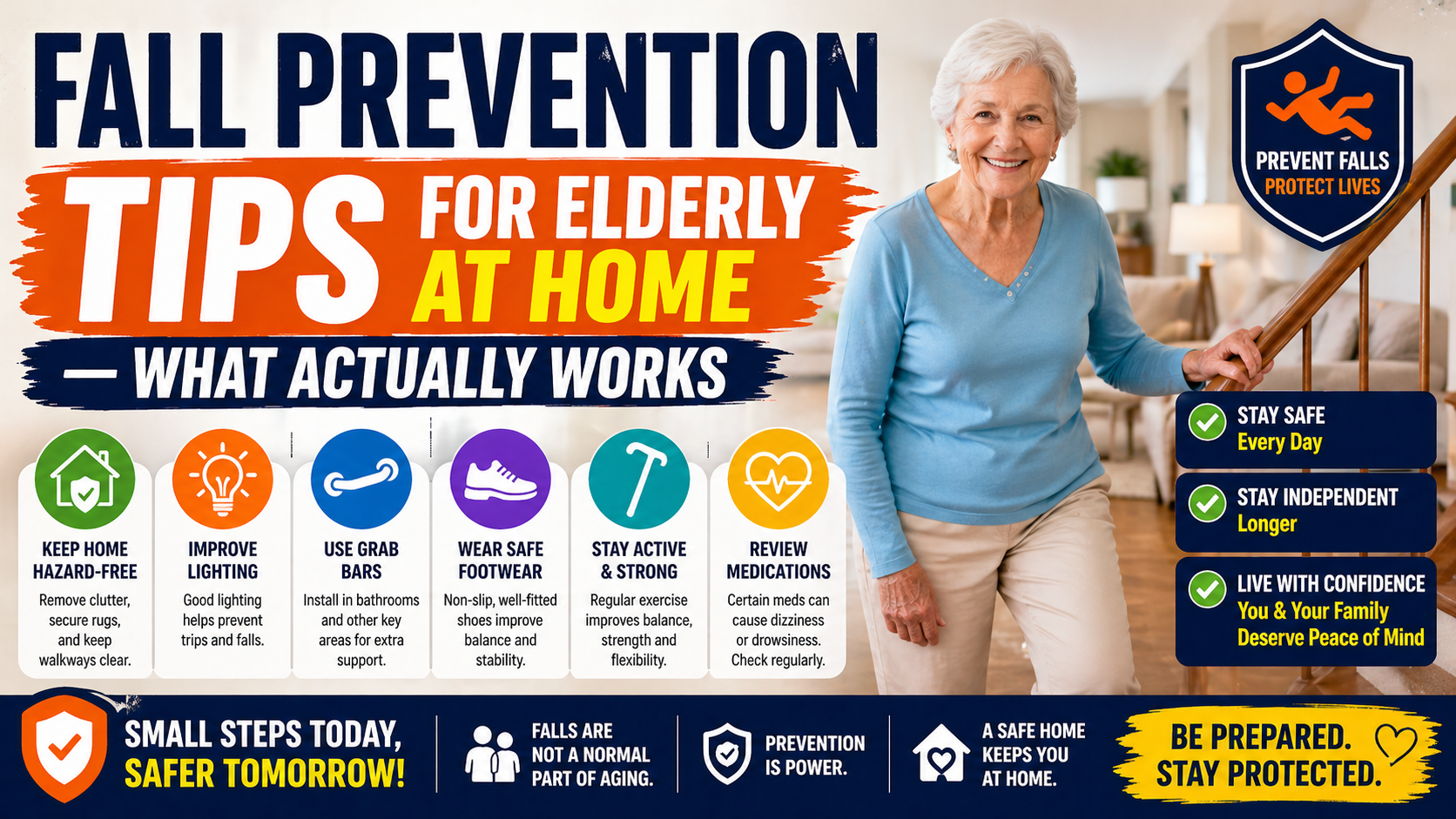
The worst outcome in this decision is assuming coverage exists when it doesn’t — going through the motions of wearing a smartwatch while the gaps in its senior safety functionality go unaddressed.
Evaluate your specific situation honestly. If a consumer smartwatch covers your needs, great. If the gaps matter for your situation, a dedicated device fills them reliably and at a cost that’s lower than most people expect.
The SecuLife Smartwatch starts at $20 per month on the annual plan — less than most people spend on a streaming service — and provides fall detection, GPS, SOS, and two-way calling in a device designed specifically for this purpose.
→ Check current SecuLife pricing and availability on Amazon
About the Author
Tom Garrett spent eight years working as an EMT before leaving the field to become a full-time caregiver for his father, who fell twice in one year at age 79. That experience — navigating the senior safety product market under pressure, making mistakes, and eventually finding what actually worked — is what drives his writing. Tom covers senior safety topics for Elder Safety Guide with a focus on giving people the plain-English information they need to make confident decisions about their own safety.