Life Alert is the name everyone knows. The SecuLife is the device that covers more of the scenarios that actually matter. Here’s the honest comparison.
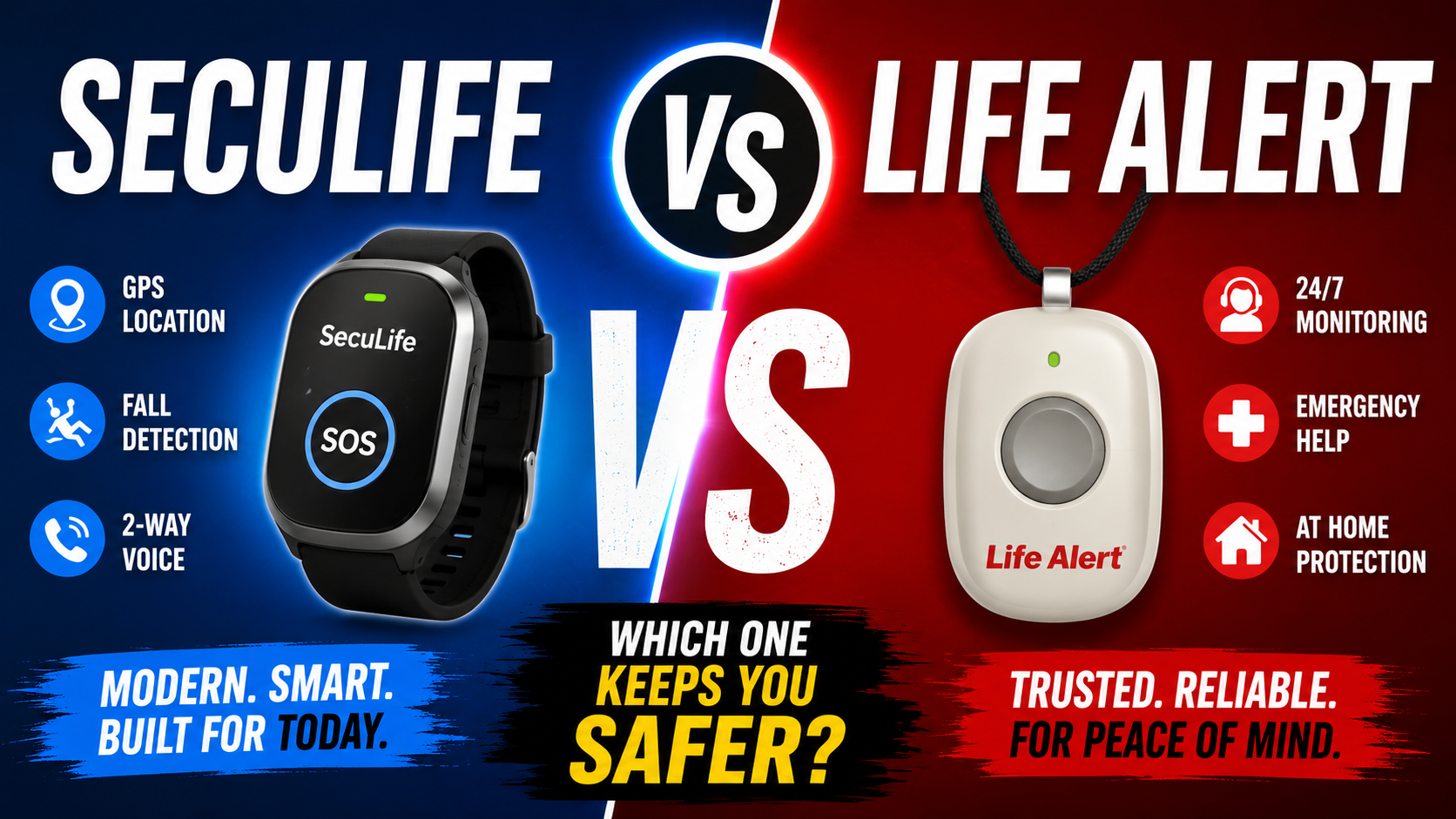
Life Alert has been the name in medical alert systems for decades. The phrase “I’ve fallen and I can’t get up” made it culturally ubiquitous. For many families it’s the first — and sometimes only — option that comes to mind when thinking about senior fall protection.
The SecuLife Smartwatch is a newer approach to the same problem — fall detection and emergency alerting — built around a completely different technology platform and a completely different philosophy about how that protection should work.
Both alert someone when a senior needs help. The differences between them are significant enough to matter for most families making this decision. Here’s the honest comparison.
The Core Difference — Philosophy of Protection
Life Alert is a home-based system. A base unit sits in the home — typically the living room — and communicates with a pendant or wristband the person wears. When the button is pressed the base unit connects to a Life Alert monitoring center, which then contacts emergency services or family.
The SecuLife is a cellular smartwatch. There is no base unit. The device on the wrist is the entire system — cellular connected, GPS enabled, fall detection running continuously. It works anywhere with cell coverage, not just within range of a home base unit.
This philosophical difference — home-tethered vs fully mobile — drives most of the practical differences between the two systems.
Head to Head — The Features That Matter
Automatic Fall Detection
SecuLife: Automatic fall detection built into the watch. When a fall is detected the watch alerts immediately — contacts notified with GPS location without any action required from the person who has fallen. Works everywhere the watch is worn.
Life Alert: Button-press activation. The person must press the button to initiate an alert. Life Alert has introduced some automatic fall detection in newer products but the core system remains button-dependent. A person who is unconscious, disoriented, or can’t reach the button after a fall may not receive help.
Winner: SecuLife. Automatic detection that works without any action from the person who has fallen is the most important feature in fall protection — particularly for the worst-case scenarios where a button can’t be pressed.
Coverage Area
SecuLife: Anywhere with cellular coverage. The morning walk. The grocery store. The bathroom. The backyard. No home base unit to be within range of. Full GPS tracking everywhere.
Life Alert: Traditional Life Alert operates within range of the home base unit — typically 400 to 600 feet. Outside that range the pendant loses connection to the base. Mobile add-ons are available at additional cost but the core system is home-based.
Winner: SecuLife. Falls happen everywhere — not just within 400 feet of the living room base unit. Outdoor falls, falls in outbuildings, falls during daily activities away from home are all covered by the SecuLife and not by a standard Life Alert setup.
GPS Location
SecuLife: Real-time GPS location shared immediately with all designated contacts when an alert fires. Family can see exactly where the person is from any smartphone at any time through the SecuPro app — not just when an alert has fired.
Life Alert: Life Alert alerts go to their monitoring center which then contacts family or emergency services. Location is typically the registered home address rather than real-time GPS — which matters when a fall occurs away from home.
Winner: SecuLife. Real-time GPS to family directly — without routing through a monitoring center — means faster response with more accurate location information.
Monitoring Model — Monitoring Center vs Direct Family Alert
SecuLife: Alerts go directly to designated family contacts — up to multiple people simultaneously. No intermediary monitoring center. Family members receive the alert, see the GPS location, and respond directly.
Life Alert: All alerts route through Life Alert’s 24/7 monitoring center. Trained operators receive the alert and then contact family or emergency services. The monitoring center adds a layer of professional response but also adds time and an intermediary step.
This is a genuine tradeoff rather than a clear winner. Families who want professional monitoring — particularly for seniors whose family members have unpredictable schedules — may prefer the monitoring center model. Families who want direct, immediate notification prefer the SecuLife approach.
Monthly Cost
SecuLife: The device purchase plus a monthly cellular service fee. Significantly lower monthly cost than traditional monitoring center systems. No long-term contracts required.
Life Alert: Life Alert is known for significant monthly fees — among the highest in the medical alert industry — plus long-term contracts, typically 3 years, with cancellation fees. The total cost of ownership over a 3-year contract is substantially higher than the SecuLife over the same period.
As covered in our guide on how much a medical alert system costs — the monthly fee and contract terms are among the most important financial considerations in this decision. Life Alert’s combination of high monthly fees and long contracts makes it one of the most expensive options in the category.
Winner: SecuLife on cost by a significant margin.
Device Format
SecuLife: Smartwatch worn on the wrist. Looks like a contemporary watch. No separate pendant. Goes everywhere including the bathroom and shower — the highest-risk room in the home — because it’s worn rather than hung around the neck or placed on a surface.
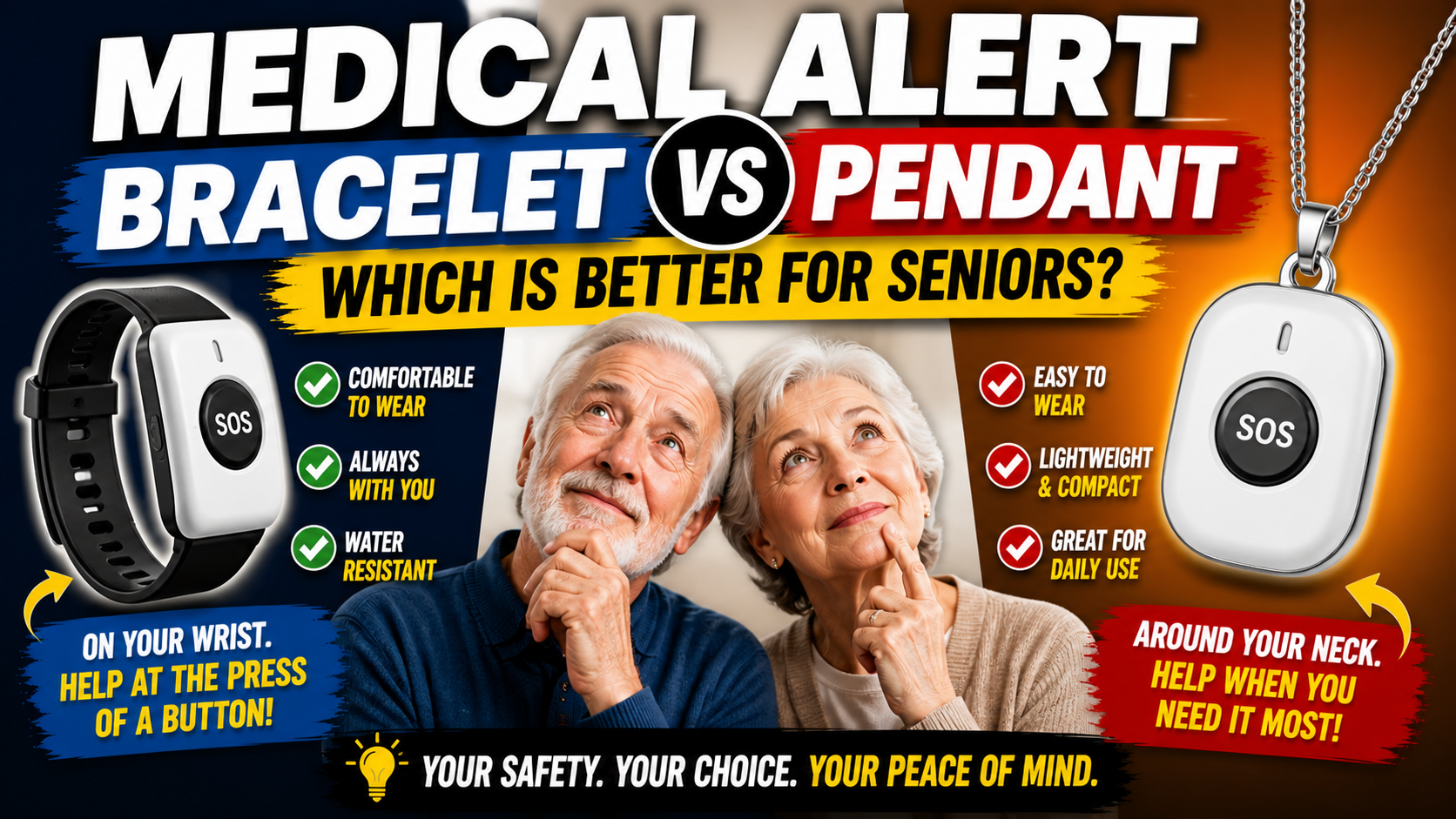
Life Alert: Pendant worn around the neck or wristband. The pendant format is familiar but carries the stigma of obvious medical device appearance that reduces consistent wearing for some users. Base unit must be positioned in the home. Those appearance and placement tradeoffs receive a broader treatment in this medical alert format comparison.
Winner: SecuLife for compliance. A device worn consistently because it looks like a watch provides more protection than a technically superior device worn occasionally because it feels stigmatizing.
Bathroom Coverage
SecuLife: The watch is worn in the bathroom — during every shower, every nighttime trip. Fall detection works in the bathroom because the device is on the wrist. GPS location is accurate to the building regardless of room.
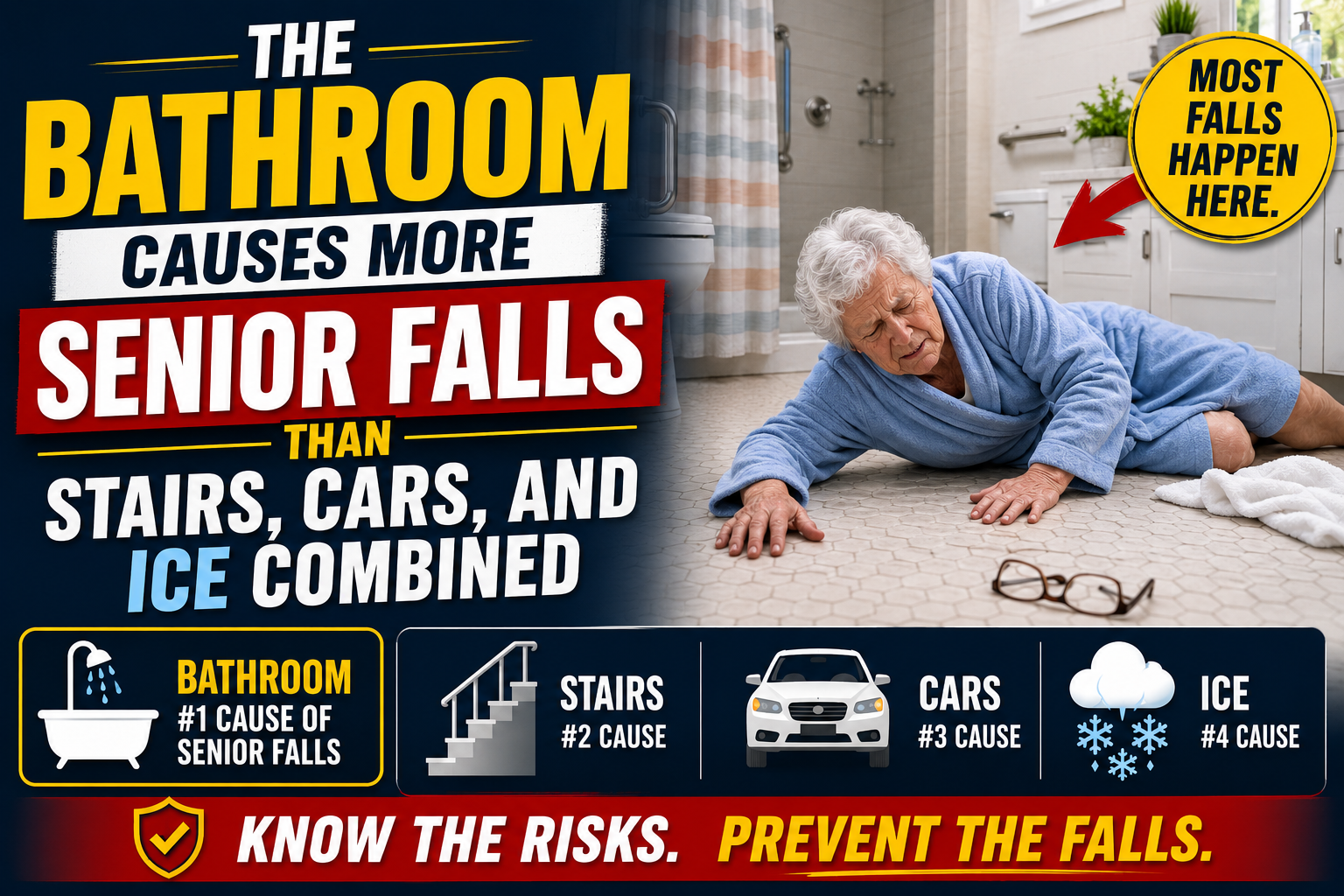
Life Alert: A base unit in the living room may not reach through bathroom walls and a closed door. The bathroom is simultaneously the highest-risk room in the home and the room most effectively isolated from a home base unit. As covered in our guide on the bathroom causes more senior falls than stairs, cars, and ice combined — this coverage gap is not a minor limitation.
Winner: SecuLife. Wrist-worn means present in the bathroom. Home base means potentially not.
Ease of Setup
SecuLife: Family member downloads the SecuPro app, activates the service, adds contacts, configures settings. Person wearing the device does nothing. Setup takes 20 to 30 minutes and doesn’t require a technician.
Life Alert: Life Alert requires professional installation of the home base unit and a sales process that includes contract signing. The setup is more involved and requires scheduling a installation visit.
Winner: SecuLife for simplicity.

Where Life Alert Has the Edge
An honest comparison requires acknowledging where the traditional model has genuine advantages.
Professional Monitoring
Life Alert’s 24/7 monitoring center provides a professional response layer that the SecuLife’s direct-to-family alert doesn’t. For families where no one can reliably monitor alerts — due to work schedules, time zones, or inconsistent availability — professional monitoring provides coverage that family-only alerting doesn’t. The monitoring center responds to every alert regardless of whether family can respond at that moment.
Brand Recognition and Trust
Life Alert’s decades-long presence in the market gives it established trust with some seniors who recognize the brand and have confidence in it. For seniors who would wear a Life Alert pendant because they know what it is but might resist an unfamiliar device — brand recognition is a real compliance factor.
Landline Integration
Life Alert integrates with home landline systems — relevant for seniors whose cell coverage is unreliable but whose landline is consistent. The SecuLife depends on cellular coverage, which is excellent in most areas but not universal.
The Decision Framework — Which Is Right for Your Situation
Choose the SecuLife if:
- The person spends time outside the home — walks, errands, activities
- Cost is a significant factor — the monthly savings are meaningful over time
- The person has resisted pendant-style devices — the watch format has better compliance
- Family wants direct real-time GPS access rather than monitoring center intermediary
- Dementia is a concern — GPS geofencing for wandering is a SecuLife-specific feature
- Bathroom coverage is a priority — wrist-worn goes where pendants don’t
Consider Life Alert if:
- Family cannot reliably monitor alerts — professional monitoring center fills this gap
- The person is strongly attached to the Life Alert brand and will wear it consistently
- Cellular coverage at the home is genuinely unreliable
- The person rarely leaves home and indoor coverage is the primary need
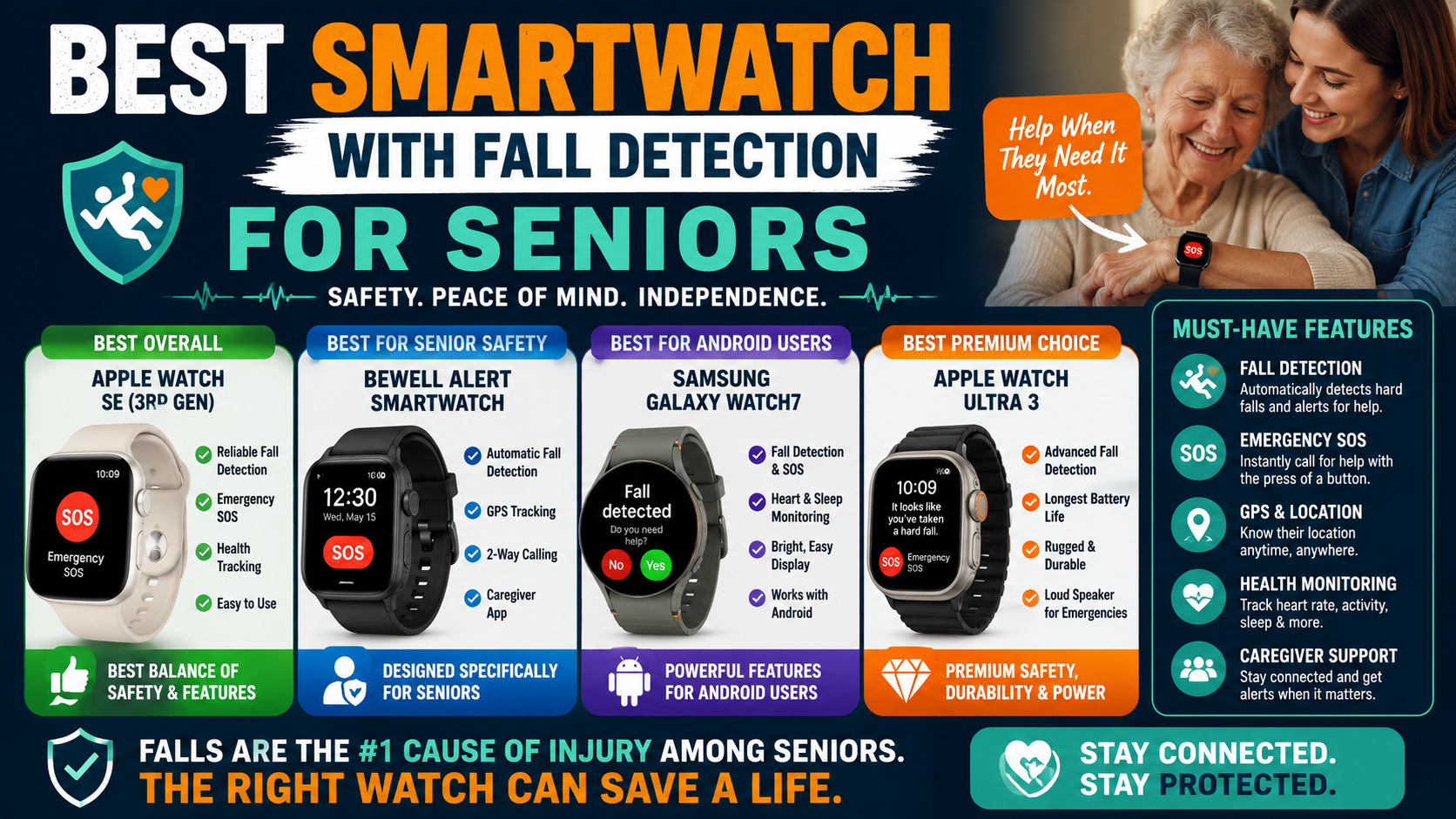
For most families the SecuLife addresses more of the scenarios that matter — outdoor coverage, bathroom coverage, automatic fall detection, GPS to family directly, lower cost — than Life Alert does. The monitoring center model has genuine value for a specific subset of families where professional response coverage is the priority. A broader evaluation of the watch's fall-detection capabilities appears in this smartwatch fall detection comparison.

Our Recommendation
For most older adults and most family situations the SecuLife provides more comprehensive protection at lower cost with better compliance than Life Alert. The automatic fall detection calibrated for senior movement, the wrist-worn format that goes into the bathroom and outdoors, the real-time GPS to family directly, and the significantly lower monthly cost make it the stronger choice for the majority of situations this comparison applies to.
Our complete review covers every feature in full detail — performance, setup, battery life, monitoring app, and exactly what the monthly service includes.
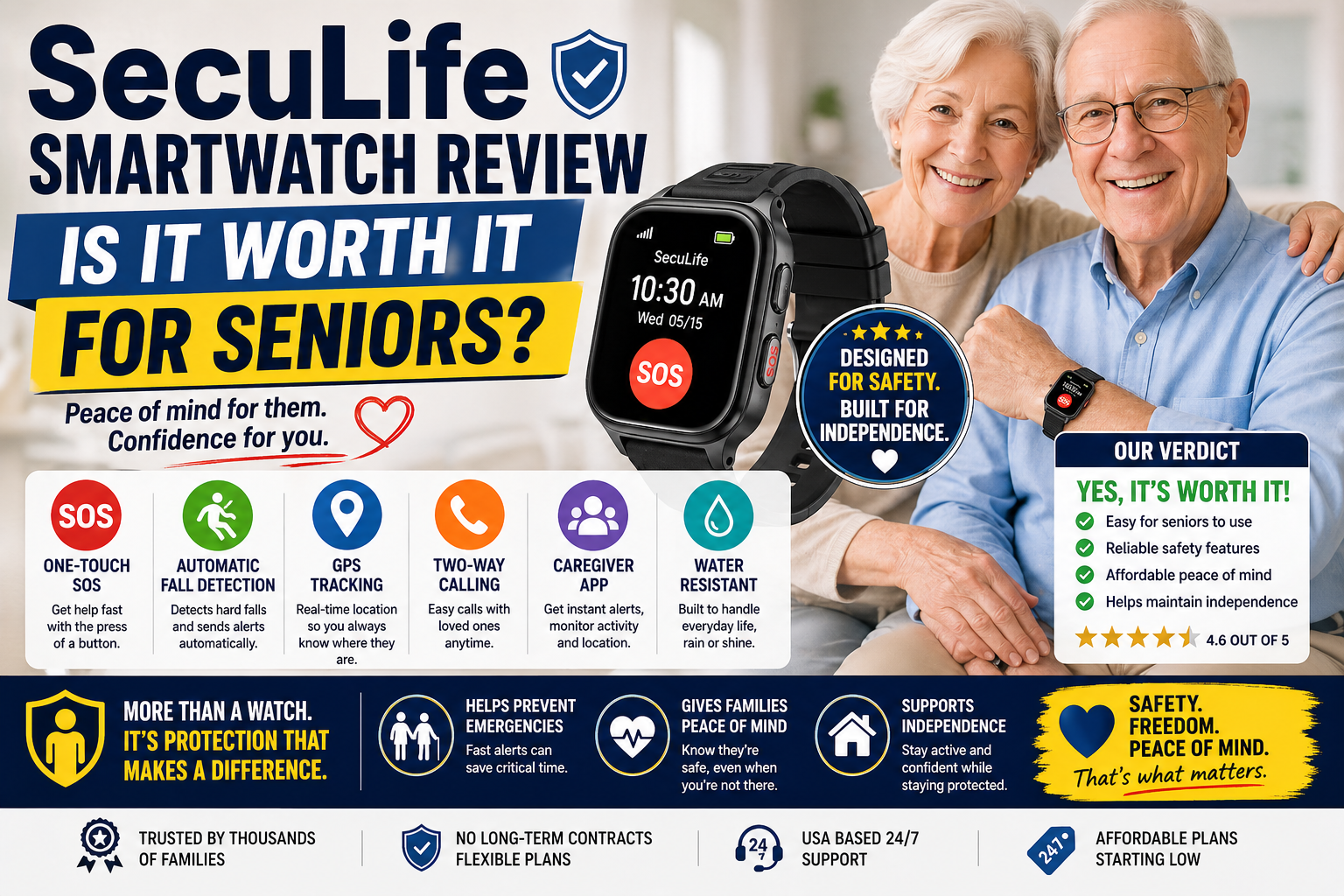
SecuLife Smartwatch Review — Is It Worth It for Seniors?
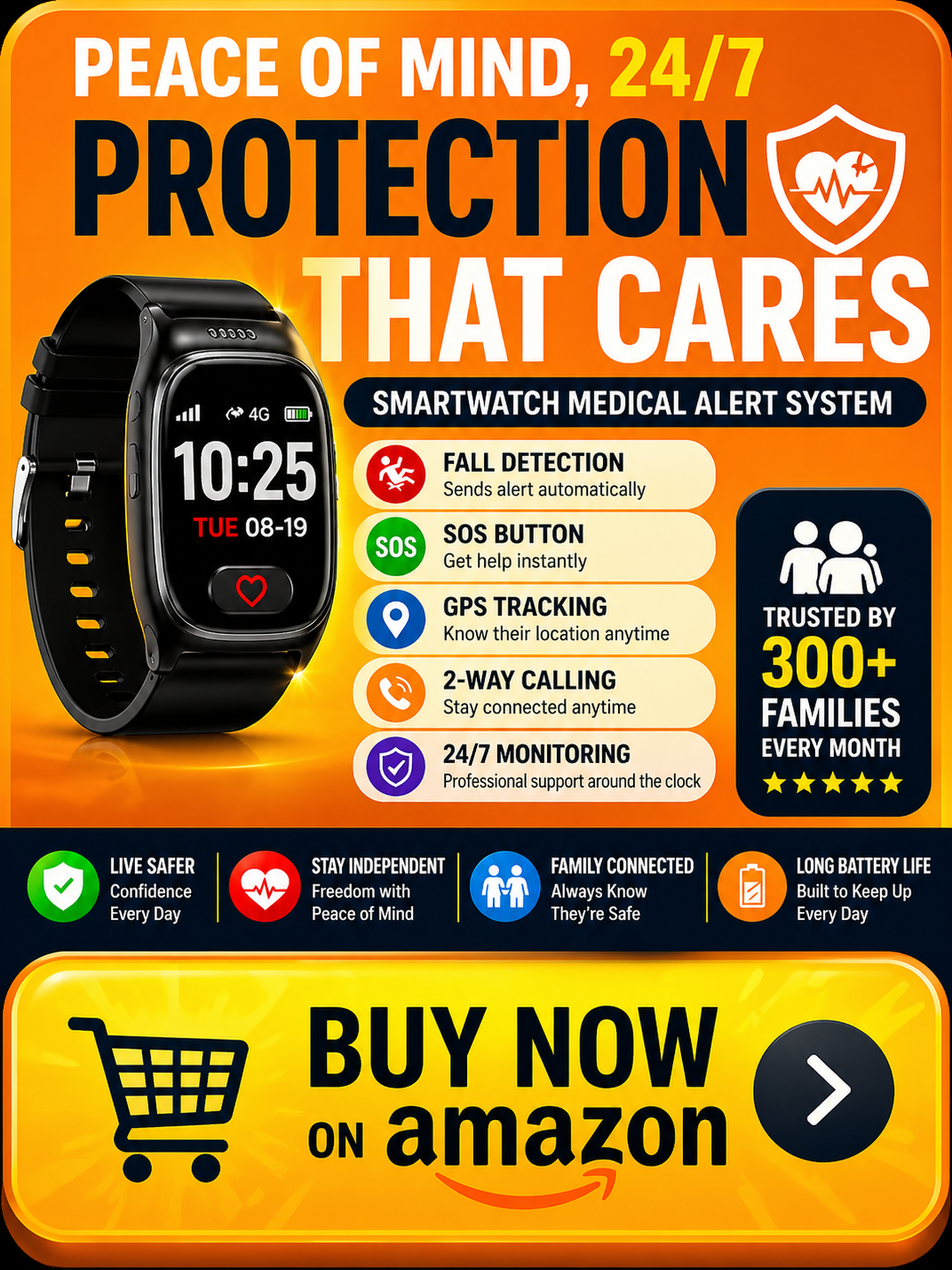
→ Get the SecuLife Smartwatch on Amazon
Frequently Asked Questions
Can the SecuLife call 911 directly?
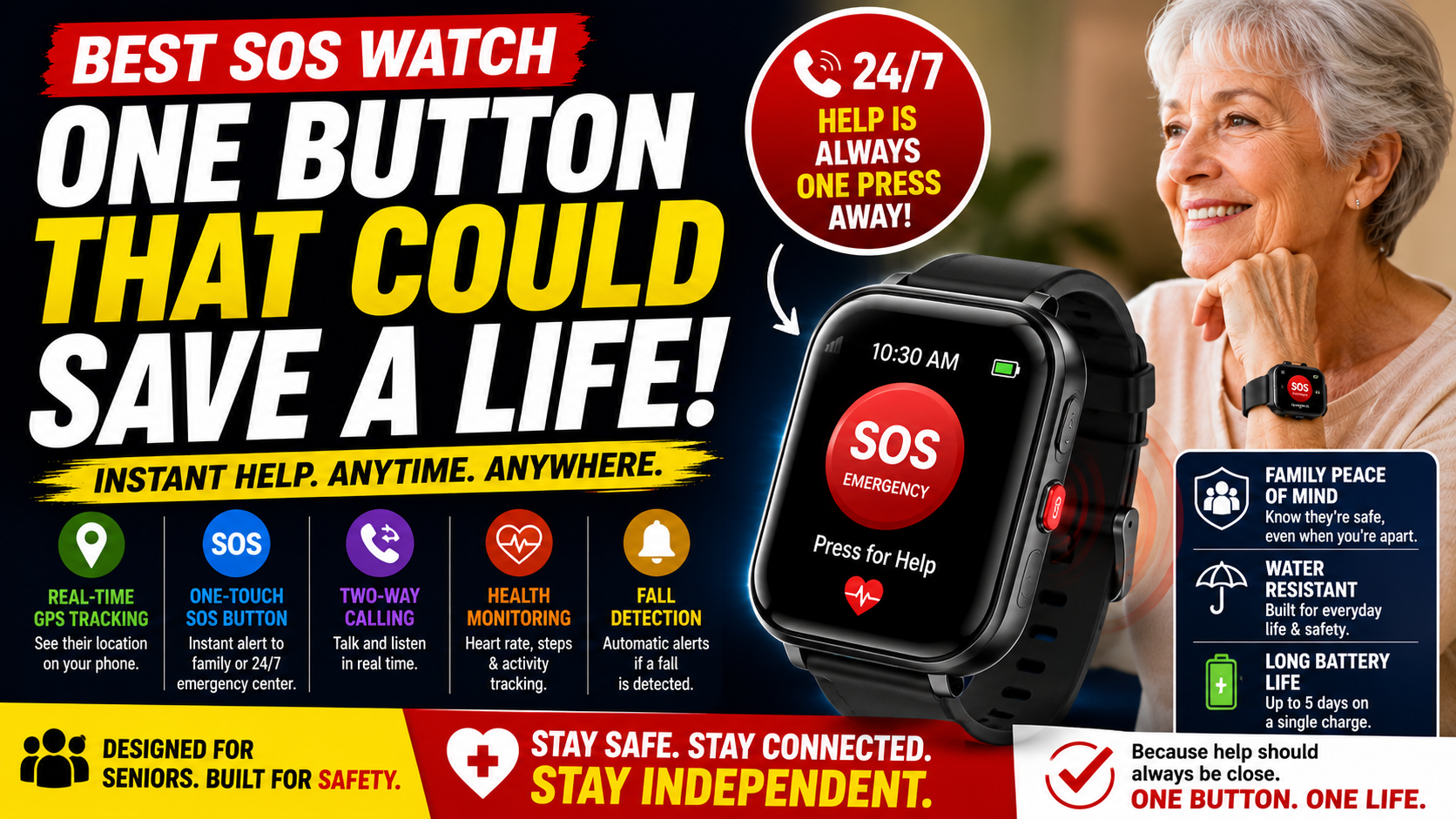
The SecuLife alerts designated family contacts — not a monitoring center or 911 directly. Family members who receive the alert can then call 911 if emergency services are needed. For families who want direct 911 connection through a monitoring center, Life Alert or another monitored service provides this. For families who prefer direct family notification with the ability to assess whether 911 is needed before calling, the SecuLife model is more appropriate. Families comparing response models can use this choosing an SOS watch for family alerts to review the alert, location, and communication features in more detail.
Is Life Alert worth the higher monthly cost?
For families where professional monitoring is genuinely needed — because no family member can reliably respond to alerts — the higher monthly cost may be justified by the monitoring center coverage. For families where family members can respond to direct alerts, the SecuLife provides equivalent or better protection at significantly lower cost. The monthly cost difference over a 3-year period is substantial — worth calculating specifically for your situation.
Does the SecuLife require a smartphone to use?
The person wearing the SecuLife needs no smartphone. The SecuPro monitoring app runs on family members’ smartphones — allowing them to see GPS location and receive alerts. The watch itself operates independently on its own cellular connection.
What if family can’t always respond to SecuLife alerts?
Adding multiple contacts — all family members, a trusted neighbor, a close friend — distributes the alert so that at least one person is likely to respond at any given time. For situations where no personal contact can reliably provide coverage, a hybrid approach — SecuLife for GPS and fall detection paired with a separate monitoring center service — addresses the gap, though this adds cost.
Is there a trial period for the SecuLife?
Check the current terms on the Amazon listing and the SecuLife website for the most current return and trial policy — these change periodically. Generally purchasing through Amazon provides the standard Amazon return window as a minimum trial period.
Both Beat Nothing
The most important point in this comparison: either system is dramatically better than no system for a senior living alone with fall risk. The families who deliberate between Life Alert and SecuLife for months while their parent has nothing in place are making the wrong tradeoff.
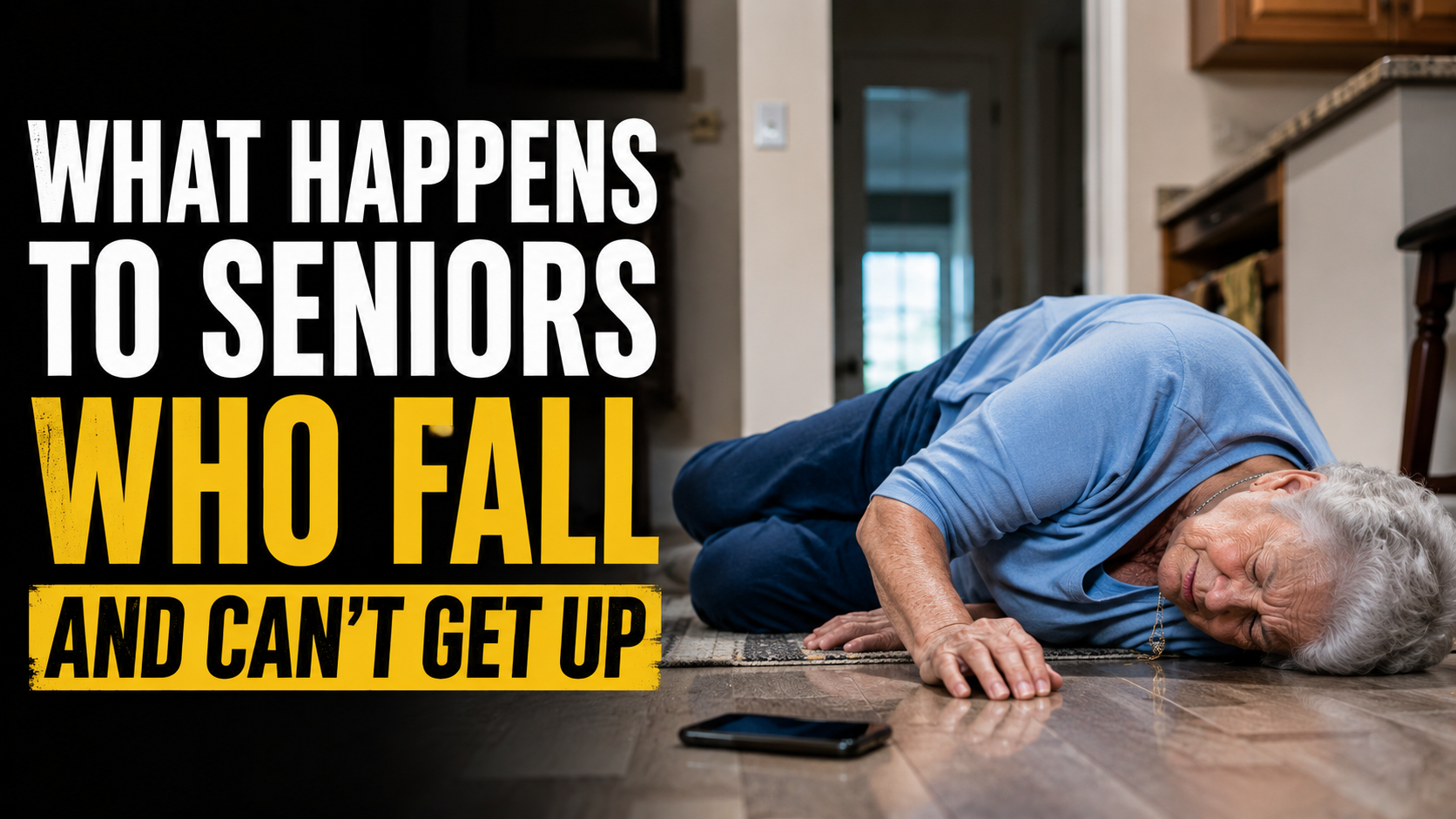
Pick the one that fits the situation and the person. Get it in place. The difference between Life Alert and SecuLife is meaningful. The difference between either one and nothing is enormous — as covered in our guide on what happens to seniors who fall and can’t get up and our guide on the first 60 minutes after a senior falls are the most critical.
→ Get the SecuLife Smartwatch on Amazon
About the Author
Tom Garrett spent eight years as an EMT responding to fall calls — and in that time saw every version of the medical alert scenario play out. The Life Alert pendant that connected to the monitoring center and got emergency services there quickly. The base unit in the living room that didn’t reach through the bathroom door. The person who had nothing and lay on the floor for six hours. The device that wasn’t worn because it felt like giving in. The comparison in this guide is the comparison he wishes families had before the fall rather than after it — specific, honest, and focused on the scenarios that actually determine outcomes. He writes for Elder Safety Guide because the right device worn consistently is the variable that changes what a fall becomes.