Living alone means no one nearby if something goes wrong. Here’s the best medical alert system for seniors living alone — and what actually matters when choosing one.
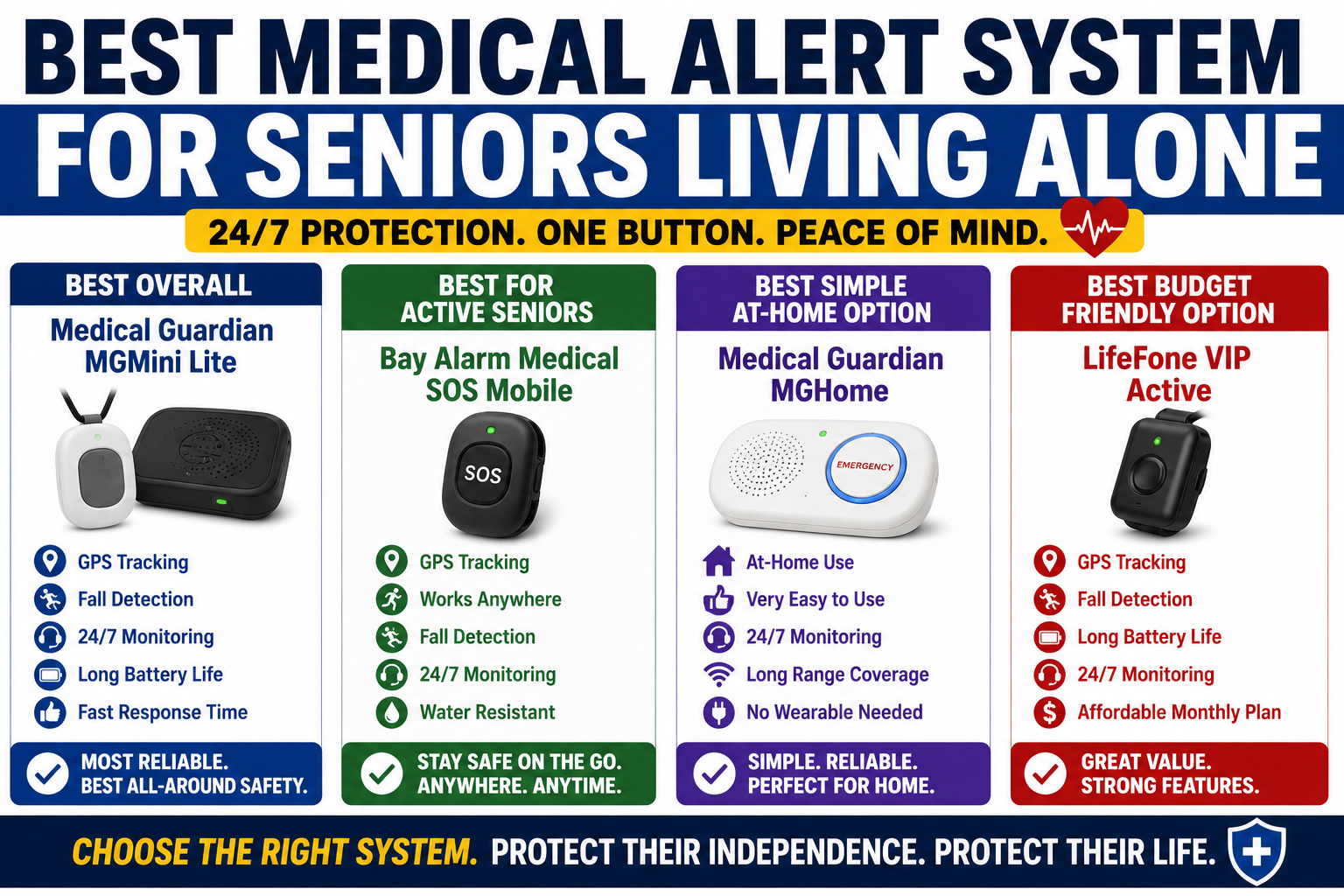
Living alone changes the medical alert equation completely. When someone else is home, a fall that doesn’t trigger an alert still has a chance of being discovered quickly. When you live alone, the gap between a fall happening and help arriving is entirely determined by what safety measures are in place before anything goes wrong.
That gap — how long before someone knows — is the number that matters most for seniors living alone. And a medical alert system with the right features is what closes it.
This guide covers what actually matters when choosing a medical alert system for solo living, the features that are non-negotiable versus nice-to-have, and the specific option we recommend for most people in this situation.
Why Living Alone Changes Everything
The risk of living alone isn’t that falls happen more frequently. Falls happen to older adults regardless of living situation — the bathroom, the stairs, getting out of bed, the backyard. The risk is what happens after a fall when no one else is home.
Research on long lie — the medical term for remaining on the floor for an extended period after a fall — shows that seniors who lie on the floor for more than an hour after a fall have dramatically worse outcomes than those helped quickly. Dehydration. Hypothermia. Pressure injuries. Secondary injury from attempting to get up unassisted. The longer the wait, the worse the outcome — and for someone living alone, the wait can be hours or days without the right measures in place.
A medical alert system doesn’t prevent falls. It determines what happens next. For someone living alone, that distinction is everything.
What Features Actually Matter for Solo Living
Not all medical alert features are equally important for every situation. For seniors living alone specifically, several features move from nice-to-have to non-negotiable.
Automatic Fall Detection — Non-Negotiable
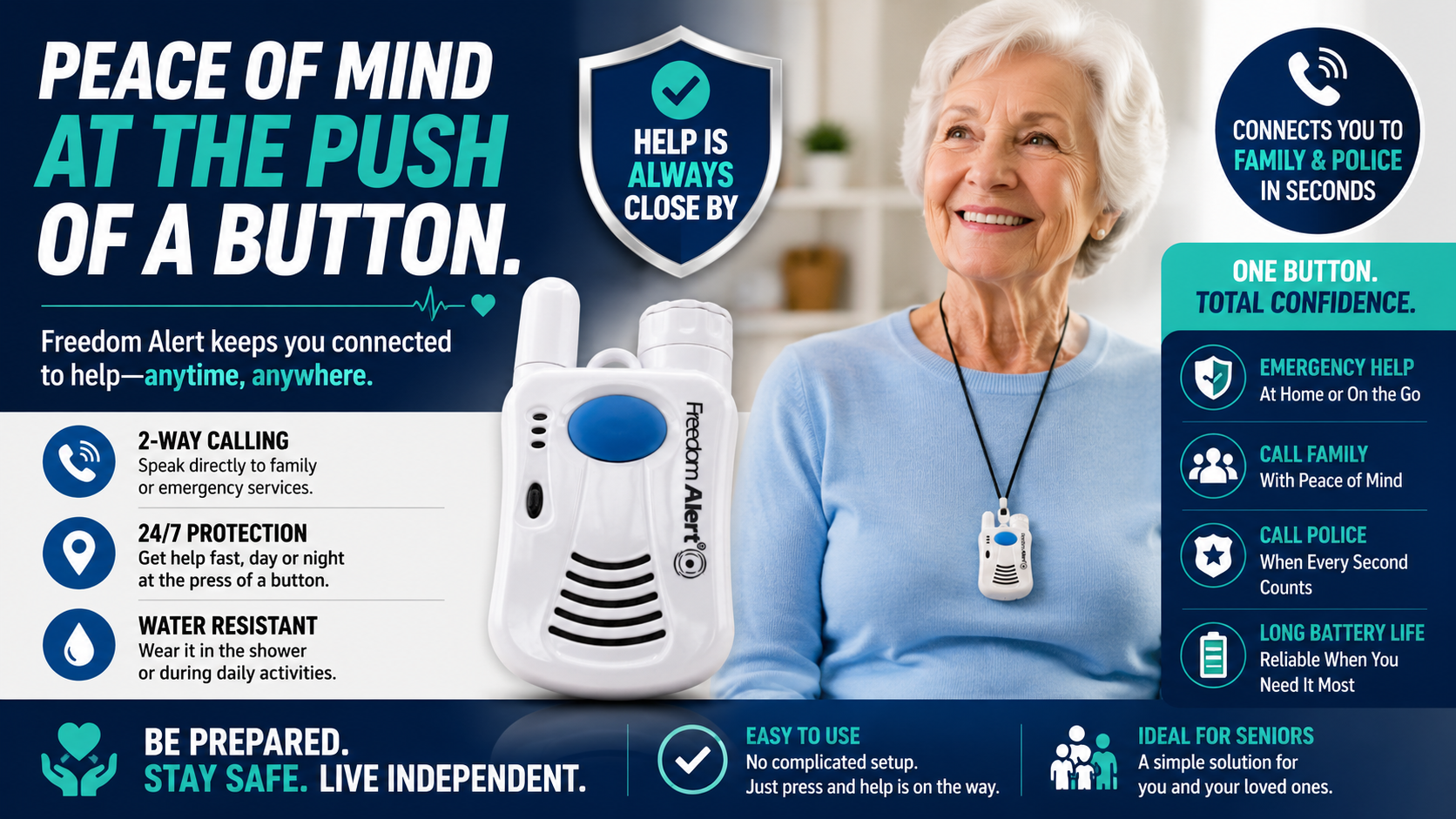
This is the feature that separates adequate protection from real protection for anyone living alone. Automatic fall detection means the alert goes out even if the person cannot press a button — even if they’re unconscious, disoriented, injured, or simply can’t reach anything.
A button-only system requires the person who has fallen to press that button. In the scenario where they can, that’s fine. But the scenarios where someone most needs help — a serious fall that leaves them incapacitated, a fall that happens in the shower, a fall during a medical event like a stroke or cardiac episode — are often exactly the scenarios where pressing a button isn’t possible.
For someone living alone, automatic fall detection is the feature that provides protection in the worst-case scenarios. It is not optional.
Cellular Operation — Not Dependent on Home Wi-Fi or Landline
A medical alert system that only works within range of a home base unit leaves its user unprotected the moment they leave that range — which for active seniors happens every day. Grocery store. Doctor’s appointment. Walk around the block. Garden. All of these take the person outside the base unit range of a home-only system.
For seniors living alone who are still active — which is most of them — cellular operation that works anywhere with cell coverage is essential. The protection needs to go where the person goes.
GPS Tracking — For Family Peace of Mind and Emergency Response
When a fall occurs and emergency services are dispatched, knowing exactly where the person is dramatically reduces response time. GPS location shared automatically when an alert is triggered means responders know where to go without the person needing to communicate their location — critical when they may be unable to do so.
For family members managing a parent’s safety from a distance, real-time GPS visibility through a companion app provides ongoing peace of mind. Checking location without calling. Knowing they arrived home from their appointment. Seeing they’re on their usual walk route. This continuous low-level reassurance reduces the anxiety of distance caregiving significantly.
Two-Way Communication
The ability to speak and be heard through the device — without finding a phone — is more valuable in solo living than in any other situation. When the phone is across the room, when it fell during a fall, when it’s in the other room — two-way communication through the wearable device itself means communication is always available.
Wearable Format That Gets Worn
The most sophisticated medical alert system in the world provides zero protection if it’s sitting on the nightstand. For seniors living alone, the device needs to be worn consistently — during morning routines, during outdoor activities, during nighttime bathroom trips.
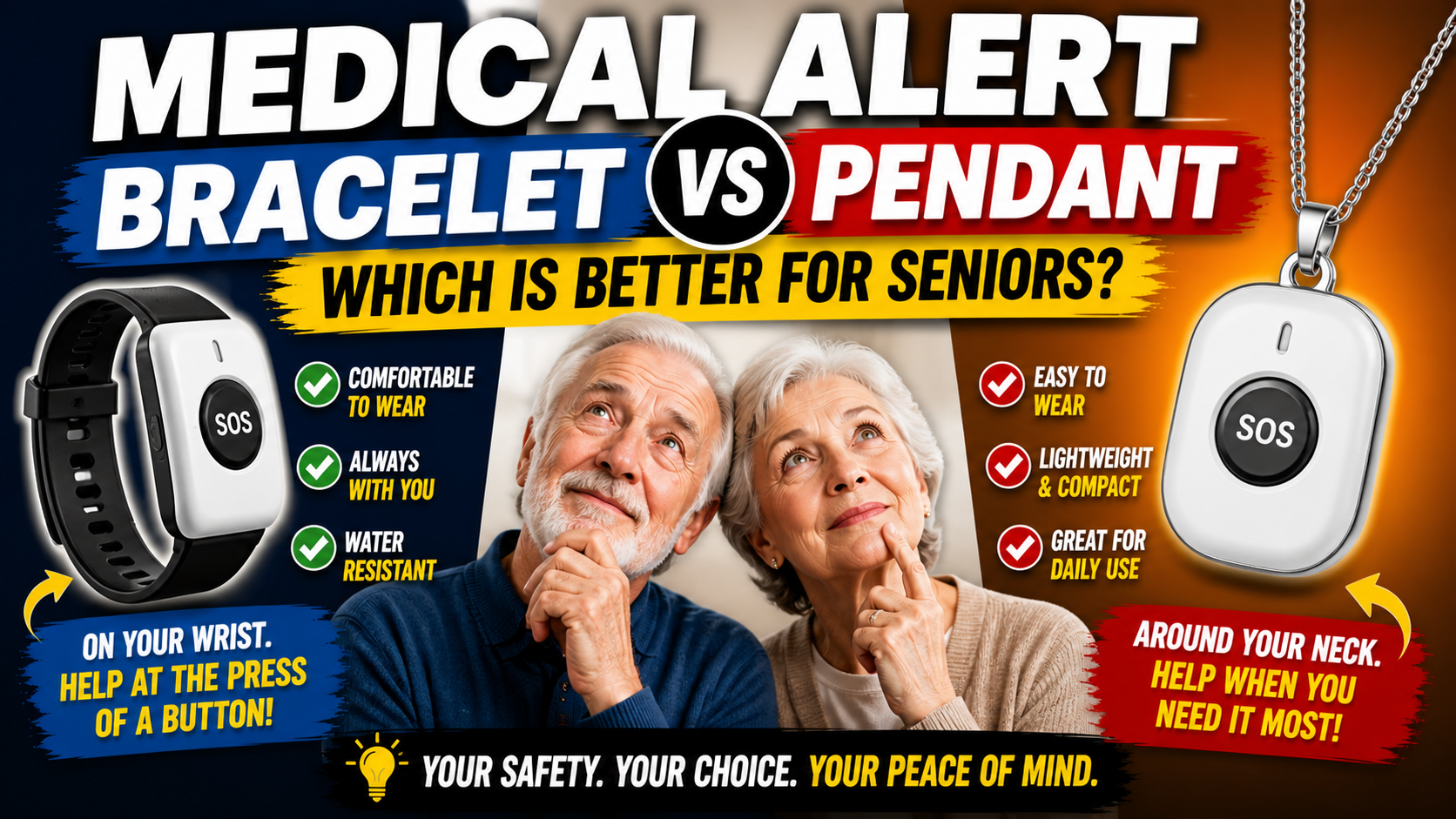
The format significantly affects wearing consistency. Traditional pendants are frequently left on the nightstand because they don’t feel like something to wear all day. A smartwatch format — something that looks and feels like a regular watch — gets worn with the same automaticity as any watch. The difference in consistent daily use is substantial.
The Best Medical Alert System for Seniors Living Alone
SecuLife Smartwatch — Automatic Fall Detection, GPS, SOS, Two-Way Calling
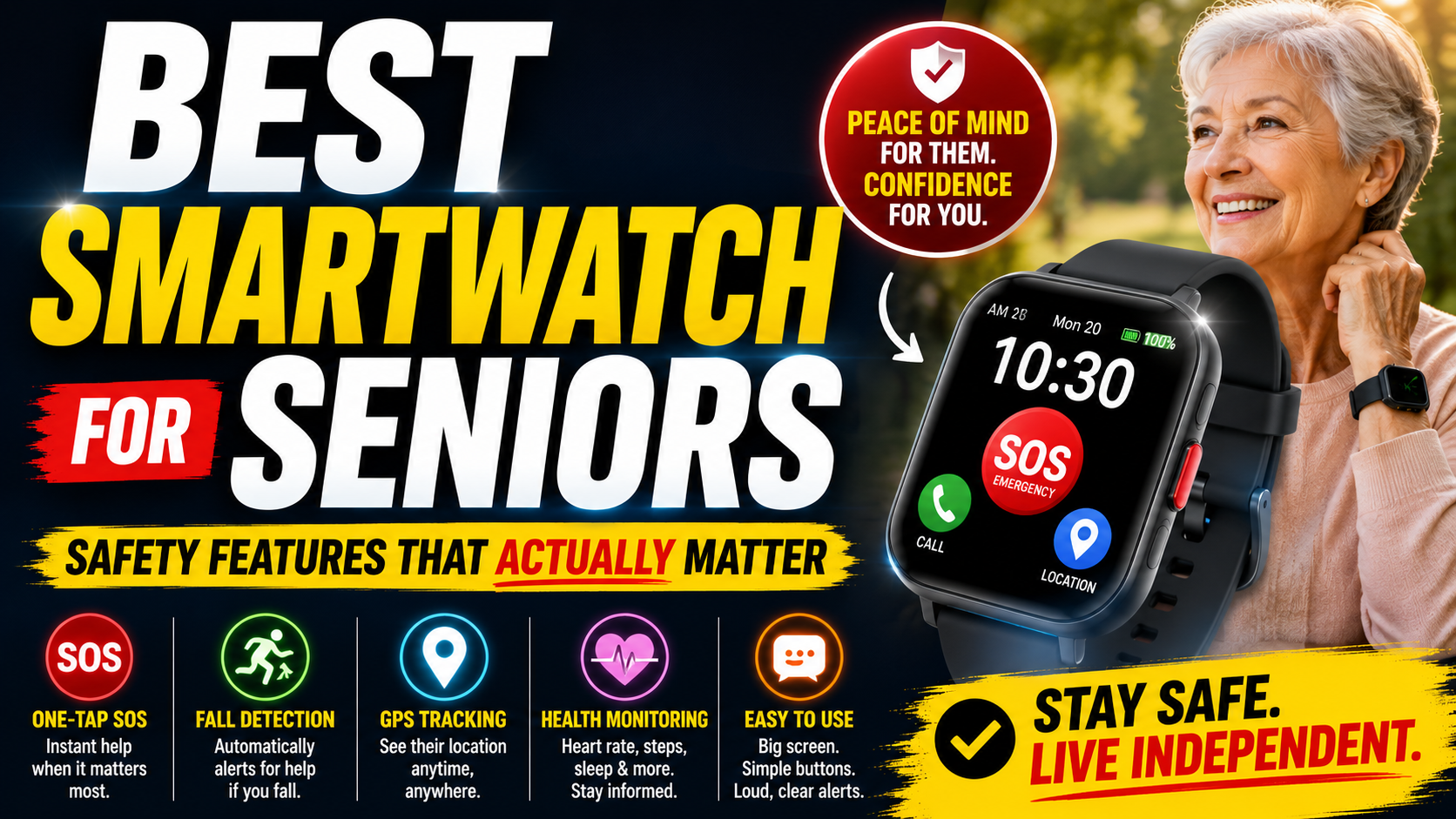
The SecuLife Smartwatch is the medical alert system we recommend for most seniors living alone — specifically because it addresses every feature that matters for solo living in a single wrist device that people actually wear.
→ See the SecuLife Smartwatch on Amazon
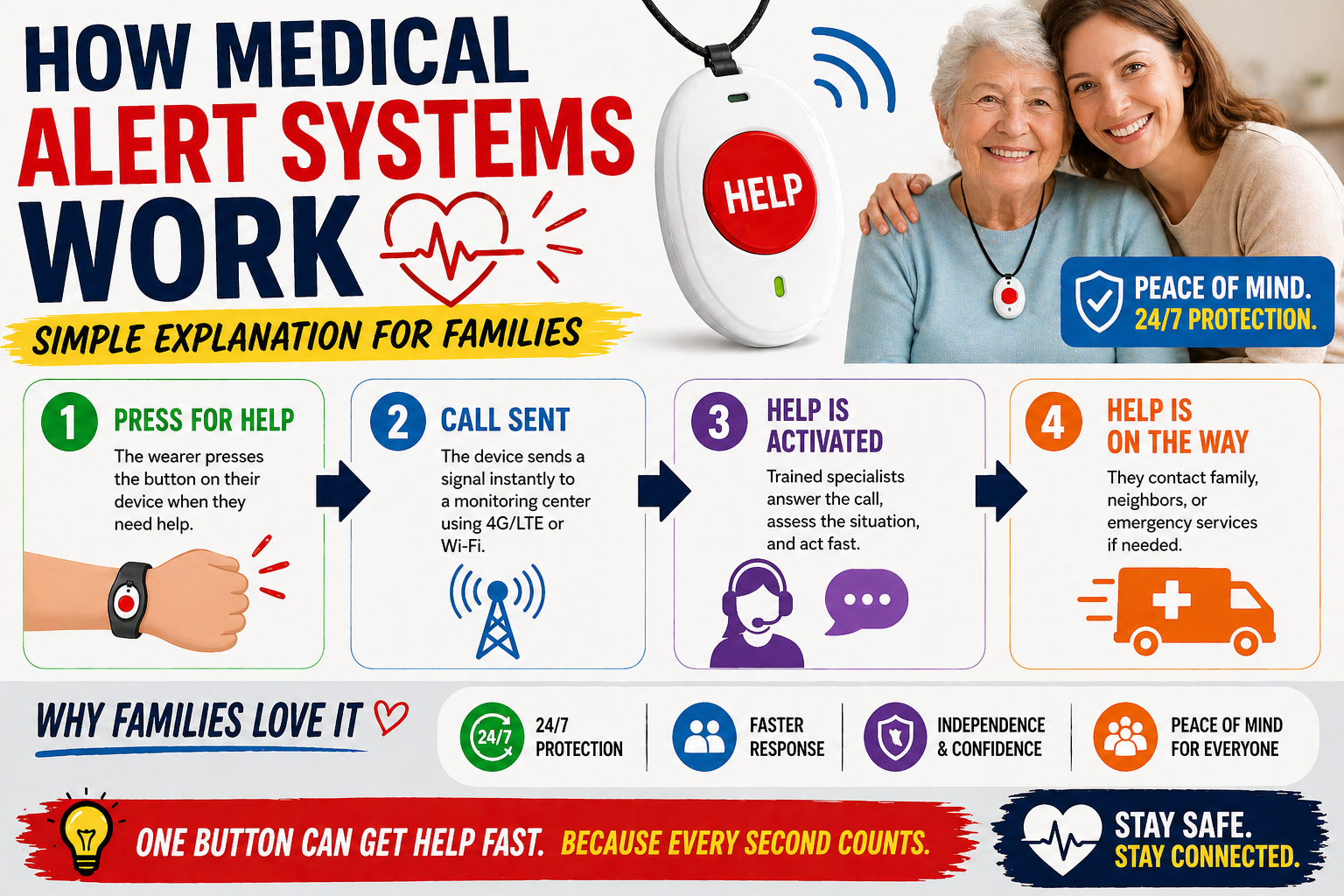
Automatic fall detection runs continuously in the background. No button press required. When a fall pattern is detected and there’s no response from the wearer, the alert goes out automatically to designated contacts. For someone living alone this is the feature that closes the gap between a fall happening and help arriving — even in the scenarios where the person is unable to do anything to help themselves.
Cellular GPS operation works independently of any phone or home base unit. Anywhere with cell coverage the SecuLife provides full protection — at home, in the backyard, at the grocery store, on a walk. The protection goes wherever the person goes, which for an active senior living alone means everywhere they need it.
Real-time GPS through the SecuPro companion app gives family members location visibility at any time. Check where your parent is without calling. Set geofencing boundaries and receive alerts if they leave a defined area — particularly valuable for anyone with early memory concerns. When an alert triggers, location is shared immediately with both designated contacts and the alert notification.
Two-way calling through the watch means communication is always possible from the wrist — regardless of where the phone is. For someone living alone who has fallen and can’t reach their phone, this feature is the difference between being able to speak with family or emergency services and not.
The smartwatch format is what makes all of this protection actually work in practice. A device that’s consistently worn provides consistent protection. The SecuLife looks like a regular smartwatch — there’s nothing about it that announces itself as a medical device. Seniors who have refused pendants for years — because of how they look, because of what they signal — routinely accept a smartwatch without significant resistance. And a worn device provides protection. An unworn device provides none.
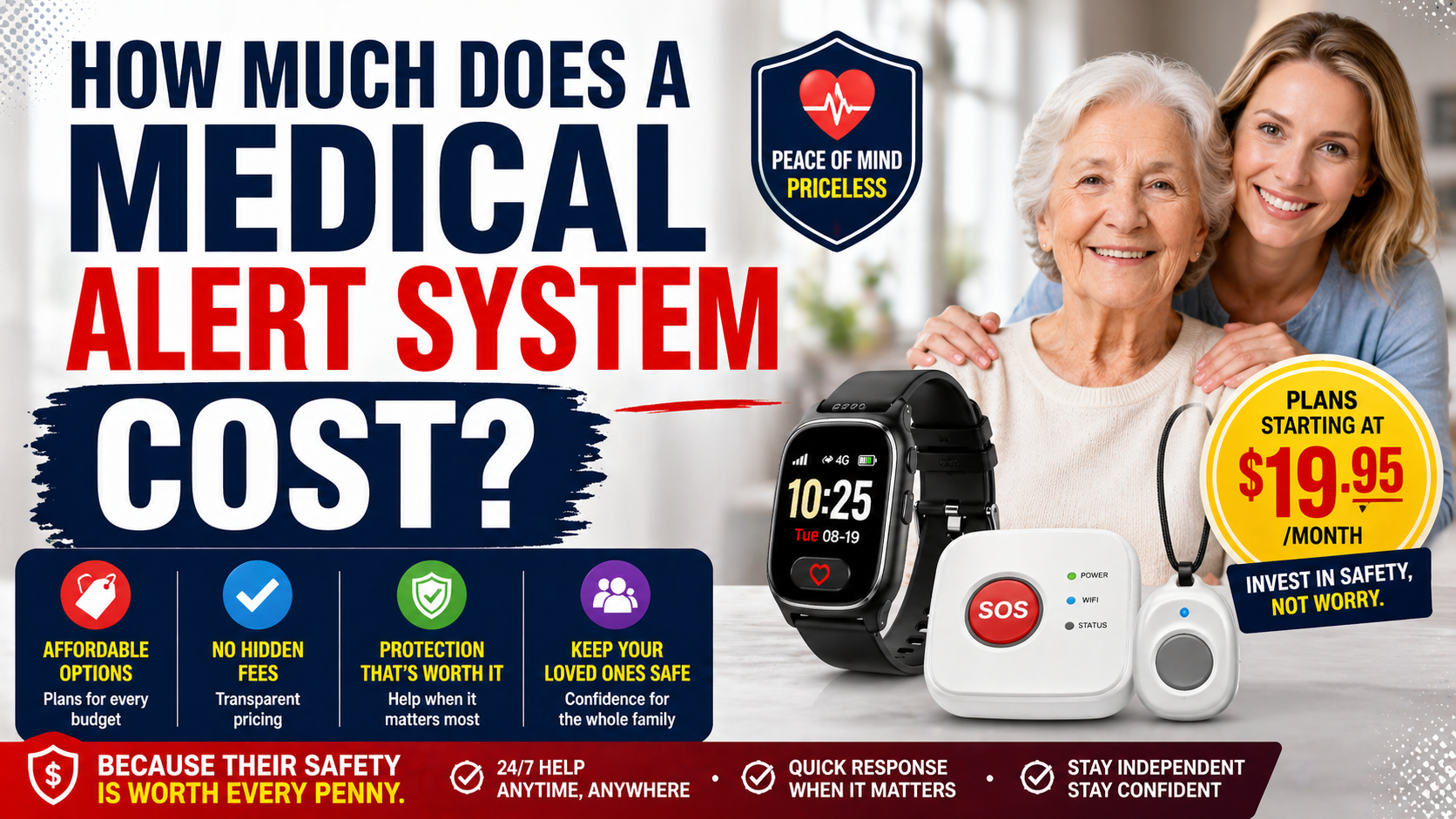
Service plans start at $20/month on the annual plan — less than most streaming services. All core features are included at every tier: fall detection, GPS, SOS, two-way calling, and family app access. No hidden add-on fees for fall detection or GPS. Our complete guide on how much a medical alert system costs breaks down the full pricing picture across all options.
→ Check current price and availability on Amazon
What Living Alone Specifically Requires From a Medical Alert System
Beyond the feature list, solo living creates several specific scenarios worth thinking through before choosing a system.
The 2am Bathroom Trip Scenario
Nighttime bathroom trips are one of the highest-risk fall scenarios for older adults — dark, half-asleep, sometimes urgent. For someone living alone this is a scenario where a fall could go undiscovered until morning or later.
A wrist device worn continuously — including through the night — provides protection during this scenario that a device left on the nightstand does not. The SecuLife’s daily charging routine — worn during the day, charged at night, back on in the morning — means it’s there during the nighttime trip for someone who develops the habit of wearing it from the moment they wake.
For the bedroom safety measures that work alongside a medical alert device our guide on senior bedroom safety tips for nighttime falls covers every modification worth making. Our review of the best bed rail for seniors covers the getting-out-of-bed support that reduces the nighttime fall risk in the first place.
The Outdoor Activity Scenario
Active seniors living alone don’t stay home. They walk, garden, drive, shop, attend appointments and activities. A home-based medical alert system leaves them unprotected the moment they leave. Cellular GPS operation that goes wherever they go is not an upgrade for active seniors — it’s the baseline requirement.
The Shower Scenario
The shower is the highest-risk room in the home and a base unit in the living room provides no protection there. A wrist device with water resistance goes into the bathroom with the person — present during the highest-risk daily activity. Our complete guide on safe shower setup for elderly adults covers every modification that reduces shower fall risk alongside the detection safety net.
The Medical Event Scenario
Falls aren’t the only emergency scenario for someone living alone. A cardiac event, a stroke, a severe hypoglycemic episode — any of these can leave a person unable to call for help in the same way a fall does. Automatic fall detection covers falls. The SOS button covers medical events where the person is conscious but needs help. Two-way calling allows communication with emergency services. The combination covers the major emergency scenarios that a solo-living senior faces.
Home Safety Alongside Medical Alert
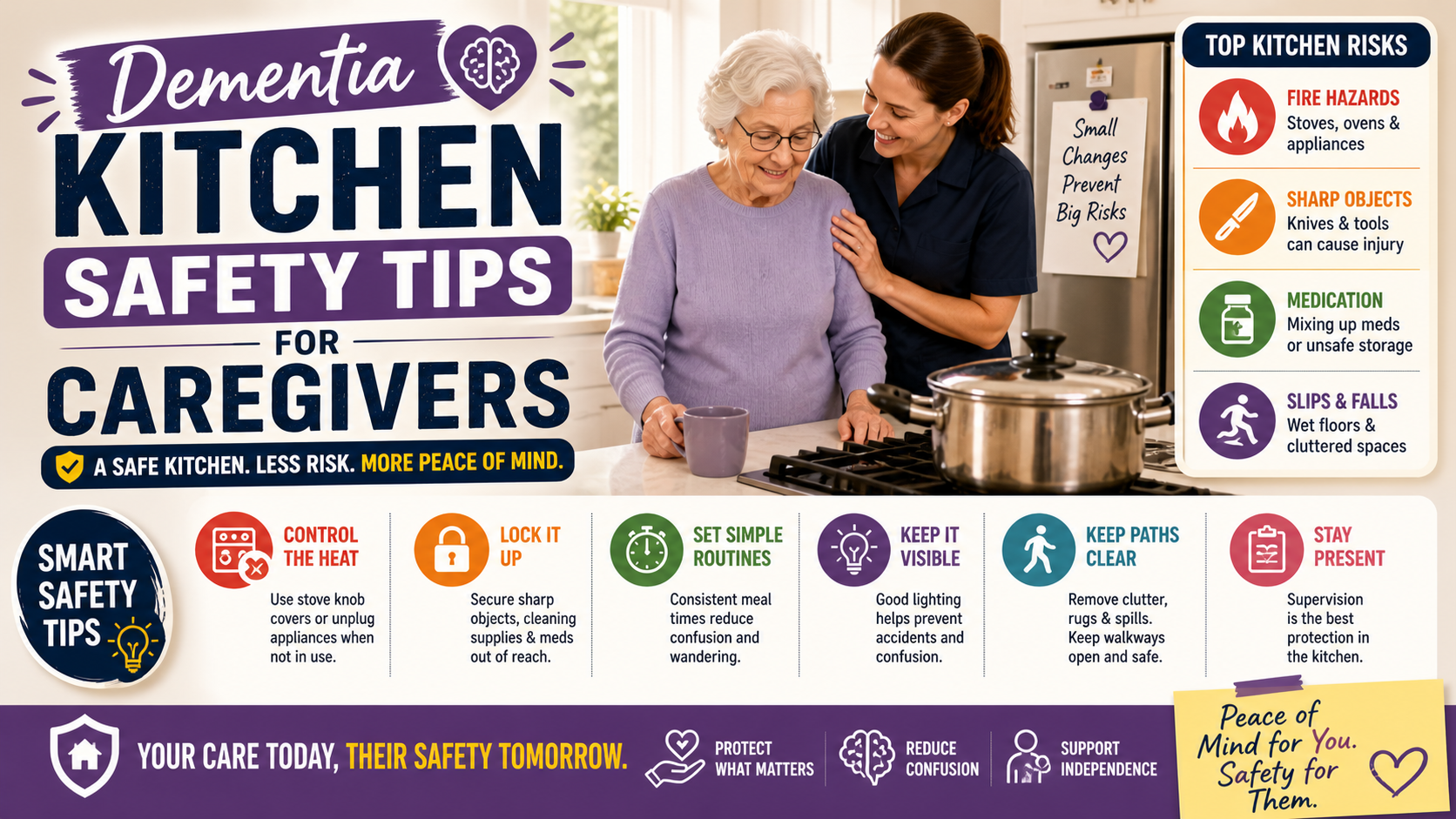
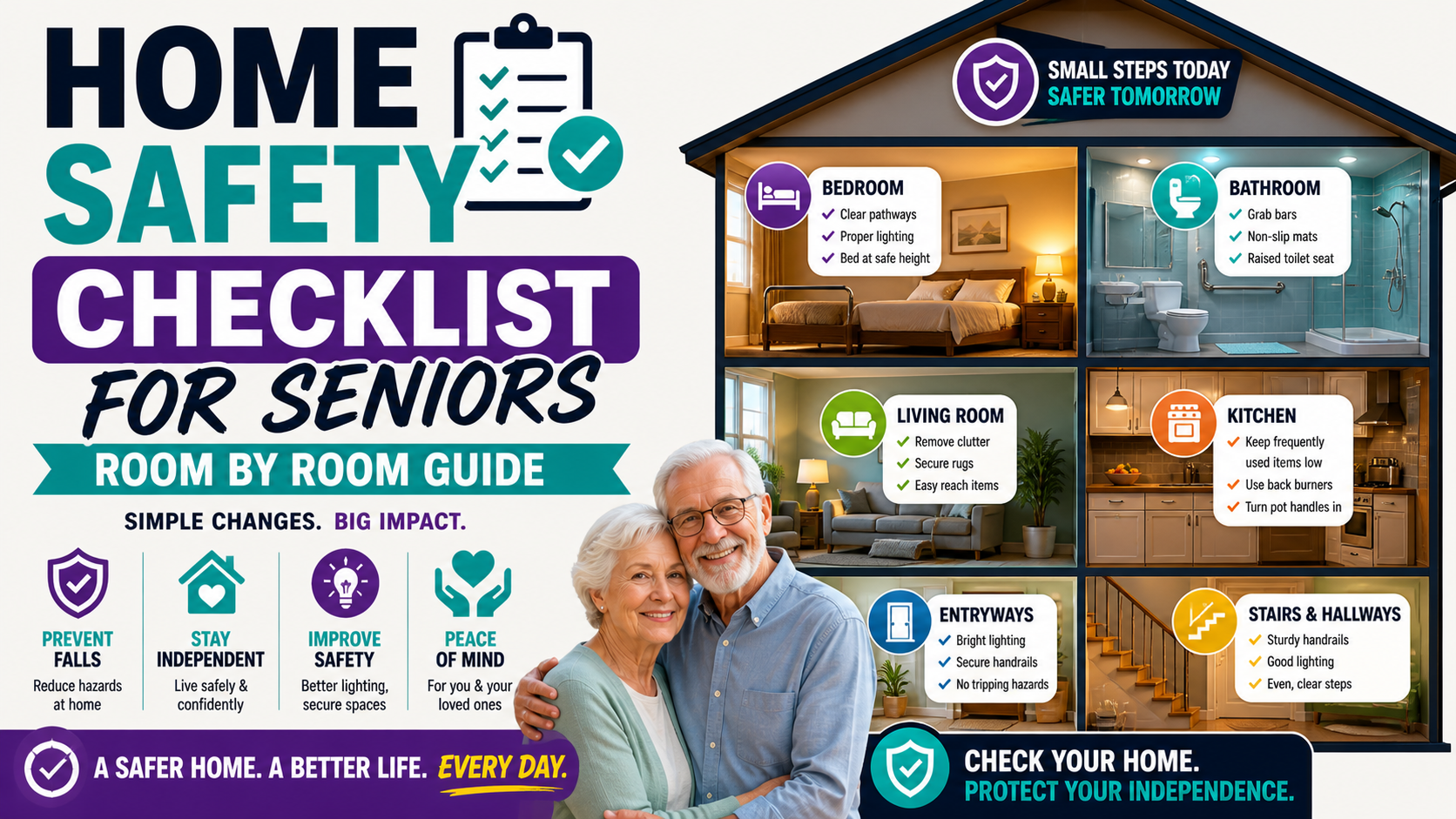
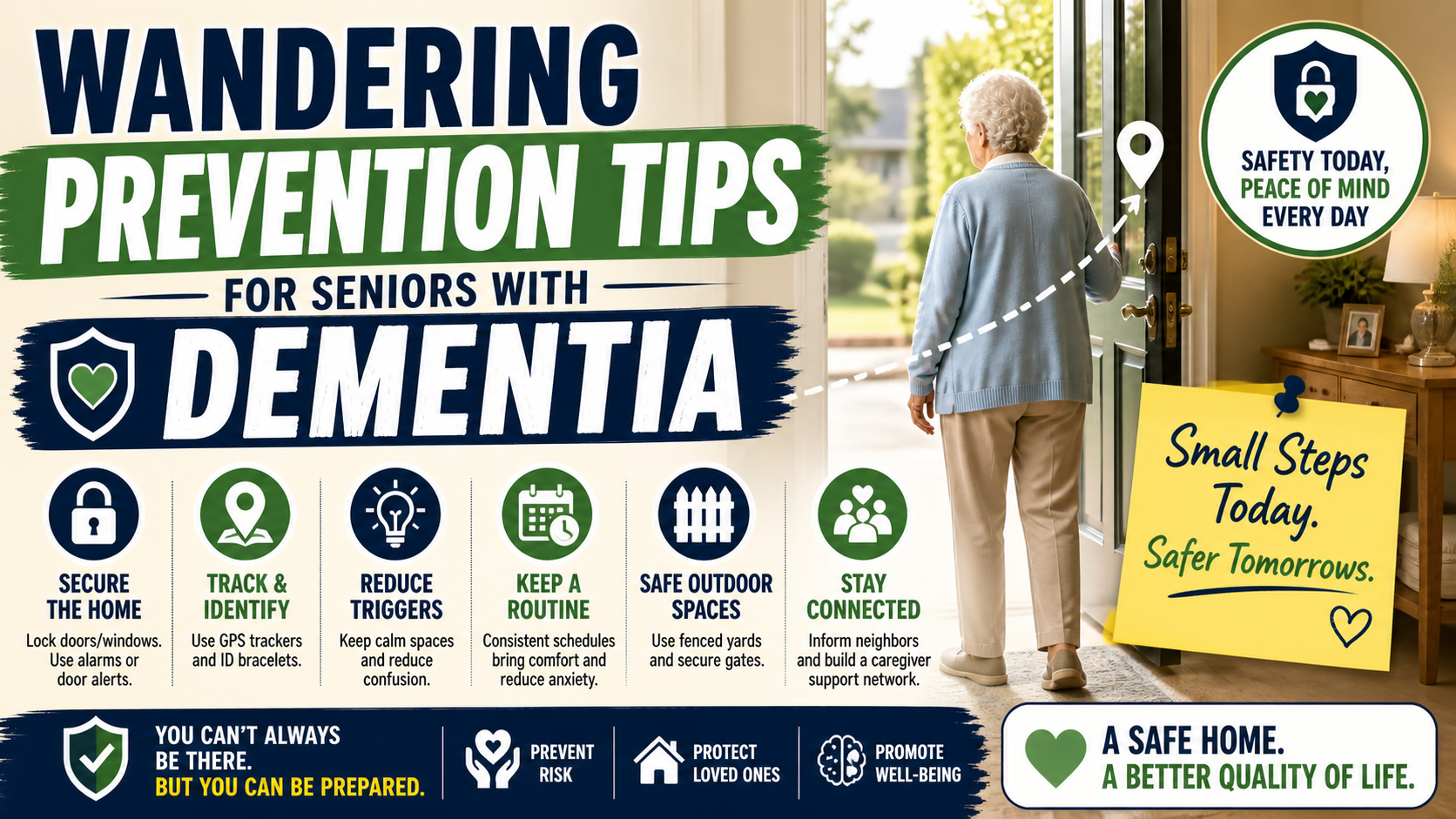
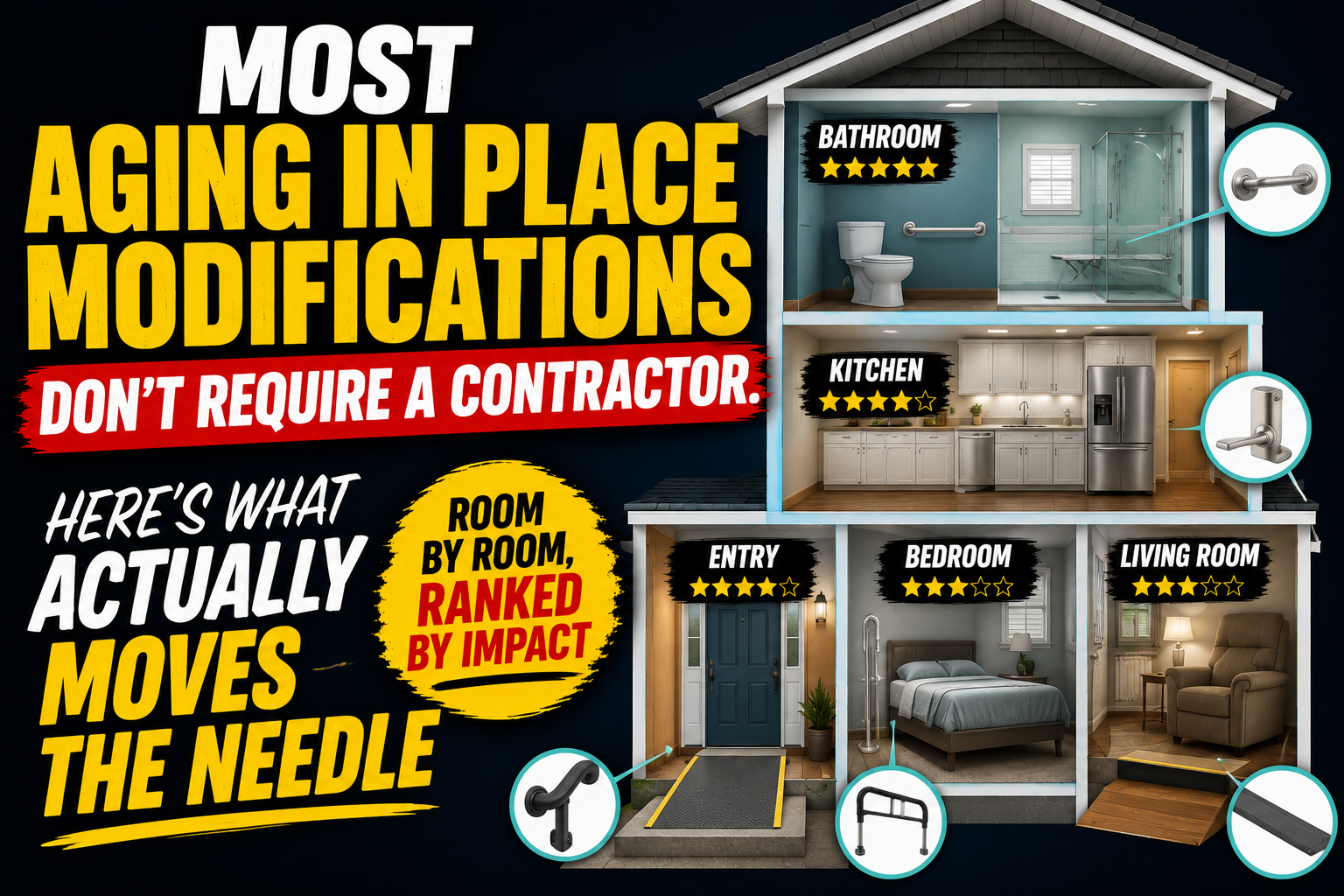
A medical alert system is the safety net for when something goes wrong. Home safety modifications are what reduce how often something goes wrong. Both matter — and for someone living alone, both are essential.
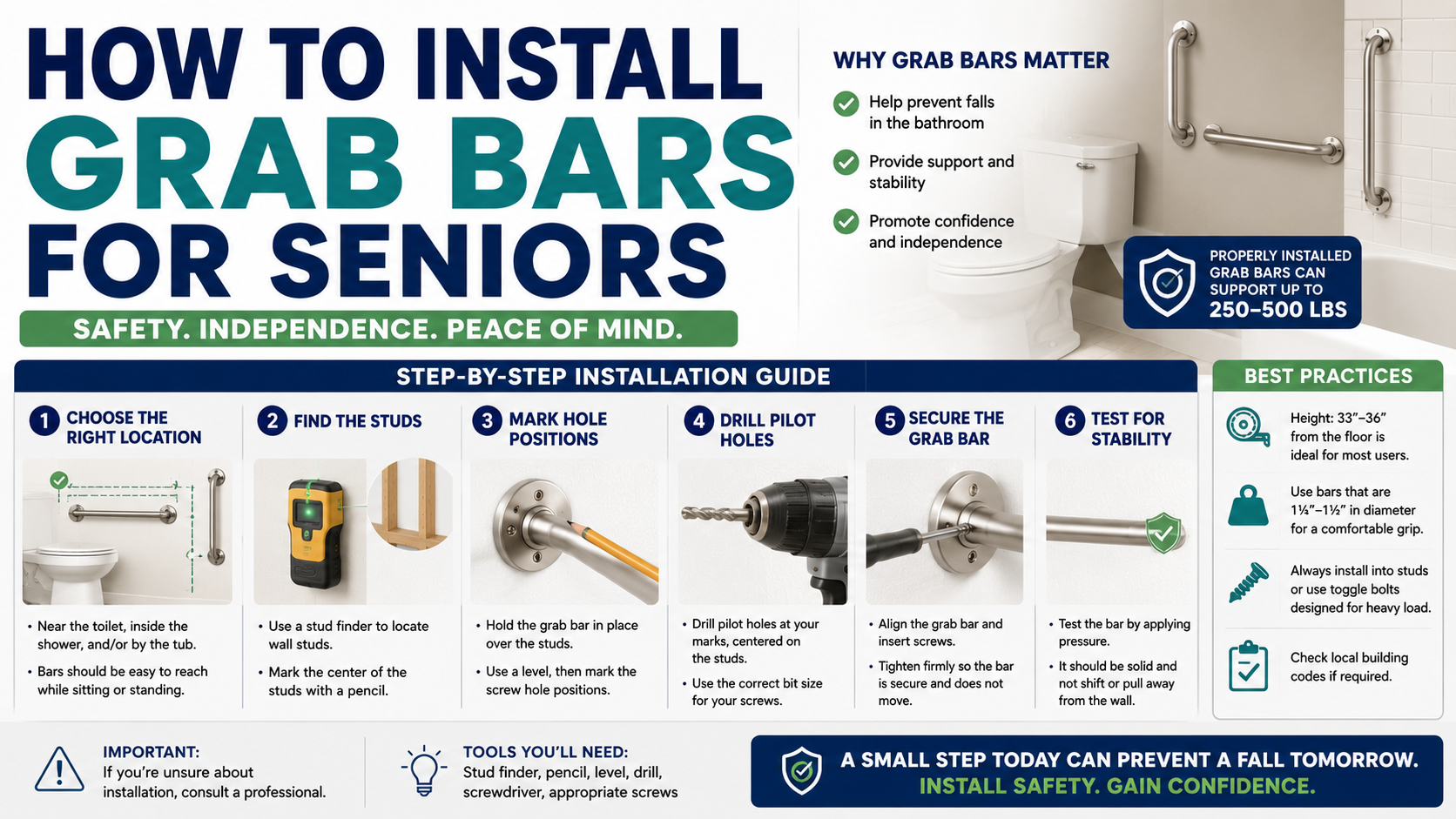
The bathroom modifications — grab bars, toilet safety rails, non-slip bath mat, shower chair — address the highest-risk room. Our guide on how to make a bathroom safer covers every upgrade worth making. Our reviews of the best grab bars and best toilet safety rails cover the specific products.
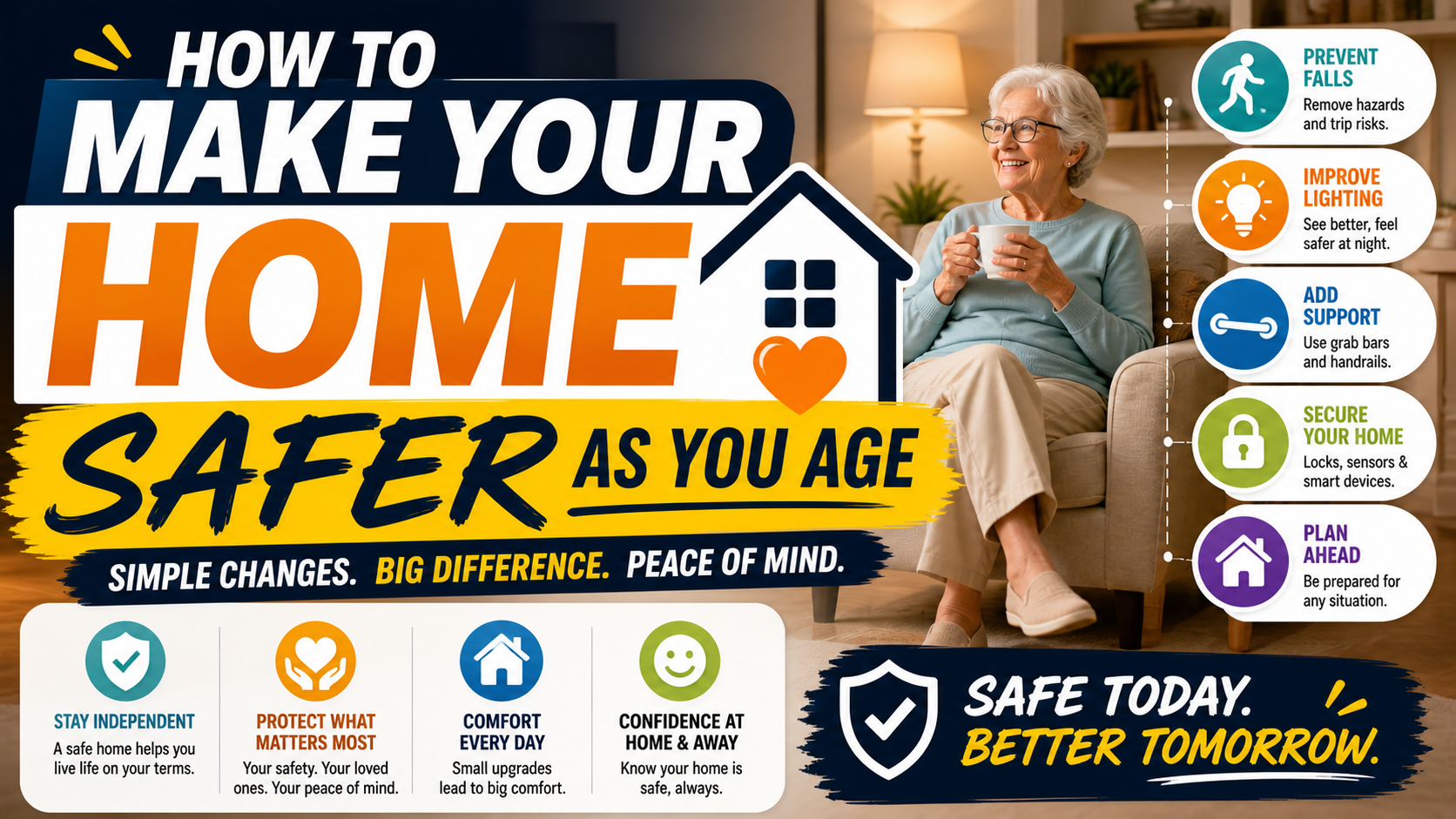
The complete home safety picture — every room, every modification in priority order — is covered in our guide on how to make your home safer as you age and our home safety checklist.
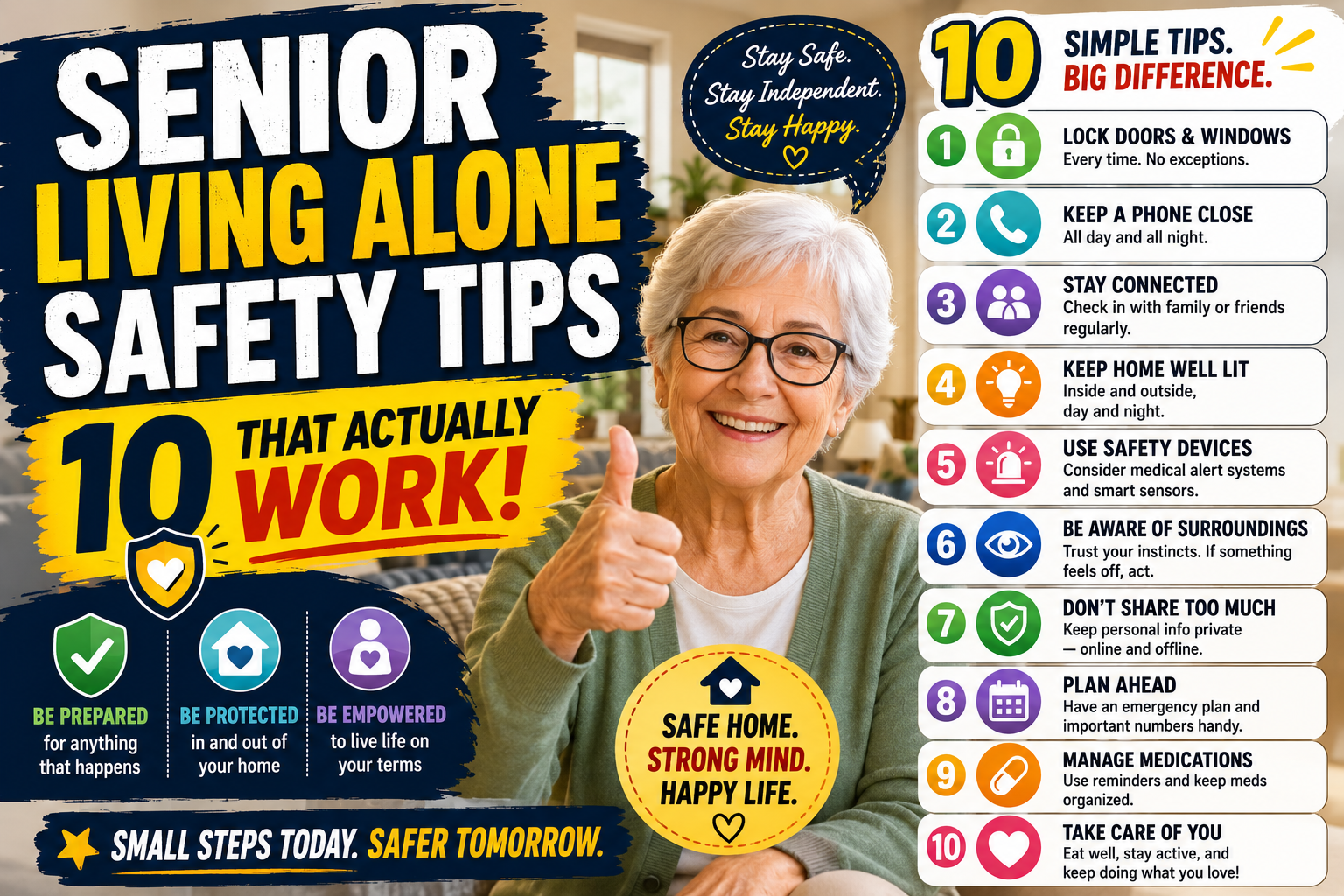
For adult children managing a parent’s solo living safety from a distance our comprehensive guide on how to help an elderly parent live safely alone covers every step — home modifications, technology, health management, legal planning, and the conversations that make it all happen.
How to Get a Resistant Senior to Use a Medical Alert Device
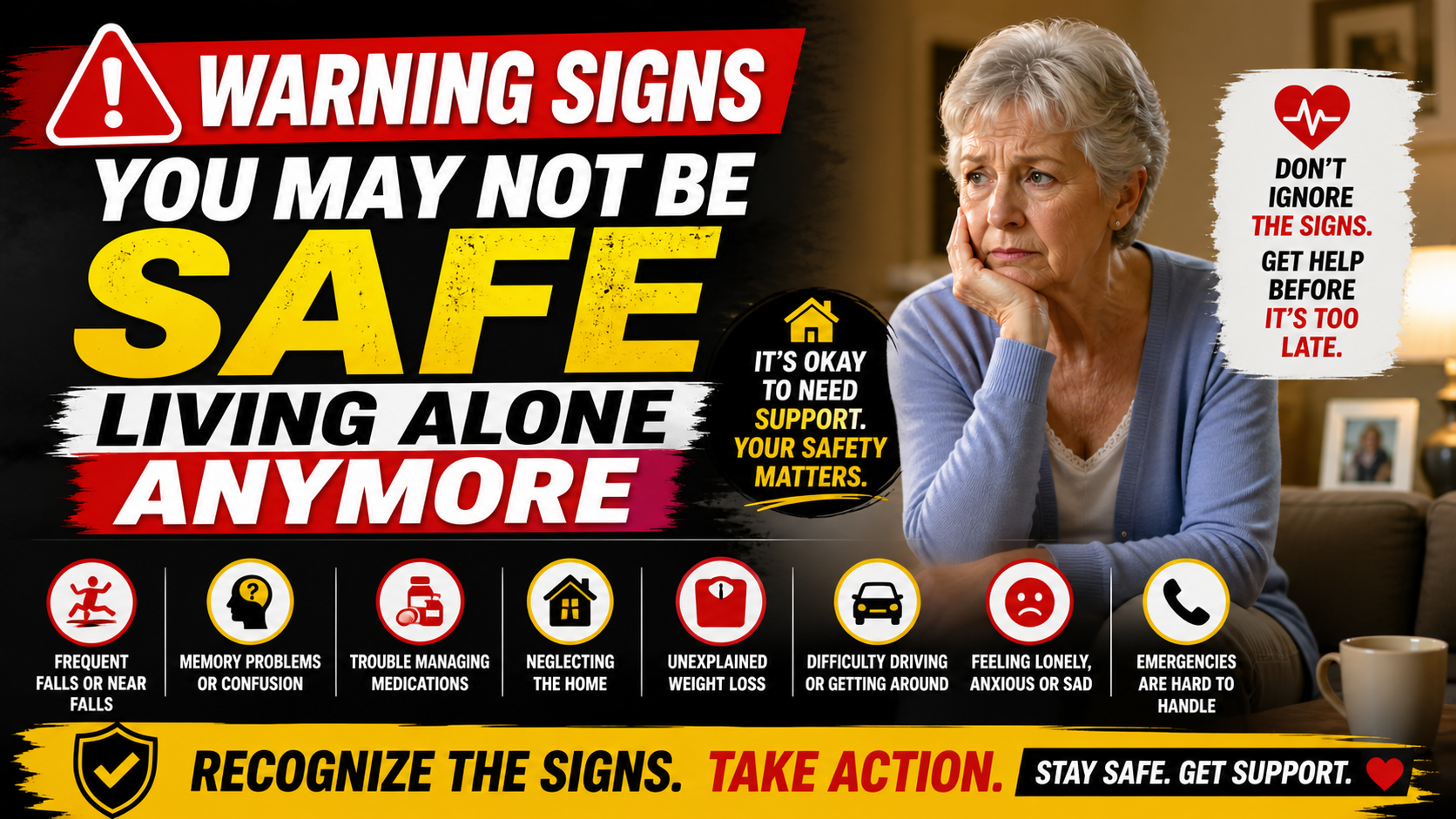
For many families the challenge isn’t choosing the right device — it’s getting the person who needs it to actually use it. Resistance is extremely common and almost always comes from one of a few specific places.
“I don’t need it.” The most common objection — and the hardest to address directly because arguing with it feels like arguing about their competence. The most effective response doesn’t argue. “You’re probably right that you don’t need it right now — that’s why it’s a good time to get comfortable with it before you do.” Framing early adoption as the smart choice rather than a concession to decline.
“It makes me feel old.” This is where the smartwatch format makes a decisive difference. There’s genuinely nothing about the SecuLife that announces itself as a medical device. Show it — don’t describe it. The visual of a regular-looking smartwatch does more persuasion work than any conversation.
“I don’t want you tracking me.” Deserves an honest response. Be specific about how the GPS would actually be used — checking in when you can’t reach them, not monitoring their every movement. Offer to set it up together so they can see exactly what information is visible and to whom.
Our guide on how to talk to a parent about a medical alert system covers every objection specifically — with the framings that actually work versus the ones that trigger defensiveness.
Medical Alert System vs Consumer Smartwatch — Which Is Right
A common question for seniors who already wear an Apple Watch or similar device: do they still need a dedicated medical alert system? The honest answer for someone living alone is almost always yes — or at minimum, the consumer smartwatch’s limitations need to be understood clearly before deciding it provides adequate protection.
Consumer smartwatches have fall detection — but it’s calibrated for a younger, more active population rather than specifically for senior fall patterns. They require a paired iPhone nearby for some functions. The emergency SOS sequence is more complex than a dedicated device. And the setup and ongoing maintenance complexity is meaningful for less tech-comfortable users.
Our detailed comparison of whether a smartwatch can replace a medical alert system covers every dimension of this comparison honestly — including when a consumer smartwatch is adequate and when a dedicated device is the right choice. For most seniors living alone the dedicated device provides more reliable protection in the scenarios that matter most.
Frequently Asked Questions
What’s the difference between the SecuLife and Life Alert for seniors living alone?
Life Alert and similar traditional systems typically use a home base unit with a pendant button — providing in-home coverage and connecting to a professional monitoring center. The SecuLife is a cellular smartwatch that works anywhere, provides automatic fall detection without a button press, and connects directly to designated family members rather than a call center. For active seniors who leave home regularly and whose family wants to be the primary contact, the SecuLife provides broader coverage at a lower monthly cost. For seniors who are largely homebound and prefer professional monitoring, traditional systems have their place. Our guide on medical alert bracelet vs pendant covers format differences in detail.
Does the SecuLife work if there’s no cell signal?
The SecuLife requires cellular coverage to send alerts and GPS data. In areas with poor or no cell coverage the device’s cellular functions won’t operate reliably. For seniors in rural areas with limited cell coverage, verify signal strength at the home location before purchasing. Most suburban and urban areas have adequate coverage for reliable operation.
How do I set up the SecuLife for a parent who isn’t tech-savvy?
Setup is done by the family member — not the parent who will be wearing it. Download the SecuPro app, activate the service plan, add emergency contacts, configure GPS and geofencing settings, and do a test run to confirm everything works. The parent’s only interaction with the device is wearing it and charging it nightly. Our full SecuLife review covers the setup process step by step.
Can the SecuLife call 911 directly?
The SecuLife contacts designated family members and emergency contacts when SOS is activated or a fall is detected. Emergency services can be included as a designated contact. The device is not a direct 911 dialer in the same way some traditional systems are — the alert goes to designated contacts who can then call 911 or assess the situation and respond appropriately.
What happens if my parent falls and the fall detection doesn’t trigger?
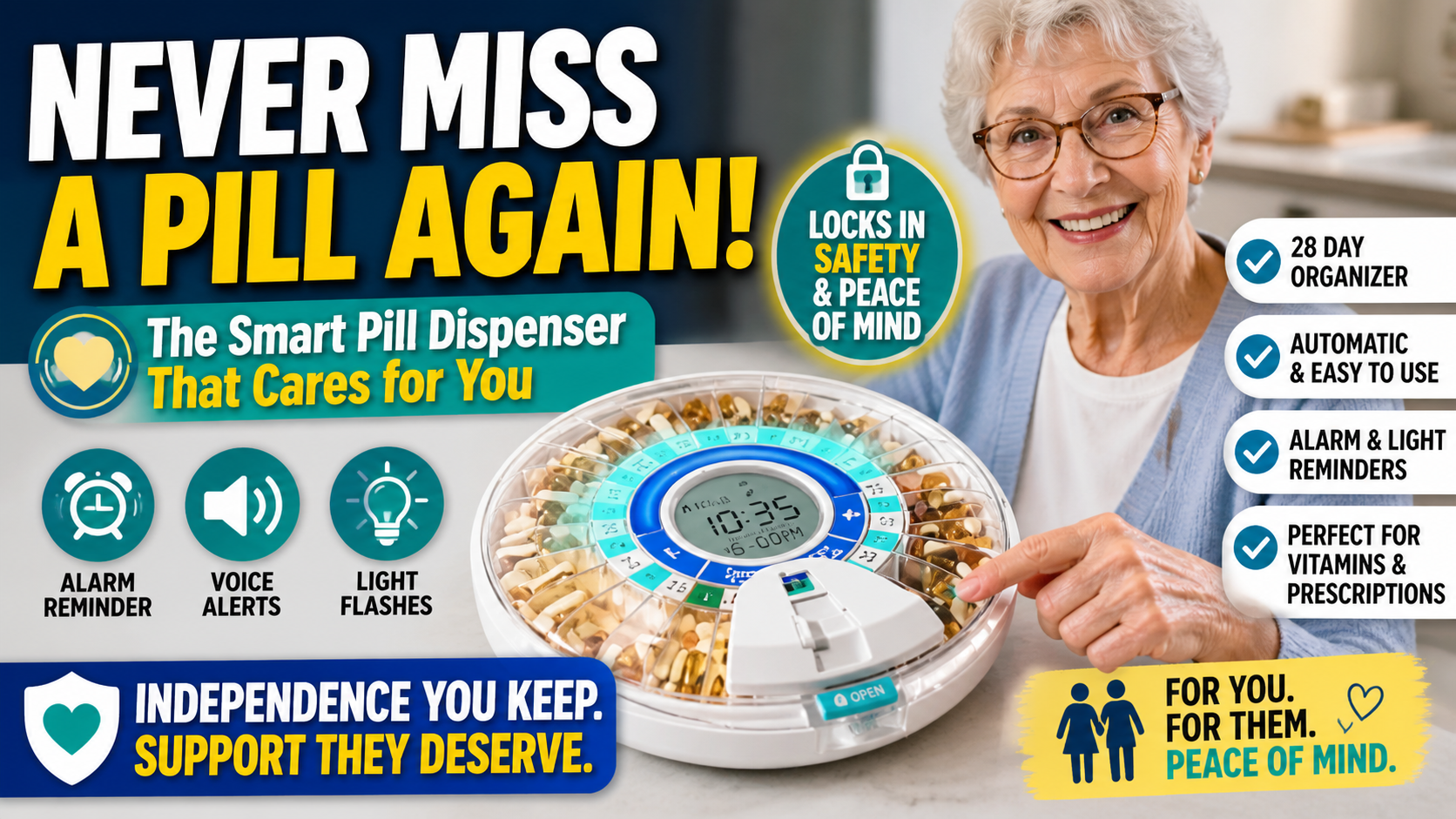
No fall detection system is infallible — some falls with unusual mechanics may not trigger automatic detection. This is why the SOS button is an important complement to automatic detection. If your parent is conscious after a fall they can press the SOS button. If detection doesn’t trigger and they can’t press the button, the check-in routine and neighbor awareness that we cover in our guide on how to help an elderly parent live safely alone provide the backup layer. A complete safety approach uses multiple overlapping layers rather than relying on any single measure.

The Most Important Decision for Solo Living Safety
For a senior living alone, a medical alert system with automatic fall detection isn’t one safety measure among many equally important ones. It’s the measure that determines what happens in the worst-case scenario — and for someone living alone, the worst-case scenario is exactly the one that needs to be planned for.
Every other home modification reduces the likelihood of a fall. The medical alert device determines what happens if one occurs anyway. Both matter. But for someone living alone, the safety net that calls for help automatically is the single most important safety investment available.
The SecuLife delivers that protection in a format seniors actually wear, at a price point that’s genuinely accessible, with GPS and two-way communication that work anywhere. For most seniors living alone it’s the answer to the question every family is really asking: what happens if something goes wrong and no one is there?
→ Get the SecuLife Smartwatch on Amazon — the medical alert system built for seniors living alone
About the Author
Margaret Holloway, RN spent 22 years in geriatric nursing watching the difference that medical alert systems made — and didn’t make — depending on whether they were worn, whether they had fall detection, and whether they worked beyond the walls of the home. She writes for Elder Safety Guide to give families honest guidance on the features that actually matter for real-world protection — particularly for the solo-living seniors who need that protection most.