Most smartwatches have fall detection listed in the specs. Few have it calibrated for senior use. Here’s what actually works and why it matters.
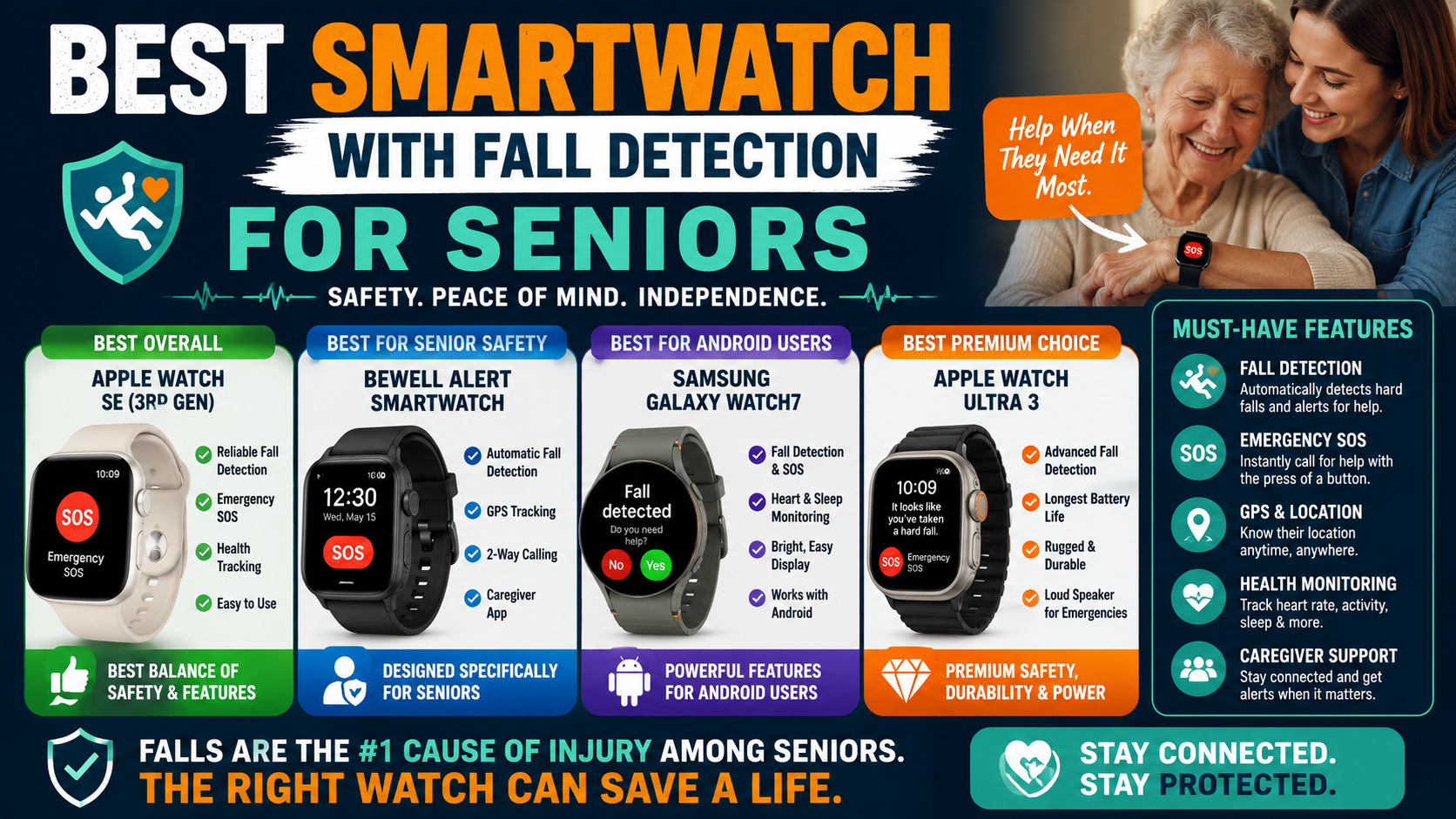
Fall detection is the feature that separates a smartwatch that looks good from one that actually protects. Most smartwatches marketed to seniors have it listed somewhere in the specs. Very few have it calibrated specifically for senior fall patterns — the slower movements, the lower-impact falls, the specific biomechanics of an older adult losing balance rather than a younger person dropping a phone.
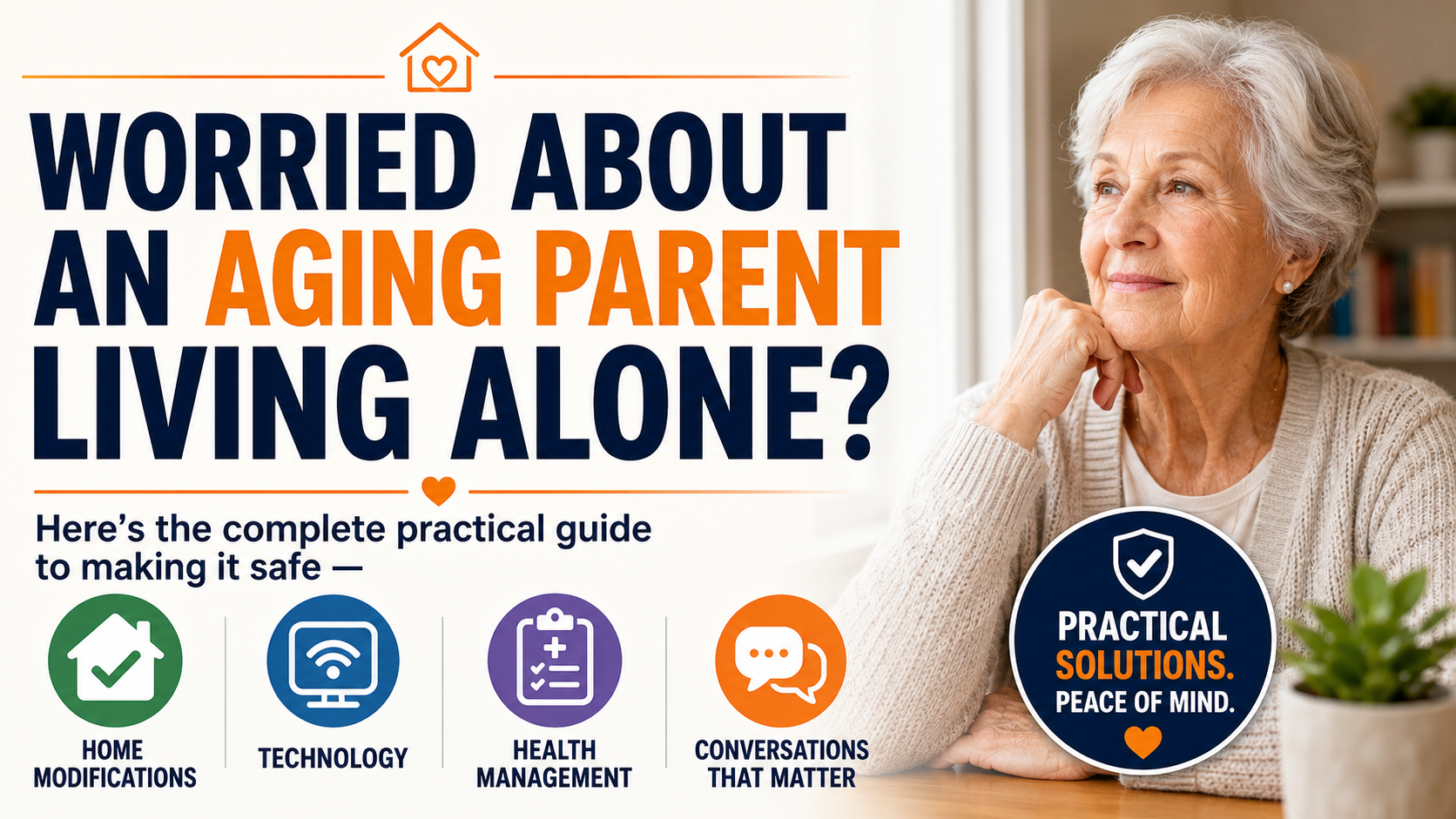
This guide covers exactly what fall detection in a smartwatch actually does, what makes one fall detection system better than another, and the specific option we recommend for seniors who need genuine protection rather than a feature checkbox. After evaluating fall detection, review the broader aging-in-place checklist to connect the device decision with other technology and support-system needs.
What Automatic Fall Detection Actually Does
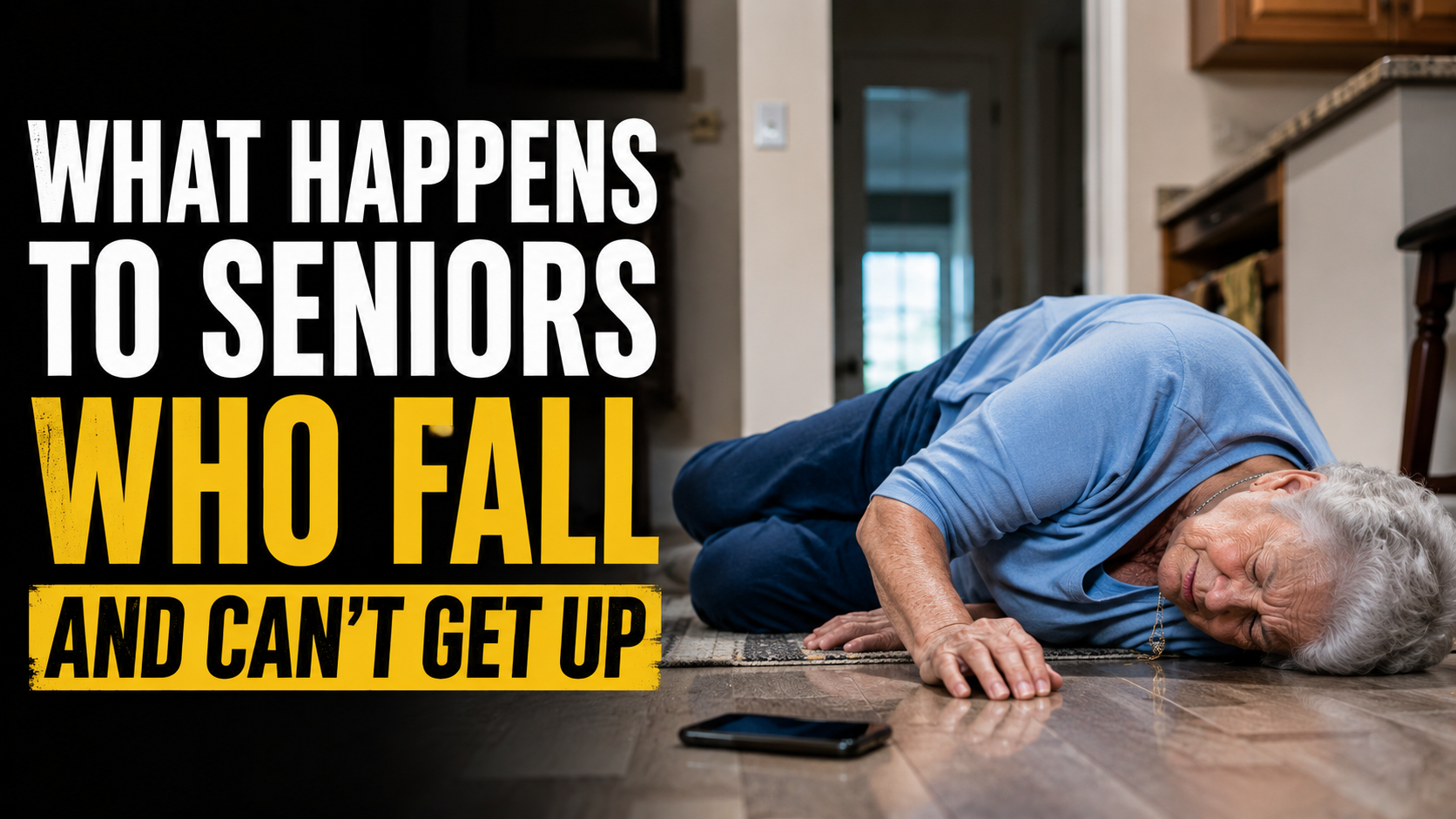
Fall detection uses the accelerometer and gyroscope built into the smartwatch to identify movement patterns consistent with a fall — a rapid downward acceleration followed by sudden impact, then stillness. When that pattern is detected the watch initiates an alert sequence.
The alert sequence matters as much as the detection. On the best systems the watch sounds an alarm and displays a prompt — giving the wearer a chance to cancel if the detection was a false positive. If there’s no response within a set window the alert goes automatically to designated emergency contacts with the GPS location of the device.
The critical word is automatically. A fall detection system that requires the person to press a button after falling provides no protection if the person is unconscious, disoriented, or simply can’t reach the button from where they’ve landed. Automatic detection that alerts without any required action is the only detection that works in every scenario — including the worst ones.
Why Most Smartwatches Fall Short for Seniors
Consumer smartwatches — Apple Watch, Samsung Galaxy Watch, Fitbit — have fall detection features. They also have significant limitations for senior-specific use that most reviews don’t address honestly.
Calibrated for Younger Users
Consumer smartwatch fall detection algorithms are developed and tested primarily on younger, more active populations. The fall patterns of a 78-year-old losing balance while getting out of bed are biomechanically different from the falls those algorithms are optimized for. The result is both false negatives — missing actual falls — and false positives — alerting on normal activities — at rates that undermine reliability for senior use.
Monthly Fees and Complexity
Getting full fall detection functionality from a consumer smartwatch — including the cellular connectivity that makes alerts work away from home Wi-Fi — requires multiple subscriptions and service agreements that add up quickly. The interface complexity of a full consumer smartwatch is also a barrier for many older adults who want protection without a learning curve.
No Two-Way Calling
Many consumer smartwatches with fall detection don’t include two-way calling from the watch itself — meaning when an alert fires, family can’t speak directly with the person through the watch to assess the situation. Two-way calling is the feature that allows a family member to hear their parent’s voice, determine whether they need emergency services or just help getting up, and provide reassurance while help is on the way.
The SecuLife Smartwatch — Built Specifically for This
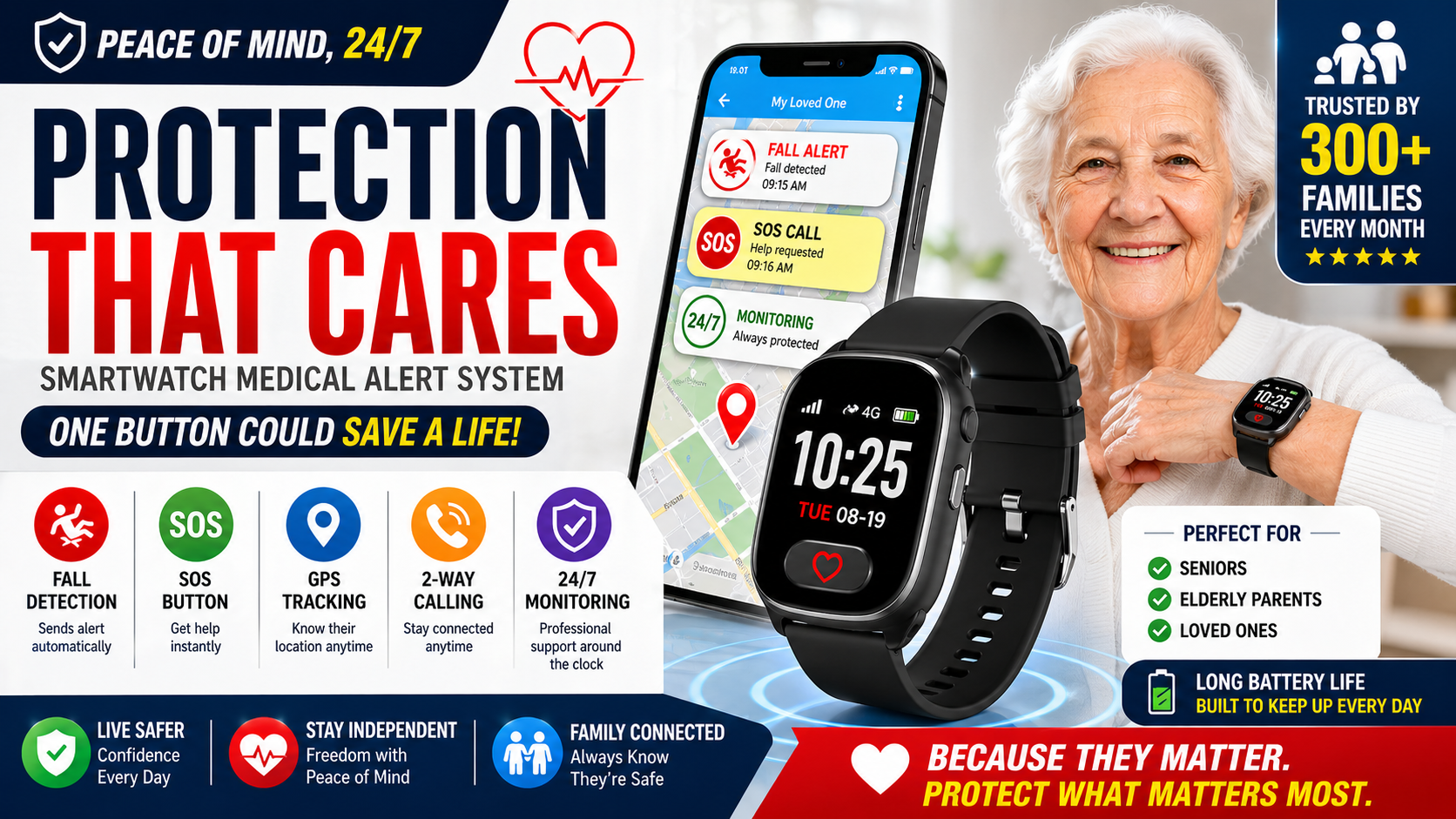
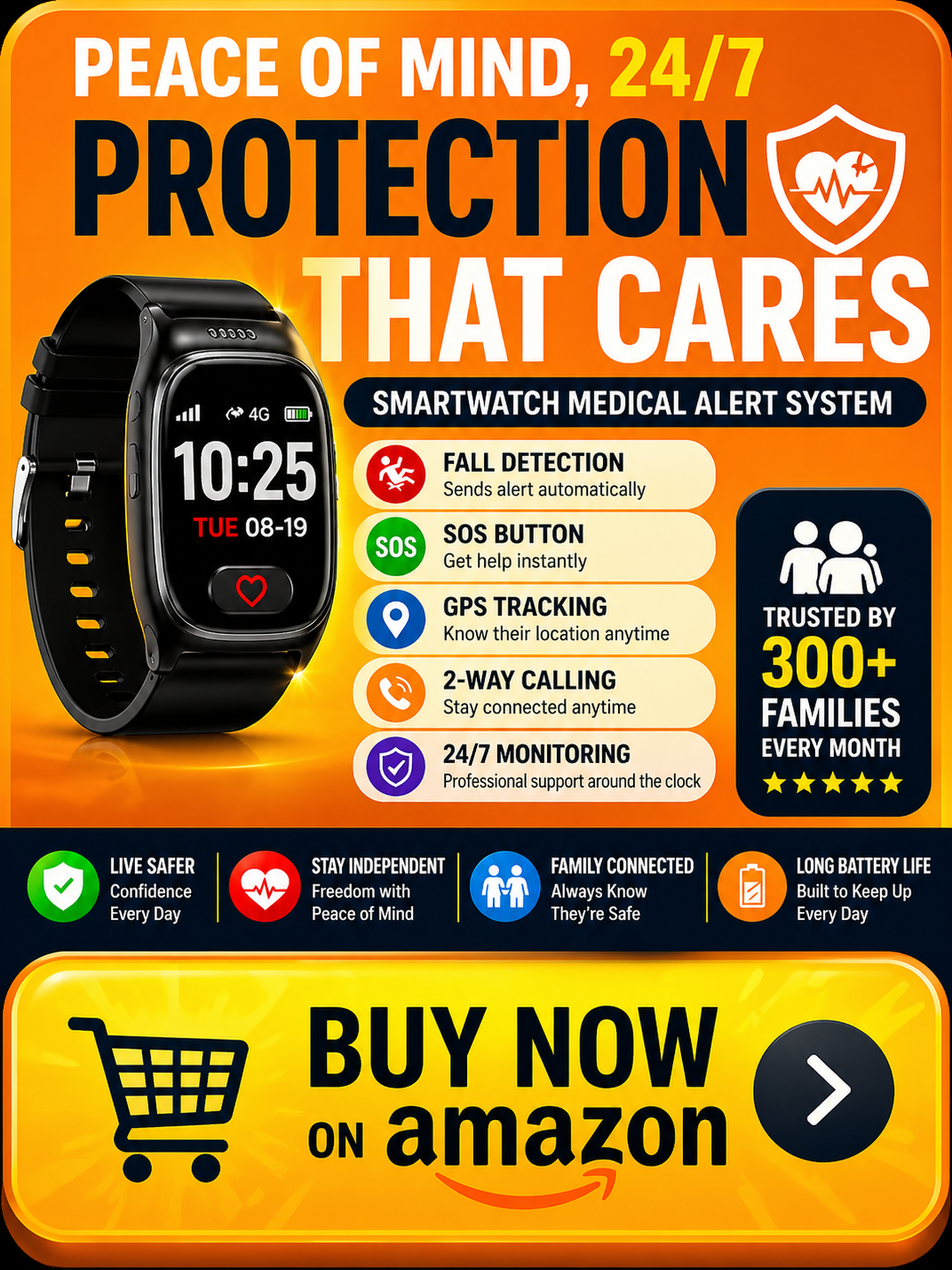
The SecuLife is the option we recommend throughout this site — and the reason is specific, not general. It was designed for senior safety rather than adapted from a consumer device. That design intent shows in the features that matter most for fall detection specifically.
→ Get the SecuLife Smartwatch on Amazon
Automatic Fall Detection Calibrated for Seniors
The SecuLife’s fall detection algorithm is calibrated for senior fall patterns — the movements that indicate an older adult has lost balance and fallen rather than simply moved quickly or sat down abruptly. This calibration reduces both false negatives and false positives compared to consumer smartwatch algorithms — producing detection that’s reliable enough to actually count on.
When a fall is detected the watch alerts immediately. If there’s no response within the set window the alert goes to all designated family contacts simultaneously — with real-time GPS location — without any action required from the person who has fallen.
Real-Time GPS — Anywhere
The SecuLife operates on its own cellular connection — independent of home Wi-Fi, independent of a paired phone. GPS tracking works anywhere with cell coverage. The morning walk. The grocery store. The bathroom at 2am. Fall detection and GPS alerts work in every location without any setup or configuration beyond the initial activation.
This is the feature that matters most for the outdoor fall scenario — a fall during a neighborhood walk, on the way to the mailbox, anywhere outside the home. A Wi-Fi-dependent system provides no protection the moment the person leaves the house. The SecuLife’s cellular connection provides protection everywhere.
Two-Way Calling From the Watch
When an alert fires a family member can call the watch directly and speak with the person — or hear what’s happening if they can’t speak. This two-way communication allows a family member to assess the situation before dispatching emergency services — often determining that the person needs help getting up rather than an ambulance, or providing reassurance while someone drives over.
Geofencing for Dementia Safety
For families managing dementia the SecuLife’s geofencing feature sends an automatic alert when the person crosses a defined geographic boundary — the home perimeter, a safe neighborhood area, wherever the safe zone is defined. The alert arrives when wandering begins, not after a missing person report has been filed. As covered in our guide on medical alert systems for seniors with dementia — GPS geofencing is the most important dementia-specific safety feature available in a wearable device.
SOS Button
Beyond automatic fall detection the SecuLife includes a manual SOS button for situations where the person recognizes they need help but hasn’t fallen — chest pain, dizziness, a medical event that isn’t a fall. Pressing and holding the button triggers the same alert sequence as automatic detection — contacts notified, GPS location shared, two-way call initiated.
Looks Like a Regular Watch
Compliance — actually wearing the device consistently — is the variable that determines whether fall detection protects or sits on the nightstand. The SecuLife looks like a contemporary smartwatch rather than a medical device. For older adults who resist wearing something that announces their vulnerability this matters. A device worn consistently because it looks like a normal watch provides more protection than a medically optimal device worn occasionally.
SecuLife vs Apple Watch for Fall Detection
The Apple Watch has fall detection. For many older adults it’s the first option families consider because it’s a familiar brand. Here’s the honest comparison on the features that matter specifically for senior fall protection.
As covered in our complete guide on medical alert watch vs Apple Watch for seniors — the Apple Watch’s fall detection is calibrated primarily for active users, requires a paired iPhone for full functionality, and adds significant interface complexity for someone who wants protection without a learning curve. The SecuLife’s single-purpose design — built for senior safety rather than adapted from a general consumer device — produces more reliable detection with less complexity for this specific use case.
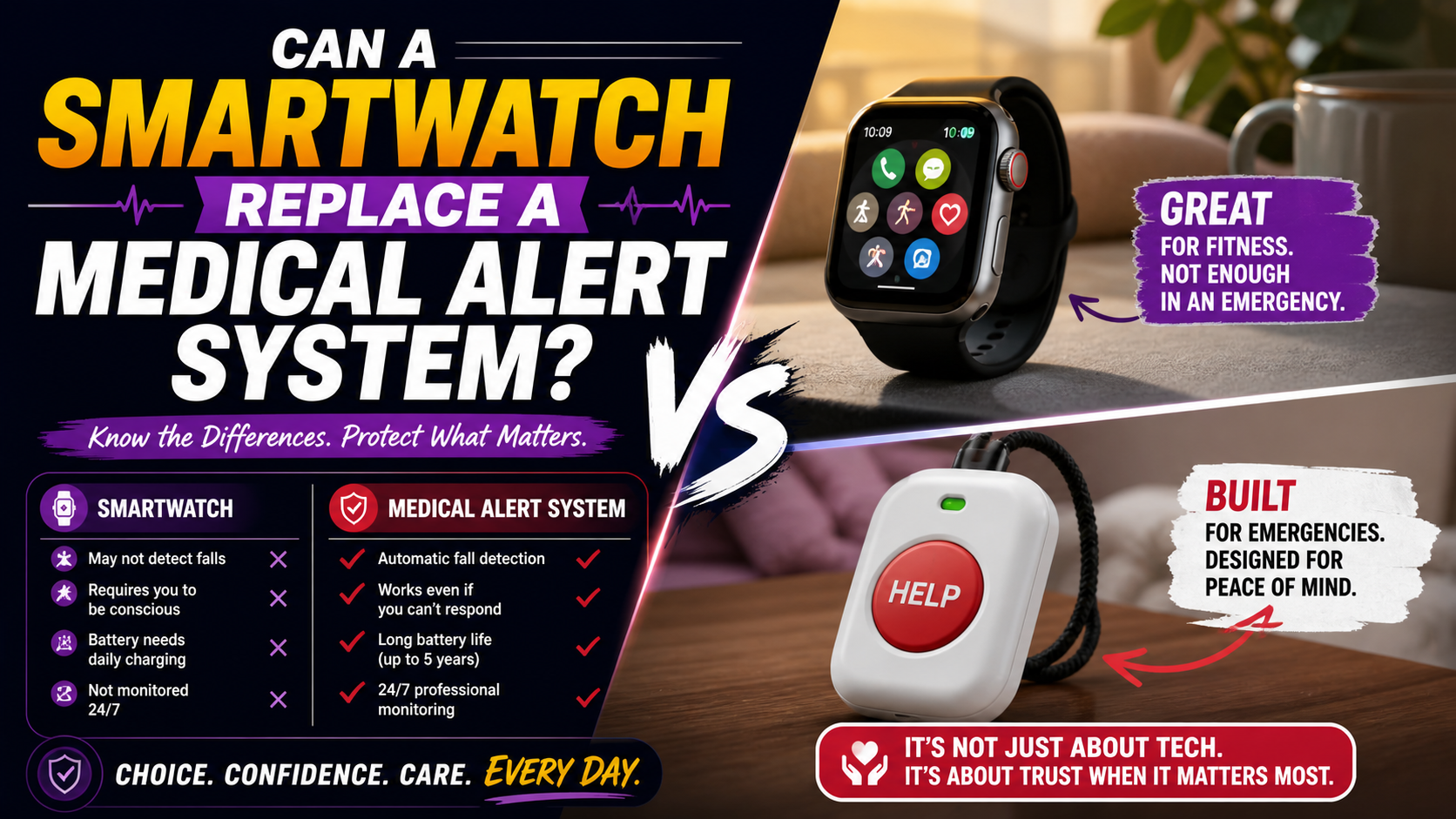
For families deciding between the two our guide on can a smartwatch replace a medical alert system covers the full comparison honestly.
How to Set Up the SecuLife for Maximum Protection
Setup is done by the family member — not the person wearing the device. This matters because it means the person being protected doesn’t need to configure anything, manage anything, or understand the technology. They put on the watch. The protection runs.
- Download the SecuPro app and create a family account
- Activate the cellular service plan
- Add all emergency contacts — everyone who should receive alerts
- Configure geofencing boundaries if dementia is a concern
- Set fall detection sensitivity appropriate for the person’s activity level
- Test — confirm GPS is accurate, confirm alerts reach all contacts, confirm two-way calling works
- Establish the daily charging routine — charge every night, on every morning as part of dressing
The charging routine is the most important daily habit. A dead watch provides no fall detection. Charging every night and putting it on every morning as part of the getting-dressed routine ensures the device is present during every high-risk moment of every day.
Who the SecuLife Is Right For
- Seniors living alone — the gap between a fall and discovery is determined entirely by what detection is in place. For solo-living older adults the SecuLife is the measure that closes that gap. Our guide on best medical alert system for seniors living alone covers the complete solo-living safety picture.
- Seniors with a history of falls — a first fall more than doubles the risk of a second. After a fall the SecuLife is the most important single measure to get in place before the next one.
- Seniors with dementia — automatic detection that doesn’t require any action from the wearer, GPS geofencing for wandering protection.
- Active seniors who spend time outdoors — cellular GPS works anywhere, not just within range of a home base unit.
- Seniors who have resisted pendant-style alert devices — the watch format leverages the habitual watch-wearing behavior that most older adults maintain regardless of other cognitive or physical changes.
The Safety Net Alongside Fall Prevention
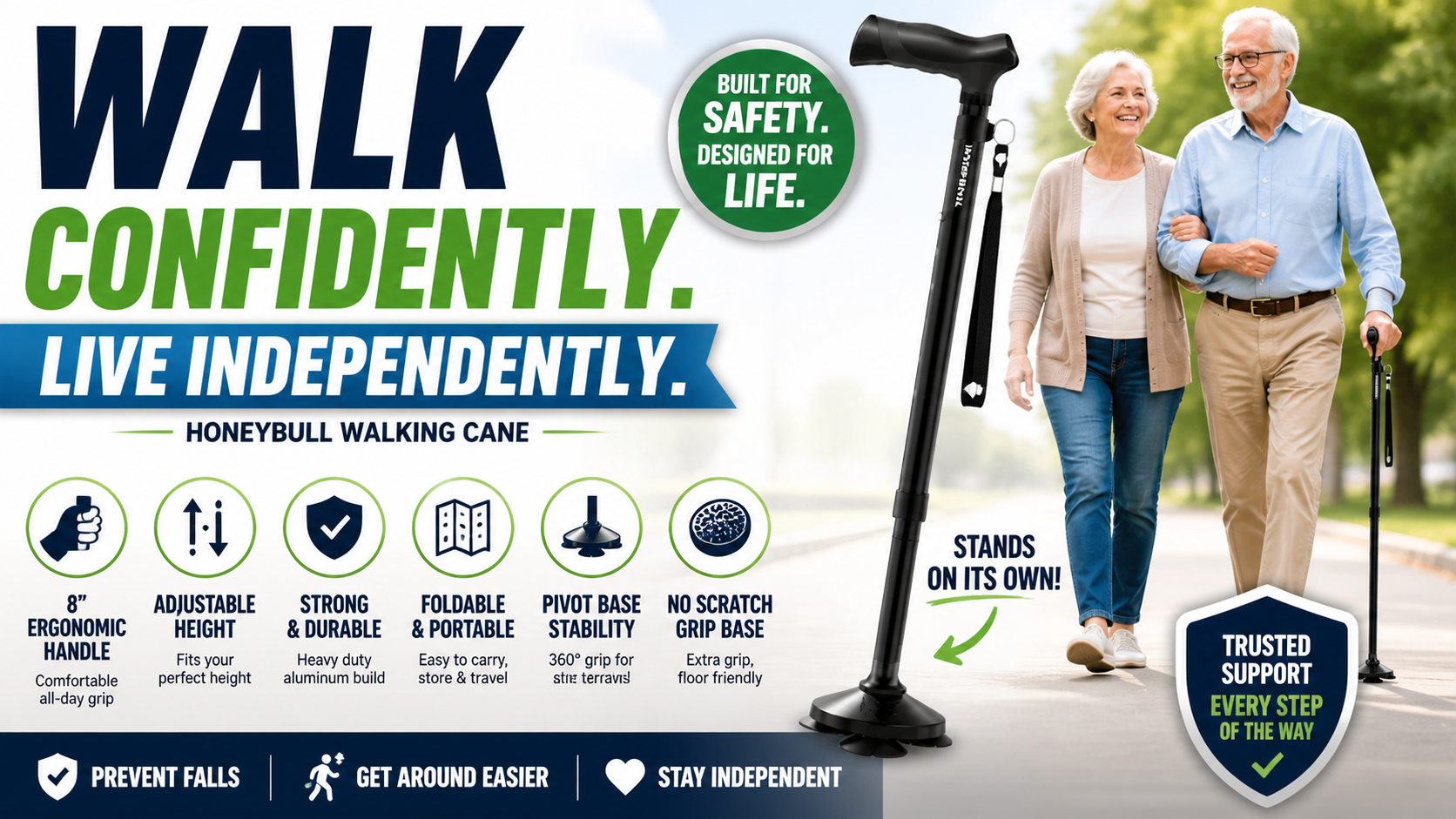
The SecuLife doesn’t prevent falls — it determines what happens when one occurs. The home modifications that prevent falls work alongside it rather than instead of it.
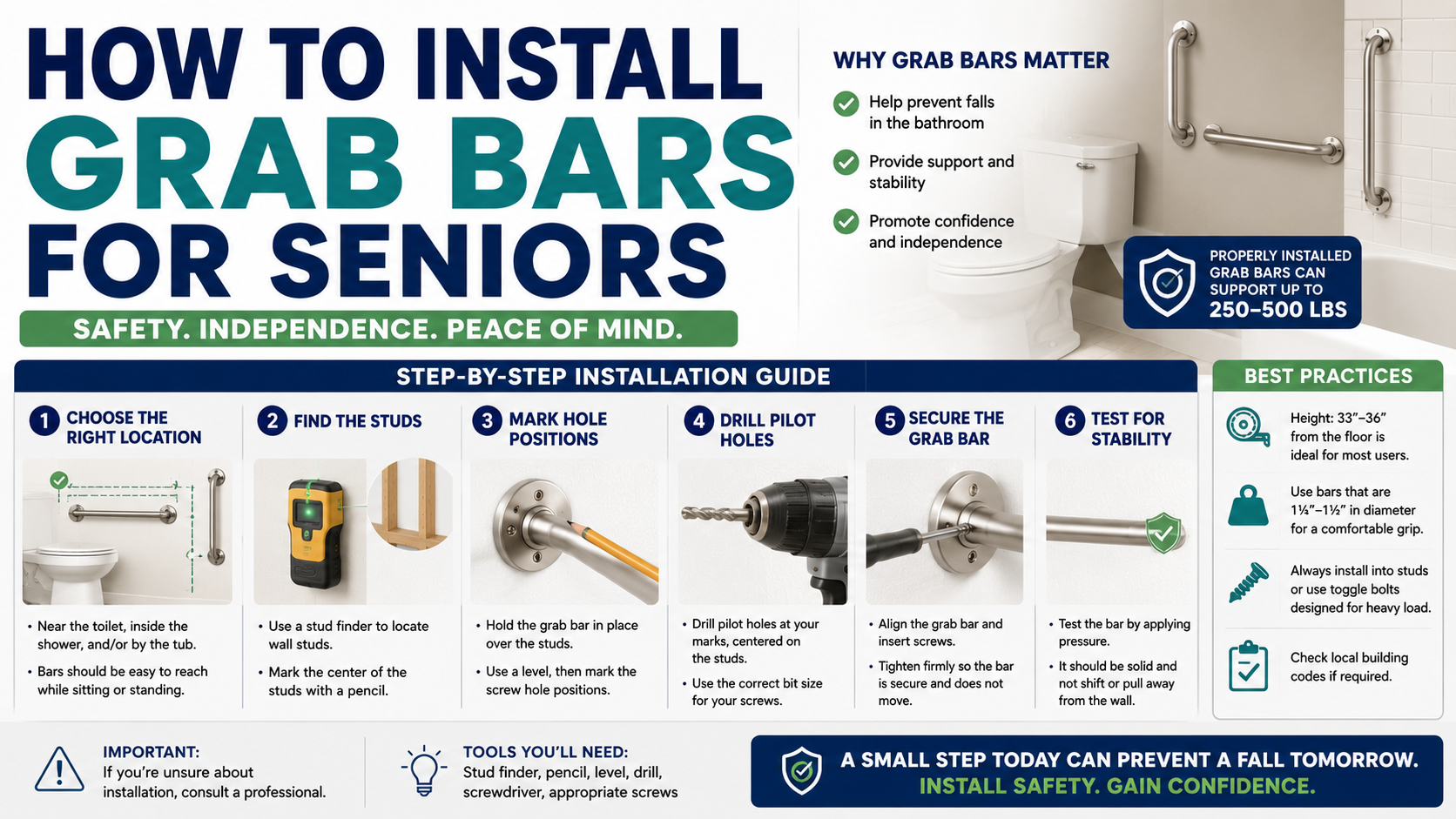
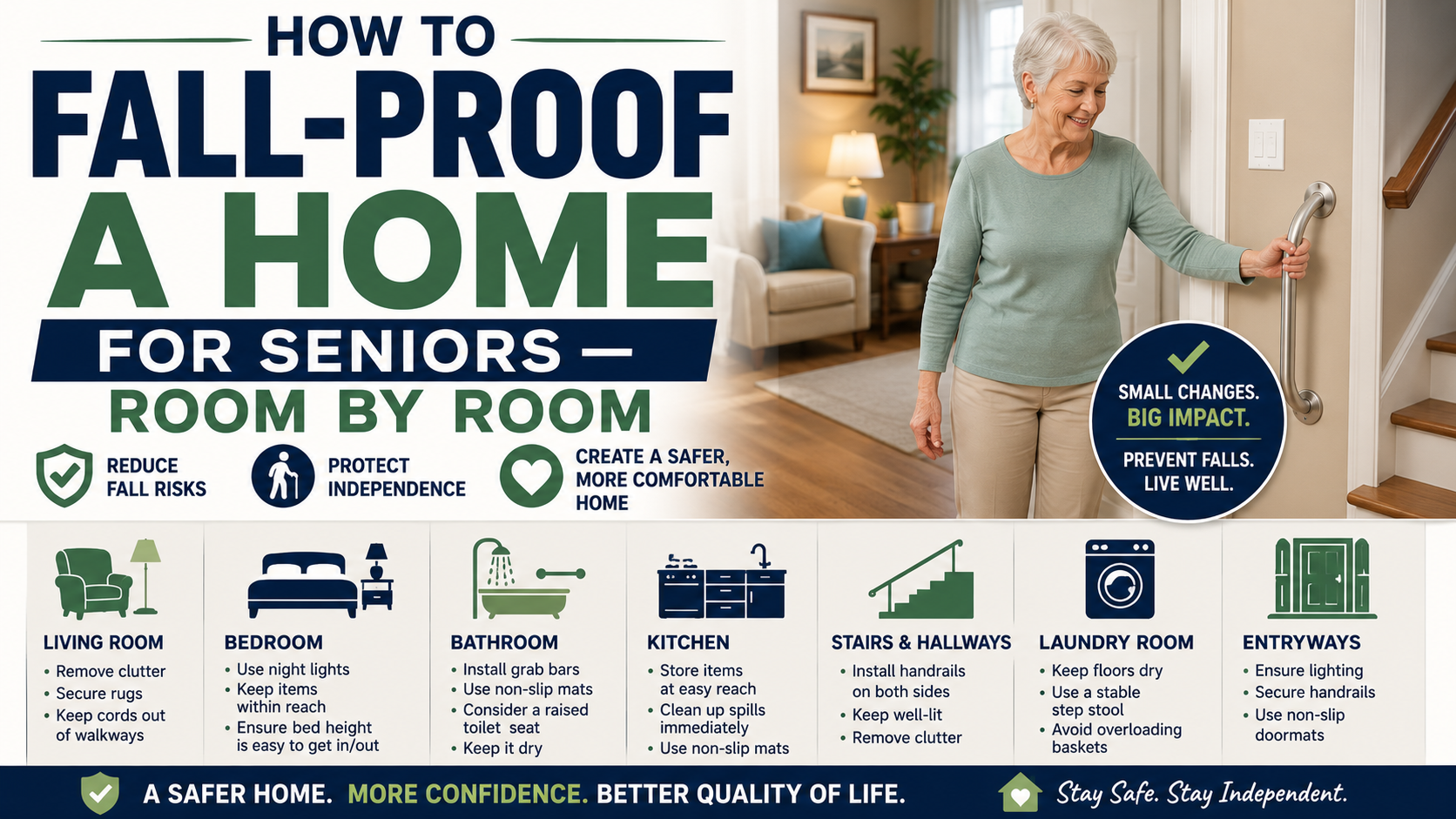
Grab bars correctly installed at the shower entry and next to the toilet address the highest-risk bathroom transitions. Our installation guide at how to install grab bars for seniors covers the complete DIY installation process.
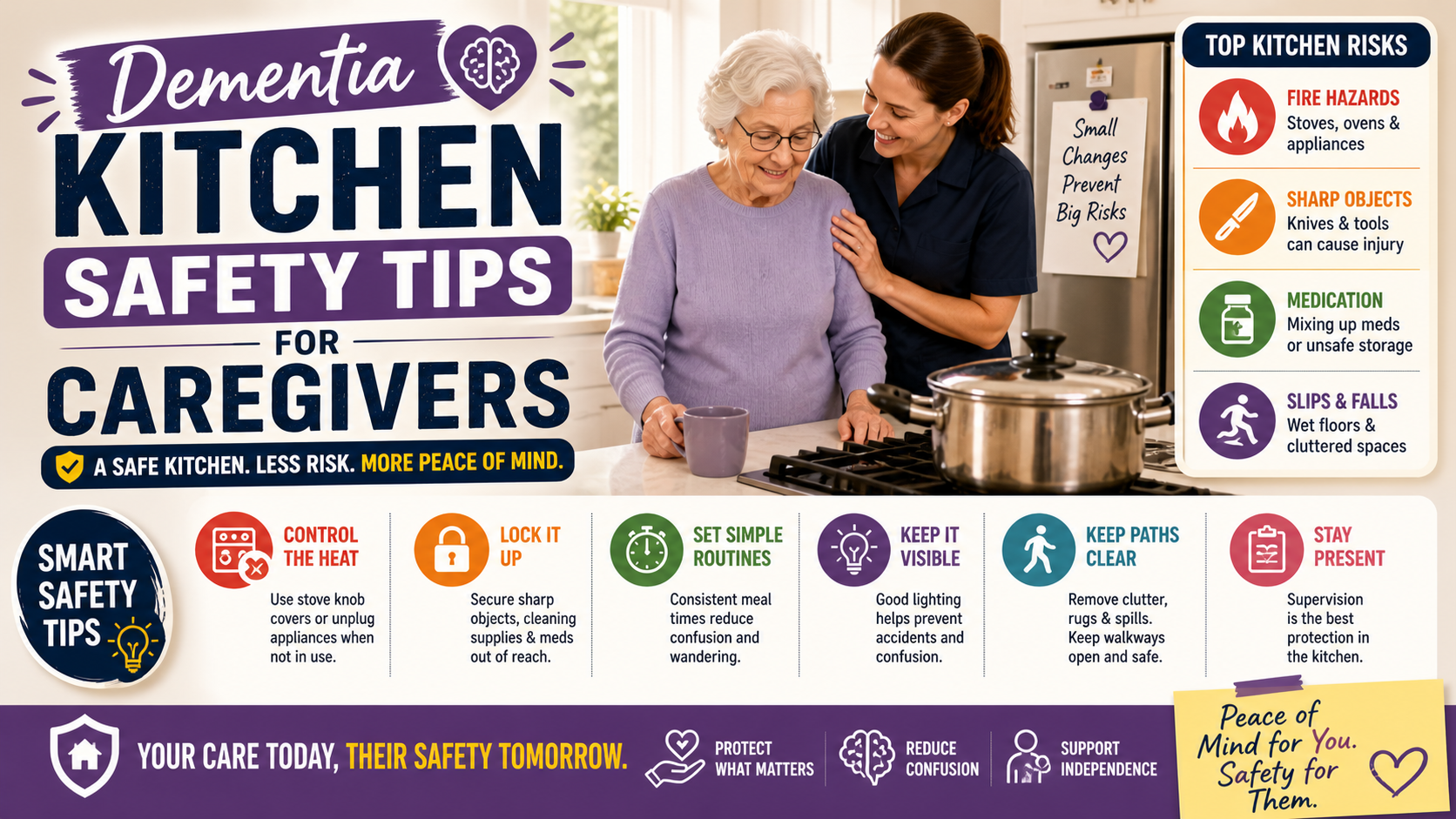
A bed rail for the morning getting-up transition. Night lights covering the path from bed to bathroom. Non-slip socks for smooth floors. These together address the most common daily fall scenarios — and the SecuLife covers what happens in the scenarios they don’t prevent.
Frequently Asked Questions
How accurate is the SecuLife’s fall detection?
No fall detection system is 100 percent accurate — false positives and false negatives exist in every system. The SecuLife’s algorithm calibrated for senior movement patterns performs with fewer false alerts than general consumer smartwatch fall detection on the movements typical of older adults. The cancel window — where the wearer can dismiss a false positive before the alert fires — reduces the practical impact of false positives on daily use.
Does the SecuLife work without a smartphone?
Yes — the SecuLife operates independently on its own cellular connection. No smartphone required. No paired phone required. The family monitoring app runs on any smartphone the family member chooses — but the person wearing the SecuLife needs no phone at all for full fall detection and GPS functionality.
What happens if the SecuLife detects a fall at night?
The same alert sequence as any other time — designated contacts are notified immediately with GPS location. For nighttime falls the GPS location is typically the home address, allowing family to respond directly. Two-way calling allows the family member to speak with the person or hear their situation before deciding whether to call emergency services or respond in person.
How long does the battery last?
Battery life varies by usage and cellular signal strength — typically one to two days on a full charge for the SecuLife. The daily charging routine — charge every night, on every morning — maintains full battery throughout every waking hour without requiring any management beyond this simple habit.
Is there a monthly fee?
Yes — the SecuLife requires a cellular service plan for the GPS and calling features that make it protective. As covered in our guide on how much a medical alert system costs — the monthly service fee is the standard cost structure for any medical alert device with cellular connectivity. The fee covers the cellular data that powers GPS tracking, fall detection alerts, and two-way calling.
The Watch That Works When It Matters Most
Fall detection only protects when the device is worn, when the detection is accurate, and when the alert reaches someone who can respond. The SecuLife addresses all three — a watch format that gets worn consistently, detection calibrated for senior movement patterns, and an alert system that reaches every designated contact simultaneously with real-time GPS location.
For anyone whose parent lives alone, has a history of falls, or whose family lies awake wondering what would happen if something went wrong at 2am — the SecuLife is the specific answer to that specific question.
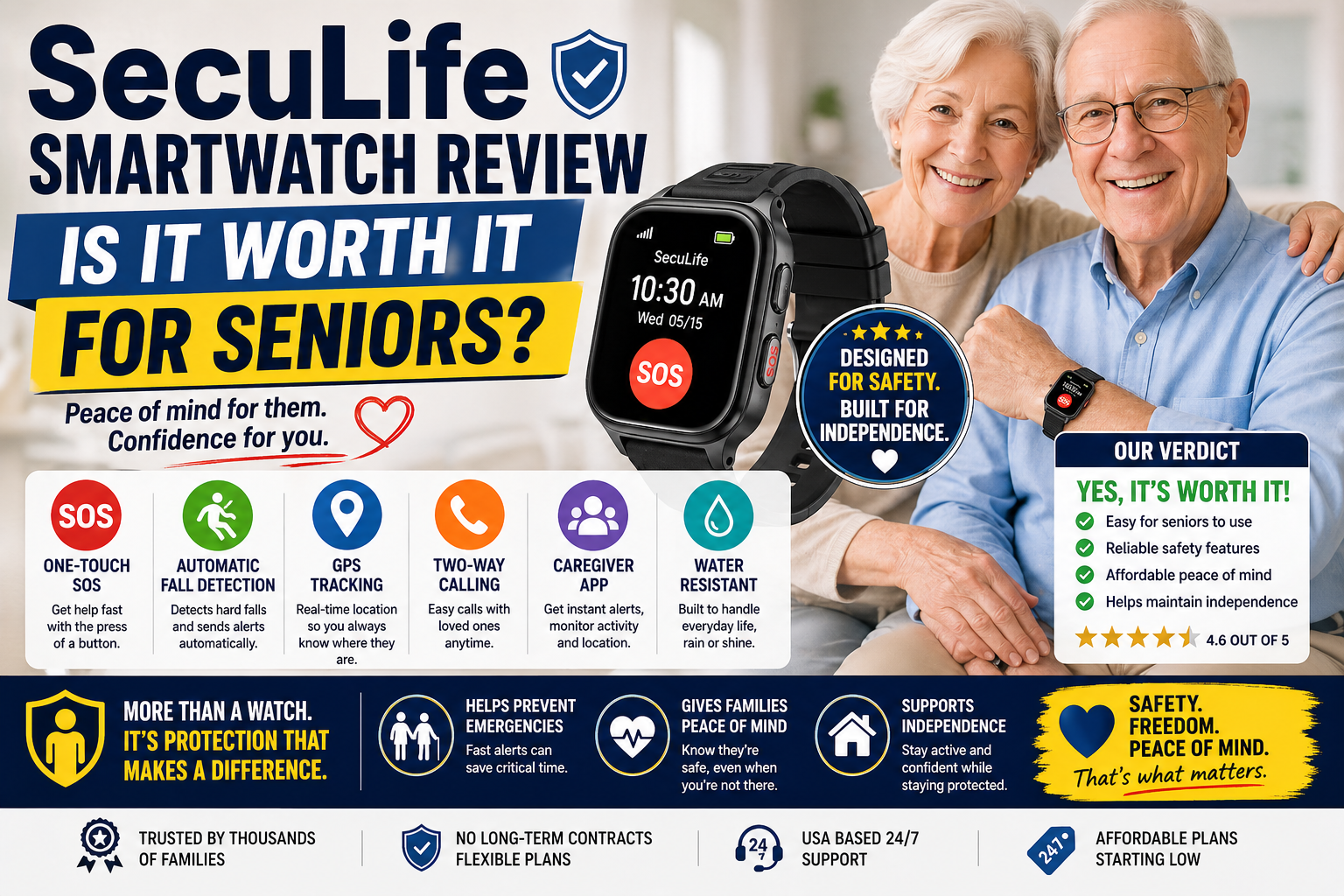
Our complete review at SecuLife Smartwatch Review covers every feature in full detail.
→ Get the SecuLife Smartwatch on Amazon
About the Author
Margaret Holloway, RN spent 22 years in geriatric nursing watching families grapple with the same question — what happens if something goes wrong and nobody knows. The answer has always been the same: a wearable device that detects automatically and alerts immediately, worn consistently, with a family monitoring system that responds. The SecuLife is the device that answers that question most completely for most older adults. She writes for Elder Safety Guide because the technology that closes the gap between a fall and discovery is the single most important safety measure for any older adult who spends time alone — and most families don’t know it exists until they need it.