A GPS watch for an elderly parent means knowing they’re safe without constant check-in calls. Here’s the best option and what to look for before buying.
The anxiety of not knowing is one of the hardest parts of having an elderly parent who lives alone. Did they make it to their appointment? Are they home from their walk? Why aren’t they answering the phone — are they okay or just busy?
A GPS watch changes that entirely. Instead of calling repeatedly and worrying between calls, you open an app and see exactly where they are. They made it to the doctor. They’re on their usual walk route. They’re home. You know — without calling, without bothering them, without that low-level background anxiety that comes with not knowing.
For active seniors the GPS watch also provides something else: the freedom to go where they want knowing that if something goes wrong, their location is known and help can come to them. That’s not a small thing for someone who values independence. GPS is one part of a broader senior-safety smartwatch decision that also includes fall detection, calling, comfort, and independent cellular operation, as detailed in Best Smartwatch for Seniors — Safety Features That Actually Matter.
This guide covers what to look for in a GPS watch for an elderly parent, the specific option we recommend, and how to get a resistant parent to actually wear it.
→ See the SecuLife GPS Smartwatch on Amazon
Why GPS Tracking Matters for Elderly Parents
GPS tracking for an elderly parent isn’t about surveillance. It’s about closing the gap between when something goes wrong and when help arrives — and about reducing the anxiety that makes distance caregiving so exhausting.
The Location Problem in Emergencies
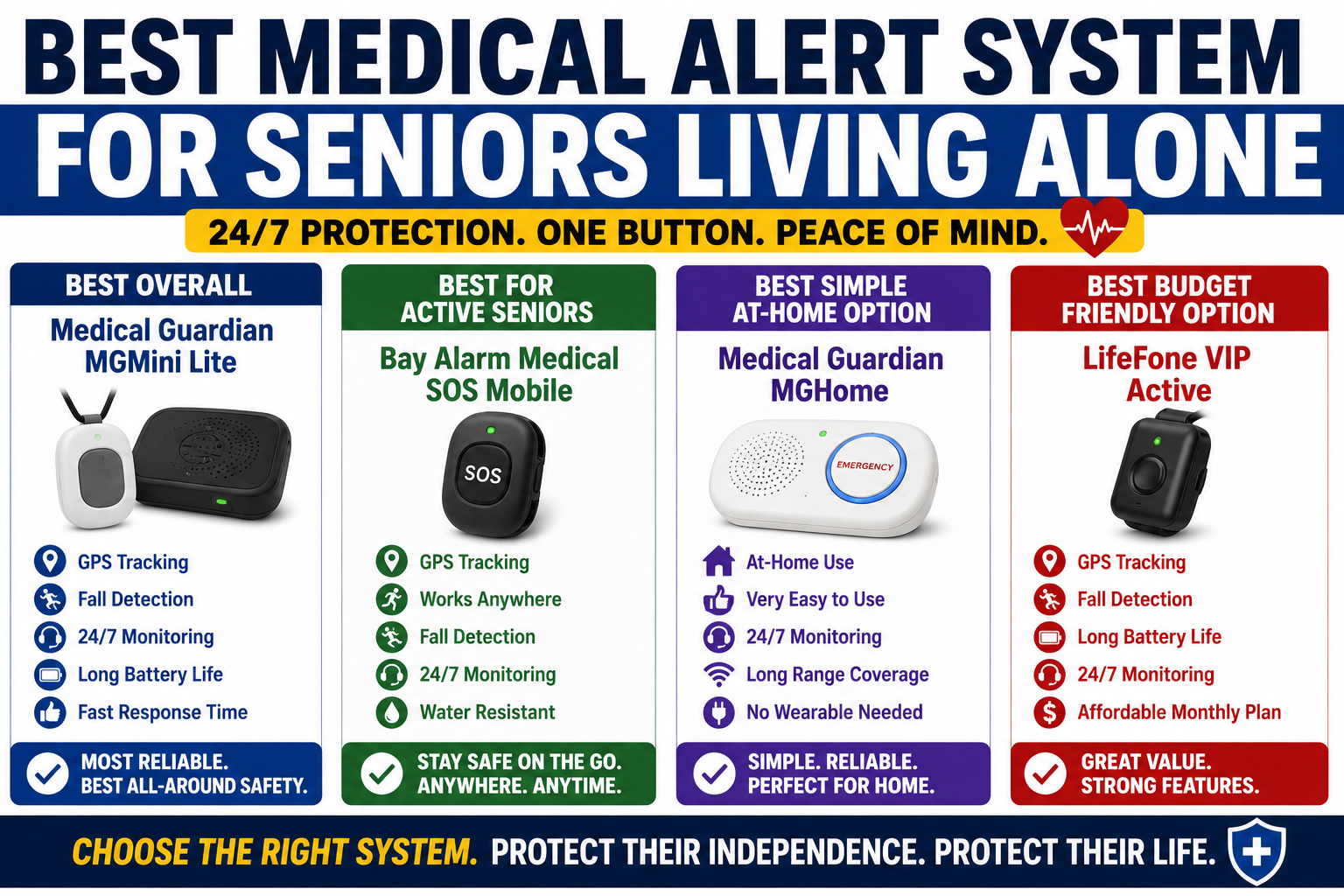
When a fall or medical event occurs away from home — in the parking lot, on a walk, at an appointment — the person who needs help may not be able to communicate their location. They may be disoriented. They may be unable to speak. They may not know exactly where they are. The broader safety priorities for older adults who may be alone during an emergency are covered in Best Medical Alert System for Seniors Living Alone — What to Look For and Why It Matters.
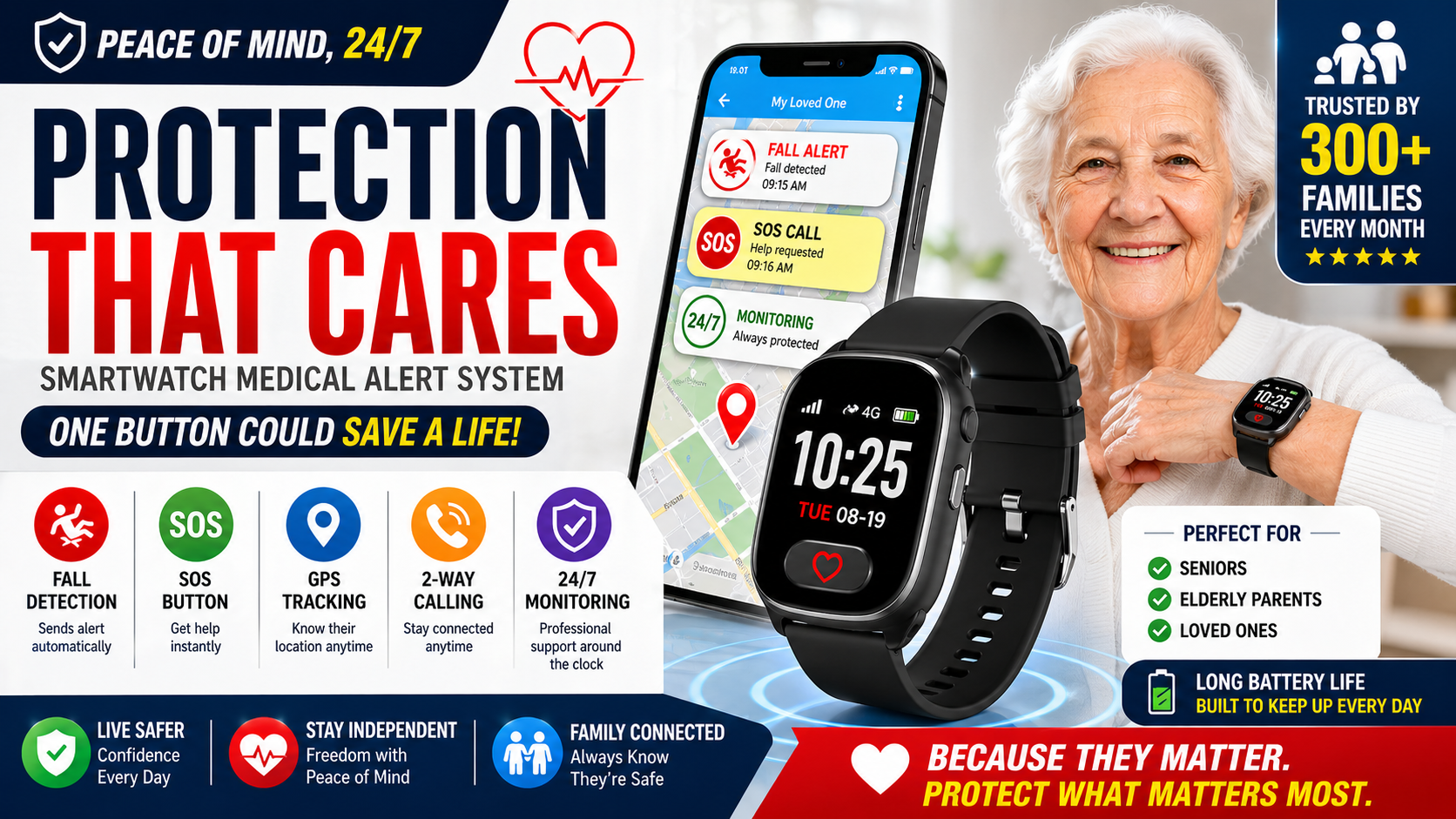
A GPS watch solves this completely. When an alert triggers the location is shared automatically — emergency responders know exactly where to go without the person needing to provide any information. In time-sensitive emergencies this location immediacy can be the difference between a good outcome and a devastating one. To compare watches that combine location sharing with emergency features, see Best Medical Alert Smartwatch for Seniors.
The Daily Peace of Mind Problem
For adult children managing a parent’s safety from a distance, the daily anxiety of not knowing is genuinely exhausting. Is she okay? Should I call? I don’t want to be annoying but I haven’t heard from her since yesterday.
A GPS watch with a companion app converts that anxiety from a constant background hum into a quick check. Open the app. See the location. She’s home. Close the app. Done. The check takes ten seconds and doesn’t require interrupting your parent with a call that may or may not get answered.
The Wandering Problem for Cognitive Decline
For parents with any degree of memory loss or early dementia, GPS tracking shifts from a convenience to a safety essential. Up to 60 percent of people with dementia wander at some point — leaving home without awareness of where they’re going or how to get back.
Geofencing alerts — automatic notifications when the person leaves a defined safe area — provide early warning before a wandering episode becomes dangerous. The alert comes when they leave the defined boundary, not after they’ve been missing for hours.
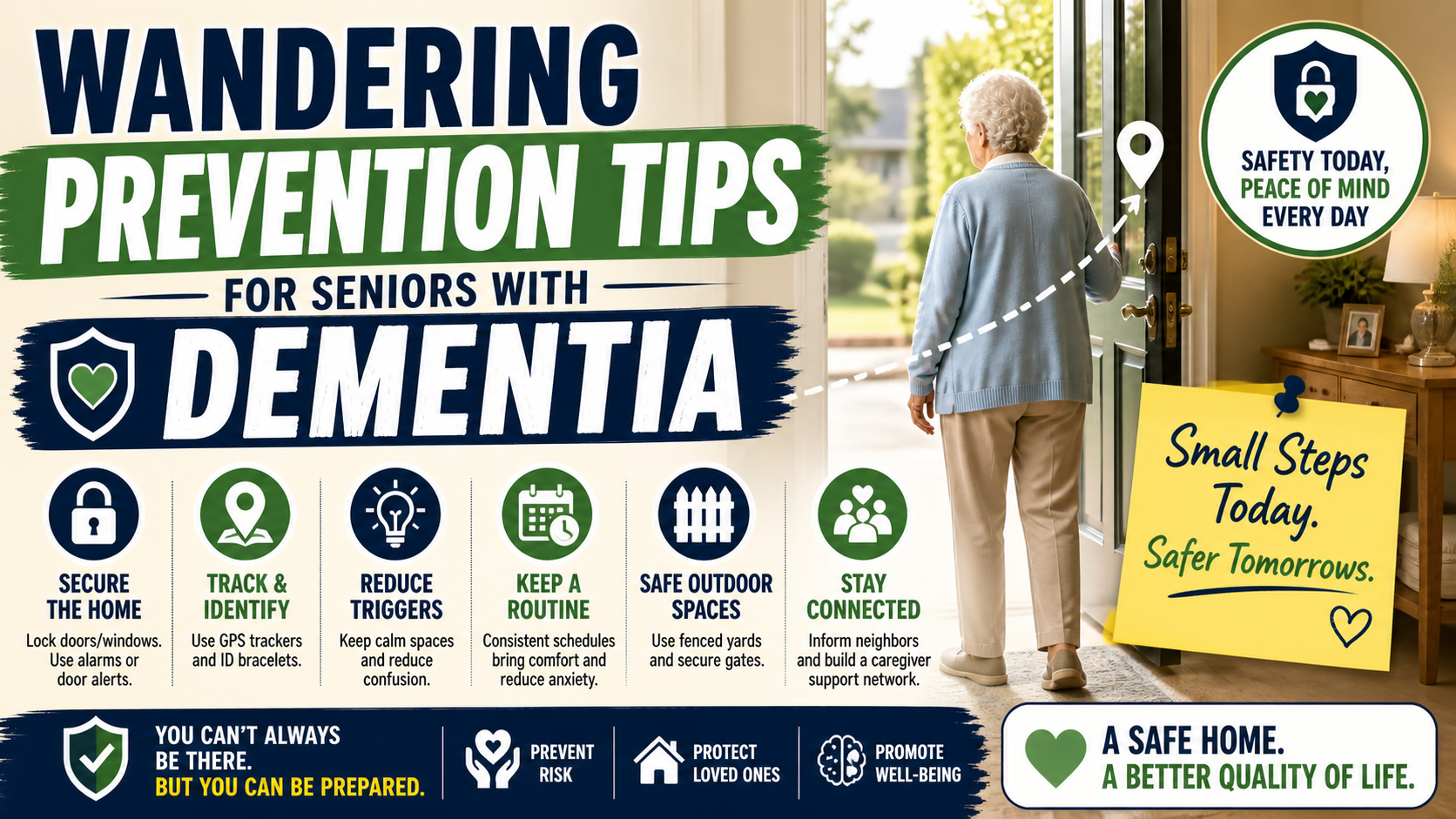
Our guide on wandering prevention for seniors with dementia covers GPS tracking as part of the complete wandering prevention approach. Our guide on home safety tips for seniors with dementia covers the broader dementia safety picture.
What to Look for in a GPS Watch for Elderly Parents
Real-Time GPS — Not Periodic Updates
Some GPS trackers update location every few minutes or on a schedule. Real-time GPS updates continuously — the location shown in the app reflects where the person is now, not where they were three minutes ago. For emergency scenarios, the difference matters. For peace of mind checks, real-time is more reassuring than periodic.
Cellular Operation — Not Bluetooth or Wi-Fi Dependent
GPS trackers that depend on Bluetooth or home Wi-Fi only work within range of those signals — which means they stop working the moment the person leaves the house. A cellular GPS watch operates on its own cellular connection, providing tracking anywhere there’s cell coverage — at appointments, on walks, at the grocery store, anywhere.
Geofencing Alerts
The ability to define a geographic boundary — around the home, around a neighborhood, around any defined area — and receive an automatic alert when the person leaves that boundary is one of the most practically valuable GPS features for families. It provides early warning without requiring constant manual location checks.
Wearable Format That Gets Worn
A GPS tracker stuffed in a purse or pocket is useless if the purse is left at home or the pocket is empty. A wearable GPS device on the wrist — particularly one that looks like a regular watch — goes wherever the person goes because it’s part of what they’re wearing. Consistent wearing is the only consistent protection.
Combination With Safety Features
A GPS watch that only tracks location provides less value than one that combines GPS with fall detection, SOS calling, and two-way communication. In an emergency the location matters — but so does the ability to call for help and communicate through the device. A combination device addresses both the location problem and the communication problem simultaneously.
Family App With Multiple Users
Multiple family members should be able to see location and receive alerts — not just the primary caregiver. When caregiving responsibility is shared between siblings, everyone having access to the same location information eliminates the need for information to be relayed through one person.

The Best GPS Watch for Elderly Parents
SecuLife Smartwatch — Real-Time GPS, Geofencing, Fall Detection, SOS, Two-Way Calling
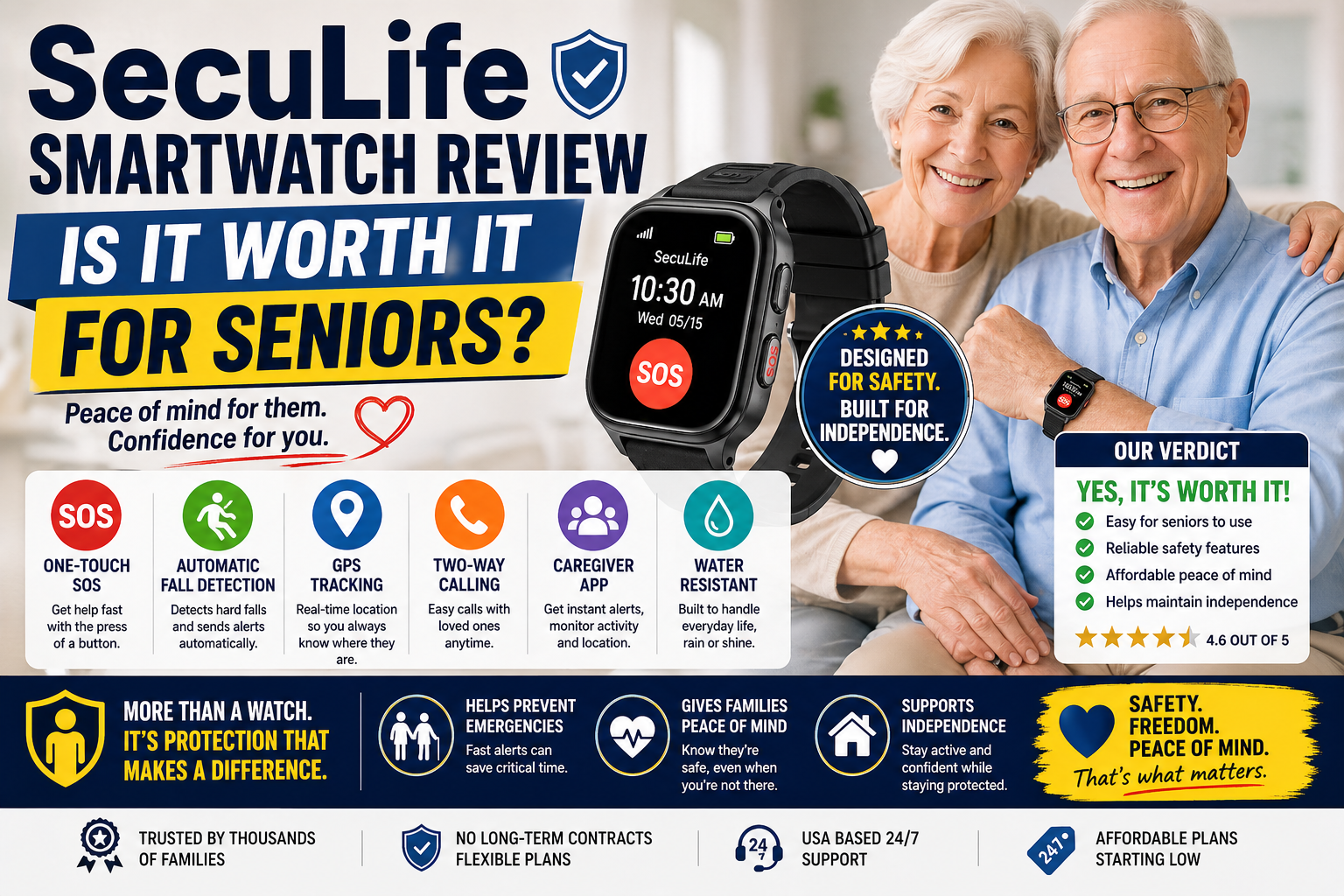
The SecuLife is the GPS watch we recommend for most elderly parents — because it combines real-time GPS tracking with automatic fall detection, SOS calling, and two-way communication in a wrist device that looks like a regular smartwatch rather than a tracking device.
→ Check current price and availability on Amazon
Read our full review here: SecuLife Smartwatch Review — Is It Worth It for Seniors?
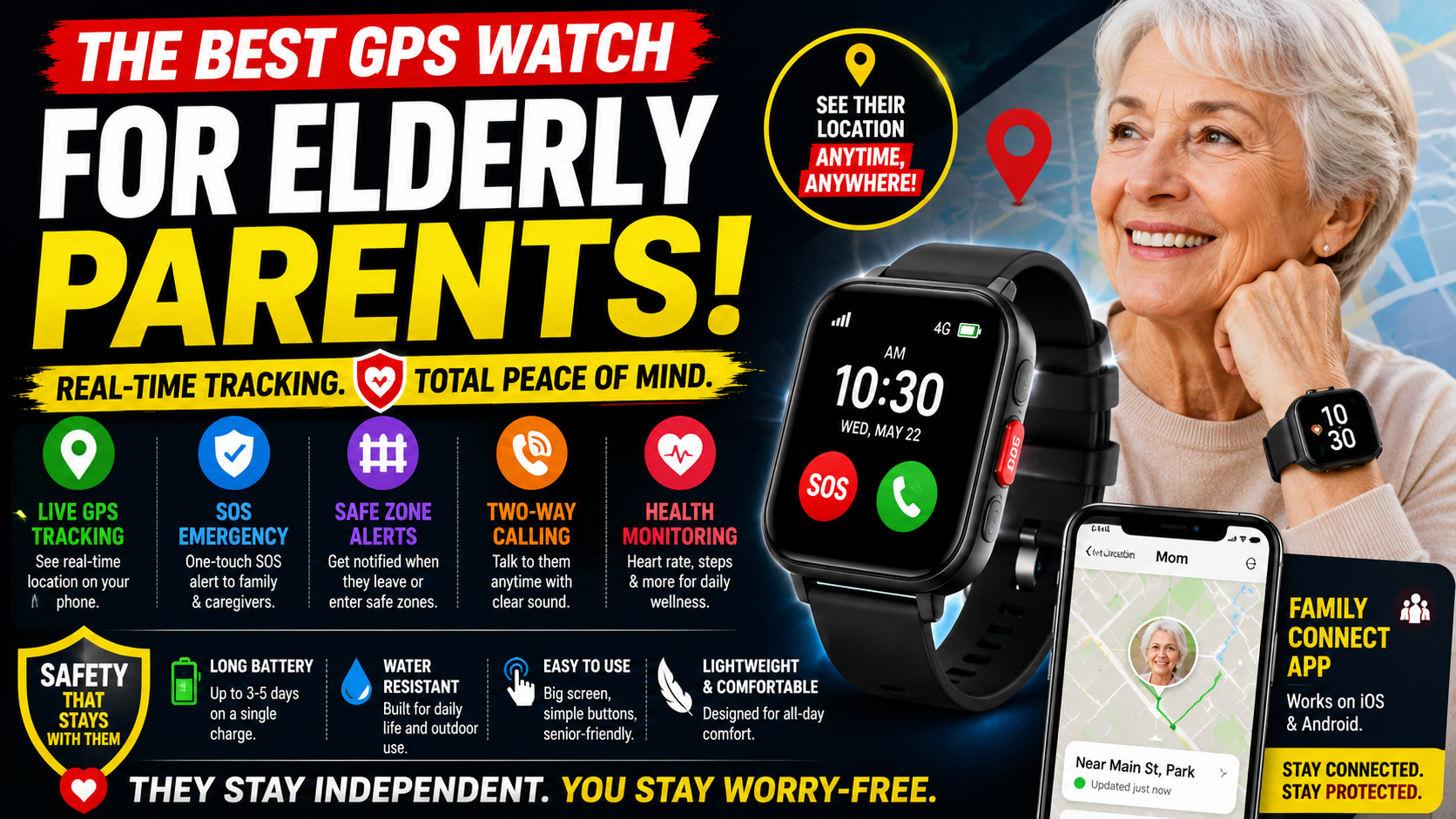
Real-time GPS through the SecuPro companion app shows your parent’s location continuously — updated in real time, not on a schedule. Open the app at any moment and see exactly where they are. The map view shows current location and movement history so you can see not just where they are but where they’ve been.
Geofencing alerts notify you automatically when your parent leaves a defined area — their home neighborhood, a safe zone around their house, any boundary you configure. The alert comes immediately when the boundary is crossed — early enough to respond before the situation has developed significantly. For parents with any memory concerns this feature is the one that matters most.
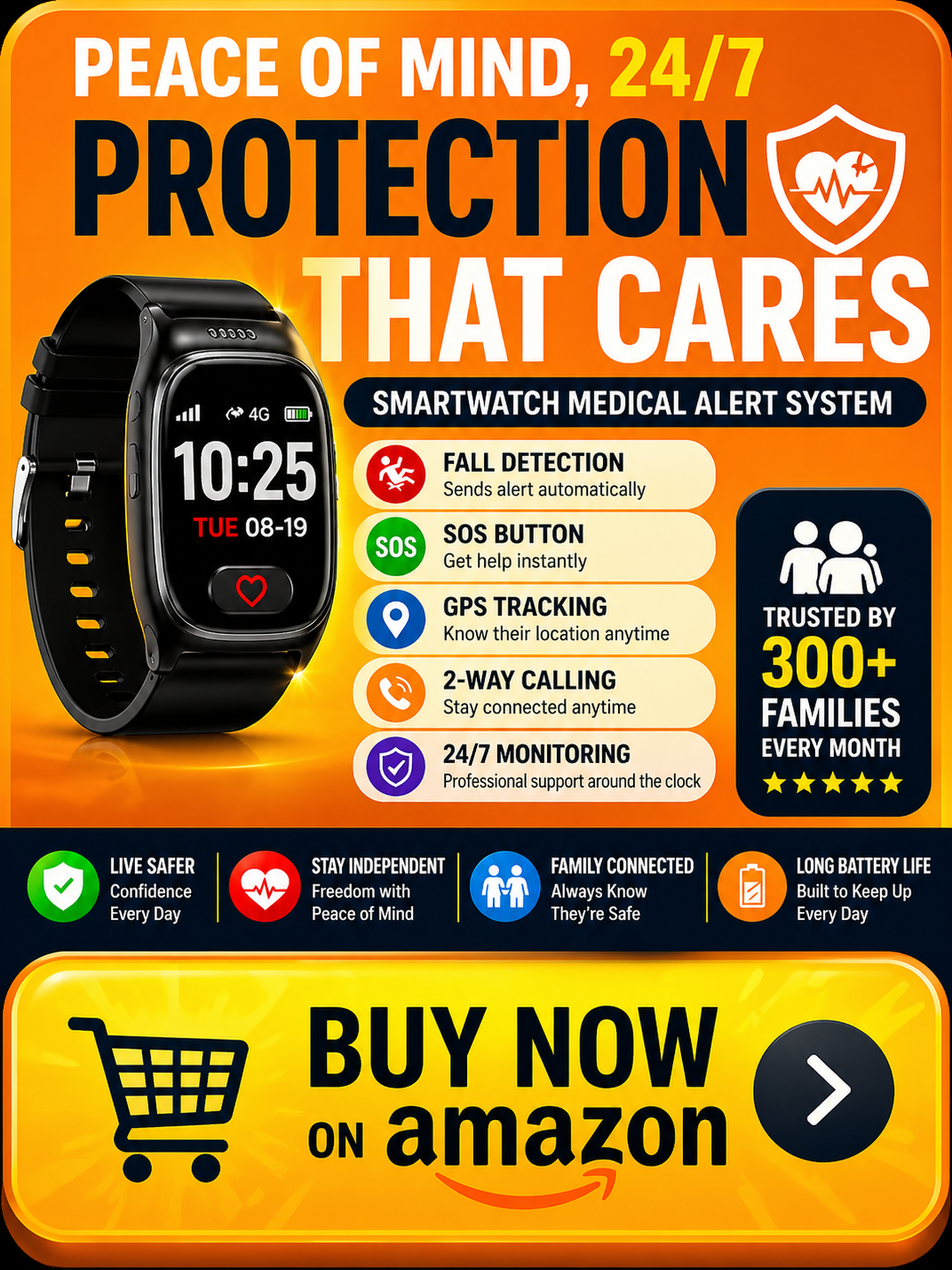
Automatic fall detection runs continuously alongside the GPS. When a fall is detected and there’s no response from the wearer the alert goes to designated contacts with the current GPS location — so family knows both that something happened and exactly where. This combination — fall detection plus location — is what closes the gap between an emergency occurring and help arriving for a parent who is away from home.
Two-way calling through the watch means your parent can be reached and can speak directly through the device — without needing to find their phone. You can call the watch directly from the app. They can speak to you or to emergency services from the wrist regardless of where their phone is.
The SecuPro app supports multiple family members — add siblings, other family members, and designated caregivers so everyone has visibility and everyone receives alerts. No more relaying information through one person. Everyone sees the same location in real time.
The smartwatch design is what makes GPS tracking actually work in practice. A GPS tracker in a bag gets left at home. A GPS tracker in a pocket gets left on the table. A GPS smartwatch gets worn because it’s a watch — and watches go on in the morning and come off at night. Consistent wearing is consistent tracking. Consistent tracking is consistent protection.
Service plans start at $20/month on the annual plan with GPS, geofencing, fall detection, SOS, and full app access all included. Our complete guide on how much a medical alert system costs covers the full pricing picture across all options.
→ Get the SecuLife GPS Smartwatch on Amazon
See our complete review: SecuLife Smartwatch Review — Everything Worth Knowing
GPS Watch vs Dedicated GPS Tracker — Which Is Better
Two categories of GPS device exist for elderly parents — dedicated GPS trackers and GPS smartwatches. Understanding the difference helps make the right choice.
Dedicated GPS trackers — small devices carried in a pocket, bag, or attached to clothing — provide location tracking without the watch format. They’re typically simpler, may have longer battery life, and can be smaller and lighter.
GPS smartwatches — like the SecuLife — combine GPS tracking with smartwatch features: calling, fall detection, SOS, and two-way communication. They’re larger than a dedicated tracker but smaller than carrying a separate device.
For most elderly parents the GPS smartwatch wins the comparison for one practical reason: it gets worn. A dedicated GPS tracker in a bag stays with the bag — and bags get left at home. A watch goes on the wrist as part of getting dressed and stays there all day. The device that’s consistently present is the device that consistently protects.
The exception: parents with severe arthritis or dexterity issues who can’t manage a watch clasp may find a clip-on dedicated tracker more manageable. For everyone else the watch format is the more practical choice.
GPS Tracking and the Complete Safety Picture
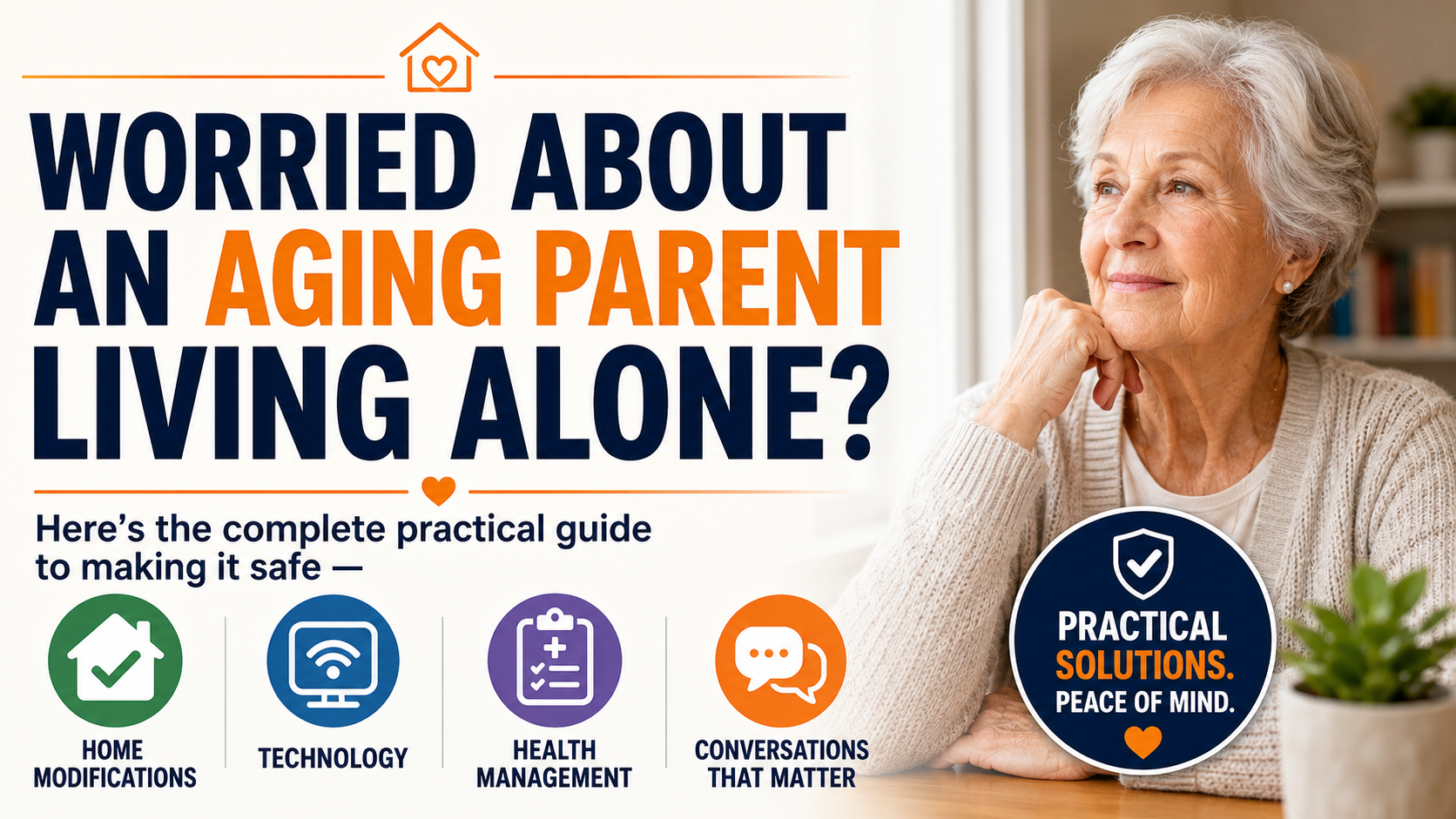
GPS tracking tells you where your parent is. It doesn’t address the fall risks inside the home that are the most frequent source of serious injuries. Both matter — and for a complete safety approach both need to be addressed.

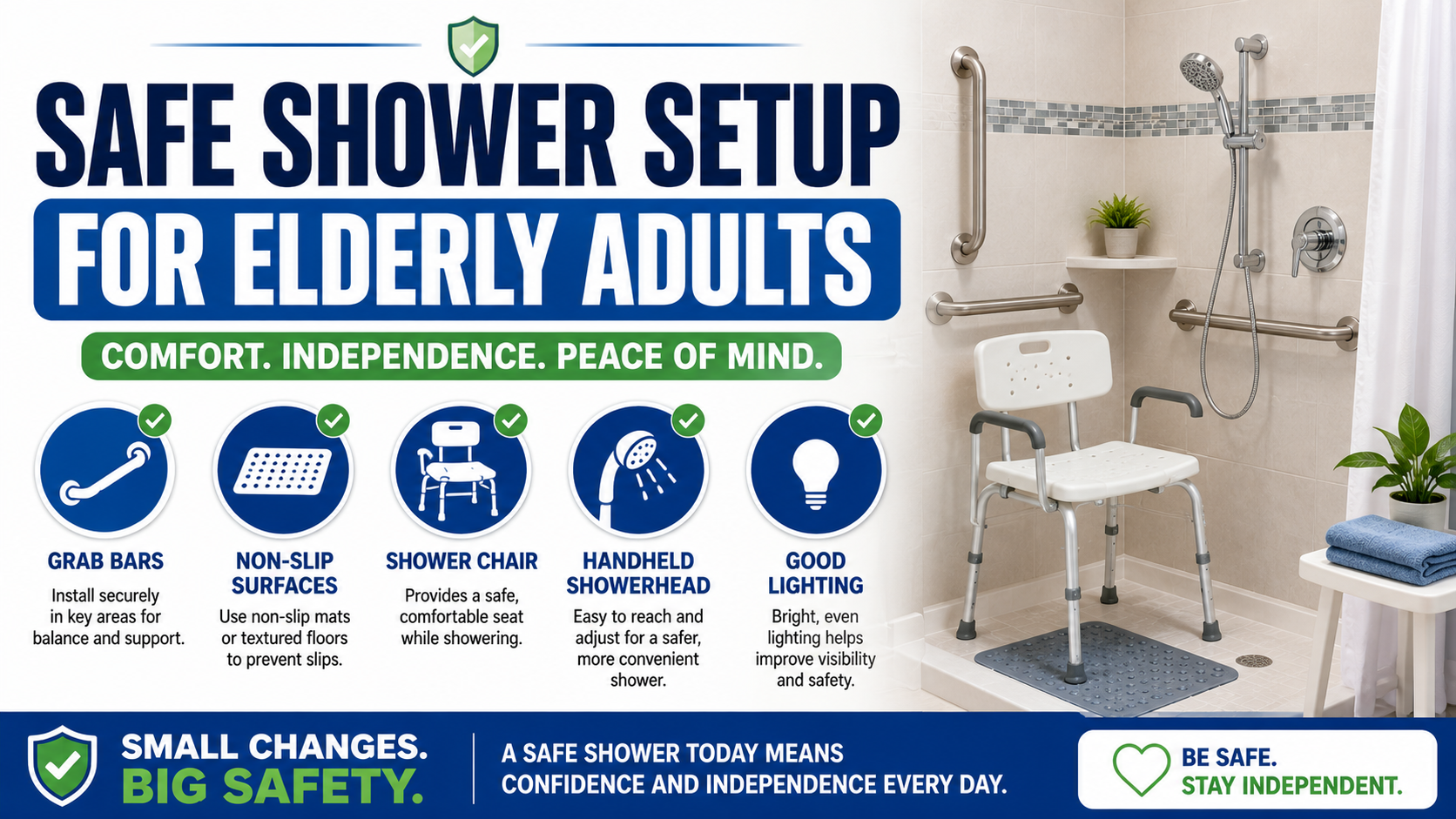
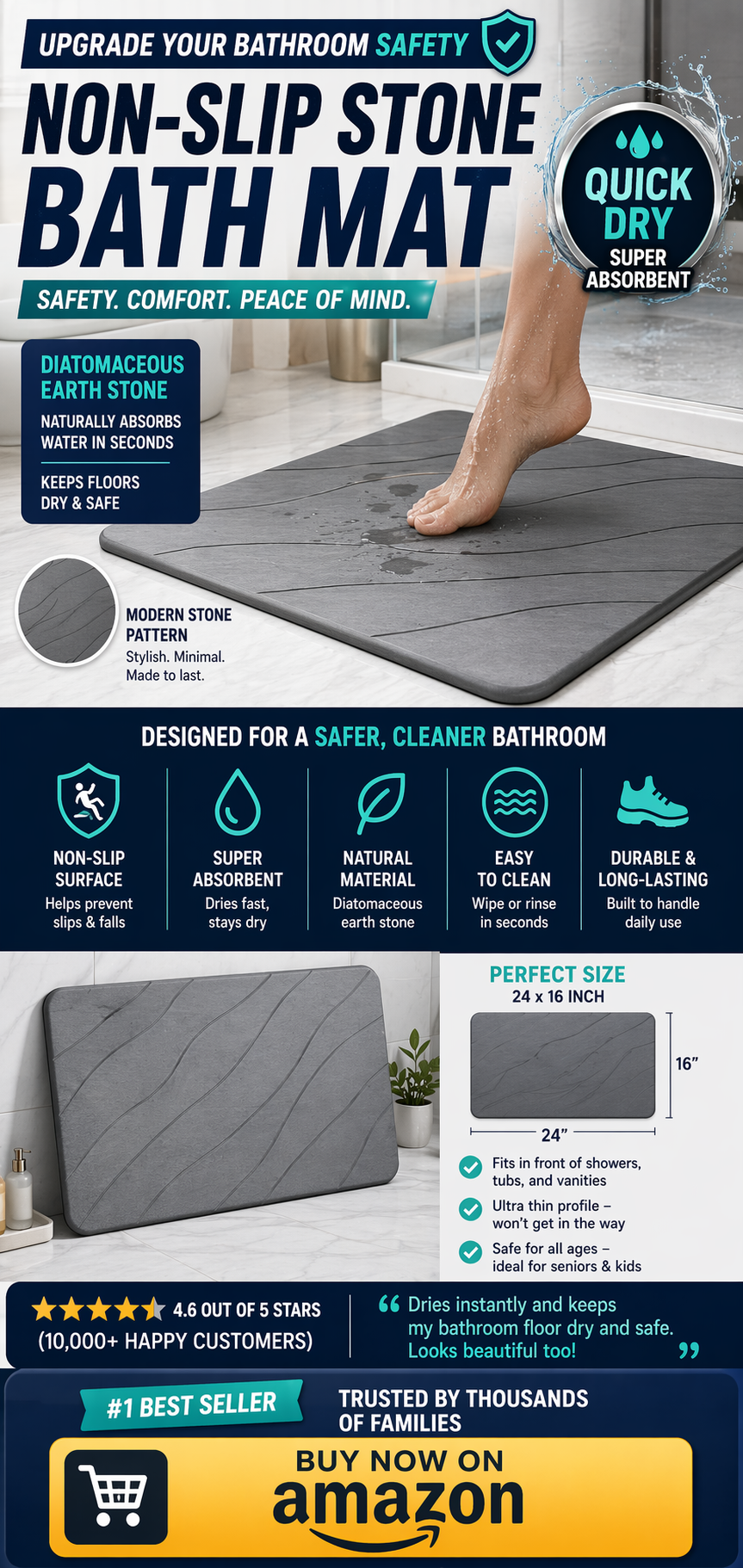
The bathroom modifications — grab bars, toilet safety rails, non-slip bath mat, shower chair — address the highest-risk room. Our complete guide on how to make a bathroom safer for seniors covers every upgrade worth making.

See our product reviews: Best Grab Bars for Seniors | Best Toilet Safety Rails | Best Non-Slip Bath Mat

→ Get the Toilet Safety Rails on Amazon
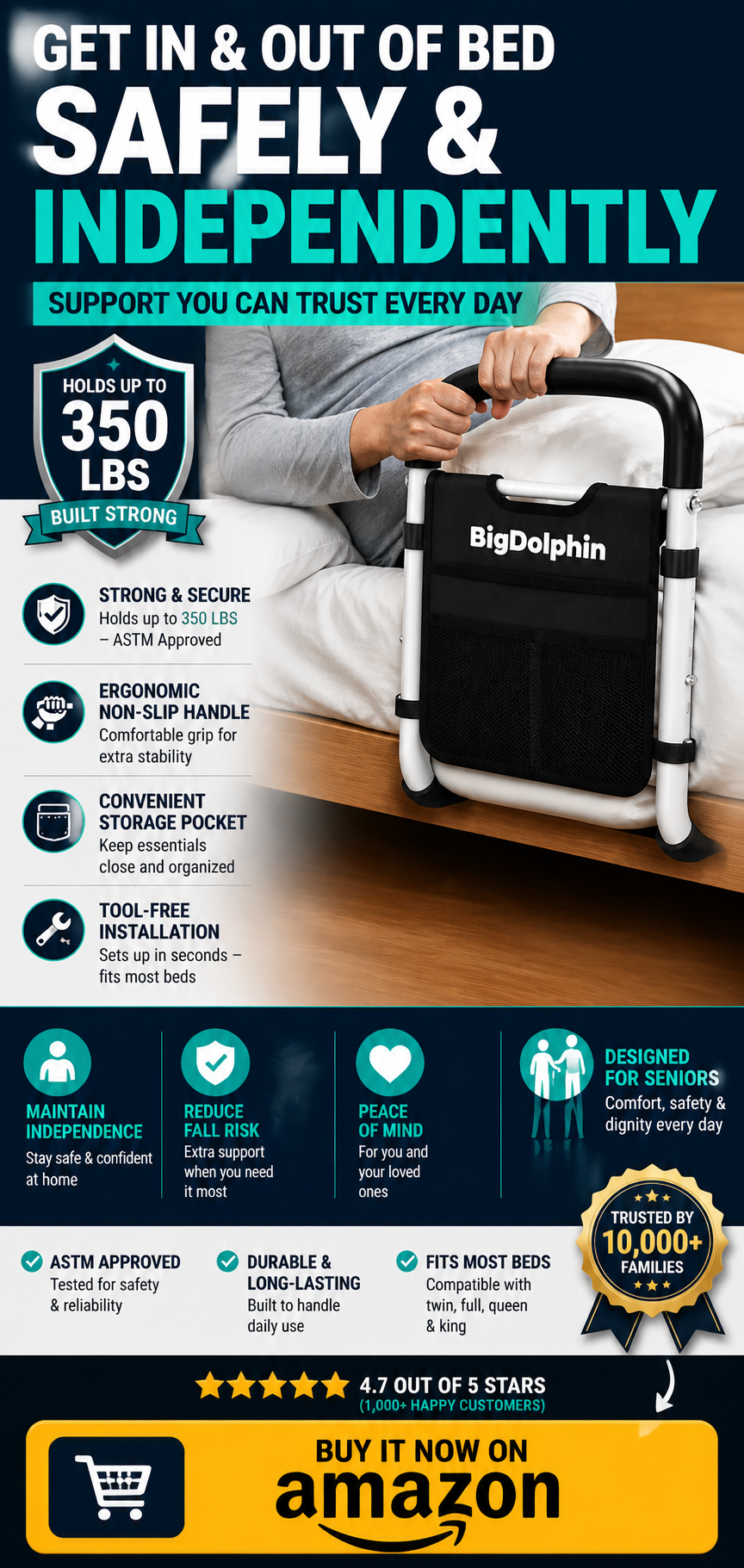
The bedroom modifications — bed rail and night lights — address the nighttime transition risks. Our guide on senior bedroom safety tips for nighttime falls covers everything worth doing.
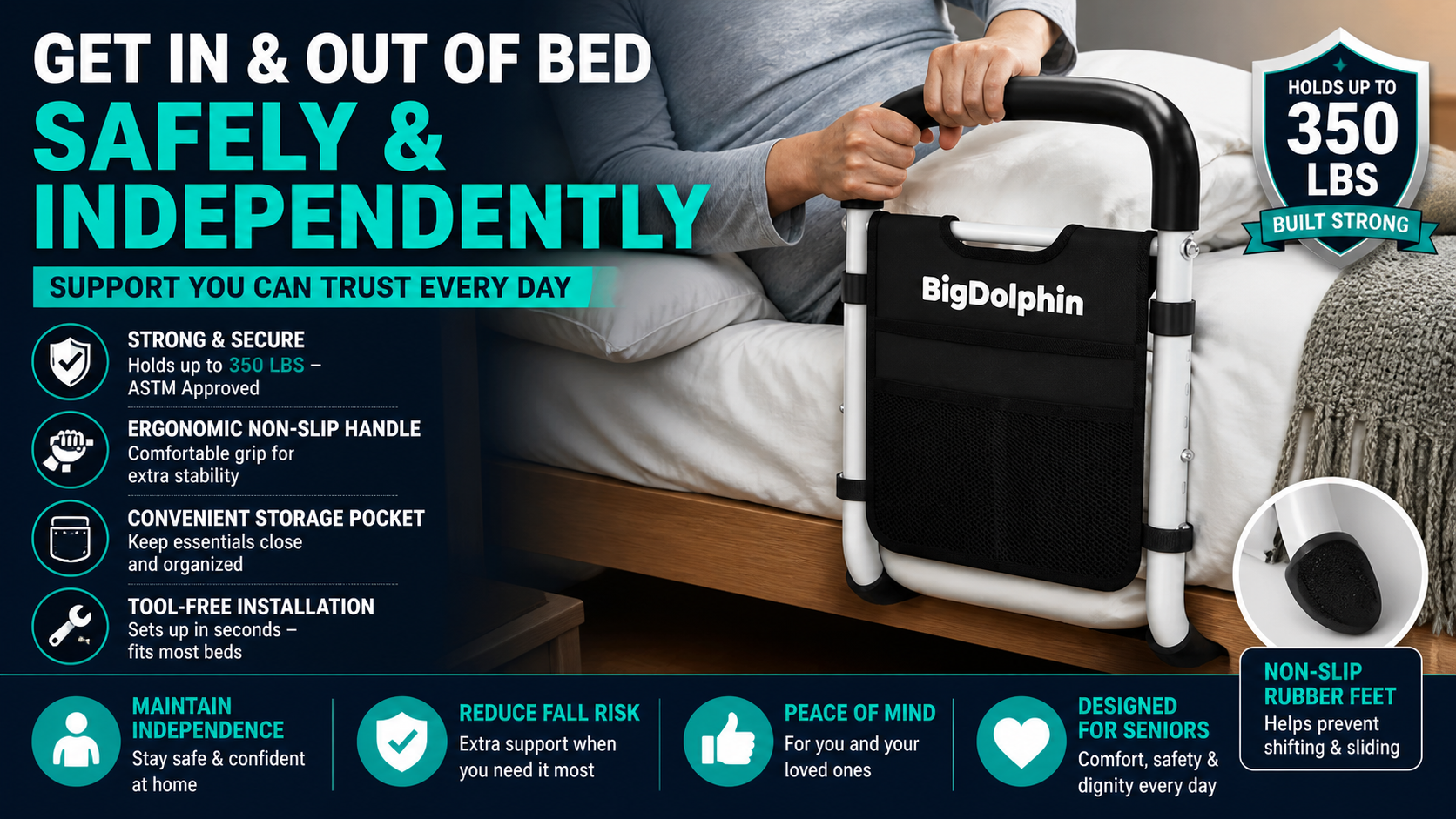
See our product reviews: Best Bed Rail for Seniors | Best Auto-On Night Lights
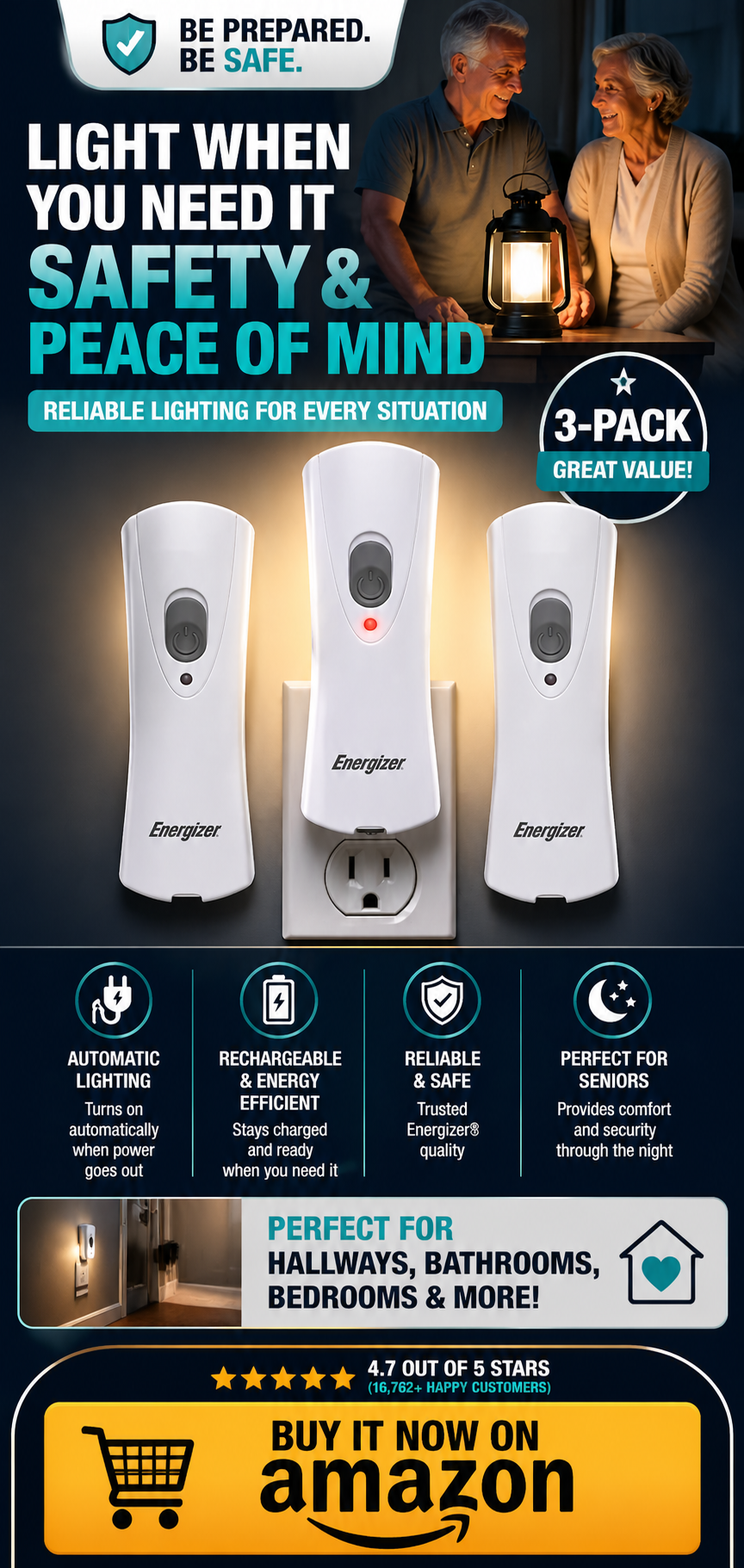
→ Get the Night Lights on Amazon
For the complete home safety picture our home safety checklist for seniors covers every room systematically. Our comprehensive guide on how to help an elderly parent live safely alone covers the full picture — GPS tracking, home modifications, health management, and the conversations that make it all happen.
Getting a Resistant Parent to Wear a GPS Watch
The GPS tracking conversation can be a sensitive one. “I want to track where you are” lands very differently than “I want to worry less and call you less.”
Lead With the Calling Reduction
Most elderly parents don’t mind being checked on — they mind the frequency of calls that can feel like surveillance. “This means I can see you’re home without calling you five times a day” reframes GPS tracking as a way of reducing intrusion rather than increasing it. That framing lands much better than any safety-focused explanation.
Frame It as Two-Way
The SecuLife also lets your parent call you from the watch — without finding their phone. That’s a genuine daily convenience that has nothing to do with tracking. Lead with the calling feature. Let the GPS tracking be something they discover is also there rather than the thing you’re selling them on.
Show It Rather Than Describing It
Show the SecuLife app on your phone. Show them their location on the map — in a moment when they can see it’s just a blue dot on a map of their neighborhood, not Big Brother. The visual of how simple and unthreatening it is often does more persuasion work than any amount of explanation.
Acknowledge the Privacy Concern Honestly
If your parent raises concerns about being tracked — which is reasonable — respond honestly. Tell them exactly who can see their location, when you look at it, and what you’d use it for. “I’d check it when I haven’t heard from you and I’m worried — not as a daily monitoring thing.” Specific honesty about the actual use case is more reassuring than vague reassurances that you wouldn’t misuse it.
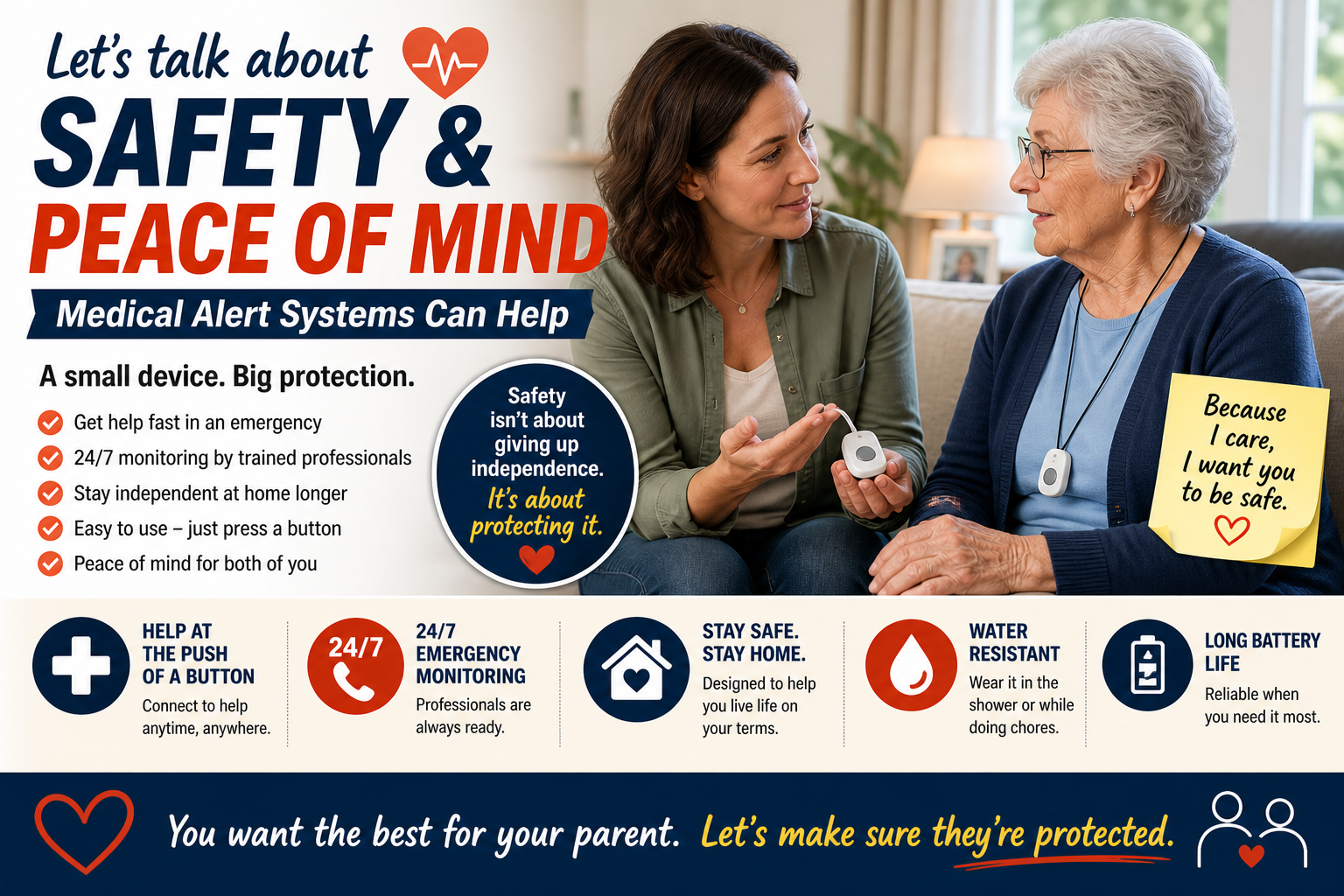
Our guide on how to talk to a parent about safety measures covers every specific objection and the conversation techniques that work across all of these discussions.
Frequently Asked Questions
How accurate is the GPS on the SecuLife?
The SecuLife uses standard cellular GPS — the same technology used by smartphone GPS navigation. Accuracy is typically within 10 to 30 meters in normal conditions, adequate for knowing which building or block someone is at. In areas with poor cell coverage accuracy can be reduced. For most suburban and urban use cases the accuracy is sufficient for the peace of mind and emergency location purposes GPS tracking serves.
Can my parent turn off the GPS tracking?
The SecuLife’s GPS tracking is part of the device’s core function and runs as part of the service plan. If your parent is concerned about privacy, having an honest conversation about how you’ll use the GPS — checking when worried, not monitoring constantly — is more productive than technical workarounds. Most parents who are initially resistant to GPS tracking become comfortable with it once they understand the practical reality of how family members actually use it.
How long does the battery last with GPS active?
Continuous GPS tracking reduces battery life compared to a device without active GPS. The SecuLife provides full-day battery life adequate for normal use — worn during the day, charged at night. Battery life varies with usage intensity. Building a consistent nightly charging routine ensures the device is always at full charge when it’s needed.
Does the GPS work indoors?
GPS accuracy is reduced indoors — particularly in buildings with thick walls or multiple floors. The SecuLife uses cellular network triangulation in addition to GPS which improves indoor location accuracy compared to GPS alone. For most practical purposes — knowing your parent is at home, at a specific building, or in a specific neighborhood — indoor location accuracy is adequate. Precise room-level accuracy indoors is not a capability of current consumer GPS technology regardless of device.
Can I share access with multiple family members?
Yes — the SecuPro app supports multiple designated users. Add siblings, other family members, and caregivers so everyone has visibility without information needing to pass through one person. All designated users can see location in real time and receive alerts simultaneously. This is one of the most practically valuable features for families where caregiving responsibility is shared.
Know They’re Safe — Without Constant Calls
The GPS watch doesn’t replace the relationship between you and your parent. It gives that relationship room to breathe — fewer anxiety-driven calls, less background worry, more confidence that if something goes wrong you’ll know quickly and help can get there fast.
That’s what peace of mind actually looks like. Not perfect certainty — but enough visibility to reduce the worry from overwhelming to manageable, and enough safety net to know that the worst-case scenario has a response.
The SecuLife delivers that — in a device your parent will actually wear, at a price that’s genuinely accessible, with GPS and fall detection that work together to cover the scenarios that matter most.
→ Get the SecuLife GPS Smartwatch on Amazon — real-time tracking for elderly parents
Read our full review: SecuLife Smartwatch Review — Is It Worth It for Seniors?

About the Author
Tom Garrett spent eight years as an EMT responding to calls where location was the critical factor — finding someone who had fallen outdoors, locating a person with dementia who had wandered, reaching someone in a medical emergency who couldn’t communicate where they were. That firsthand experience of how much location matters in emergencies is what drives his writing on GPS tracking for elderly parents. He covers senior safety topics for Elder Safety Guide with a focus on the practical technology decisions that make the most difference when something actually goes wrong.