The Apple Watch has fall detection. So does the SecuLife. Here’s the honest comparison on the features that actually determine which one protects seniors better.
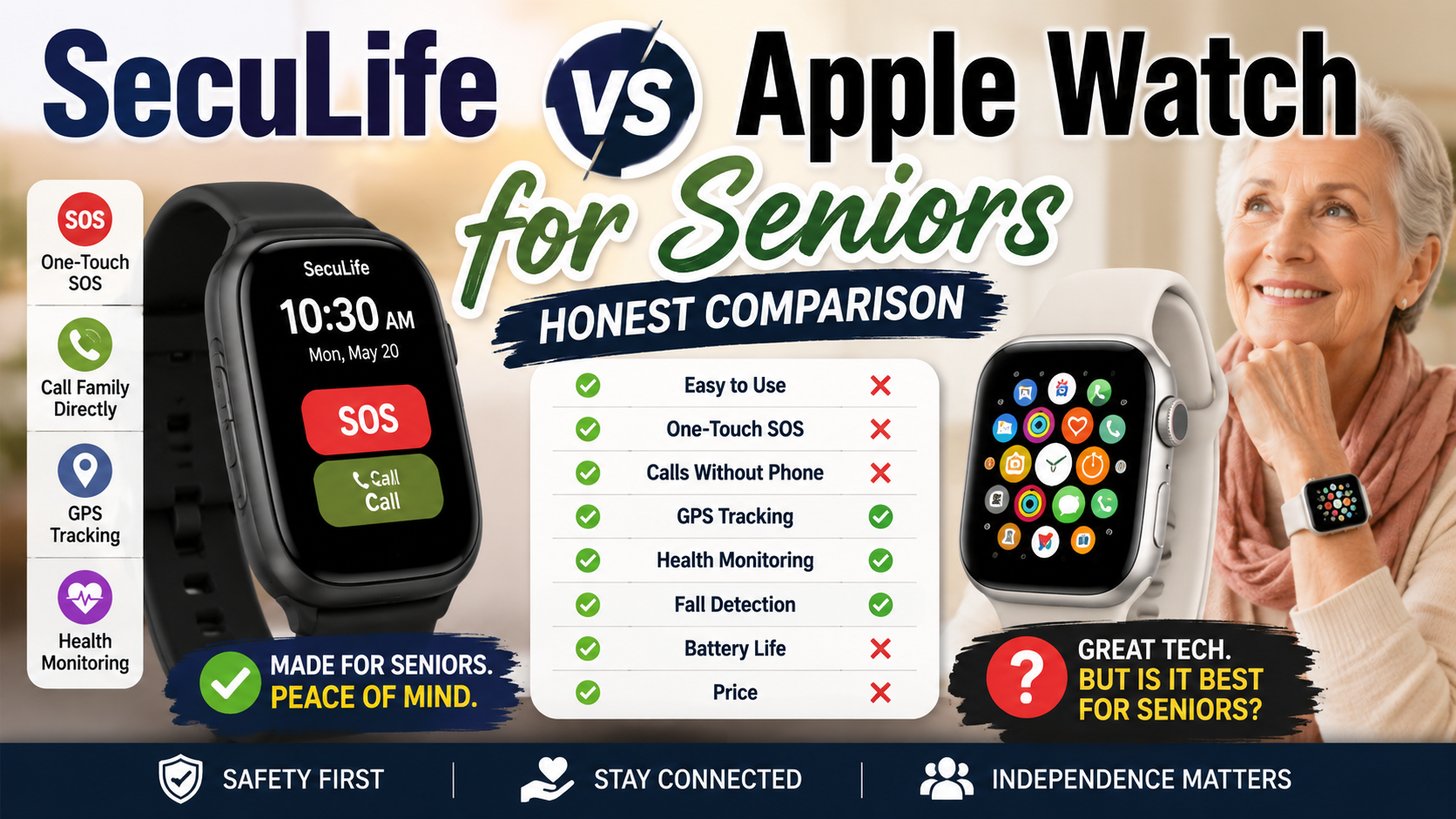
Two watches. Both on wrists. Both with fall detection. Completely different purposes — and that difference matters enormously when the stakes are an older adult’s safety.
The Apple Watch is the world’s best-selling smartwatch. It does more things than any other watch on the market. For many families it’s the instinctive first consideration when thinking about fall detection for a parent — familiar brand, already used by family members, feels like the obvious choice.
The SecuLife was built for one purpose: keeping older adults safe. Not tracking workouts. Not displaying notifications. Not running apps. Keeping older adults safe — with fall detection, GPS, SOS calling, and a monitoring system designed specifically for families managing senior safety.
Here is the honest comparison of both — on the features that actually determine whether a senior stays protected.
Fall Detection — The Feature That Matters Most
How Apple Watch Fall Detection Works
Apple Watch has had fall detection since Series 4. The algorithm detects a sharp rise in wrist acceleration followed by impact and stillness — consistent with a fall. When detected it taps the wrist, sounds an alarm, and displays a prompt. If the watch is not interacted with for 60 seconds it automatically calls emergency services and sends a message with location to emergency contacts.
This is genuinely useful. It has saved lives. The limitation is that Apple Watch fall detection was developed and tested primarily on active users — the fall patterns of someone dropping during a run or a bike ride. The fall patterns of a 79-year-old losing balance while getting out of bed are biomechanically different. Slower acceleration. Lower impact force. The Apple Watch algorithm can miss these — producing false negatives on exactly the falls most common in older adults.
How SecuLife Fall Detection Works
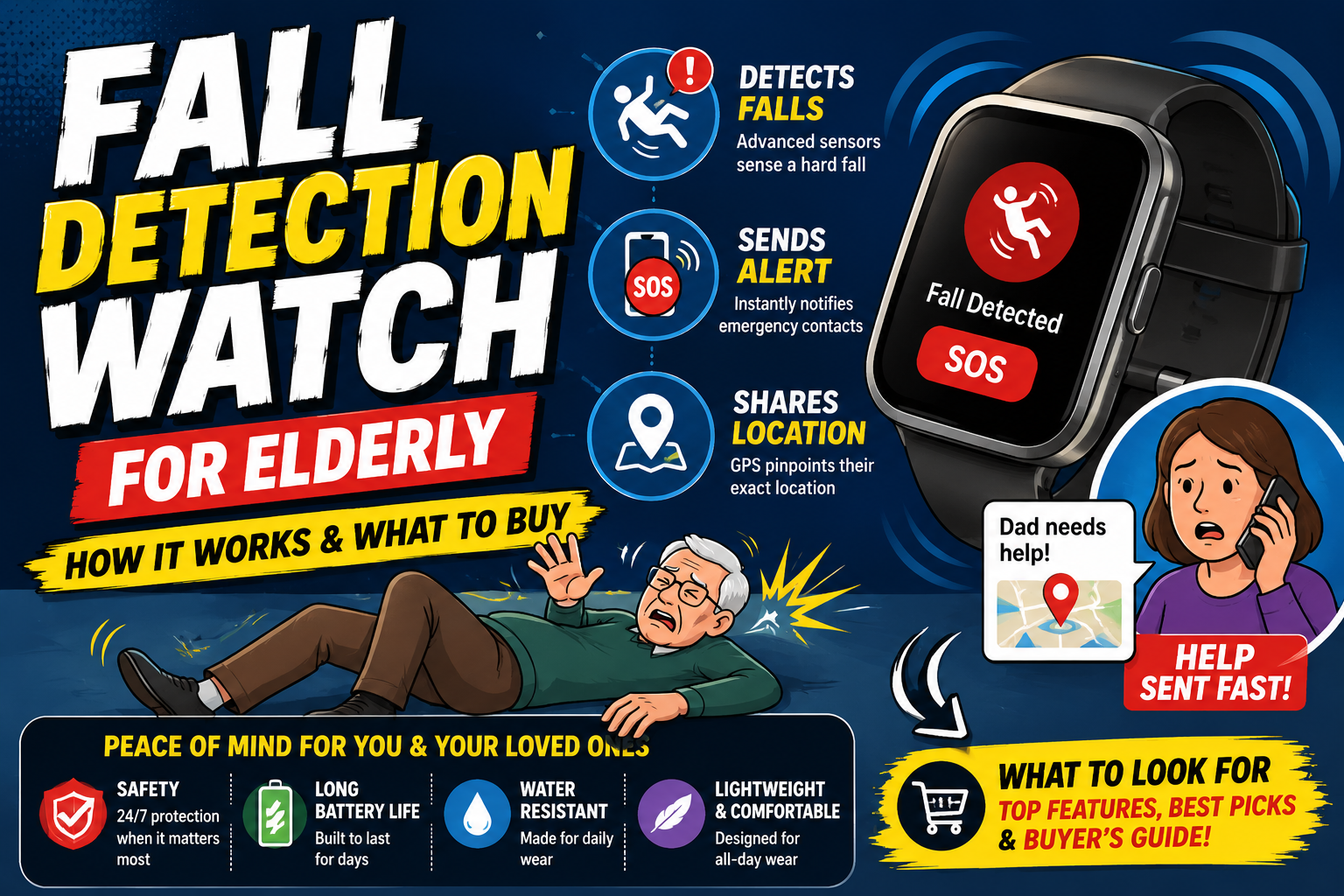
The SecuLife’s fall detection algorithm was developed specifically for senior fall patterns — the slower movements, lower-impact falls, and specific biomechanics of an older adult losing balance. Detection is continuous and automatic. When a fall is detected the watch alerts immediately — contacts notified simultaneously with GPS location, without any action required from the person who has fallen. The broader guide to automatic fall detection explains how this alert process works and which features families should prioritize.
The critical difference: the SecuLife alerts family directly with GPS. The Apple Watch calls 911. For most falls in older adults — falls that require help getting up but not an ambulance — the Apple Watch response sends emergency services when what was actually needed was a family member. The SecuLife lets family assess the situation and decide whether 911 is needed.
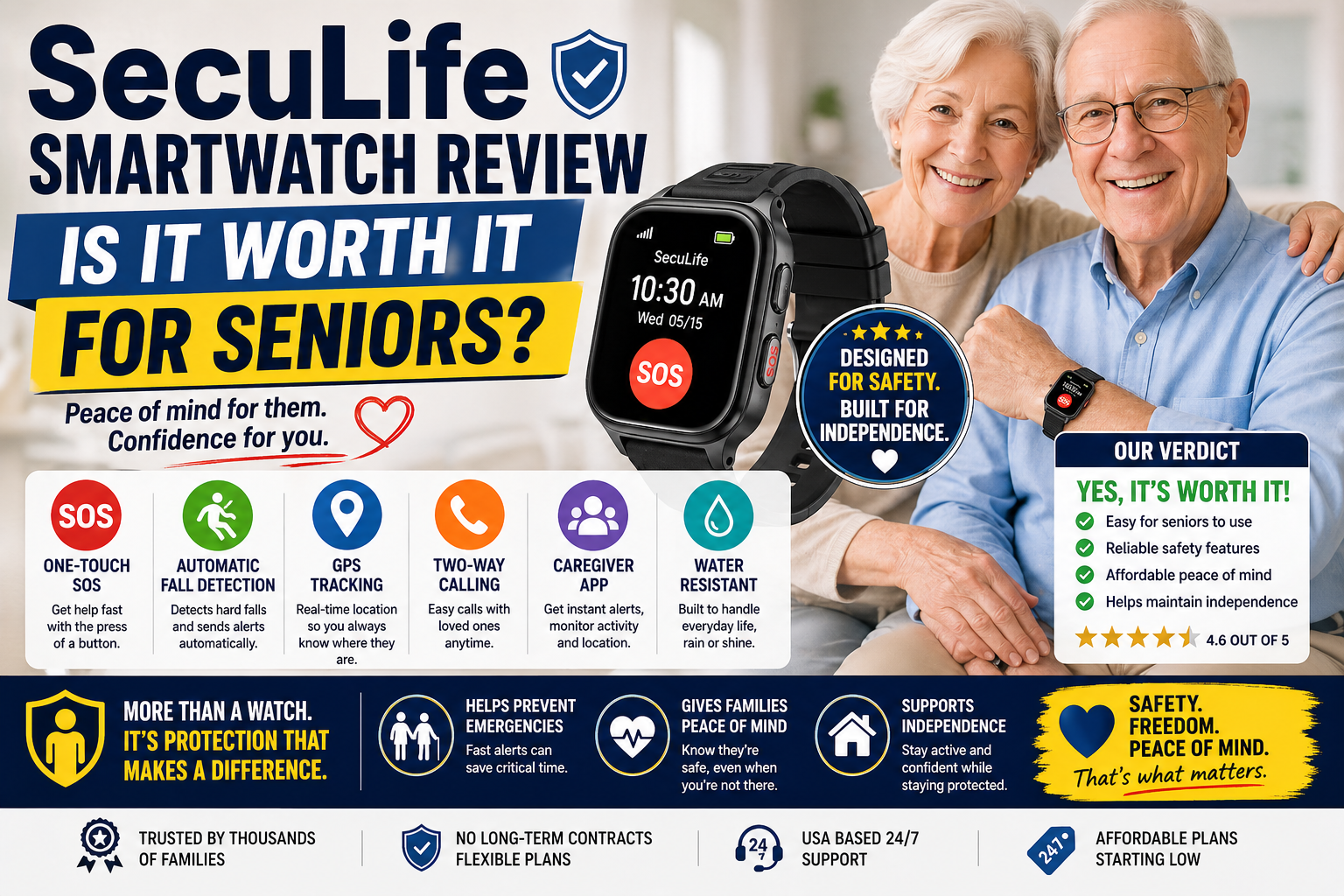
Our complete review at SecuLife Smartwatch Review covers fall detection performance in full detail.
→ Get the SecuLife Smartwatch on Amazon
GPS and Family Monitoring
Apple Watch
Apple Watch GPS is accurate and continuous. Family members can use Apple’s Find My app to see location — but only if the person being monitored has an iPhone, has Family Sharing set up, and has location sharing enabled. The setup is manageable for tech-comfortable families but creates real barriers for older adults who don’t have iPhones or aren’t comfortable managing Apple account settings.
Apple Watch also requires a paired iPhone for full functionality — including cellular calls and GPS when away from Wi-Fi. An Apple Watch without a paired nearby iPhone loses significant capability. For an older adult who doesn’t consistently carry their iPhone the Apple Watch’s coverage becomes intermittent.
SecuLife
The SecuLife operates on its own cellular connection — no paired phone required. GPS works anywhere with cell coverage regardless of whether the person has a phone nearby or at all. Family monitoring through the SecuPro app shows real-time location continuously — not just when an alert has fired. Multiple family members can monitor simultaneously from their own phones without any coordination of Apple IDs or Family Sharing configurations.
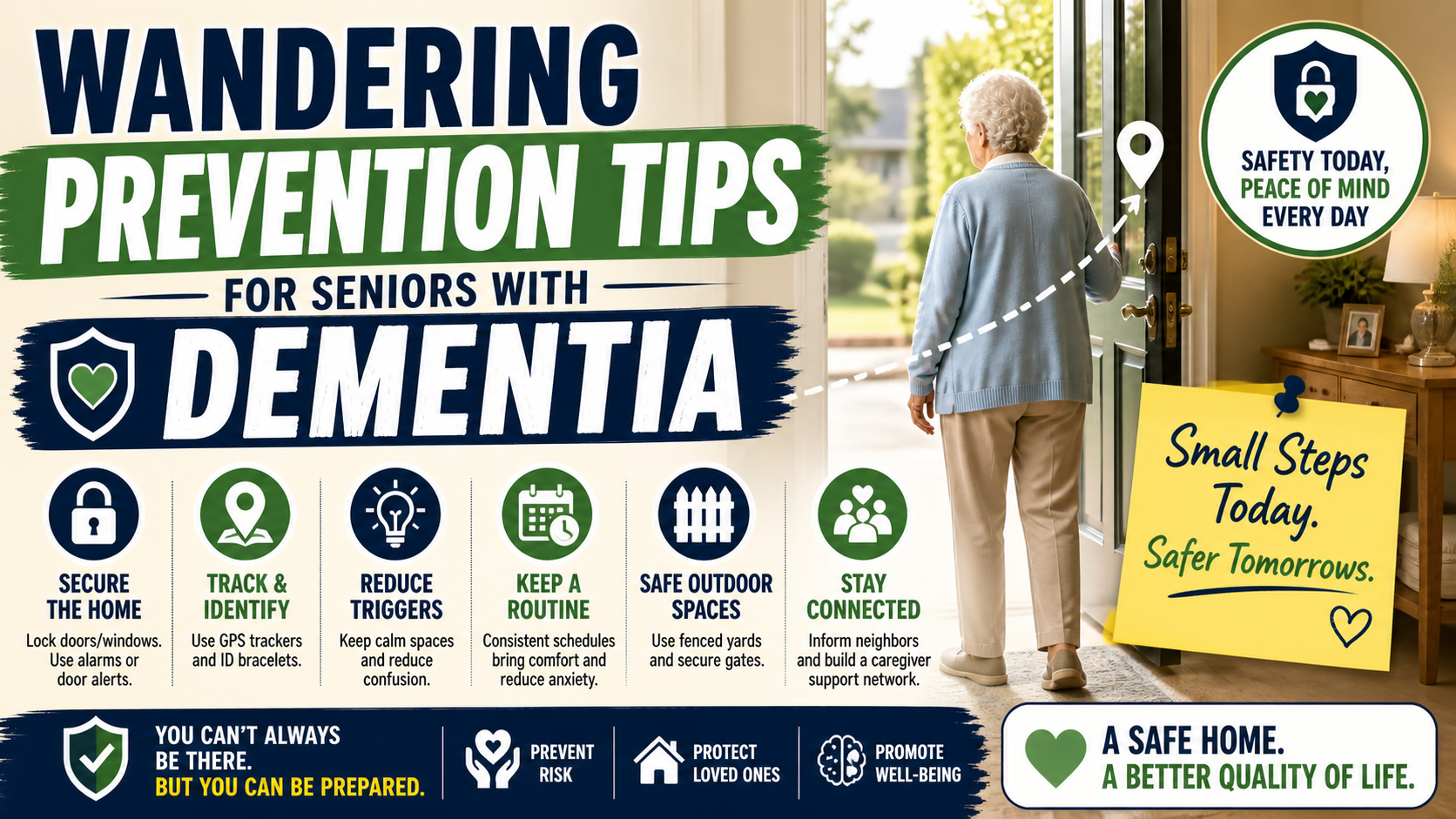
For families managing a parent with dementia the SecuLife’s geofencing — automatic alerts when the person leaves a defined safe area — directly addresses the wandering risk that is one of the most serious dementia safety concerns. As covered in our guide on wandering prevention for seniors with dementia — GPS geofencing configured before wandering begins is the measure that catches the first episode before it becomes a missing person emergency.
Ease of Use — For the Senior Wearing It
Apple Watch
The Apple Watch is one of the most sophisticated consumer electronics devices ever made. It runs apps. It displays notifications. It has a digital crown and multiple buttons. It requires regular software updates and account management. For a tech-comfortable older adult who already uses an iPhone it can be manageable. For someone who wants protection without a learning curve it presents a significant barrier.
The watch also requires pairing with an iPhone for initial setup and ongoing functionality. For older adults who don’t have iPhones or who find smartphone management challenging — the Apple Watch’s dependency on iPhone creates ongoing friction that reduces consistent use.
SecuLife
The person wearing the SecuLife does nothing to operate it. Fall detection runs automatically. GPS runs continuously. The SOS button is the only control they interact with — and only when they choose to initiate an alert. Setup is done entirely by the family member through the SecuPro app. Software updates happen in the background.
The watch looks like a contemporary smartwatch. It doesn’t require managing apps, notifications, or any ongoing configuration. For an older adult who wants to wear a watch and be protected without any technology management — the SecuLife’s simplicity is a genuine advantage over the Apple Watch’s sophistication.
Monthly Cost Comparison
Apple Watch
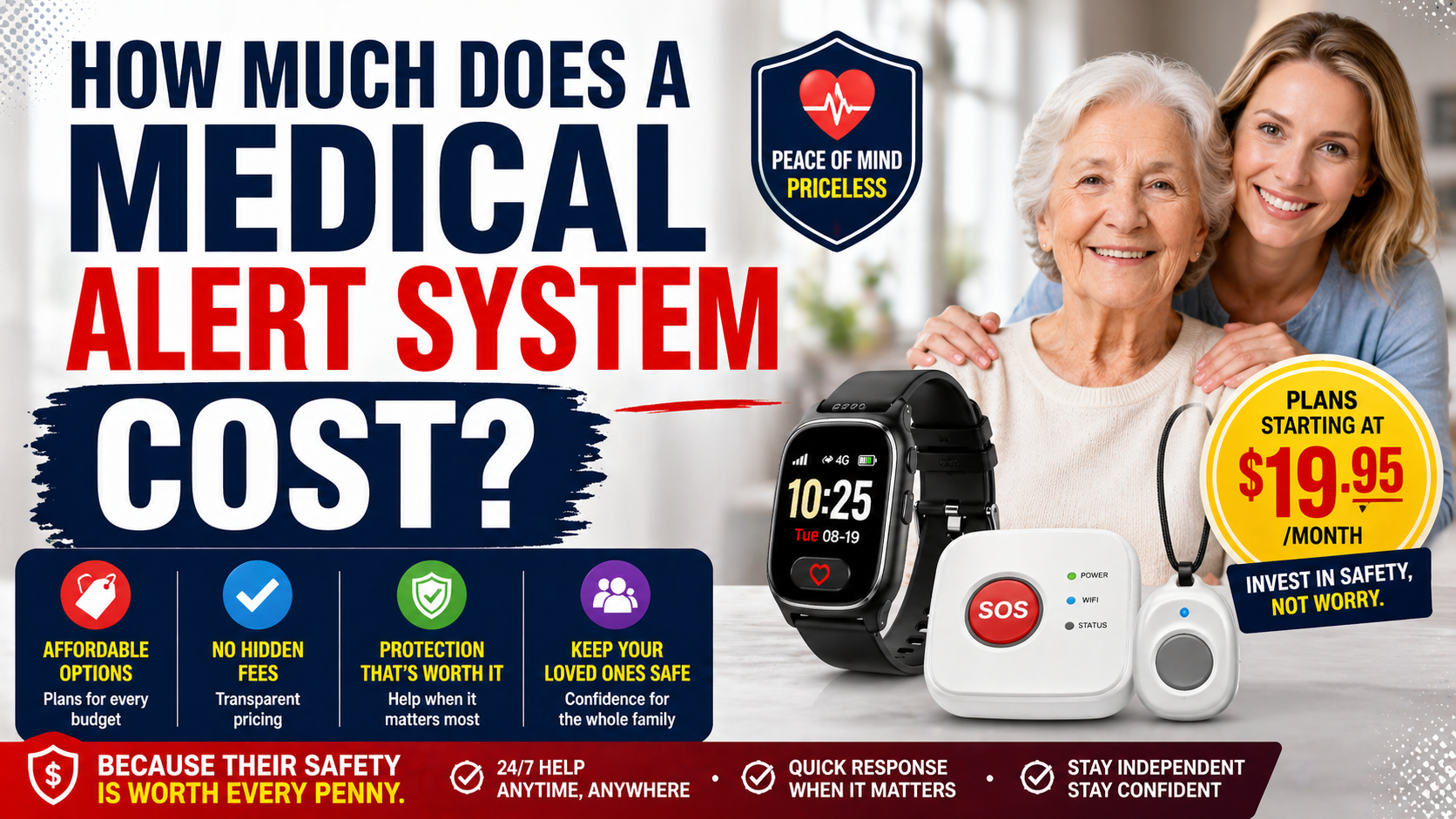
The Apple Watch hardware cost ranges from $249 to $799 depending on model. Cellular capability — required for GPS and calls away from a paired iPhone — requires an additional monthly carrier plan typically $10 to $15 per month on top of an existing iPhone plan. Full fall detection capability including emergency SOS requires the cellular model. The total hardware investment is higher and the monthly cost applies on top of existing phone plan costs. Those added charges are easier to compare using a breakdown of total medical alert costs across devices and service plans.
SecuLife
The SecuLife has a lower hardware cost and a flat monthly service fee that covers cellular, GPS, and all monitoring features. No existing phone plan required. No coordination with a carrier. One device, one monthly fee, complete functionality.
As covered in our guide on how much a medical alert system costs — the monthly cost over 12 to 24 months is often the most significant financial factor in this decision. The SecuLife’s total cost of ownership over two years is typically lower than a cellular Apple Watch with equivalent connectivity.
The Compliance Factor — Which One Gets Worn
The best fall detection device is the one actually on the wrist. Both watches need to be worn consistently to provide protection — and both face real compliance challenges with older adults who resist wearable technology.
The Apple Watch’s sophistication can work against compliance — an older adult who finds it confusing, who gets frustrated by notifications, or who feels overwhelmed by the interface may wear it less consistently than a simpler device. The SecuLife’s simplicity — it does one thing, it requires nothing from the wearer beyond wearing it — often produces better compliance in the older adult population it’s designed for.
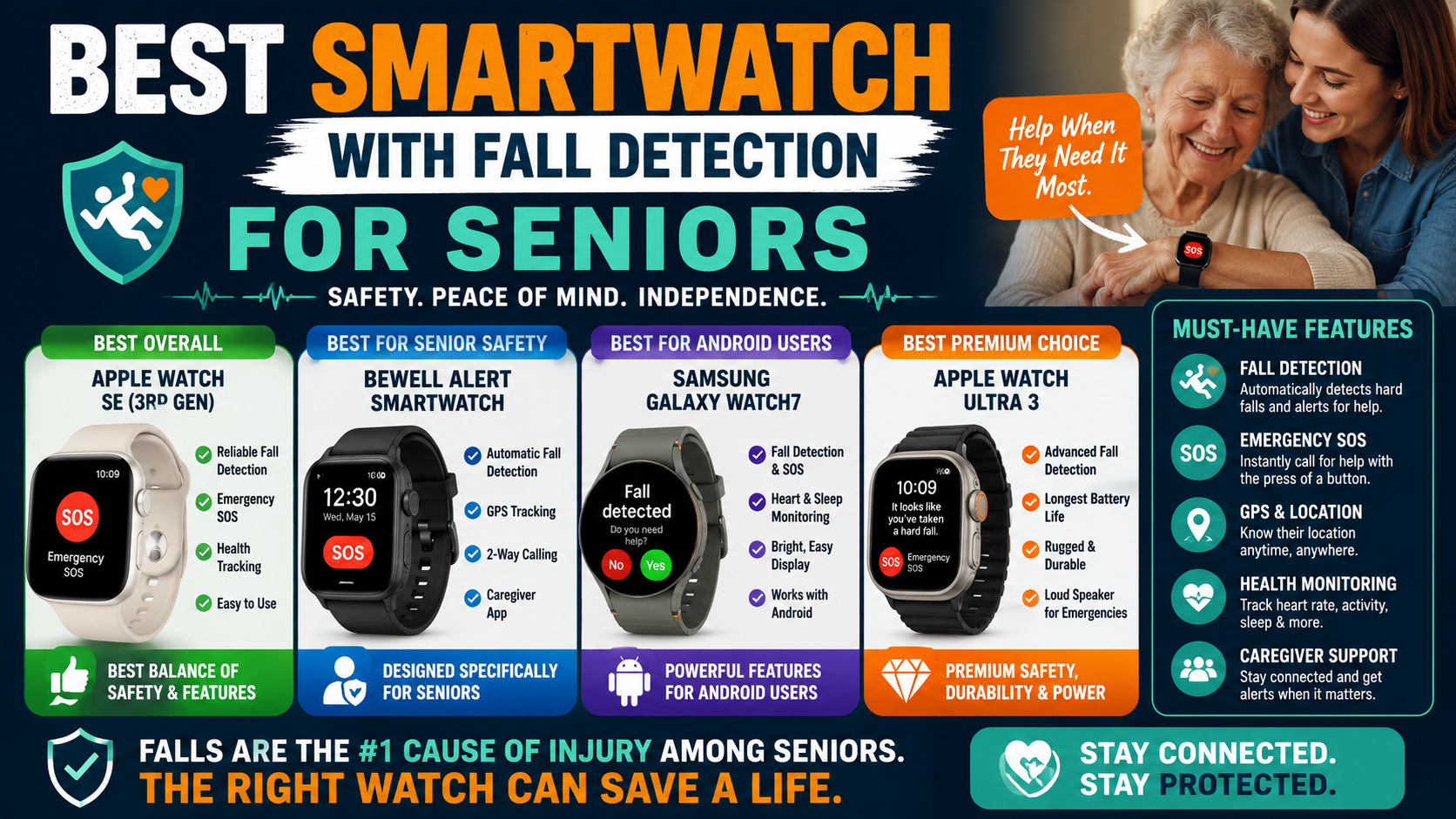
Watch format specifically helps both devices — the habitual watch-wearing behavior that most older adults maintain is a compliance advantage over pendant-style devices. As covered in our guide on best smartwatch with fall detection for seniors — the watch format that looks like a normal watch is the format most likely to be worn consistently.
Where the Apple Watch Wins
An honest comparison acknowledges where the Apple Watch has genuine advantages for specific situations.
For tech-comfortable seniors who already use an iPhone: The Apple Watch integrates seamlessly into an existing Apple ecosystem. Health tracking, communication, and fall detection in one device that the person already knows how to use.
For active seniors with varied health tracking needs: The Apple Watch’s ECG, blood oxygen monitoring, sleep tracking, and fitness features provide health data beyond fall detection that some older adults genuinely value and use.
For families in the Apple ecosystem: If the whole family uses Apple devices, the Find My integration and Family Sharing features are more seamless than a separate monitoring app.
For seniors who would wear the Apple Watch but resist a dedicated medical device: If the Apple Watch is what a particular person will actually wear consistently — because they want it for other reasons — its fall detection is meaningfully better than no fall detection at all.
The Decision Framework
Choose the SecuLife if:
- The person doesn’t use an iPhone or finds smartphone technology challenging
- Simple operation with no learning curve is the priority
- Dementia is present — geofencing, simpler interface, no iPhone dependency
- Family wants direct real-time GPS monitoring through a dedicated app
- Fall detection calibrated for senior movement patterns is the priority
- Lower total cost of ownership matters
- The person lives alone and maximum fall detection reliability is the goal
Consider Apple Watch if:
- The person already uses an iPhone and is comfortable with Apple technology
- Health tracking beyond fall detection is genuinely wanted and will be used
- The whole family is in the Apple ecosystem and seamless integration matters
- The person specifically wants an Apple Watch and will wear it consistently
For Most Seniors — The Recommendation Is Clear
For the majority of older adults who need fall detection — particularly those living alone, those with any dementia, those without iPhones, or those who want protection without technology management — the SecuLife provides more reliable protection with less complexity at lower total cost.
The Apple Watch is the world’s best smartwatch. The SecuLife is the best fall detection device for seniors. Those are different categories — and for the specific need of senior fall protection the purpose-built device wins.
→ Get the SecuLife Smartwatch on Amazon
Frequently Asked Questions
Can an Apple Watch call family instead of 911 after a fall?
Apple Watch emergency SOS is configured to call emergency services — not family members directly. Emergency contacts receive a notification with location after the 911 call is initiated but the primary response is emergency services. The SecuLife’s alert goes to designated family contacts who then decide whether 911 is needed — a different response model that’s more appropriate for the majority of falls that require assistance but not emergency services.
Does the SecuLife work without a smartphone?
Yes — completely independently. The SecuLife operates on its own cellular connection. The person wearing it needs no phone. Family members use the SecuPro app on their own smartphones to monitor — but the watch itself requires no paired device of any kind.
Which has better battery life?
The Apple Watch typically lasts 18 to 36 hours depending on model and usage. The SecuLife typically lasts one to two days. Both require daily or near-daily charging. A consistent nightly charging routine — charge every night, on every morning — is the right habit for either device.
Is the Apple Watch waterproof enough to wear in the shower?
Yes — Apple Watch is water resistant to 50 meters and suitable for shower use. The SecuLife is similarly water resistant for shower use. Both can be worn during the bathroom visits where fall risk is highest — a significant advantage over pendant-style devices that are typically not shower-appropriate.
What if my parent already has an Apple Watch?
Make sure fall detection is enabled — it’s off by default for users under 55 and must be manually turned on in the Watch app on the paired iPhone. Ensure the Apple Watch is the cellular model if the person doesn’t consistently carry their iPhone. Add emergency contacts in the Health app. A properly configured Apple Watch with fall detection enabled is meaningfully better than nothing — and if your parent is already wearing it consistently, keeping it and ensuring it’s configured correctly may be the right call before introducing a new device.
Both Beat Nothing — Start Somewhere
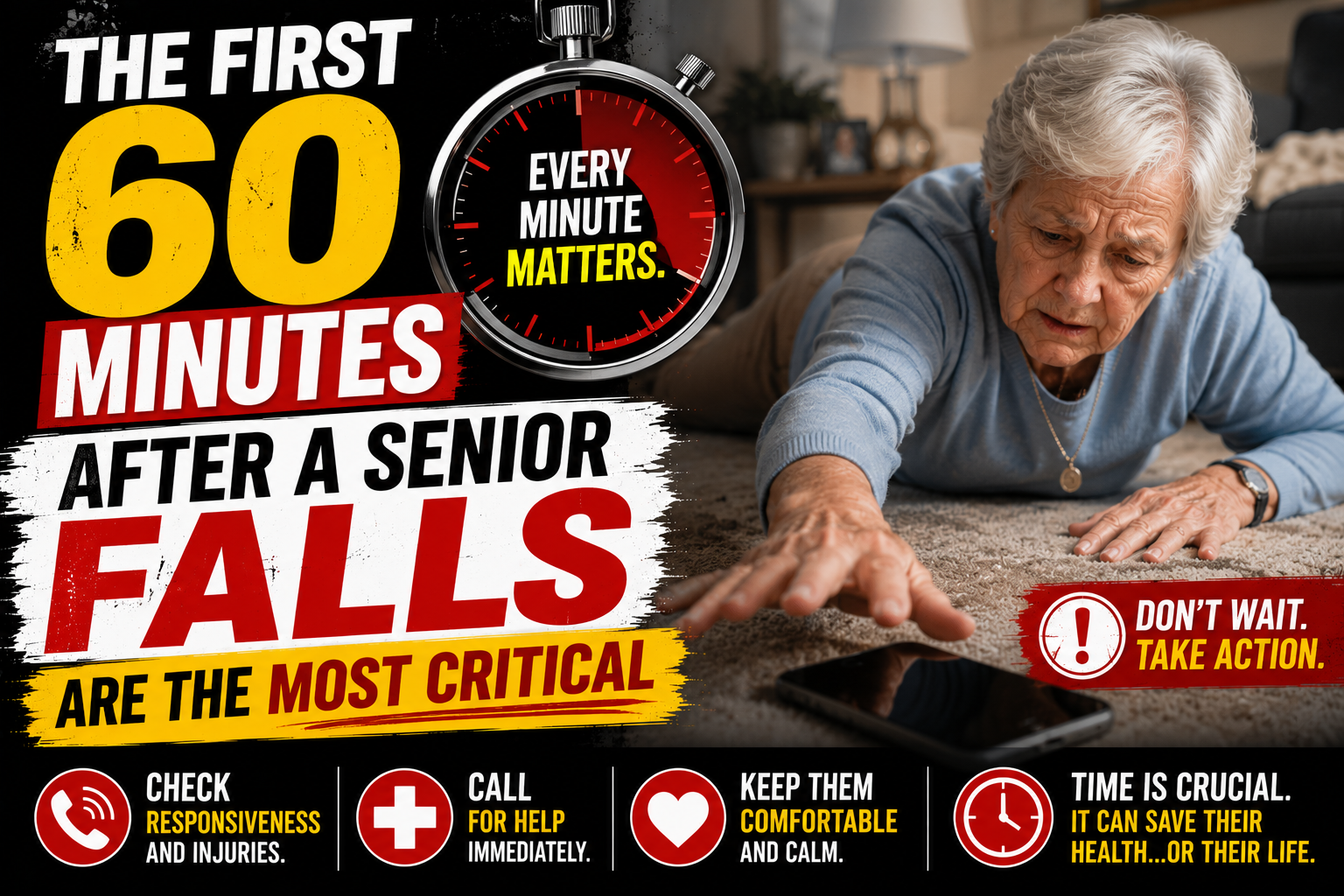
The worst outcome of this comparison is months of deliberation while a parent has no fall detection at all. As covered in our guide on the first 60 minutes after a senior falls are the most critical — the gap between a fall and discovery determines outcomes. Either device closes that gap. Neither device is as dangerous as no device.
For most families the SecuLife is the right choice for the reasons above. For families where the Apple Watch is what the person will actually wear — get it configured correctly and use it. The best fall detection is the detection that’s actually present when the fall happens.
→ Get the SecuLife Smartwatch on Amazon
About the Author
Margaret Holloway, RN spent 22 years in geriatric nursing watching the technology conversation evolve — from basic pendant alarms to smartwatches with automatic fall detection. The question she gets most from families is whether the Apple Watch their parent already has is good enough. The answer is always the same: it depends on whether it’s configured correctly, whether the person carries their iPhone, and whether the fall detection algorithm actually catches the falls most common in that person’s age group. The SecuLife was built for this specific population. The Apple Watch was built for everyone. For an older adult who needs fall detection above everything else — purpose-built wins. She writes for Elder Safety Guide because families deserve a direct answer to this comparison rather than marketing from either direction.