Not all smartwatches work the same for older adults. Here’s the best smartwatch for seniors — with the fall detection, GPS, and simplicity that actually matters for daily safety.
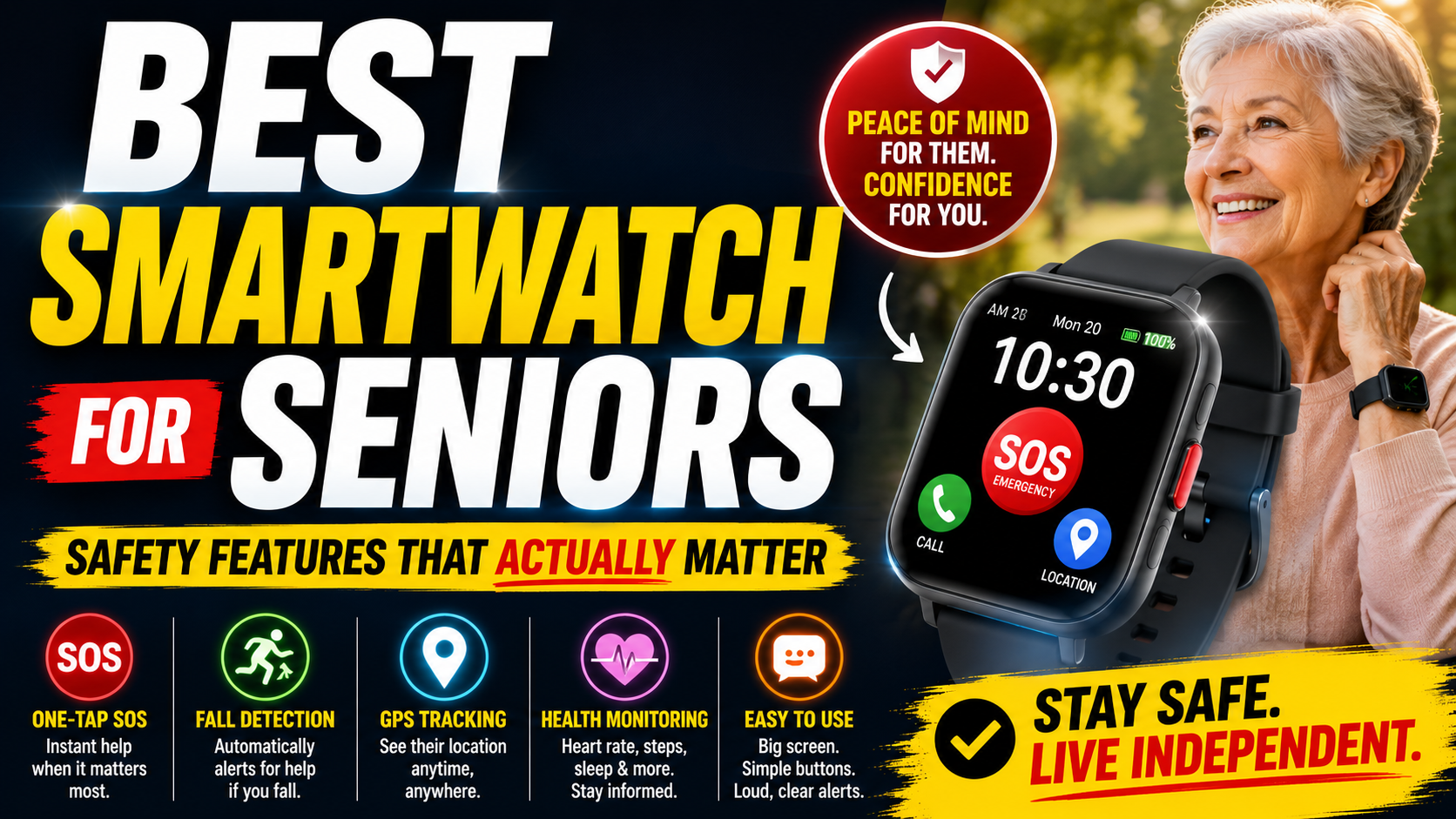
Shopping for a smartwatch for an older adult is more complicated than it looks. The smartwatch market is built around younger, tech-comfortable users — fitness tracking, notification management, app ecosystems. Most of those features are irrelevant for the person who primarily needs a watch that keeps them safe and connected.
What matters for seniors is a very specific set of features — and getting those features right is more important than brand name, design, or the length of the spec sheet. A smartwatch that looks impressive but doesn’t detect falls reliably, requires ongoing technical management, or gets left on the nightstand because it’s uncomfortable provides zero protection.
This guide cuts through the noise. Here’s what actually matters, what to look for, and the specific option we recommend for most older adults.
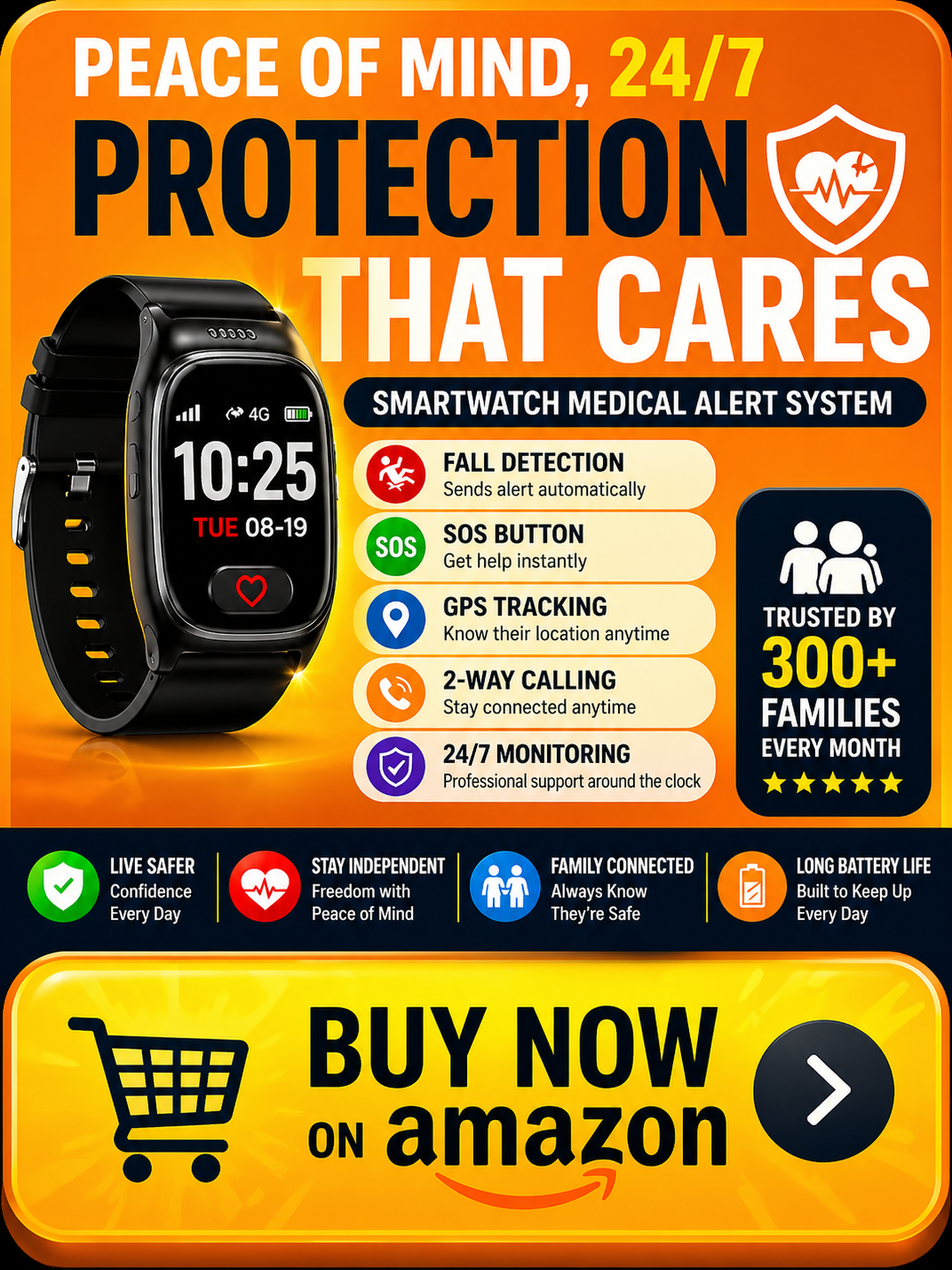
→ See the SecuLife Smartwatch on Amazon — built specifically for senior safety
What Makes a Smartwatch Right for Seniors — vs. Everyone Else
A smartwatch designed for a 35-year-old fitness enthusiast and a smartwatch that’s right for a 75-year-old living alone have almost nothing in common beyond the wrist format. Understanding what’s different helps explain why this buying decision requires more thought than picking the highest-reviewed device on Amazon.
The Safety Function Is Primary
For most older adults the primary reason to wear a smartwatch is safety — fall detection, emergency calling, GPS so family knows they’re okay. Every other feature is secondary. A smartwatch that excels at fitness tracking but has mediocre fall detection has its priorities backwards for this use case.
Complexity Is the Enemy
Consumer smartwatches are designed to be feature-rich — lots of apps, lots of settings, lots of things to manage. For older adults, particularly those with any cognitive changes, complexity is a barrier to consistent use. A device that requires ongoing technical management is a device that often ends up in a drawer. Simplicity — set up once, works automatically — is a feature in itself for this population.
Wearing Consistency Matters More Than Specs
The best smartwatch in the world provides zero protection if it’s not on the wrist. Comfort, appearance, and ease of daily use all affect whether a device gets worn every day — including first thing in the morning, during outdoor activities, and during the nighttime bathroom trips when falls are most likely. A device the person actually wears beats a superior device they don’t.
Independence From Other Devices
Many consumer smartwatches depend on a paired smartphone for full functionality. For older adults whose phones are frequently in another room, uncharged, or simply not managed with the same diligence as a younger user, this dependency creates reliability gaps. A smartwatch that operates independently — with its own cellular connection, its own GPS, its own calling capability — provides protection regardless of where the phone is.
The Features That Actually Matter for Senior Smartwatches
Automatic Fall Detection — Non-Negotiable
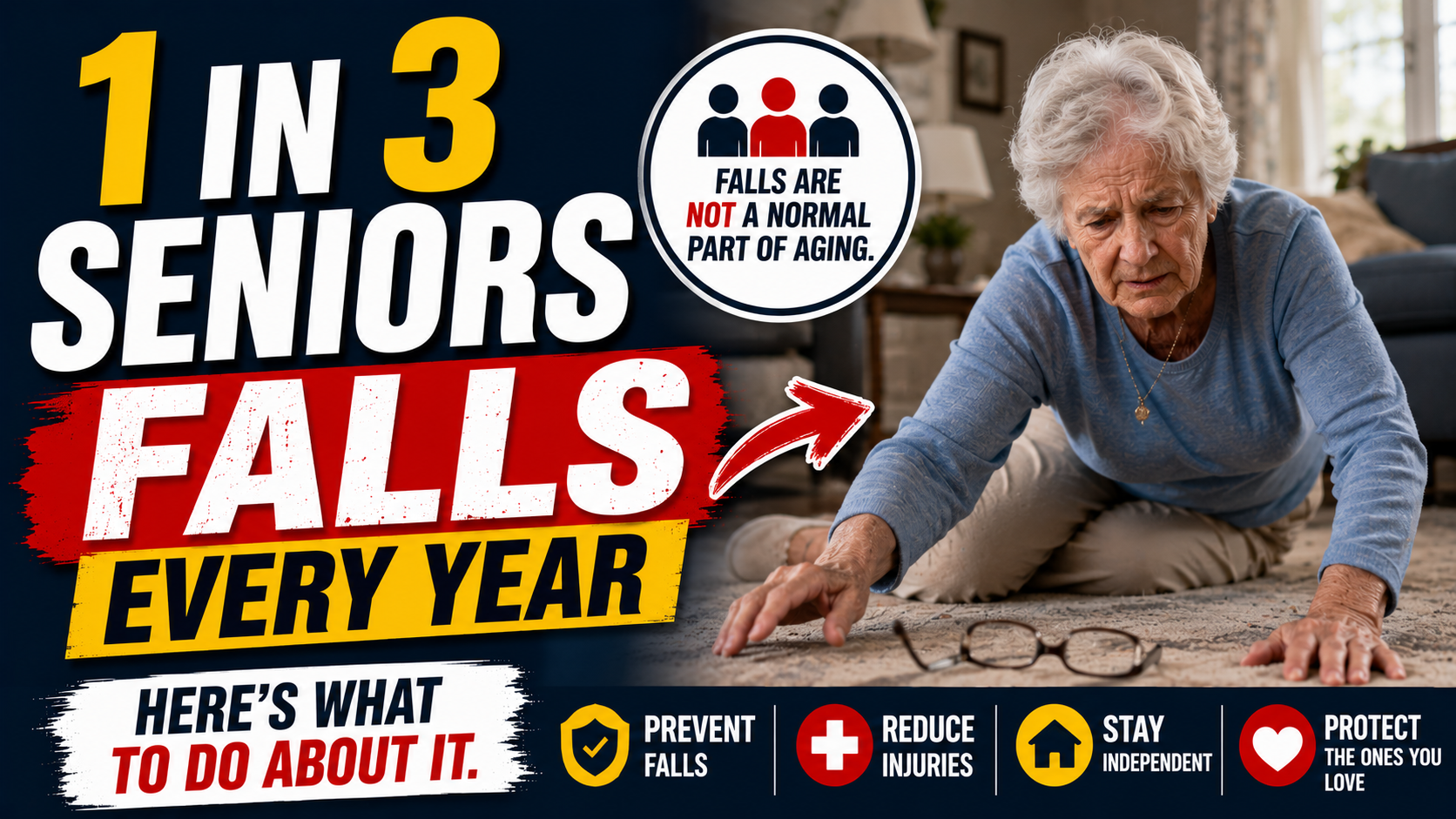
Fall detection that requires a button press is better than nothing. Fall detection that triggers automatically without any action from the wearer is what actually protects someone who falls and is unable to press anything.
For any older adult living alone or spending meaningful time without others nearby, automatic fall detection is the single most important smartwatch feature available. It’s the feature that determines what happens in the worst-case scenario — when the person who has fallen can’t do anything to help themselves.
Not all fall detection is equally effective for seniors. Consumer smartwatches calibrate their detection primarily on younger, more active users whose falls tend to be higher-velocity impacts. Senior falls often look different — slower, lower-velocity, more gradual balance loss. Dedicated senior safety smartwatches calibrate specifically for these patterns.
Independent Cellular Operation
The smartwatch should operate on its own cellular connection — not dependent on a nearby smartphone. This means GPS tracking, SOS calling, and fall detection alerts all work regardless of where the phone is. For an active senior who leaves home regularly, independent cellular operation means protection anywhere there’s cell coverage — at the grocery store, at appointments, on a walk, in the garden.
GPS Tracking
Real-time GPS visible to family members through a companion app provides two distinct benefits. First, emergency location — when an alert triggers, responders know exactly where to go without the person having to communicate their location. Second, ongoing peace of mind — family members can check location without calling, knowing their loved one arrived home from their appointment or is on their usual walk route.
SOS Button — Simple and Accessible
The emergency button needs to be findable and pressable under extreme stress — in the dark, with shaking hands, possibly from the floor, possibly injured. A large, clearly identified button that requires a simple press-and-hold is the right design. Multi-step sequences that work fine under normal conditions fail under the stress conditions when they’re actually needed.
Two-Way Calling From the Watch
The ability to make and receive calls directly through the watch — without finding a phone — is more valuable than it sounds for an older adult living alone. When the phone is in another room, when it fell during a fall, when it’s in a bag that’s out of reach — calling from the watch itself closes the gap between needing help and being able to get it.
Battery Life and Charging Simplicity
A smartwatch that dies in the afternoon is a smartwatch that isn’t there when something happens at dinner. Full-day battery life and a simple, predictable charging routine — plugging in every night before bed — keeps the device operational reliably. Complex charging requirements or short battery life creates gaps in protection.
Comfort and Wearability
A watch that’s uncomfortable gets taken off. Weight, band material, clasp design, and overall wristfit all affect whether the device stays on the wrist consistently. For older adults with arthritis or reduced dexterity, clasp management matters — a clasp that’s difficult to open and close becomes a reason not to wear the watch.
Display Clarity
For any display-based interaction — seeing the time, reading an alert, navigating to a function — the display needs to be readable without glasses in various lighting conditions. Large text, high contrast, and adequate brightness matter more for older adult users than the pixel density specifications that drive consumer smartwatch marketing.
The Best Smartwatch for Seniors
SecuLife Smartwatch — Medical Alert Features in a Regular-Looking Smartwatch
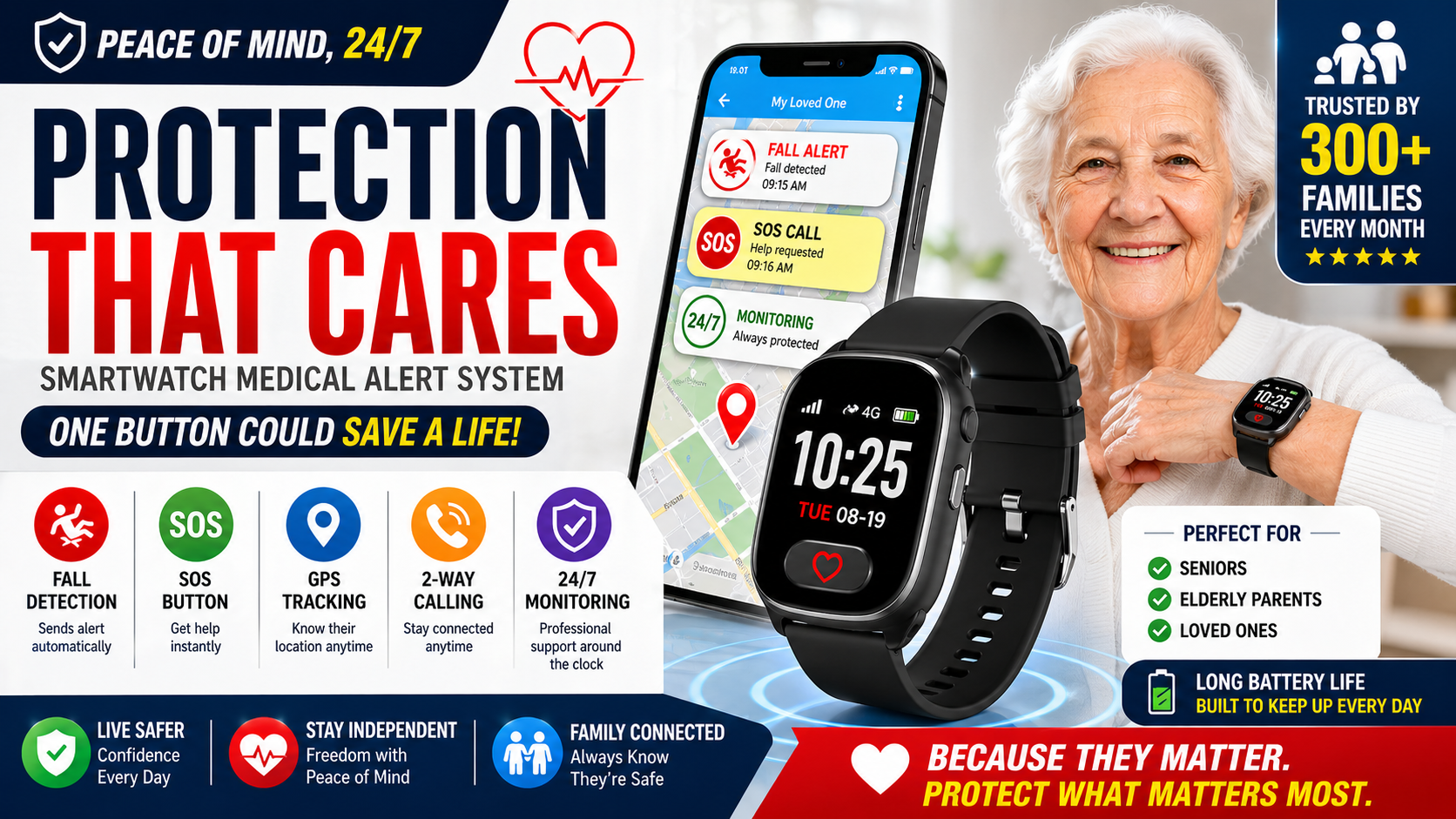
The SecuLife is the smartwatch we recommend for most older adults — specifically because it’s built from the ground up for senior safety rather than adapted from a consumer device designed for a different user.
→ Check current price and availability on Amazon
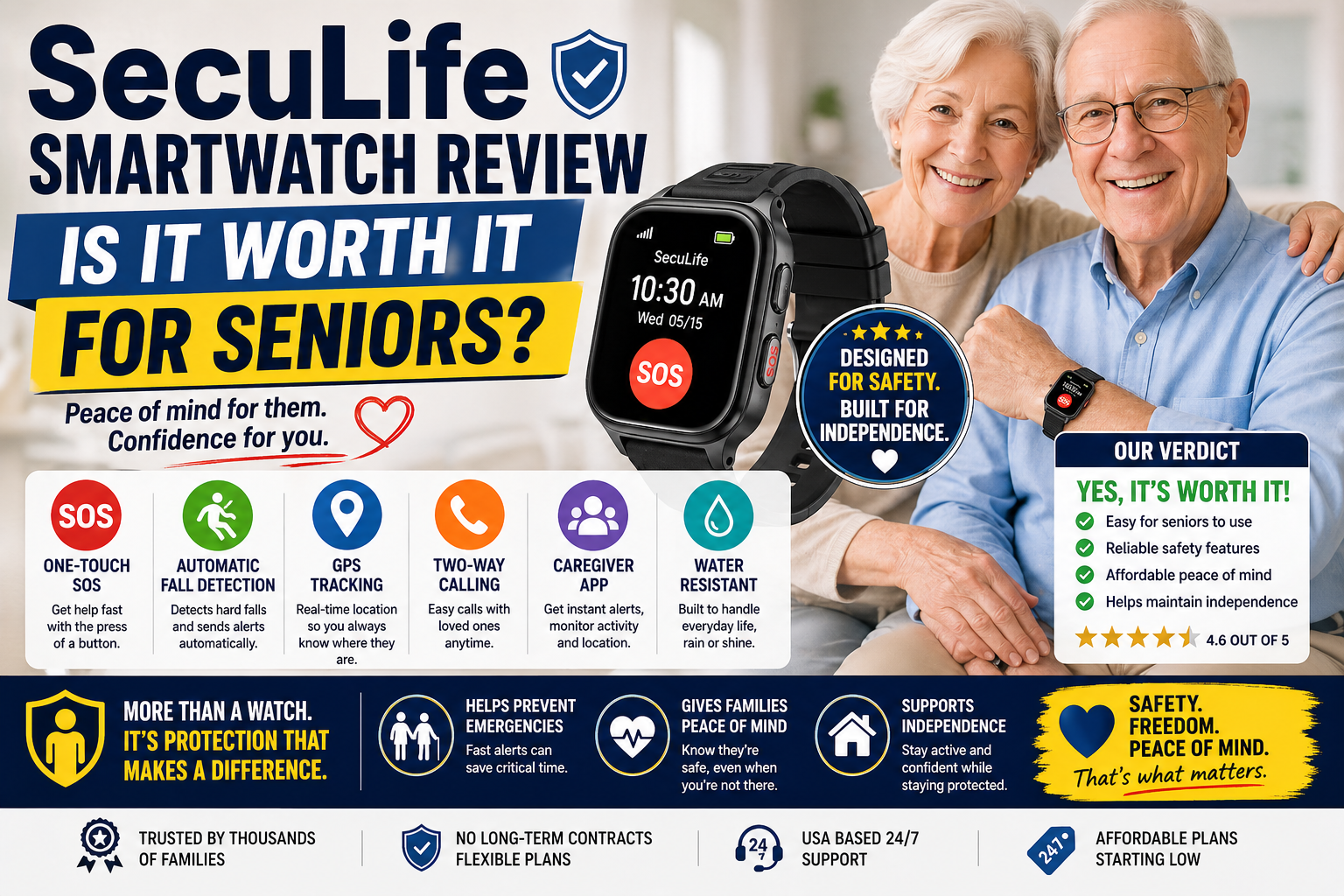
Fall detection calibrated for seniors runs continuously in the background without any action required from the wearer. When a fall is detected and there’s no response, the alert goes to designated family contacts automatically. The calibration is specifically tuned for the movement patterns of older adults — not repurposed from a fitness tracker’s general algorithm.
Fully independent cellular operation means the SecuLife works anywhere with cell coverage regardless of where any phone is. GPS tracking, SOS calling, fall detection alerts, and two-way calling all operate from the watch itself. The paired phone is for the family members using the companion app — not required on the wearer’s side at all.
Real-time GPS through the SecuPro companion app gives family members location visibility at any time. Check where your loved one is without calling. Set geofencing boundaries and receive alerts when they leave a defined area — particularly valuable for anyone with early memory concerns. When an alert triggers, location is shared immediately.
The SOS button is large, clearly identified, and designed for stress scenarios. Press and hold to activate — long enough to prevent accidental triggers, simple enough to execute when injured or frightened. When activated, designated contacts are alerted immediately with GPS location.
Two-way calling through the watch allows speaking directly with family members or emergency services from the wrist — no phone required. The speakerphone is designed to be loud enough for seniors with some hearing reduction.
The design looks like a regular smartwatch — not a medical device, not a pendant, not something that announces its purpose to everyone who sees it. This matters enormously for daily wearing consistency. Seniors who have flatly refused pendants for years routinely accept a smartwatch without significant resistance. And consistent wearing is what provides consistent protection.
Service plans start at $20/month on the annual plan — less than most streaming services. All core features included at every tier: fall detection, GPS, SOS, two-way calling, and family app access. No hidden fees for fall detection or GPS. Our complete breakdown of how much a medical alert system costs covers the full pricing picture.
For the complete review of the SecuLife covering every feature, real family feedback, pricing across all plan options, and honest limitations our full SecuLife Smartwatch review covers everything worth knowing.
→ Get the SecuLife Smartwatch on Amazon
How the SecuLife Compares to Consumer Smartwatches
The comparison most families face is between the SecuLife and a consumer smartwatch — Apple Watch, Samsung Galaxy Watch, or similar. Here’s the honest picture.
Where the SecuLife wins for senior safety:
- Fall detection calibrated specifically for senior movement patterns and lower-velocity falls
- Fully independent cellular — no phone dependency for any safety feature
- Simpler SOS experience designed for stress scenarios
- Set up once by family member — no ongoing management required from wearer
- Lower monthly cost than most monitored alternatives with all features included
Where consumer smartwatches have advantages:
- More sophisticated health monitoring — ECG, blood oxygen, irregular rhythm detection
- Deeper ecosystem integration for Apple or Android users
- More familiar brand name for tech-comfortable seniors
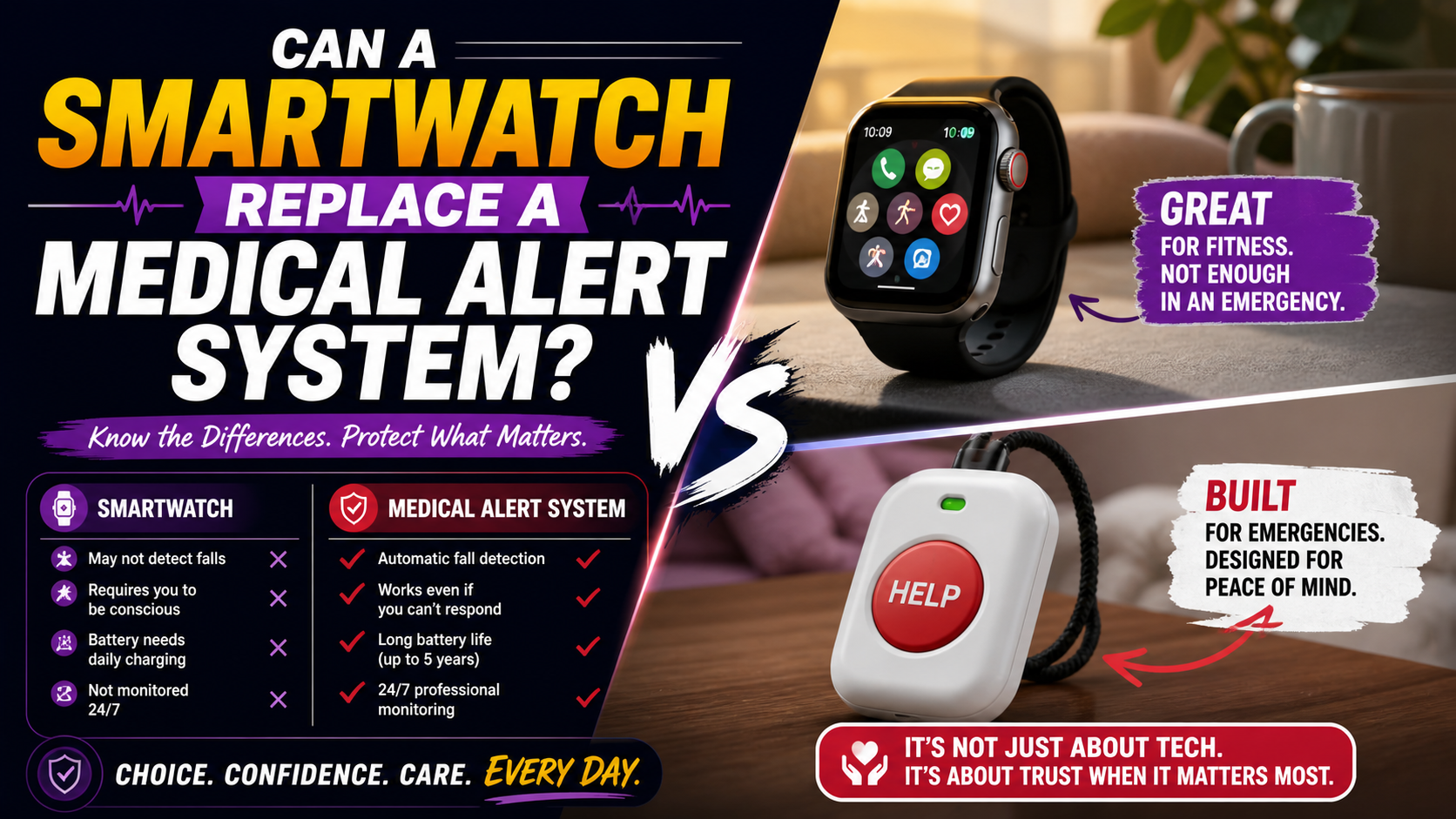
For a complete feature-by-feature comparison our guide on medical alert watch vs Apple Watch covers every dimension of this comparison in detail. Our broader comparison of whether a consumer smartwatch can replace a medical alert system covers the underlying question directly.
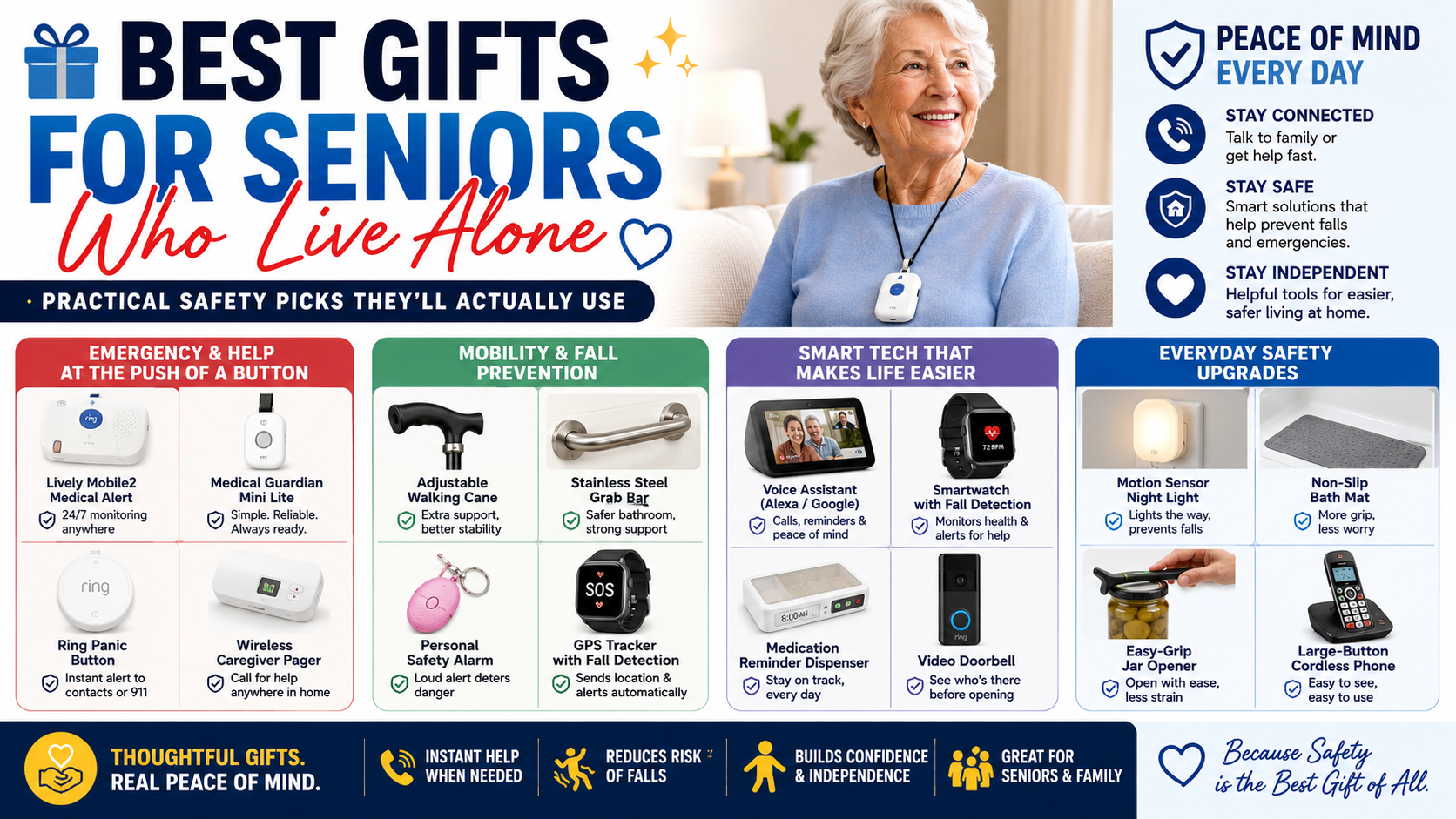
Smartwatch for Different Senior Situations
Different situations call for different feature priorities. Here’s how to think about the decision for specific circumstances.
Active Senior Who Leaves Home Regularly
Independent cellular operation and GPS are the priority features — protection needs to go everywhere the person goes, not just within range of a home base unit. The SecuLife’s fully cellular operation covers any location with cell coverage. For the active senior who walks, drives, shops, and attends activities, this coverage breadth is essential.
Senior Living Alone
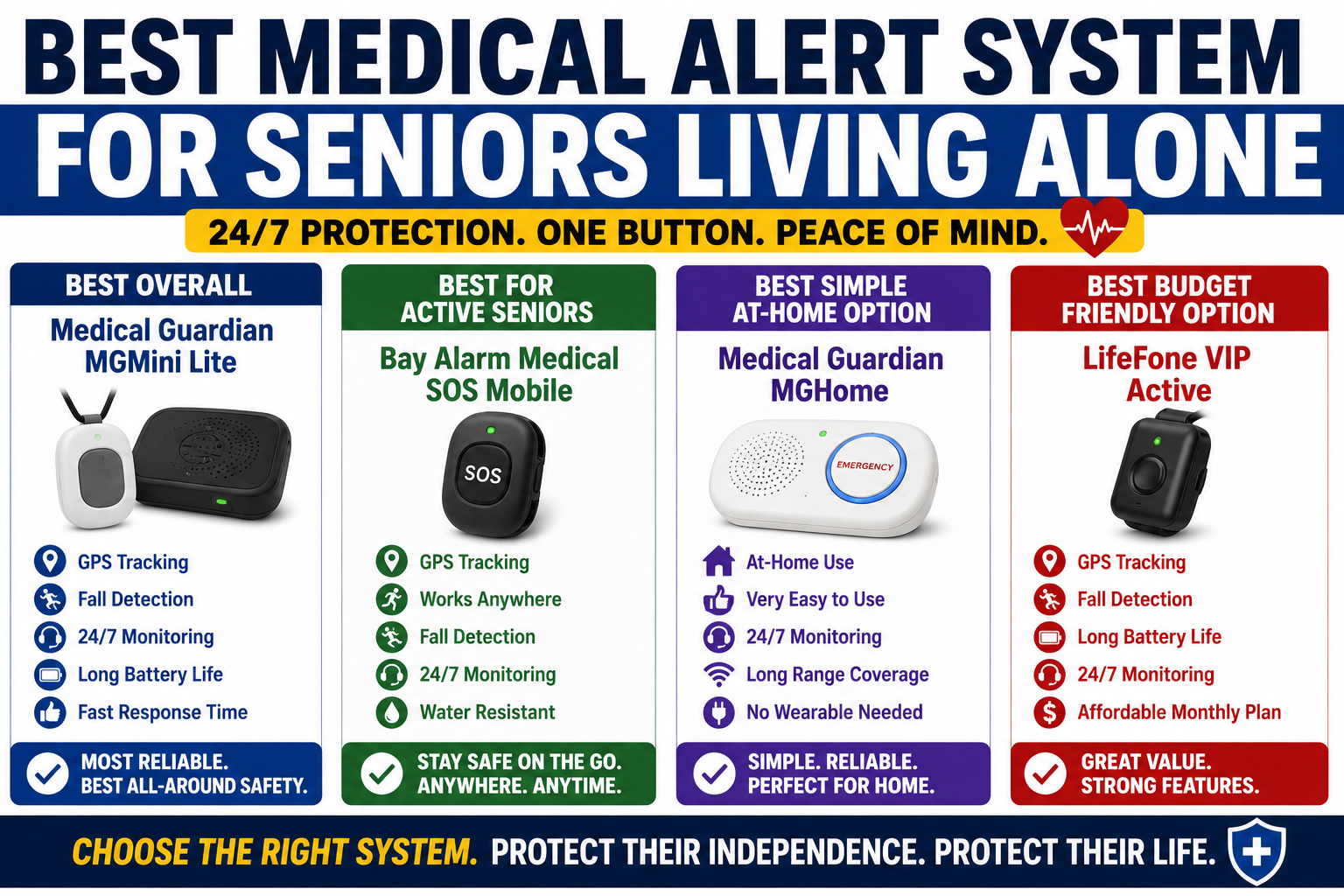
Automatic fall detection is the non-negotiable feature for solo living — because there’s no one nearby to notice if something goes wrong. The gap between a fall and help arriving is entirely determined by the safety measures in place. Our guide on best medical alert system for seniors living alone covers every feature that matters specifically for solo living situations.
Senior With Early Memory Concerns
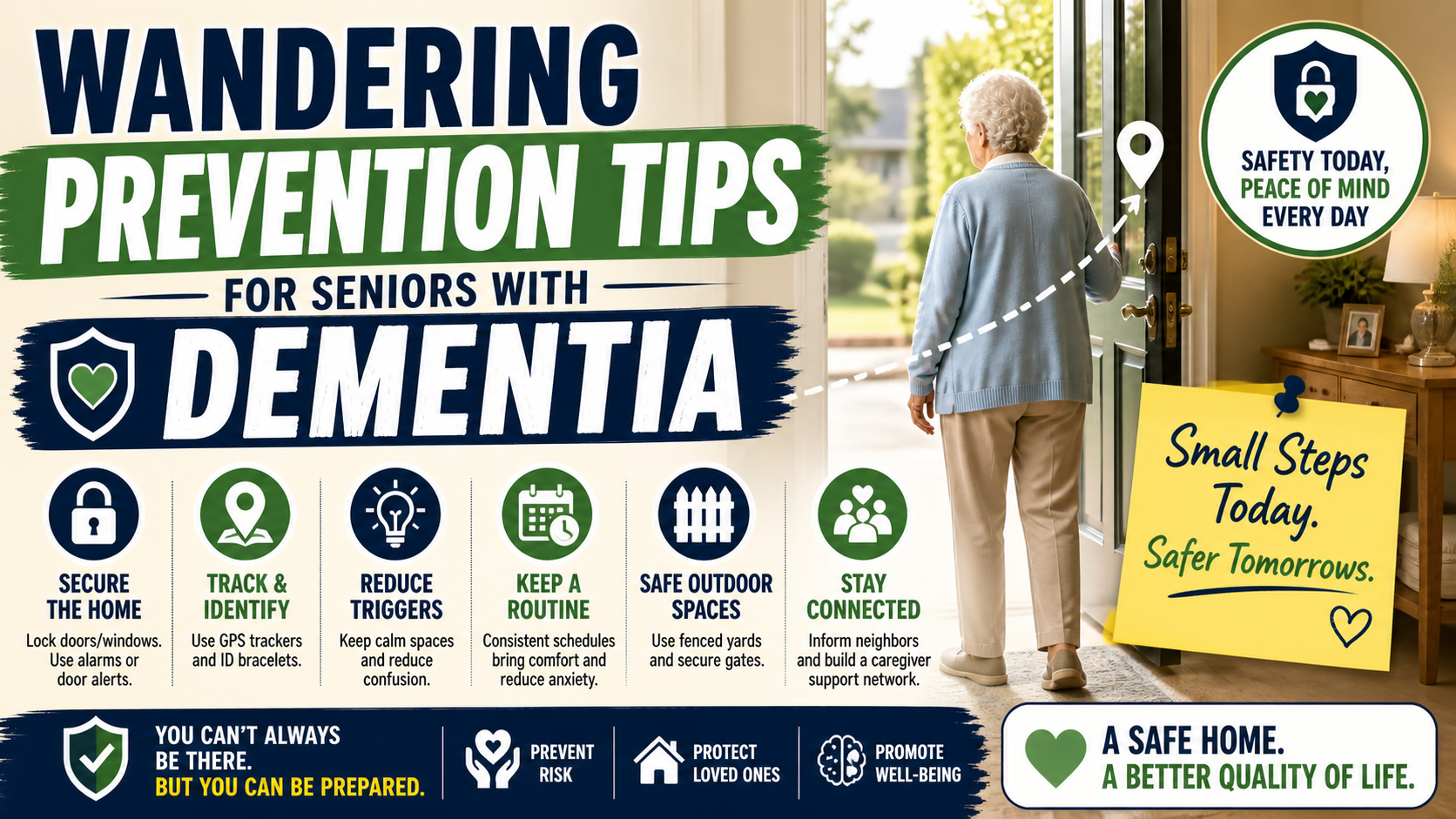
GPS geofencing — alerts when the person leaves a defined safe area — is the priority feature for anyone with early cognitive changes where wandering is a concern. The ability to see real-time location at any time through the companion app provides ongoing peace of mind without requiring constant check-in calls. Our guide on wandering prevention for seniors with dementia covers the full picture of managing this risk.
Senior Who Has Refused Other Medical Alert Devices
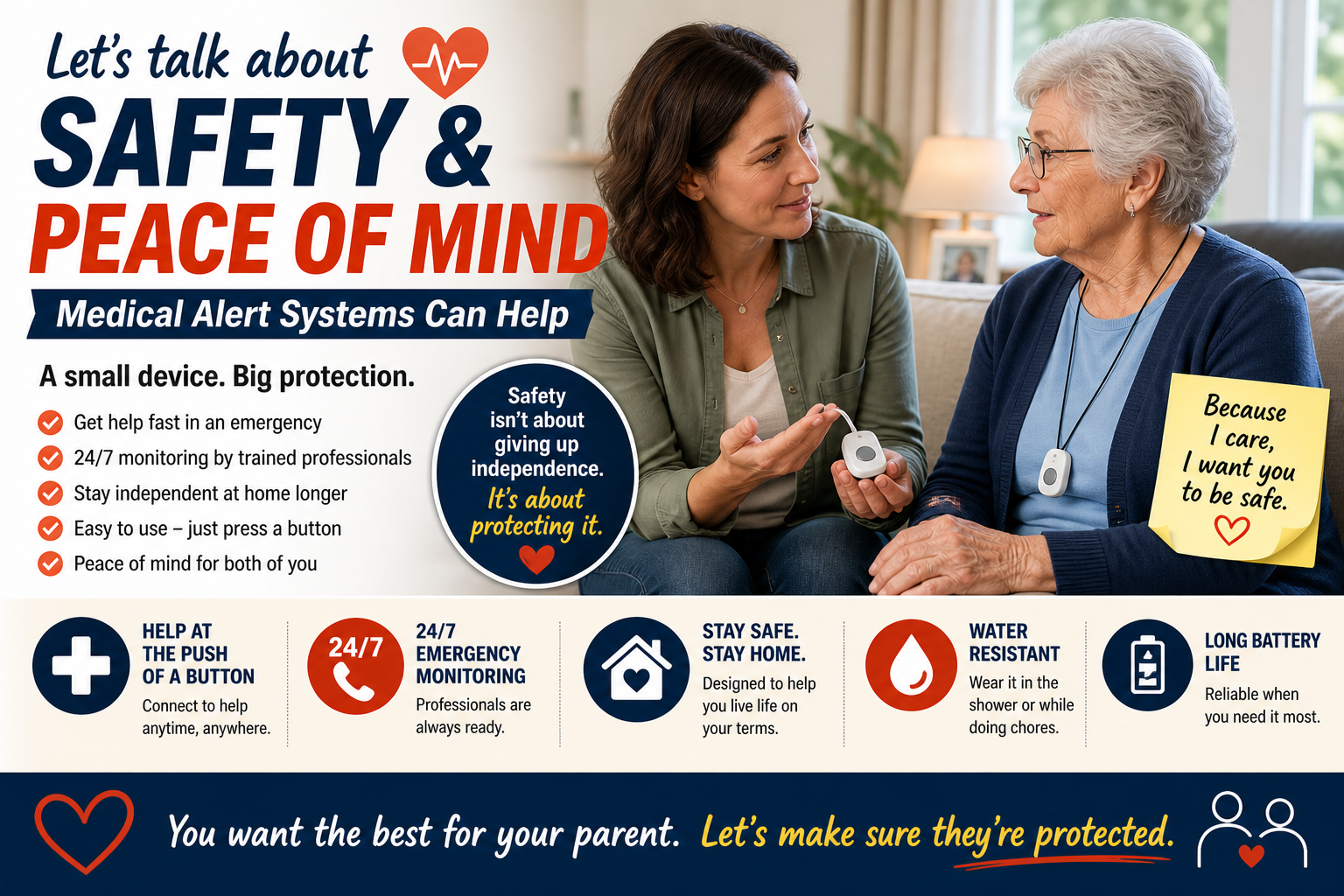
The smartwatch format is often the solution to the adoption problem that makes traditional devices sit in drawers. For someone who has refused pendants — because of how they look, because of what they signal — a smartwatch removes the primary barrier. Our guide on how to talk to a parent about a medical alert system covers exactly how to present it in a way that lands well.
Senior Recovering From a Fall or Surgery
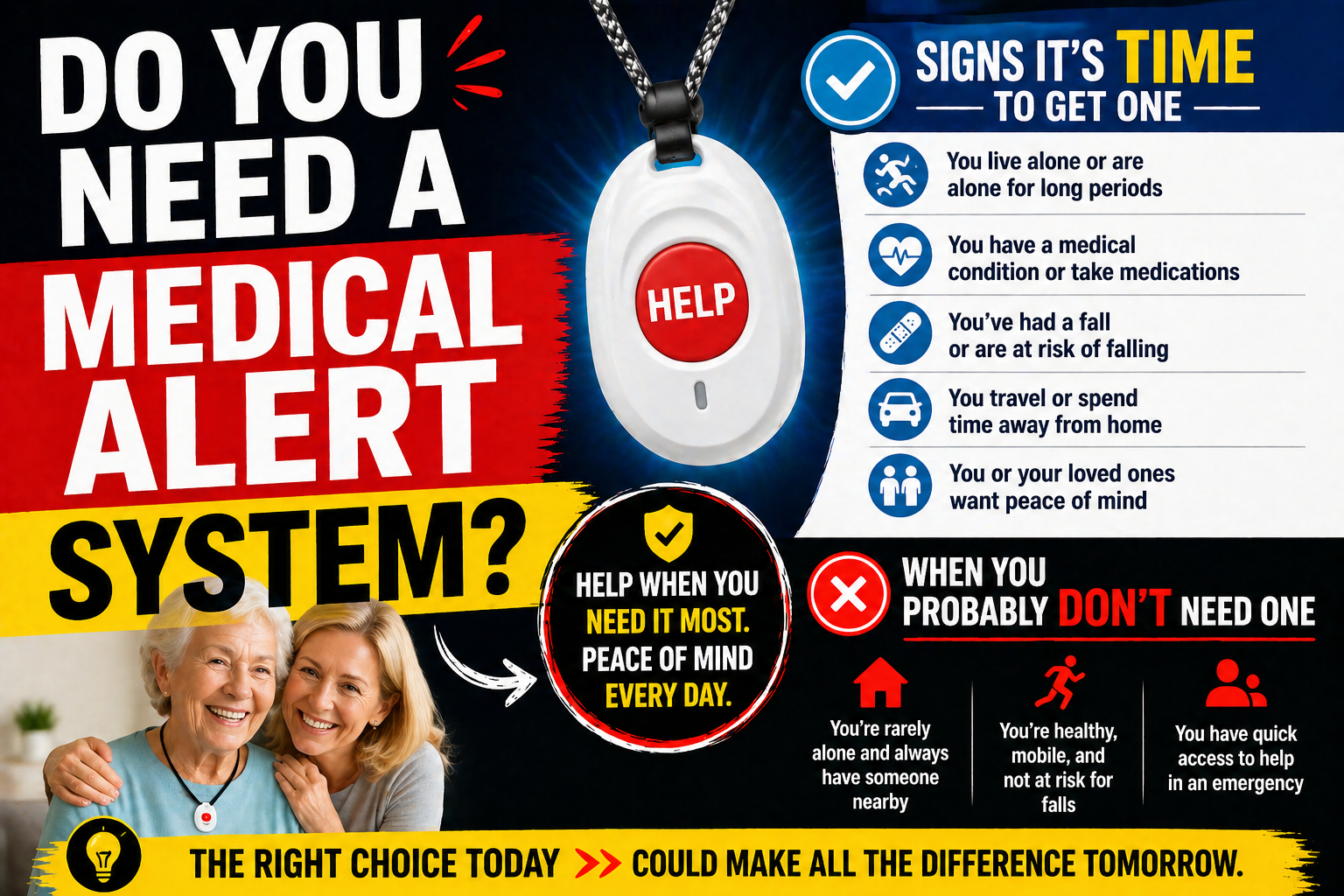
Post-fall and post-surgical periods are among the highest-risk windows for subsequent falls. Getting a medical alert smartwatch in place during recovery — and maintaining it after — addresses the elevated risk during recovery and establishes the habit for ongoing daily use. Our guide on signs it’s time for a medical alert system covers the timing question in detail.
Getting a Senior to Actually Wear It
Choosing the right smartwatch is half the job. Getting it worn consistently every day is the other half.
Build the wearing routine from day one. On in the morning as part of getting dressed. Charged at night on the nightstand. Back on in the morning. The routine that becomes automatic is the one that ensures the watch is there during the nighttime bathroom trip and the morning getting-out-of-bed transition — the two highest-risk daily moments.
Start with the everyday features. Two-way calling, GPS check-ins, the time. Let the person discover the comfort of having communication always on their wrist before the conversation about fall detection. Once it’s part of the daily routine the resistance to the safety features typically fades.
Let them see that you use the app. Show them the companion app — not as surveillance but as connection. “I can see you made it to your appointment okay without having to call — that’s really nice.” Framing the GPS as reducing calls rather than increasing monitoring changes the dynamic completely.
For more on these conversations our guide on how to talk to a parent about safety measures covers every specific objection and the framings that work.
The Complete Safety Picture
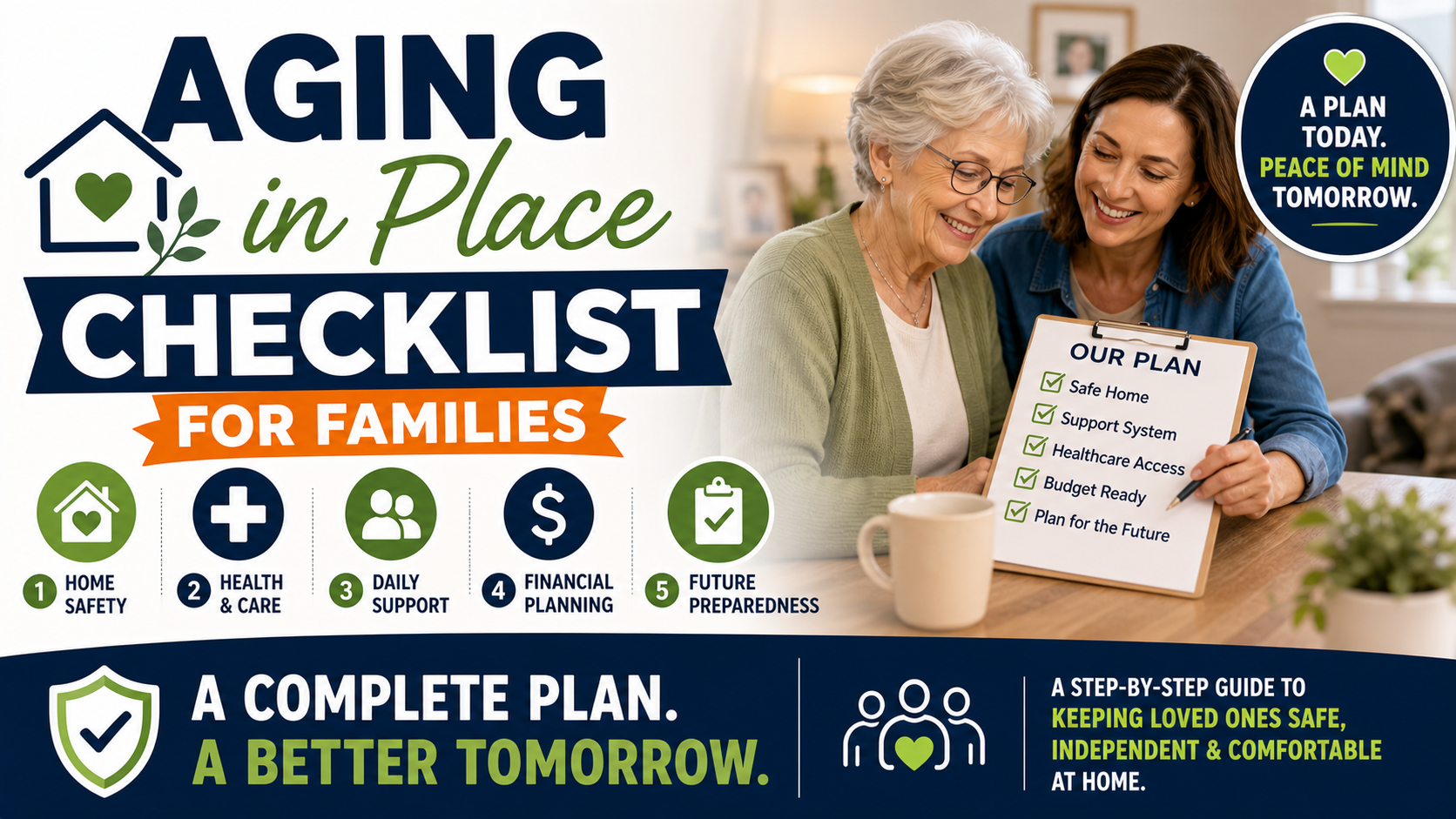
A smartwatch with fall detection is the safety net for when something goes wrong. It works best alongside home modifications that reduce how often something goes wrong in the first place.
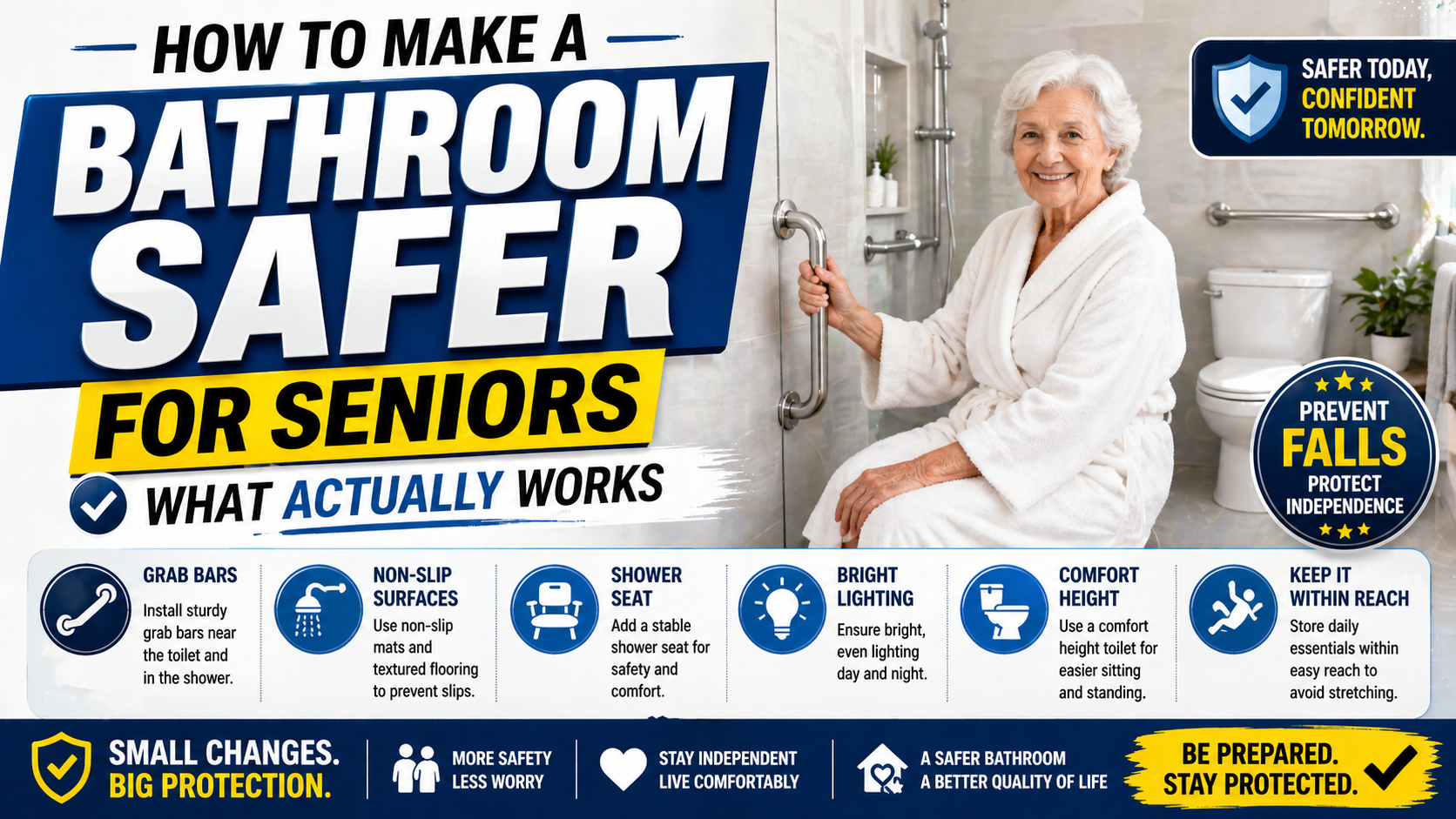
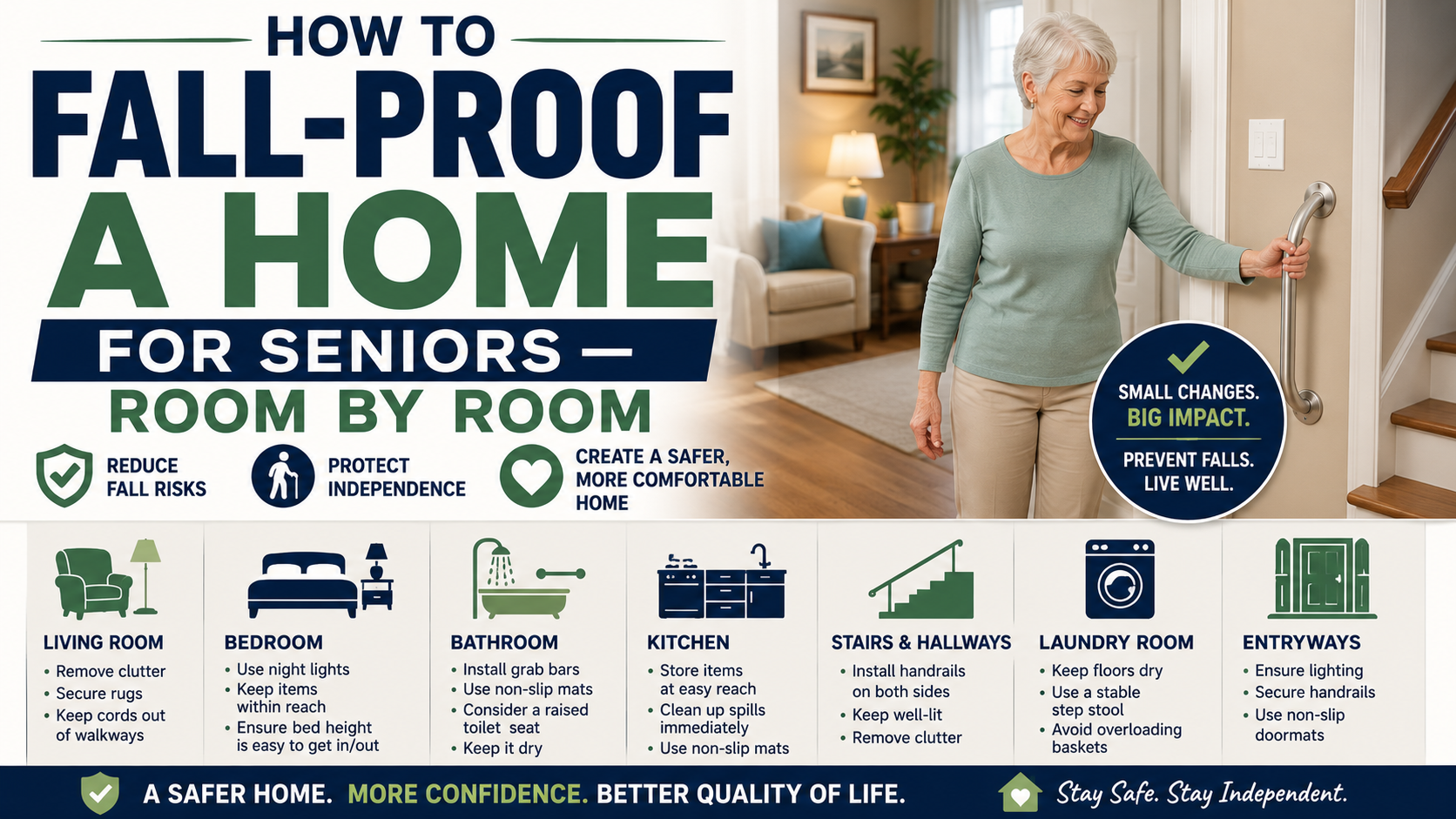
The bathroom — grab bars, shower chair, non-slip bath mat, toilet safety rails — addresses the highest-risk room. Our guide on how to make a bathroom safer covers every modification. Our complete guide on safe shower setup for elderly adults covers the shower specifically.
The bedroom — bed rail, night lights, correct getting-up technique — addresses the other high-risk daily transition. Our guide on senior bedroom safety tips for nighttime falls covers everything worth doing.
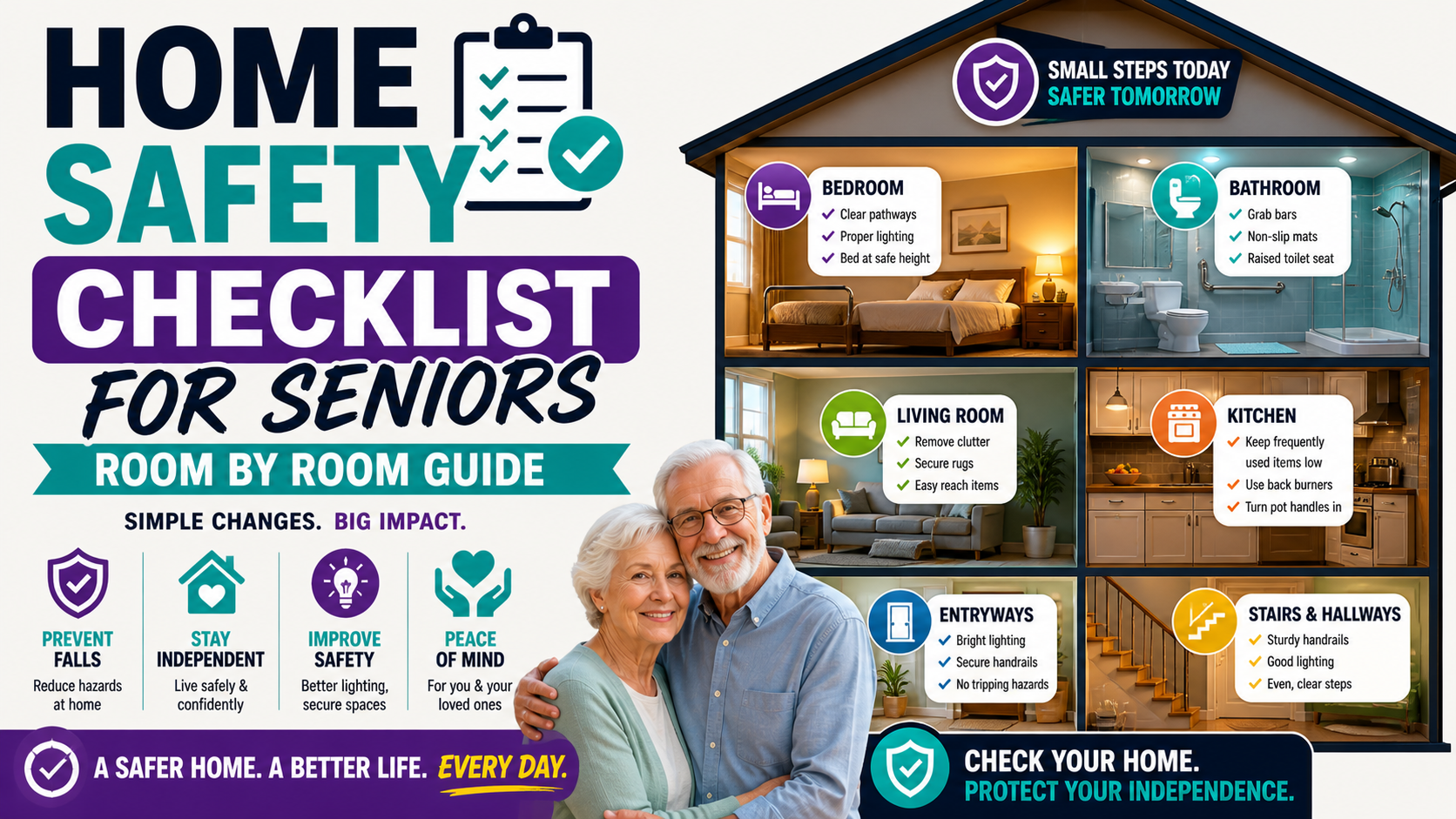
The complete home picture is covered in our home safety checklist for seniors and our guide on simple home modifications ranked by impact.
Frequently Asked Questions
What is the easiest smartwatch for seniors to use?
The easiest smartwatch for a senior to use is one that requires the least ongoing interaction from them — set up once by a family member and then simply worn. The SecuLife fits this description: the wearer puts it on, charges it at night, and it runs in the background. The family member manages the companion app. No apps for the senior to navigate, no settings to manage, no updates to apply. Ease of use for the wearer means minimum required interaction, not maximum features.
Does the smartwatch need to be charged every day?
Most smartwatches — including the SecuLife — require daily charging. Building a consistent charging routine is important: charge every night before bed, put it back on every morning. The charging routine that becomes automatic is the one that ensures the watch is always at full charge when it’s needed. For seniors who are inconsistent about charging, a reminder system — an alarm, a family member checking in — helps establish the habit in the early weeks.
Can the smartwatch be used without a smartphone?
The SecuLife can be worn and used without the wearer having a smartphone — it operates on its own cellular connection. The family members who want to use the companion app for GPS and alerts need a smartphone, but the person wearing the watch does not. This is a significant advantage for seniors who don’t use smartphones reliably.
What happens if the senior travels and leaves their coverage area?
The SecuLife operates on cellular networks — coverage depends on cell service availability at the location. In areas with adequate cell coverage the device functions fully. In areas with poor or no coverage, cellular-dependent features won’t operate. For seniors who travel domestically, coverage in most urban and suburban areas is reliable. Check coverage in specific rural or remote areas before relying on the device there.
How is this different from a Life Alert system?
Traditional Life Alert-style systems use a home base unit and a pendant button — providing in-home coverage connected to a professional monitoring center. The SecuLife is a cellular smartwatch that works anywhere, provides automatic fall detection without a button press, connects directly to designated family members rather than a call center, and looks like a regular watch rather than a medical device. For active seniors who leave home and whose family wants to be the primary contact, the SecuLife provides broader and often more personal coverage. Our guide on best medical alert smartwatch for seniors covers the full comparison of smartwatch-format devices.
The Smartwatch That Works — For Real Senior Safety
The best smartwatch for seniors isn’t the one with the most features or the most recognizable brand. It’s the one that gets worn every day, works reliably when it’s needed, and provides the specific protection that matters most for older adults — fall detection that works for senior fall patterns, GPS that works anywhere, and an SOS experience that works under stress.
The SecuLife delivers all of that in a device that looks like a regular watch — which means it actually gets worn — at a monthly cost that’s less than most people spend on streaming services.
For the full review, pricing details, and real family feedback our complete SecuLife review covers everything. For the broader question of what features matter and why our guide on best medical alert smartwatch for seniors covers the full picture.
→ Order the SecuLife Smartwatch on Amazon — check current price and read customer reviews
About the Author
Carol Simmons is a Certified Aging-in-Place Specialist (CAPS) who has helped hundreds of families evaluate and implement technology solutions for safe independent living. She writes for Elder Safety Guide to cut through the marketing noise and give families honest, practical guidance on the devices that actually make a difference — and the ones that don’t live up to their promises in real-world senior safety situations.