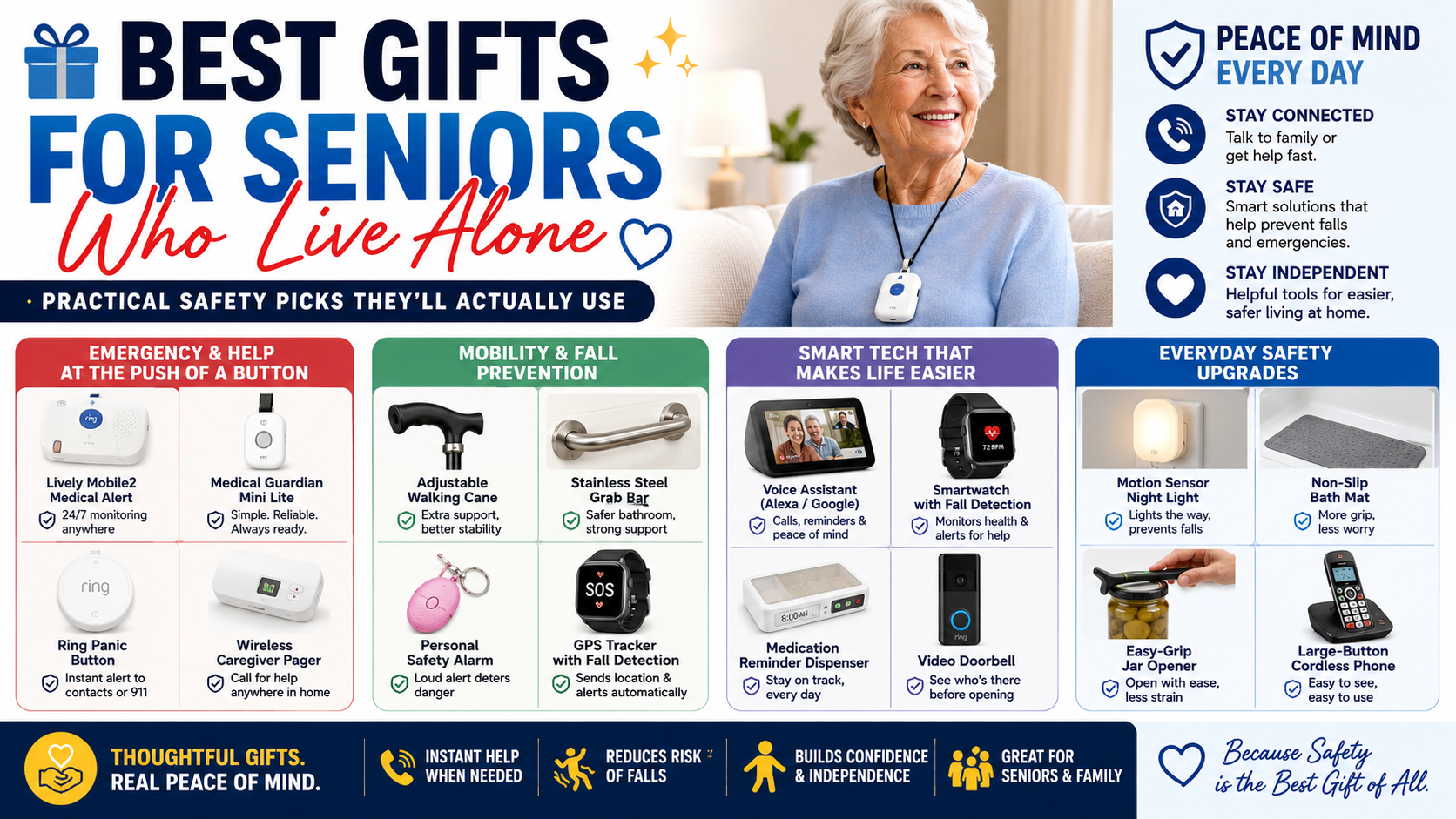
A medical alert system determines what happens after a fall. Here’s everything worth knowing before choosing one — types, features, costs, and what we recommend.
A medical alert system is the device that determines what happens after a fall — whether help arrives in seconds or hours. For an older adult living alone that gap is one of the most consequential safety variables in their daily life, and most families don’t close it until something happens that makes it impossible to ignore.
This guide covers everything worth knowing before choosing a medical alert system — how they work, what types exist, what features actually matter, what to avoid, and the specific option we recommend for most seniors and families.
How Medical Alert Systems Work
At their core all medical alert systems do the same thing — detect that something has gone wrong and alert someone who can respond. The differences between systems are in how detection happens, who gets alerted, how fast the response is, and where the device provides coverage.
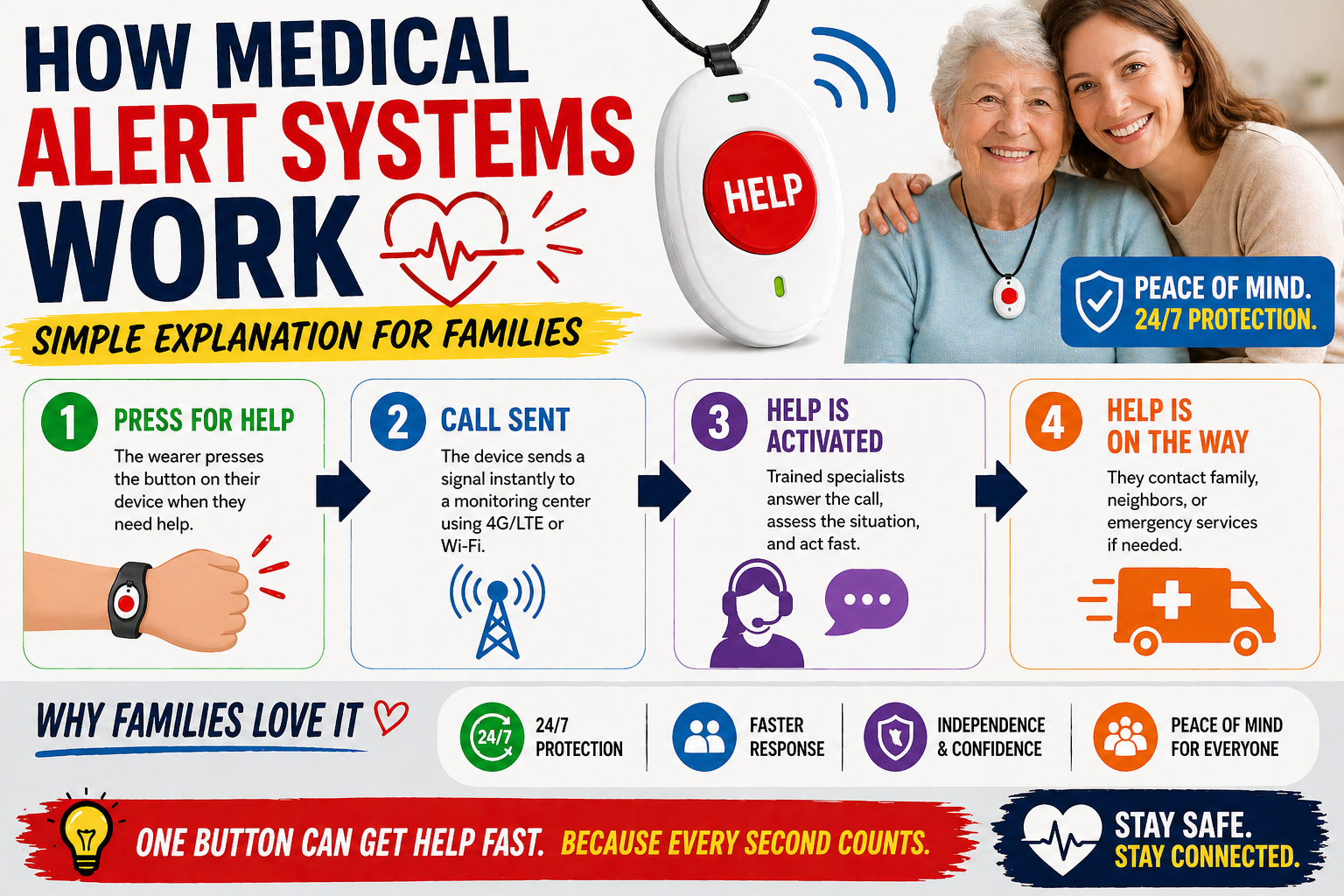
As covered in our guide on how medical alert systems work — the basic sequence is detection, alert, response. What varies dramatically between systems is how reliable each step in that sequence is in real-world conditions — not in the best-case scenario described in the marketing materials.
The Three Types of Medical Alert Systems
Type 1 — Home Base Unit With Pendant or Wristband
The traditional medical alert system. A base unit plugs into a landline or cellular connection at home. The person wears a pendant or wristband with a button. When the button is pressed the base unit connects to a monitoring center that dispatches emergency services or contacts family.
The limitation is coverage area — the pendant communicates with the base unit via radio frequency, typically with a range of 400 to 1,000 feet. Outside that range the button does nothing. Falls in the bathroom, in the backyard, or anywhere away from home are outside the system’s protection zone. For a senior who spends time outside the home this coverage gap is significant.
Type 2 — Mobile GPS Device
A cellular device worn on the body — as a pendant, wristband, or clipped to clothing — that operates on its own cellular connection anywhere with cell coverage. GPS tracking included. Button-press alerting connects to a monitoring center or contacts family directly depending on the system.
Better coverage than a home base unit — works anywhere outdoors and indoors regardless of proximity to a base. Still dependent on button-press activation in most cases — the person must press the button to initiate an alert, which fails when they’re unconscious, disoriented, or unable to reach the device.
Type 3 — Smartwatch With Automatic Fall Detection
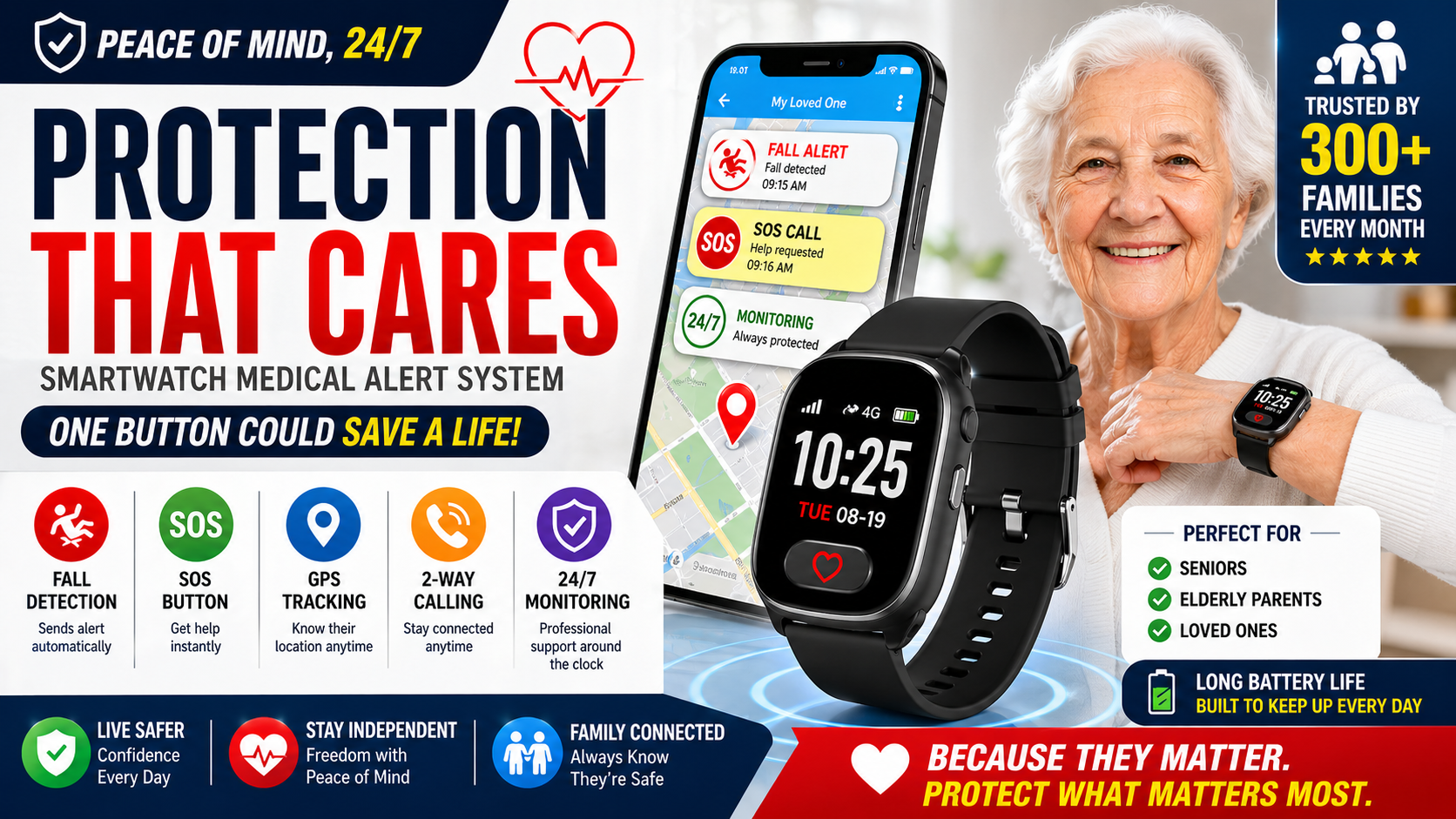
A cellular smartwatch worn on the wrist that combines mobile GPS coverage with automatic fall detection — detecting falls without any required action from the wearer. Alerts go to family directly or through a monitoring center when a fall is detected and there’s no response from the wearer. Compare leading Best Medical Alert Smartwatch for Seniors to see how these features come together in a wearable device.
This is the type that addresses the most critical limitation of button-press systems — the scenarios where the person cannot press a button after a fall. Unconscious. Disoriented. Hand out of reach. Automatic detection works in all of these scenarios. Button-press systems don’t.
What Features Actually Matter
Automatic Fall Detection — The Most Important Feature
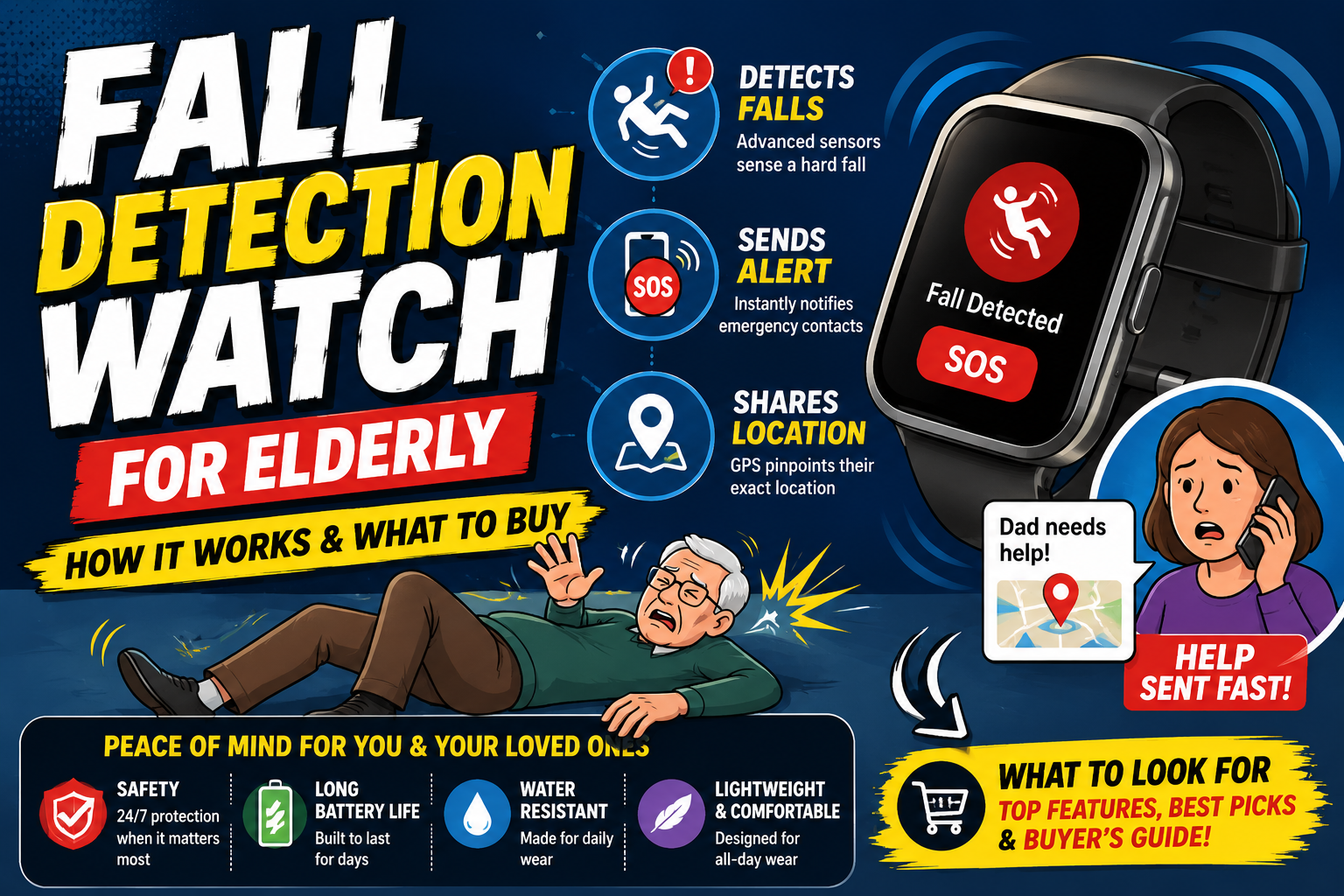
The difference between automatic detection and button-press detection is the difference between protection that works in every scenario and protection that works only when the person can help themselves. For the worst-case scenarios — the falls that are most serious, the falls that produce long lies, the falls that happen in the bathroom at 2am — automatic detection is what provides protection. For a closer explanation of the sensors and alert sequence behind this feature, see Fall Detection Watch for Elderly — How It Works and What to Buy.
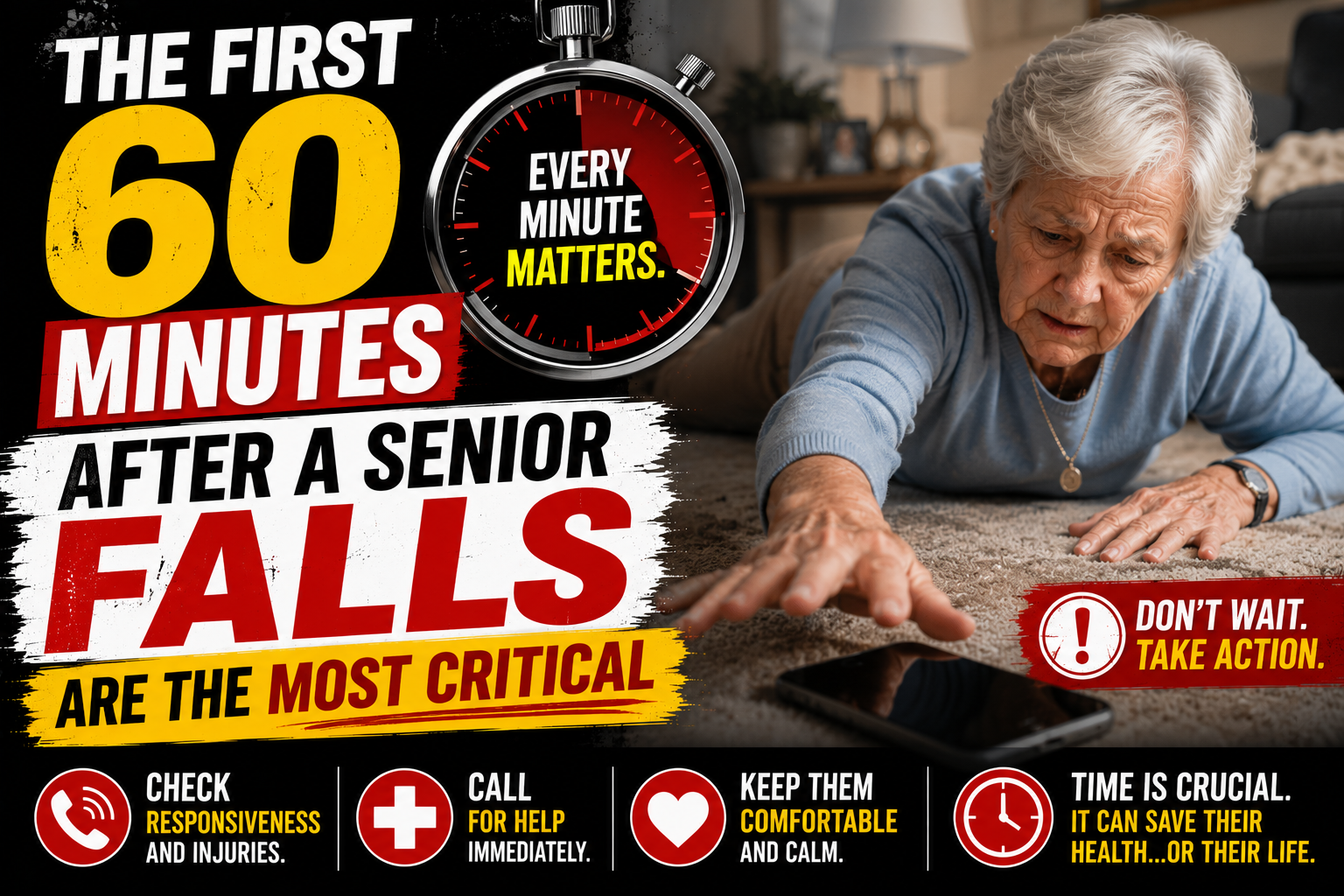
As covered in our guide on the first 60 minutes after a senior falls are the most critical — physiological consequences begin accumulating within 30 minutes on a cold floor. Detection that fires in seconds rather than waiting for someone to notice determines whether a fall becomes a manageable incident or a medical crisis.
Coverage Area — Home Only vs Everywhere
Falls happen everywhere — not just within range of a home base unit. The outdoor fall during a morning walk. The fall in the bathroom with a closed door. The fall in a store parking lot. A system that covers the home but not these scenarios provides partial protection at best.
Cellular GPS coverage — the device operating on its own connection anywhere with cell coverage — is the standard that addresses every location where falls happen.
Who Gets the Alert — Monitoring Center vs Direct Family
Traditional medical alert systems route alerts through a 24/7 monitoring center. Trained operators receive the alert and contact family or emergency services. The monitoring center adds a professional response layer — useful for families who can’t reliably monitor alerts themselves.
Direct family alert systems — like the SecuLife — send alerts immediately to designated family contacts with GPS location. Family assesses the situation and decides whether to respond in person or call emergency services. Faster response. No intermediary. Better for falls that require assistance but not an ambulance — which is the majority of falls in older adults.
Response Time
Response time depends on the alert pathway. Monitoring center systems add the time for an operator to receive the alert, assess it, and contact family or emergency services — typically 30 to 90 seconds of additional delay. Direct family alert systems reach family simultaneously with no additional delay beyond cellular transmission time.
Monthly Cost and Contract Terms
Medical alert system costs range from $20 to $60 per month depending on the system type and monitoring model. Long-term contracts — particularly 3-year contracts with cancellation fees — significantly increase total cost of ownership. As covered in our guide on how much a medical alert system costs — the monthly fee over the contract term is often the most significant financial factor in this decision.
Month-to-month options exist and are worth prioritizing — they allow switching if the system doesn’t work as expected without penalty.
The System We Recommend — SecuLife Smartwatch
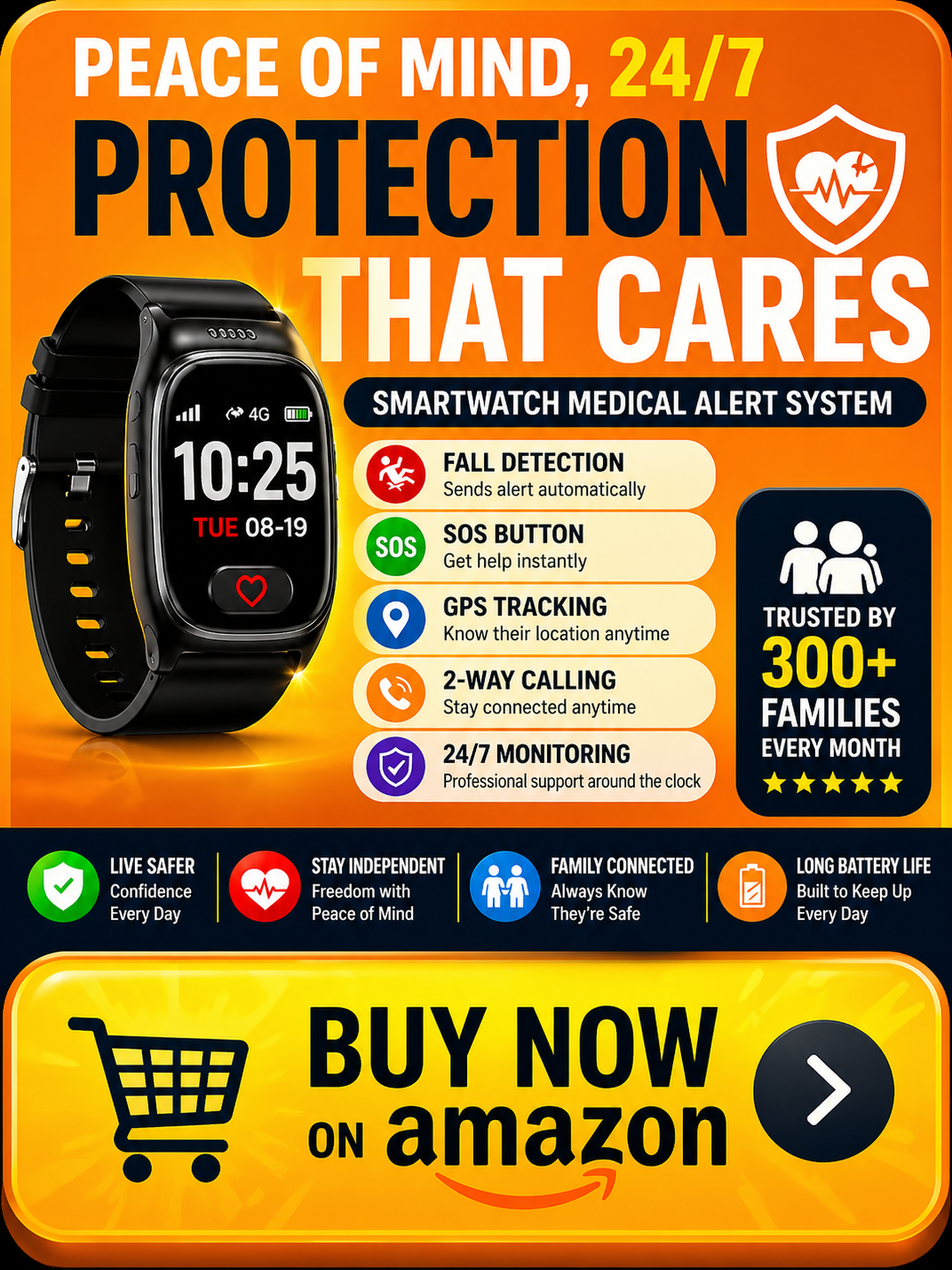
The SecuLife Smartwatch is the medical alert system we recommend for most seniors and families — combining automatic fall detection, cellular GPS coverage everywhere, direct family alerting, and a watch format that produces consistent daily wearing in a single device.
Our complete review covers every feature, the setup process, battery life, and what the monthly service includes.
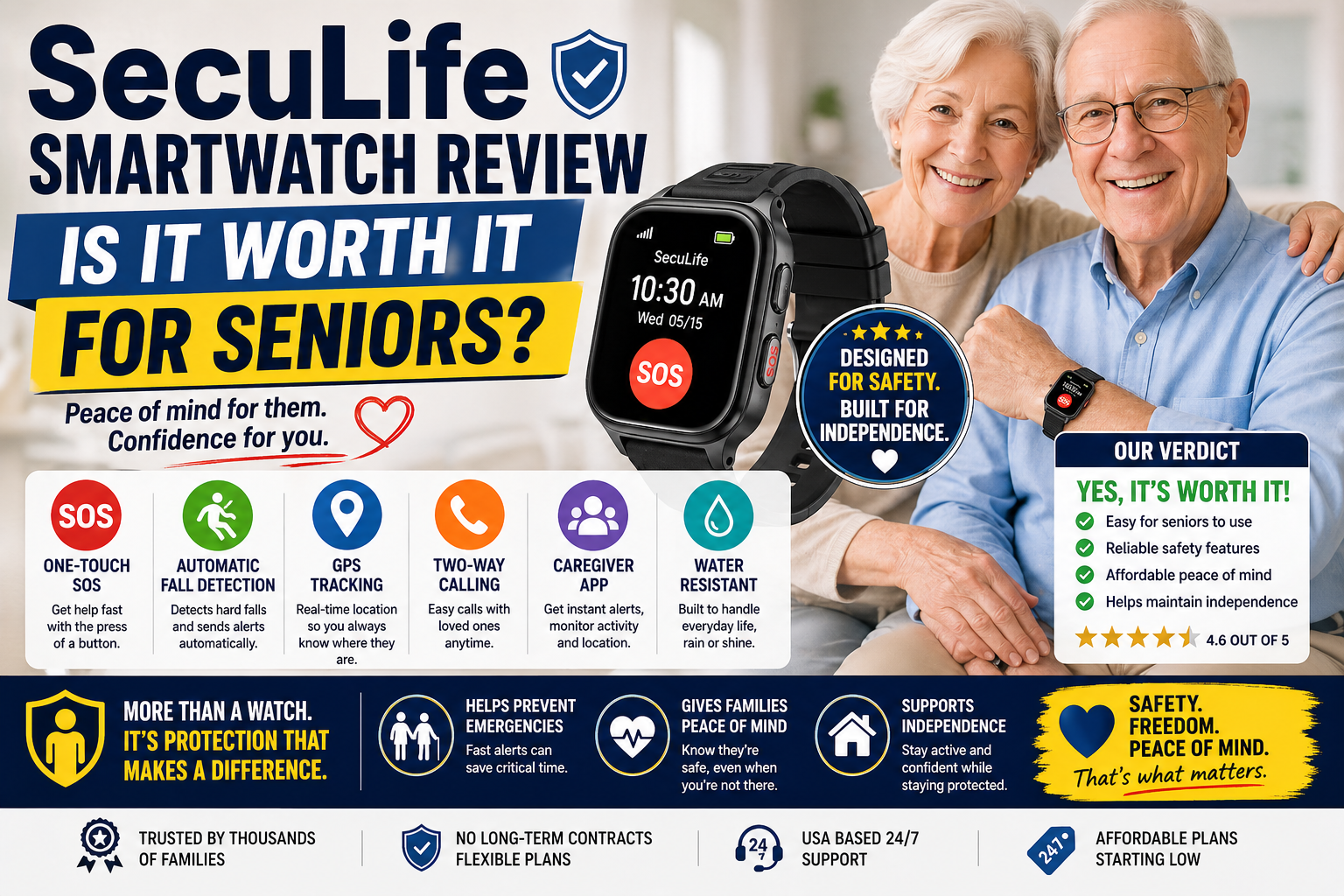
SecuLife Smartwatch Review — Is It Worth It for Seniors?
→ Get the SecuLife Smartwatch on Amazon
Why the Watch Format Matters for Compliance
A medical alert system only protects when it’s being worn. The pendant that gets left on the bathroom counter during a shower provides no fall detection during the shower — which is when fall detection matters most in the bathroom.
The SecuLife’s watch format is worn on the wrist — present during every shower, every nighttime bathroom trip, every walk, every moment of every day. The habitual watch-wearing behavior that most older adults maintain means the SecuLife gets worn as a matter of routine rather than requiring a deliberate daily decision to put it on.
Automatic Fall Detection Calibrated for Seniors
The SecuLife’s fall detection algorithm was developed specifically for senior fall patterns — the slower movements and lower-impact falls typical of an older adult losing balance, rather than the active-user falls that consumer smartwatch algorithms are optimized for.
When a fall is detected and there’s no response within the set window all designated family contacts receive an alert simultaneously with real-time GPS location. Two-way calling through the watch allows family to speak directly with the person and assess the situation before deciding whether to call emergency services.
GPS That Works Everywhere
The SecuLife operates on its own cellular connection — no paired phone required, no home base unit to be within range of. GPS tracking works anywhere with cell coverage. Family members can check location at any time through the SecuPro monitoring app — not just when an alert has fired.
For families managing a parent with dementia the geofencing feature sends automatic alerts when the person crosses a defined safe area boundary — providing wandering protection that most medical alert systems don’t offer.
Medical Alert Systems vs No System — The Stakes
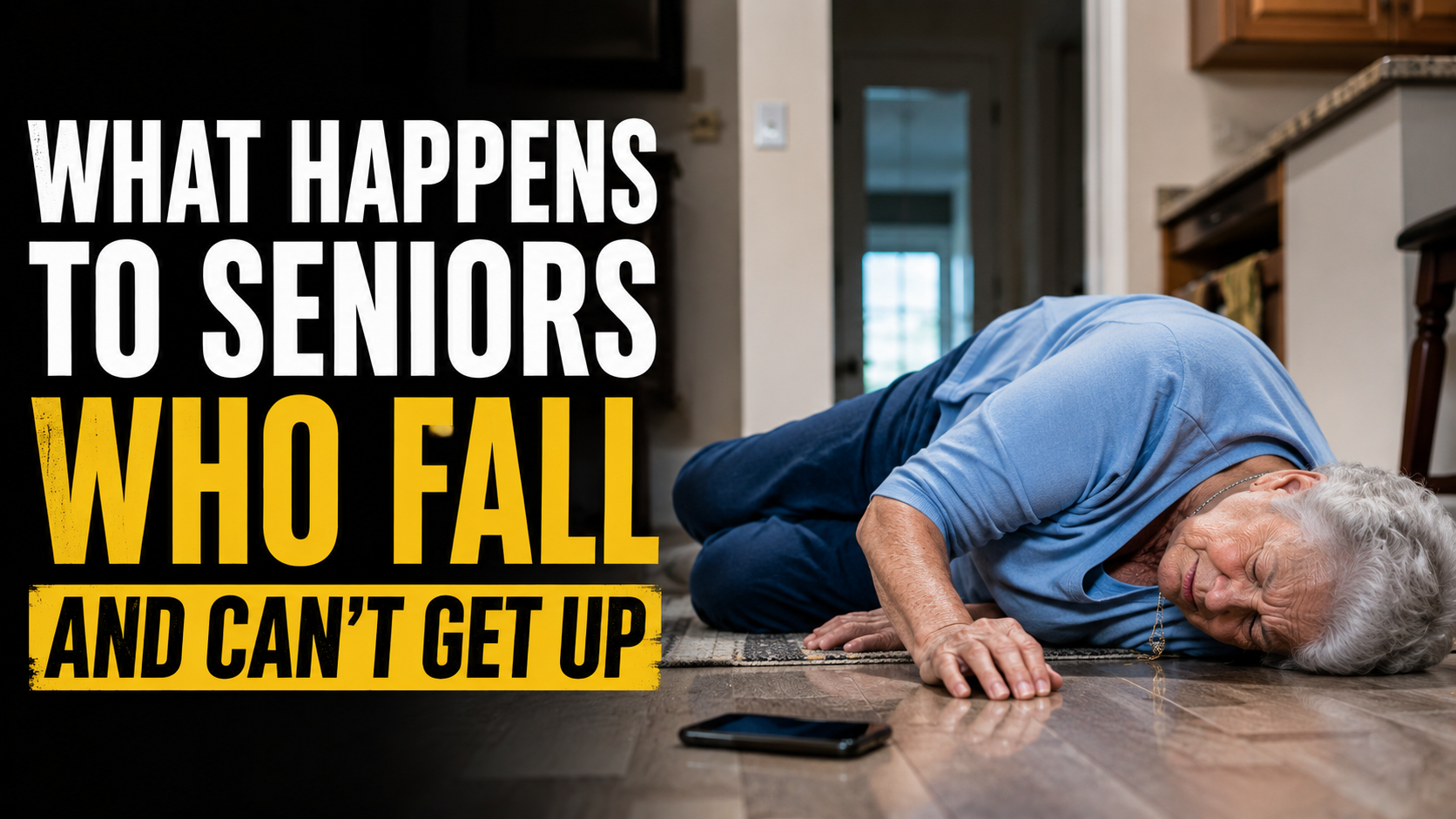
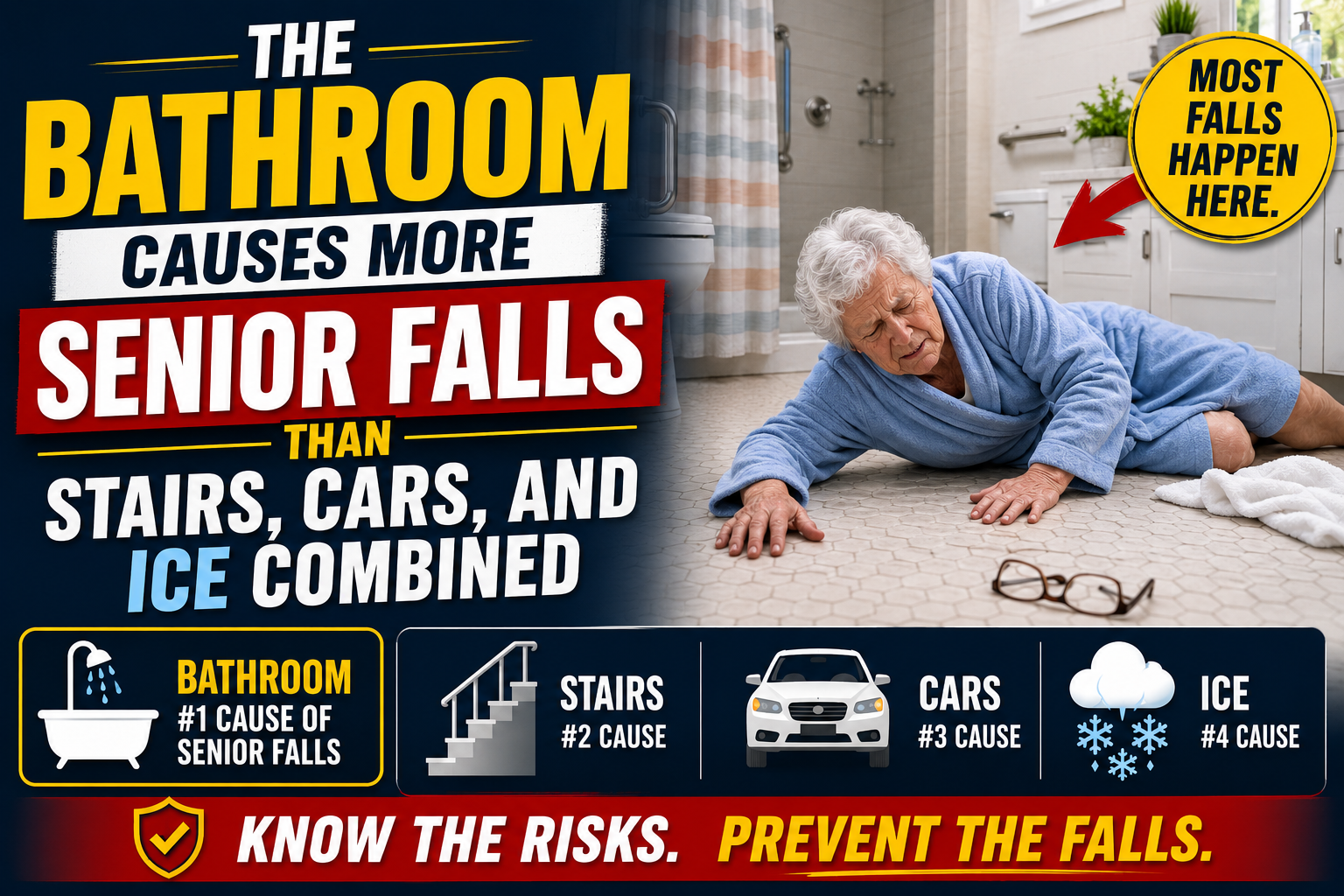
As covered in our guide on what happens to seniors who fall and can’t get up — the duration between a fall and discovery independently predicts outcome. Rhabdomyolysis from prolonged muscle compression against a hard floor. Hypothermia from a cold bathroom tile. Pressure injuries from sustained compression on bony prominences. These consequences are not from the fall itself — they’re from the time on the floor before help arrives.
For a senior living alone with no medical alert system that time is determined by when someone happens to call or visit. For many families that’s measured in hours — or days. A medical alert system with automatic fall detection collapses that window to seconds. That gap is the entire value proposition of every system in this guide.
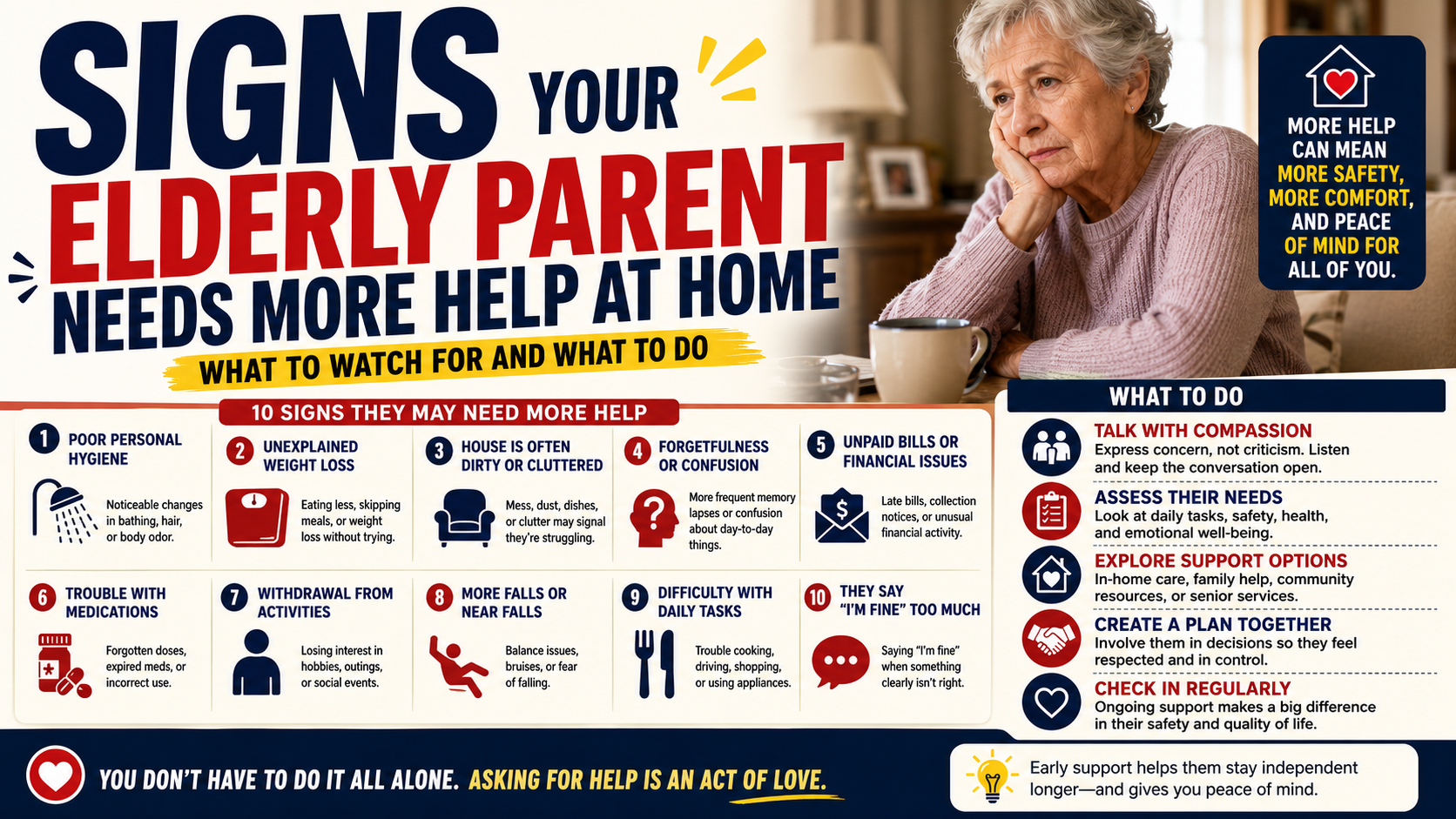
Signs It’s Time to Get a Medical Alert System
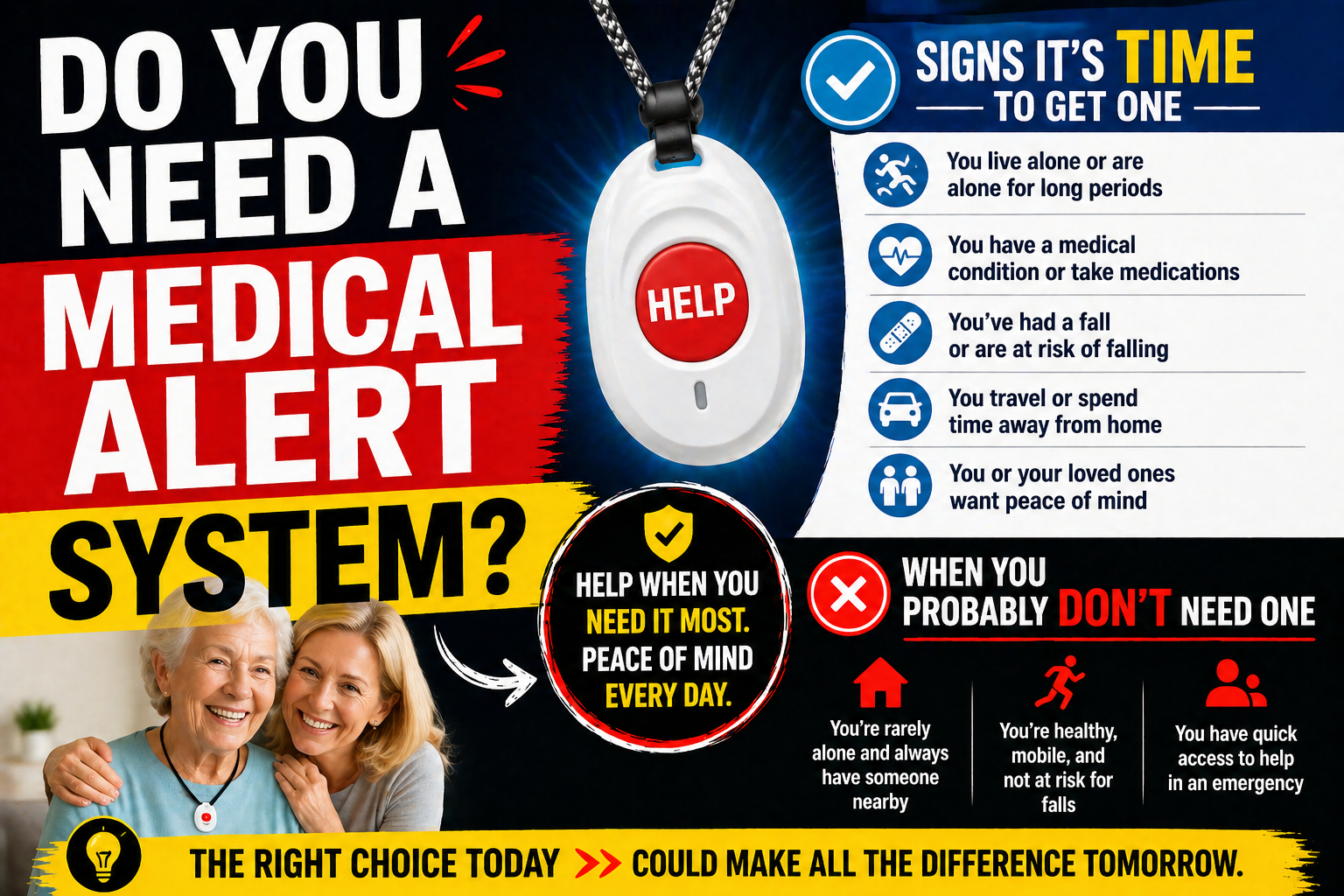
The families who act on this decision proactively — before a fall makes it urgent — consistently have better outcomes than those who react after the fall that reveals the gap. As covered in our guide on signs it’s time for a medical alert system — the specific indicators that make a medical alert system genuinely necessary include:
- Living alone — the most significant single factor
- Any fall history — a first fall more than doubles the risk of a second
- Taking medications with fall-risk side effects
- Balance changes that have become noticeable
- Dementia — automatic detection and GPS are specifically critical
- Family concern that has been present for more than a few months
If any of these apply the right time is now — not after the fall that makes it urgent.
Having the Conversation With Your Parent
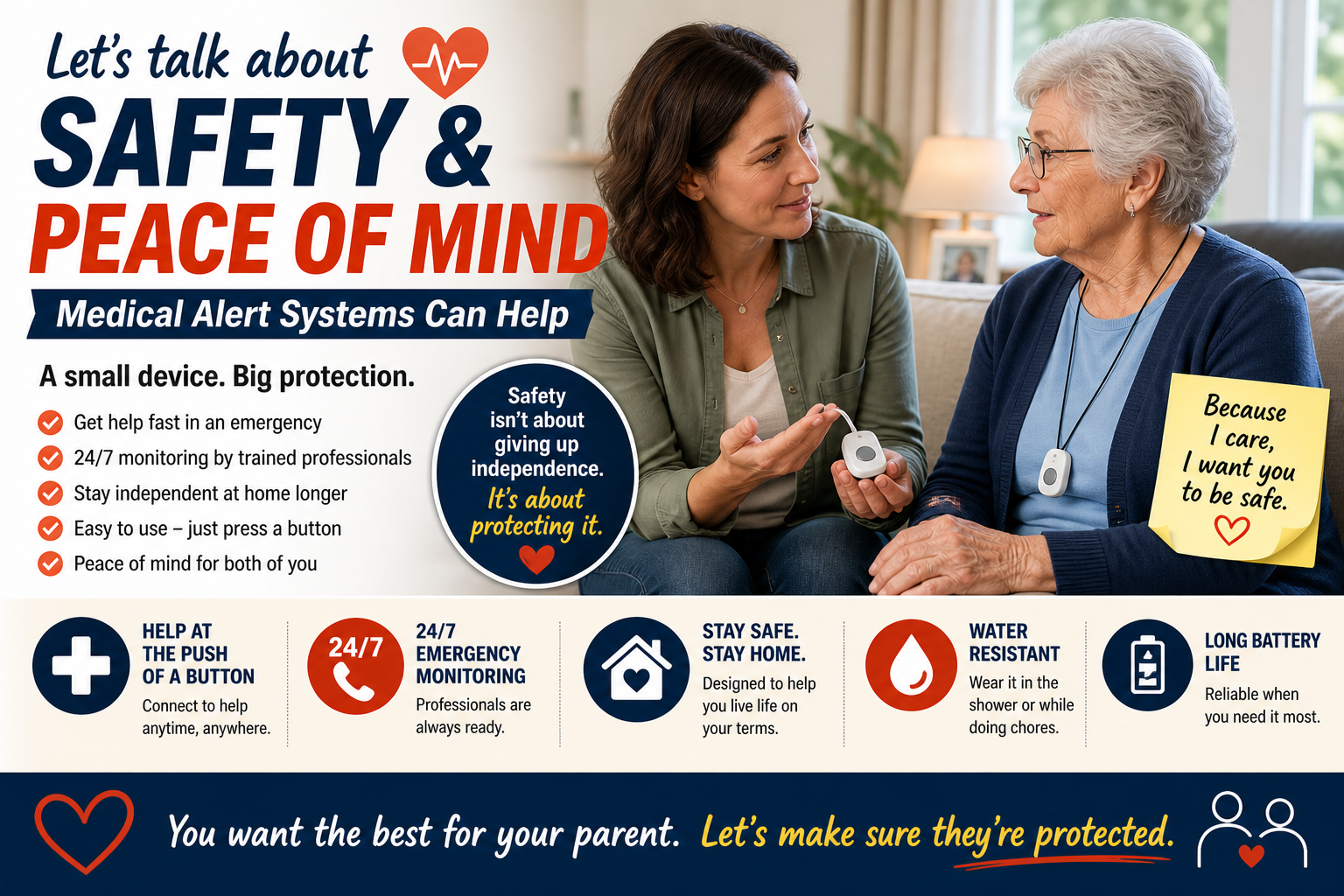
The medical alert system conversation is one most families put off — because it touches on independence, decline, and the future in ways that feel threatening to the parent receiving the suggestion. As covered in our guide on how to talk to a parent about a medical alert system — the framings that work center on your peace of mind rather than their deficiency.
“I want you to have this so I’m not worried when I can’t reach you” lands differently than “you need this because you might fall.” One is about the relationship. The other is about decline. Only one produces acceptance.
Our guide on your parent said they’re fine covers navigating the resistance that “I don’t need that” produces — and the specific strategies that work when the direct conversation doesn’t.
Medical Alert Systems by Situation
For Seniors Living Alone
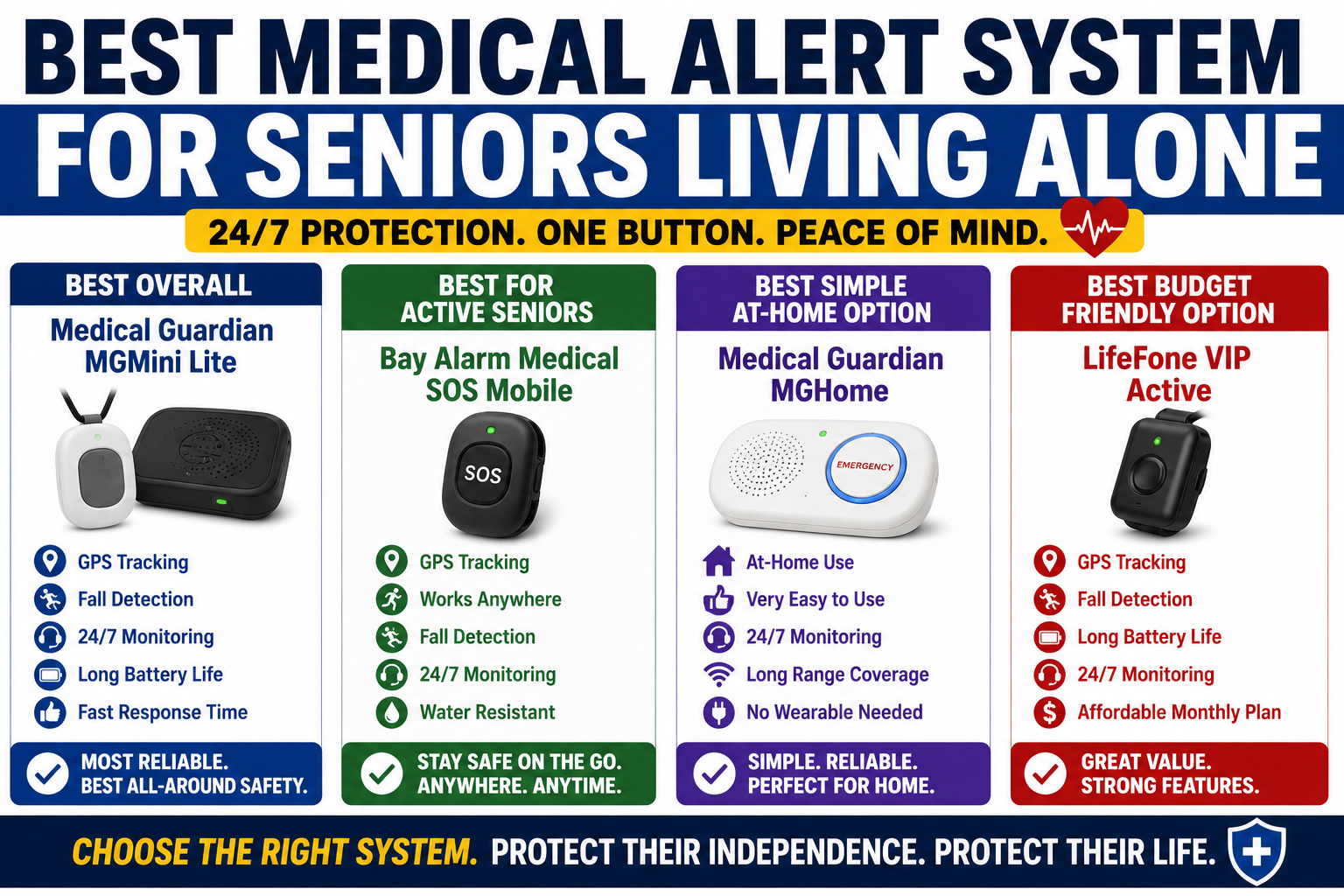
Living alone is the factor that makes a medical alert system most urgently necessary — because there is no one else present to notice a fall and respond. The gap between a fall and discovery is determined entirely by what detection technology is in place. Our guide on best medical alert system for seniors living alone covers the complete solo-living safety picture specifically.
For Seniors With Dementia
Automatic detection is non-negotiable for dementia — button-press systems become unreliable as cognitive decline progresses and the person may not recognize they’ve fallen or remember what the button does. GPS geofencing for wandering protection is the additional feature that makes the SecuLife specifically appropriate for dementia. Our guide on medical alert systems for seniors with dementia covers the complete dementia-specific picture.
For Active Seniors
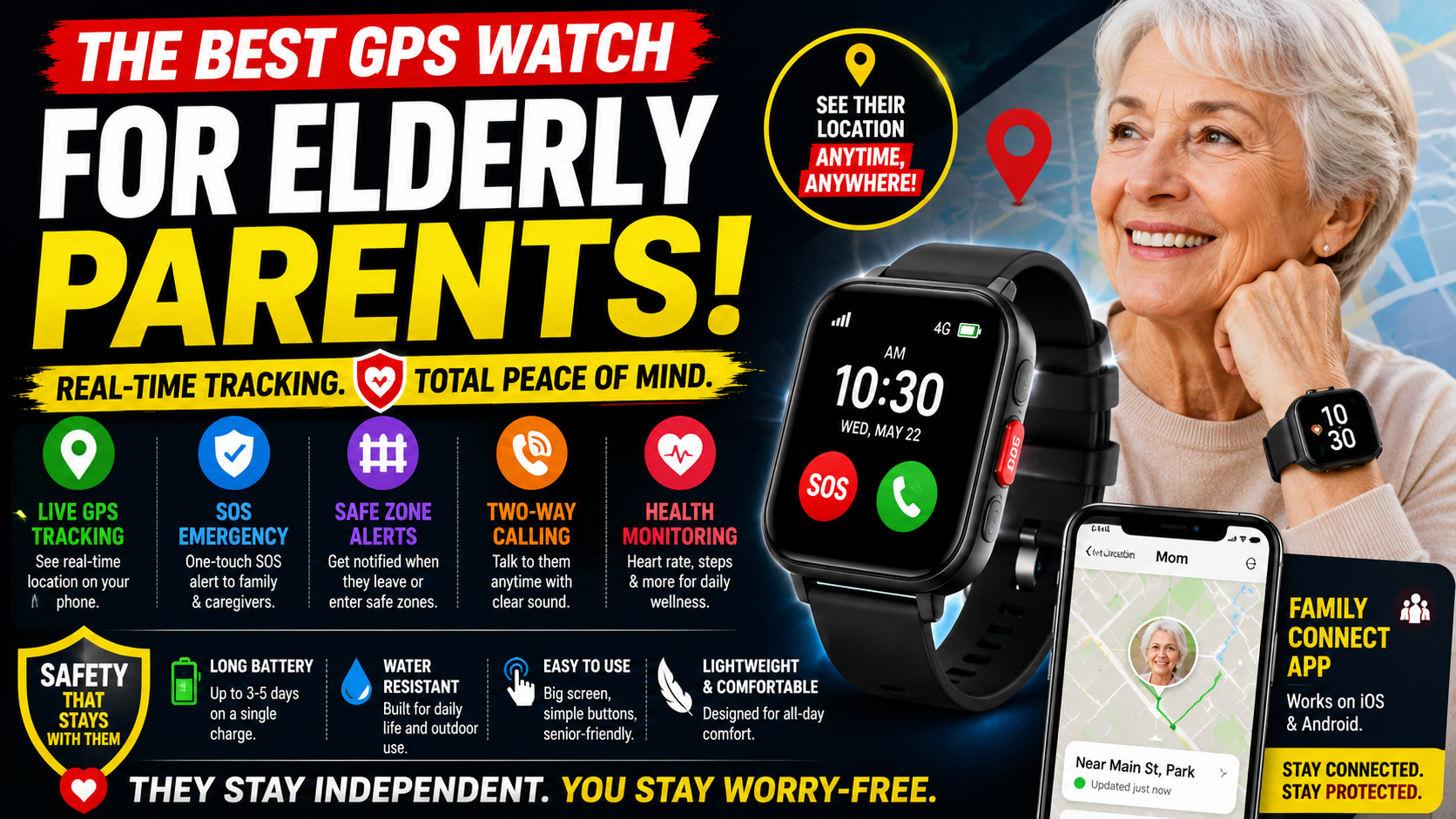
Active seniors who walk, drive, and spend time away from home need mobile cellular coverage — not a home base unit system. The SecuLife’s cellular GPS provides protection everywhere an active senior goes. Our guide on best GPS watch for elderly parents covers the location tracking features specifically.
For Seniors Who Resist Pendant Devices
The watch format is the most consistently accepted medical alert format for seniors who resist pendants — wearing a watch is a familiar, non-stigmatizing behavior that most older adults maintain regardless of other changes. Our guide on best simple smartwatch for seniors covers why the format matters as much as the features for actual daily protection.
The Medical Alert System Alongside Fall Prevention
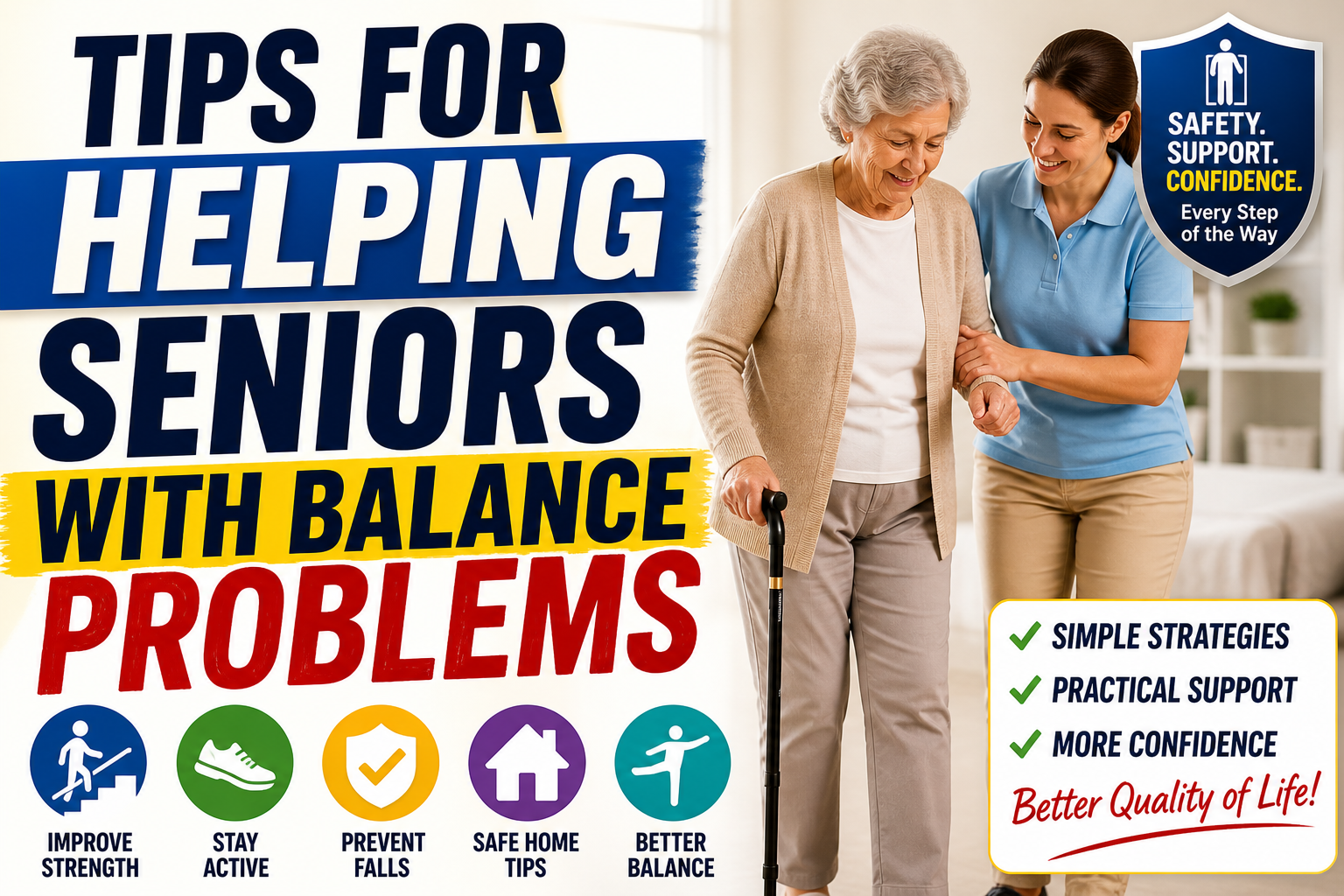
A medical alert system determines what happens after a fall. Fall prevention measures determine how often falls happen. Both are needed — they address different parts of the same problem.
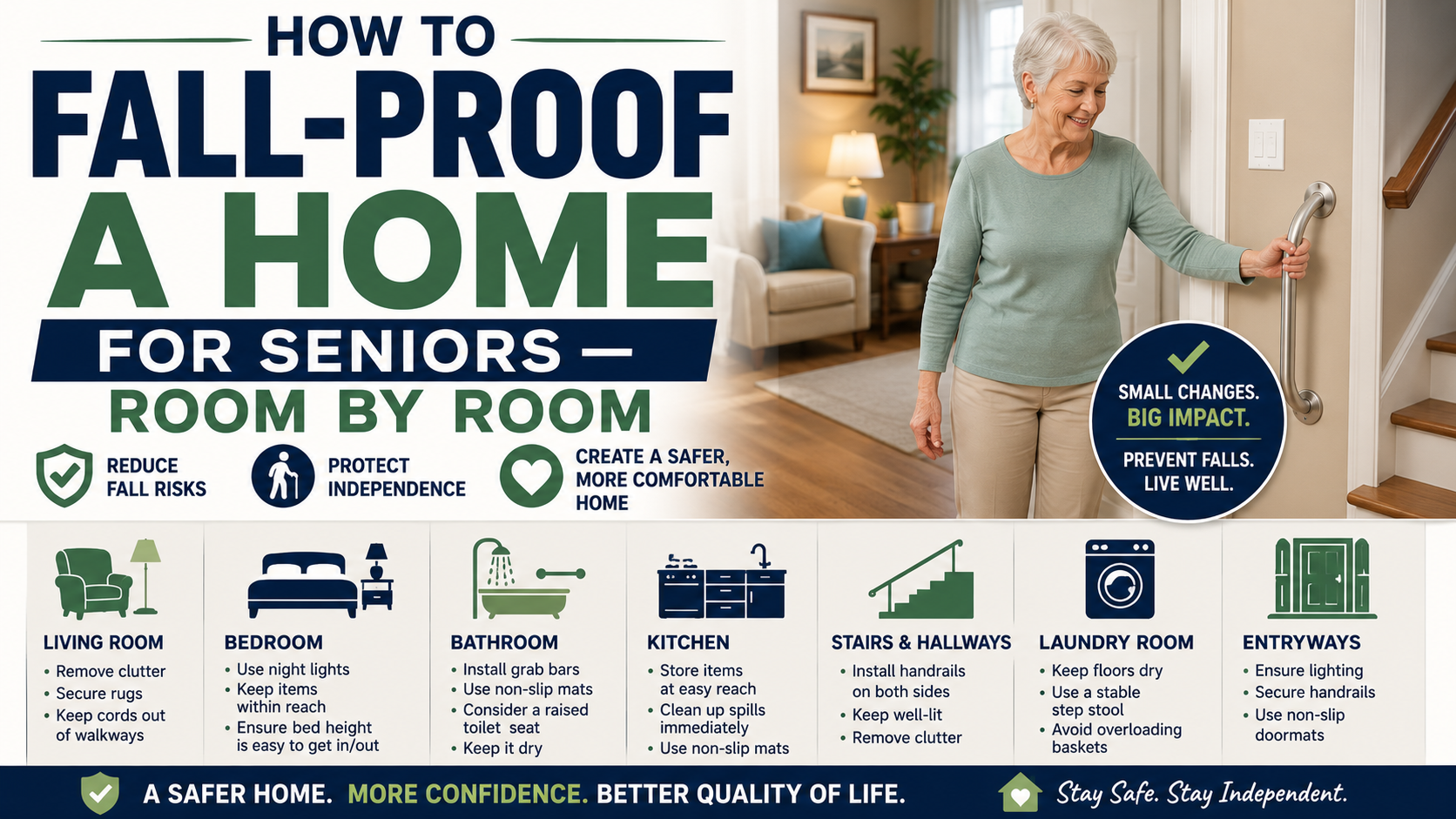
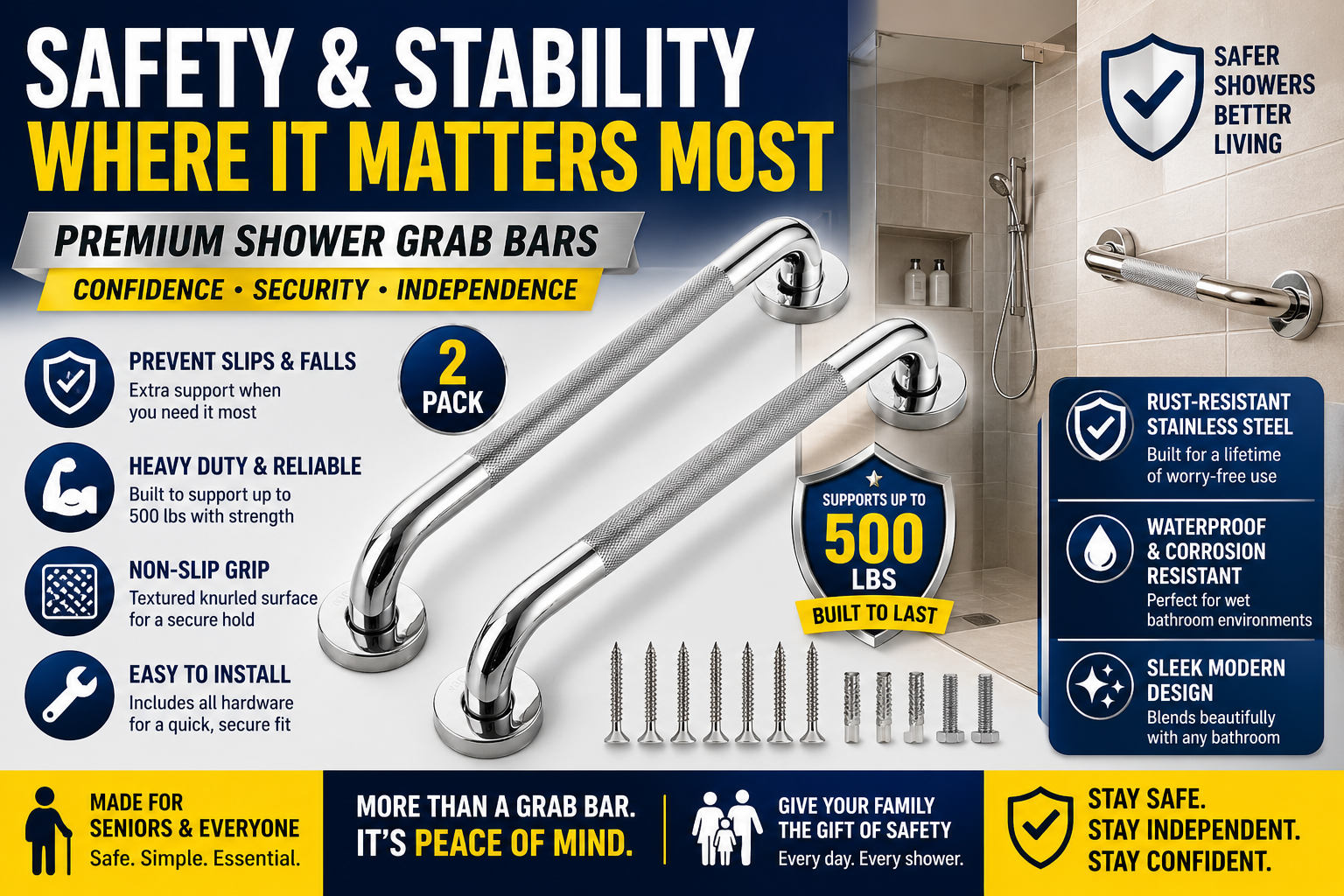
Grab bars at the shower entry and next to the toilet. A bed rail for the morning getting-up transition. Night lights on the path from bed to bathroom. Non-slip footwear on smooth floors. These modifications reduce how often the SecuLife’s fall detection needs to fire.
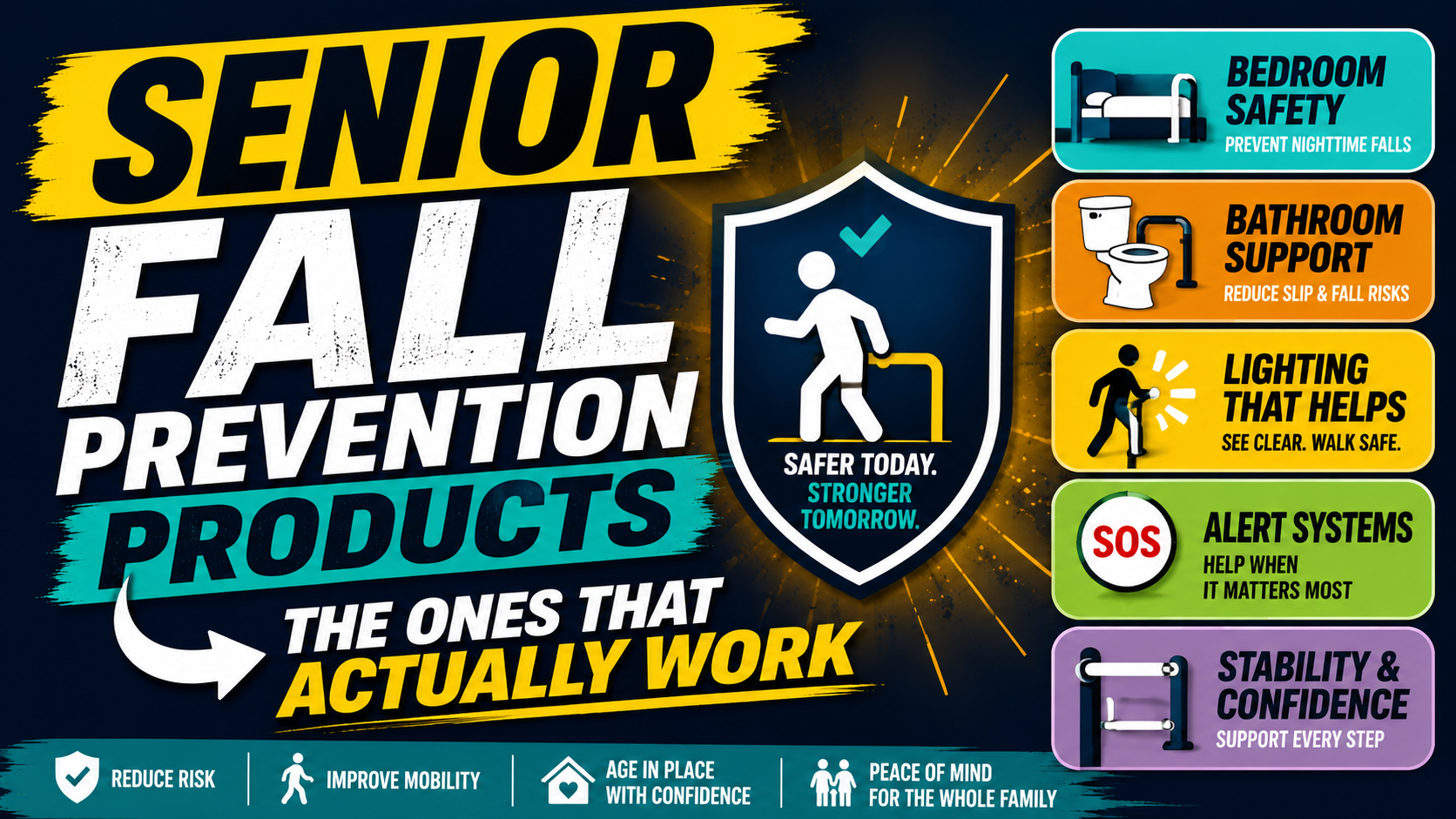
Our complete guide on senior fall prevention products that actually work covers every product ranked by real-world impact. Our guide on the complete senior safety guide covers both fall prevention and detection in one comprehensive resource.
Frequently Asked Questions
What is the best medical alert system for seniors in 2026?
For most seniors and families the SecuLife Smartwatch provides the best combination of automatic fall detection, cellular GPS coverage everywhere, direct family alerting, and a wear-every-day watch format. For seniors who need professional monitoring center coverage — because family cannot reliably respond to alerts — a monitored system like Medical Guardian or Bay Alarm Medical adds that layer at higher monthly cost. The best system is the one that gets worn consistently and provides coverage in every location where falls actually happen.
Does Medicare cover medical alert systems?
Original Medicare does not cover medical alert systems. Some Medicare Advantage plans include home safety or personal emergency response benefits — check your specific plan. Medicaid waiver programs in some states cover medical alert systems for eligible recipients. As covered in our guide on how much a medical alert system costs — funding options exist for eligible individuals that offset the monthly cost.
What is the difference between a medical alert bracelet and a medical alert system?
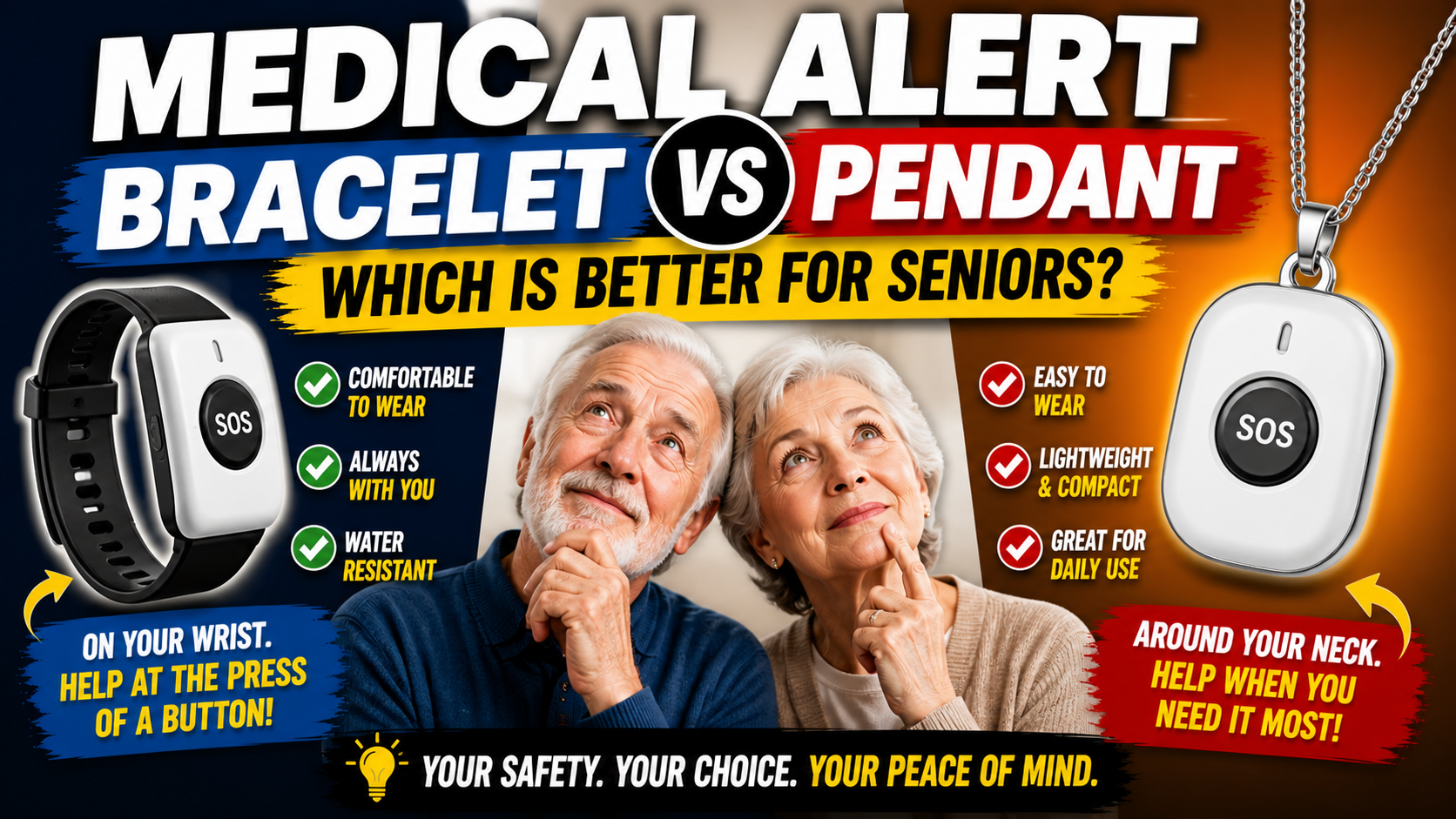
A medical alert bracelet — the kind engraved with medical conditions and emergency contact information — is a passive identification device for emergency responders. It doesn’t call for help. A medical alert system is an active device that detects emergencies and alerts someone. As covered in our guide on medical alert bracelet vs pendant — these serve completely different functions and the distinction matters for families making this decision.
Can a medical alert system call 911 directly?
Monitored systems — Life Alert, Medical Guardian, Bay Alarm Medical — route alerts through a monitoring center that contacts 911 when emergency services are needed. The SecuLife alerts family directly who then call 911 if needed. Both approaches reach emergency services — the difference is whether a professional monitoring center is the intermediary or whether family makes that call directly after assessing the situation.
How long does it take to set up a medical alert system?
The SecuLife setup — downloading the SecuPro app, activating service, adding contacts, configuring settings — takes 20 to 30 minutes and is done entirely by the family member. The person wearing the device needs no involvement in setup. Traditional monitored systems may require scheduling an installation appointment for the home base unit. Mobile systems typically activate within minutes of service plan activation.
Get It In Place Before It’s Needed
The families who act on this decision proactively — who get the system in place before the fall that makes it urgent — are the families who look back grateful they did. The families who wait look back at the fall that happened while no system was in place and wish they hadn’t.
The window in which this decision is proactive rather than reactive is open right now. The cost is modest. The setup is simple. The protection is immediate from the first morning the watch goes on the wrist.
→ Get the SecuLife Smartwatch on Amazon
About the Author
Margaret Holloway, RN spent 22 years in geriatric nursing watching the medical alert system decision play out — families who acted proactively and families who didn’t, and the consistently different outcomes between them. The system that was in place when the fall happened changed what the fall became. The system that wasn’t in place didn’t. The decision in this guide is specific, consequential, and available to make right now rather than after the fall that makes it urgent. She writes for Elder Safety Guide because the information that makes this decision easy to act on deserves to be in the hands of every family managing aging parent safety — before they need it.