An SOS watch for seniors means help is always one press away. Here’s what to look for, what to avoid, and the specific option that works best for older adults.
The scenario every family fears is simple: a parent falls, can’t get up, can’t reach their phone, and nobody knows. Hours pass. Sometimes longer.
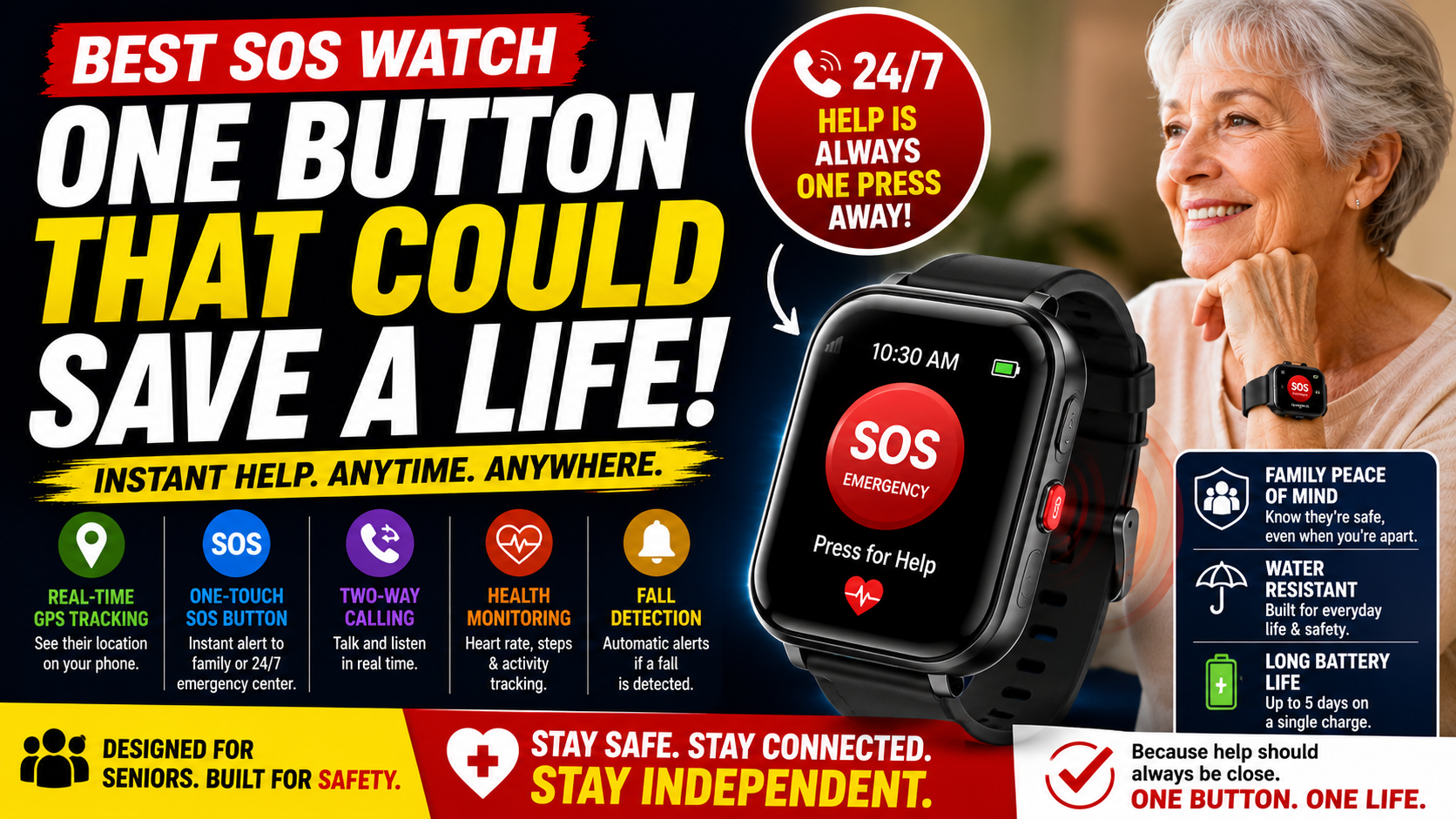
An SOS watch eliminates that scenario. One press of a button — or in the best devices, no press at all — and designated family members are alerted immediately with the exact location. Help is on the way before the situation has time to become catastrophic.
This guide covers what an SOS watch actually is, the features that separate a genuinely protective device from one that sounds good in marketing, and the specific option we recommend for most older adults.
→ See the SecuLife SOS Smartwatch on Amazon
Read our full review: SecuLife Smartwatch Review — Is It Worth It for Seniors?
What an SOS Watch Actually Is
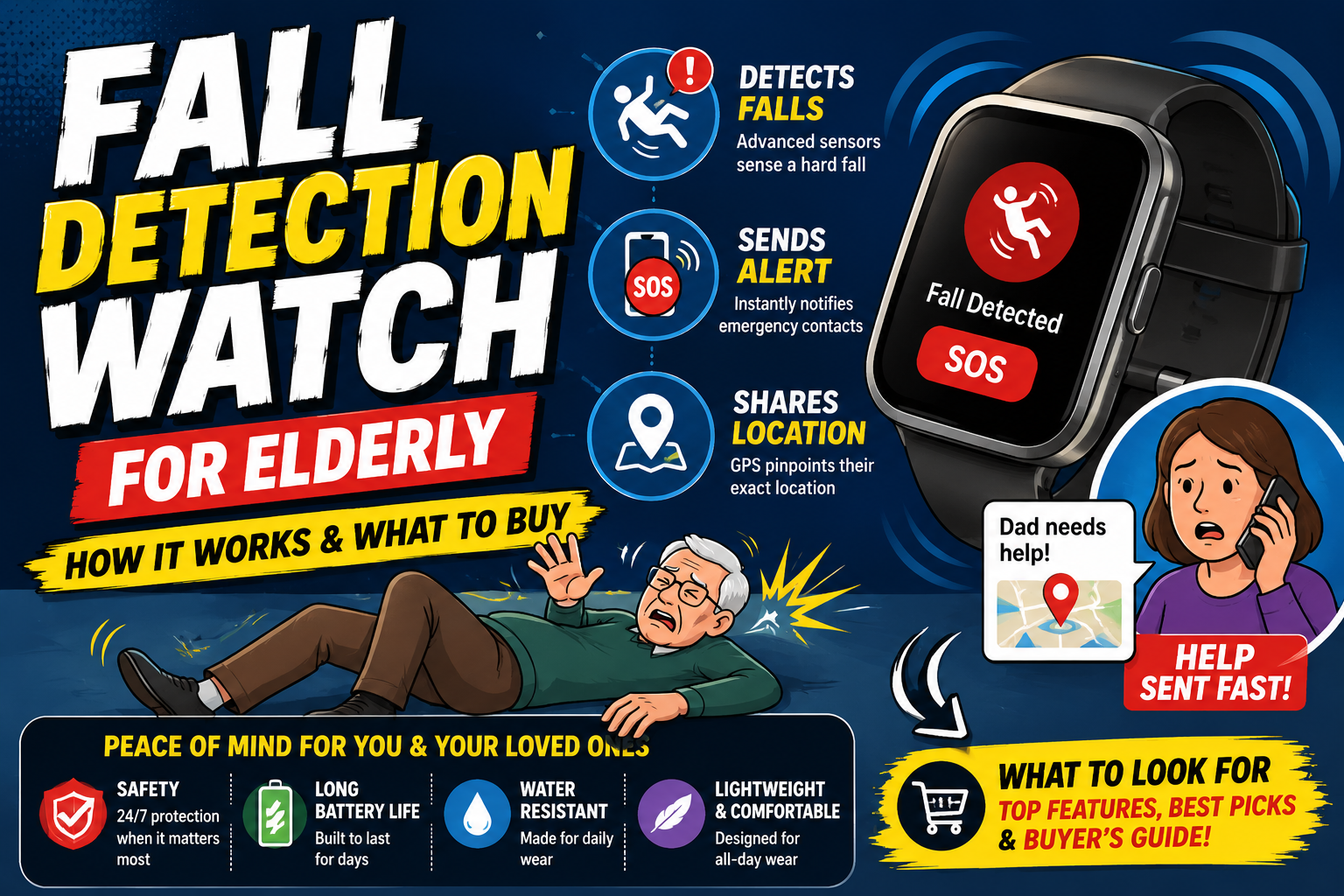
An SOS watch is a wearable device — worn on the wrist like a regular watch — that allows the wearer to call for emergency help instantly. When the SOS button is pressed, the device alerts pre-programmed contacts with the wearer’s location and initiates a call or two-way communication so help can be coordinated immediately.
The best SOS watches go further than a button press. They include automatic fall detection — alerting contacts even when the person who needs help can’t press anything. This distinction between button-only and automatic detection is the most important feature difference in the SOS watch category and the one most worth understanding before purchasing.
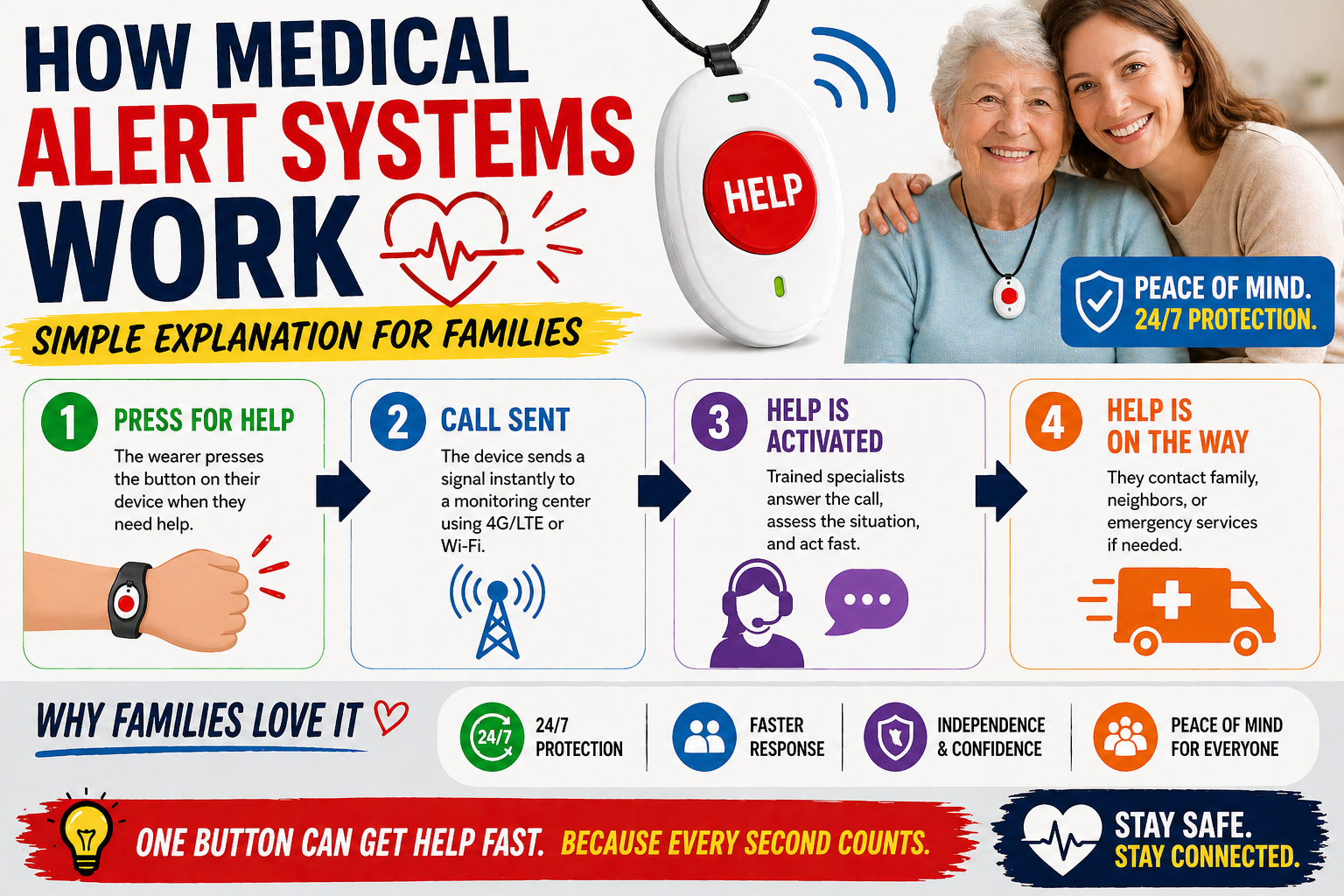
SOS watches sit at the intersection of several device categories — medical alert devices, GPS trackers, and smartwatches — and the best ones combine all three into a single wrist device. Our guide on how medical alert systems work covers the broader category in detail.
The Most Important Feature — Automatic vs Button-Only
This is the feature distinction that matters more than anything else on the spec sheet and it’s worth spending time here.
Button-Only SOS
A button-only SOS watch requires the wearer to press the button to trigger an alert. In the scenarios where this works — the person has fallen, is conscious, can reach the button, knows to press it, and has the presence of mind and physical ability to do so — it works well.
The problem is those conditions aren’t always present in the scenarios when help is most needed. A fall that causes a head injury. A cardiac event that leaves the person unable to act. A fall where the watch ends up pinned under the body. A fall during a medical episode like a stroke or hypoglycemic event. In all of these situations — the worst-case scenarios — a button-only device provides zero protection.
Automatic Fall Detection
Automatic fall detection monitors movement continuously and identifies fall patterns — a rapid downward movement followed by impact and then prolonged stillness. When a fall is detected and there’s no response from the wearer, the alert goes out automatically without any action required.
For someone living alone this is the feature that provides protection in exactly the scenarios where a button-only device fails. For any senior living alone, automatic fall detection is non-negotiable.
Our guide on signs it’s time for a medical alert system covers how to assess when automatic detection becomes essential. Our guide on best medical alert system for seniors living alone covers the complete solo living safety picture.
What to Look for in an SOS Watch
Automatic Fall Detection — Non-Negotiable for Solo Living
Covered above — but worth repeating as the headline feature criterion. Any SOS watch being considered for a senior who lives alone or spends meaningful time without others nearby must have automatic fall detection. A button-only device is inadequate for solo living.
Cellular Operation
The SOS alert and GPS location need to work anywhere — not just within range of a home base unit or Wi-Fi network. Cellular operation means the watch functions at the grocery store, on a walk, at an appointment, and anywhere else with cell coverage. For active seniors who leave home regularly this is essential.
GPS Location Sharing With Alerts
When an SOS is triggered — whether by button press or automatic detection — the location needs to go with the alert. Emergency responders and family members need to know where to go, not just that something happened. GPS location sharing with every alert is a core SOS watch feature that not all devices include.
Two-Way Communication
Once an SOS alert is received, being able to speak with the person who triggered it — to assess the situation, provide reassurance, communicate with emergency services — is enormously valuable. Two-way calling through the watch means this communication is possible even when the person’s phone is elsewhere.
SOS Button Design
The SOS button needs to be findable and pressable under extreme stress — in the dark, with shaking hands, from the floor, possibly injured. A large, clearly identified button that requires a deliberate press-and-hold — long enough to prevent accidental triggers, simple enough to execute when frightened or in pain — is the right design. Tiny buttons requiring precise finger placement or multi-step sequences are the wrong design for this application.
Wearing Comfort and Consistency
An SOS watch that isn’t comfortable doesn’t get worn consistently. A device left on the nightstand during a morning bathroom trip provides no protection during that trip. Weight, band material, clasp design, and overall fit all affect wearing consistency — which is ultimately what determines whether the device protects or doesn’t.
Battery Life
Full-day battery life that supports a predictable nightly charging routine is the practical requirement. A device that needs charging in the afternoon or that has unpredictable battery life creates gaps in protection. Simple, consistent charging — every night before bed — is the habit that ensures the device is always operational.
The Best SOS Watch for Seniors
SecuLife Smartwatch — Automatic Fall Detection, GPS, SOS Button, Two-Way Calling
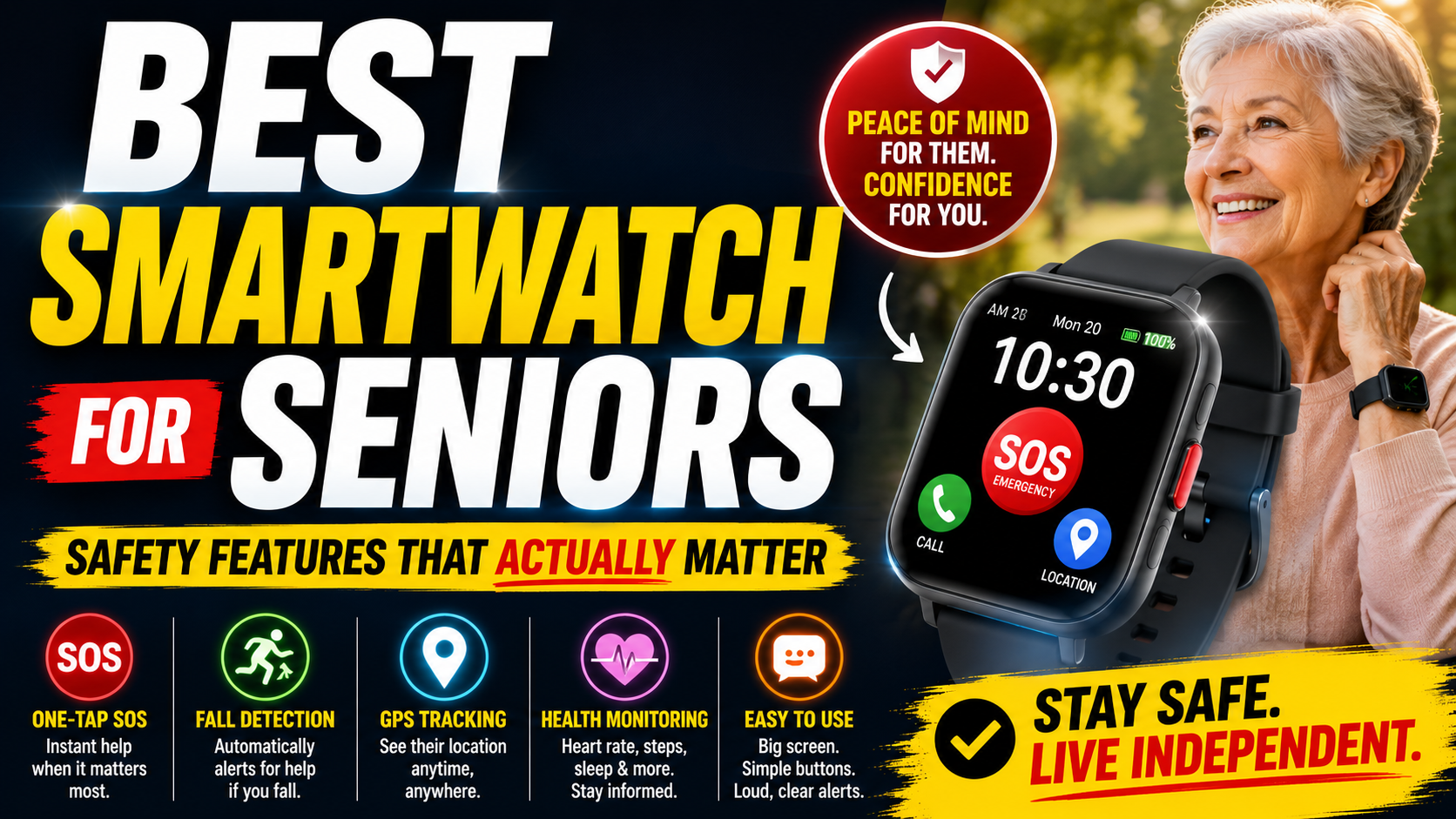
The SecuLife is the SOS watch we recommend for most older adults because it delivers every feature that matters for real protection — automatic fall detection, cellular GPS, large SOS button, two-way calling — in a smartwatch design that actually gets worn every day.
→ Check current price and availability on Amazon
Read our complete review: SecuLife Smartwatch Review — Everything Worth Knowing Before You Buy
The SOS button is large, clearly identified, and designed for stress scenarios. Press and hold to activate — deliberately enough to prevent accidental triggers, simple enough to execute when injured, frightened, or disoriented. When pressed, designated contacts receive an immediate alert with GPS location and a two-way call is initiated.
Automatic fall detection runs continuously in the background. No action required from the wearer. When a fall pattern is detected and there’s no response, the alert goes to designated family contacts automatically with current GPS location. This is the feature that protects in the worst-case scenarios — the fall that leaves the person unable to press anything.
Cellular GPS operation works anywhere with cell coverage — at home, on walks, at appointments, in the car, in a garden. The protection goes wherever the person goes because the watch operates on its own cellular connection without depending on a nearby phone or home Wi-Fi.
Two-way calling through the watch allows immediate communication once an alert is received — speaking directly with your parent, assessing the situation, staying with them until help arrives. For family members receiving an SOS alert, being able to hear their parent’s voice and communicate with them is both practically useful and enormously reassuring.
The SecuPro companion app receives all alerts, shows real-time GPS location, allows calling the watch directly, and supports multiple designated users — so siblings and other family members all have access without information passing through one person.
The smartwatch design is what makes daily wearing practical. Medical alert pendants get left on the nightstand. A watch gets worn because wearing a watch is a habit. The SecuLife looks like a regular smartwatch — nothing about it announces its purpose — which means parents who have refused pendants for years routinely accept it. And a worn device is a protected device.
Service plans start at $20/month on the annual plan with all features included — fall detection, GPS, SOS, two-way calling, and family app access. Our complete breakdown at how much a medical alert system costs covers the full pricing picture.
→ Get the SecuLife SOS Watch on Amazon
See also: Best Medical Alert Smartwatch for Seniors | Best Smartwatch for Seniors — Safety Features That Matter
SOS Watch vs Traditional Medical Alert Pendant
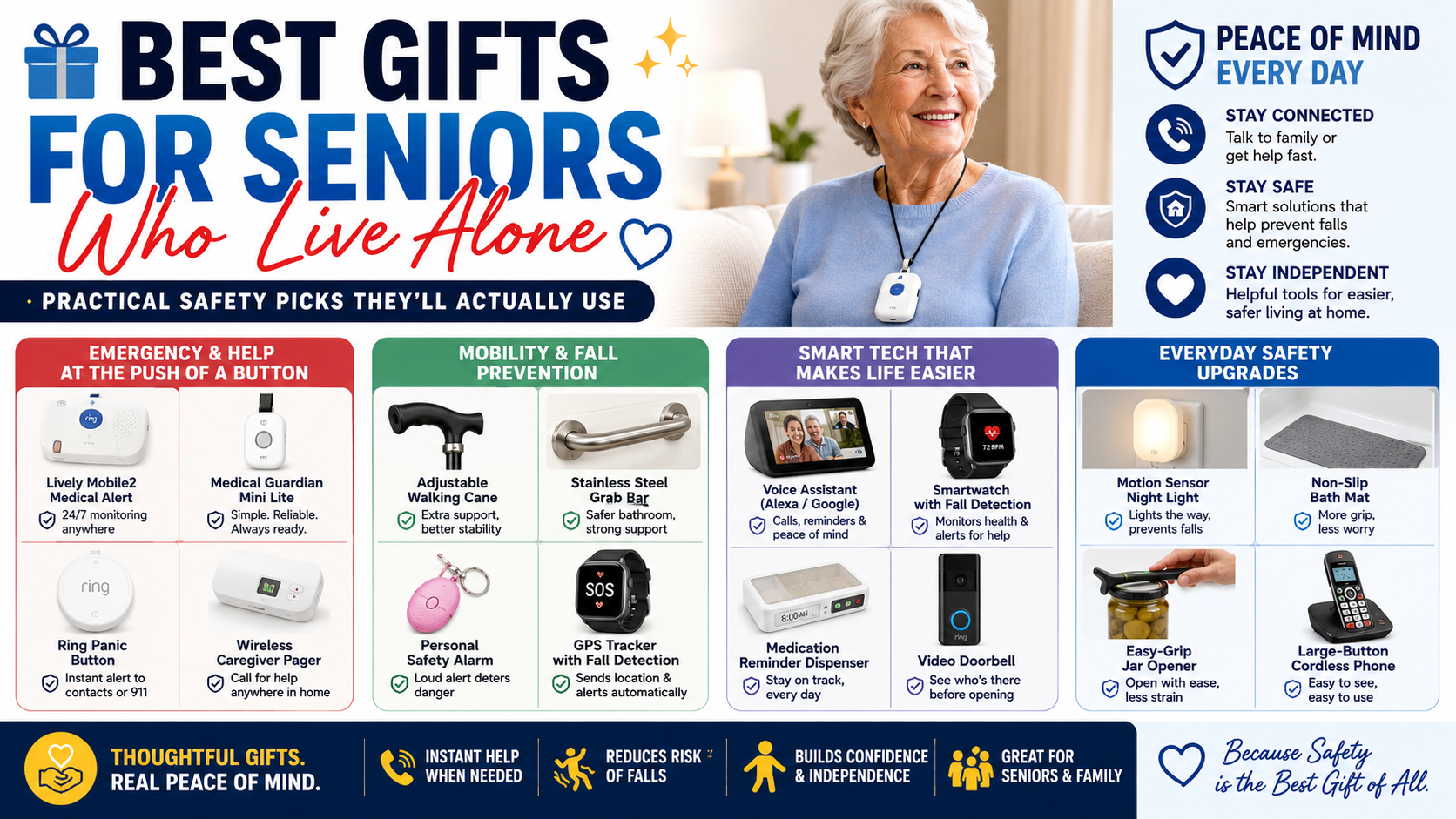
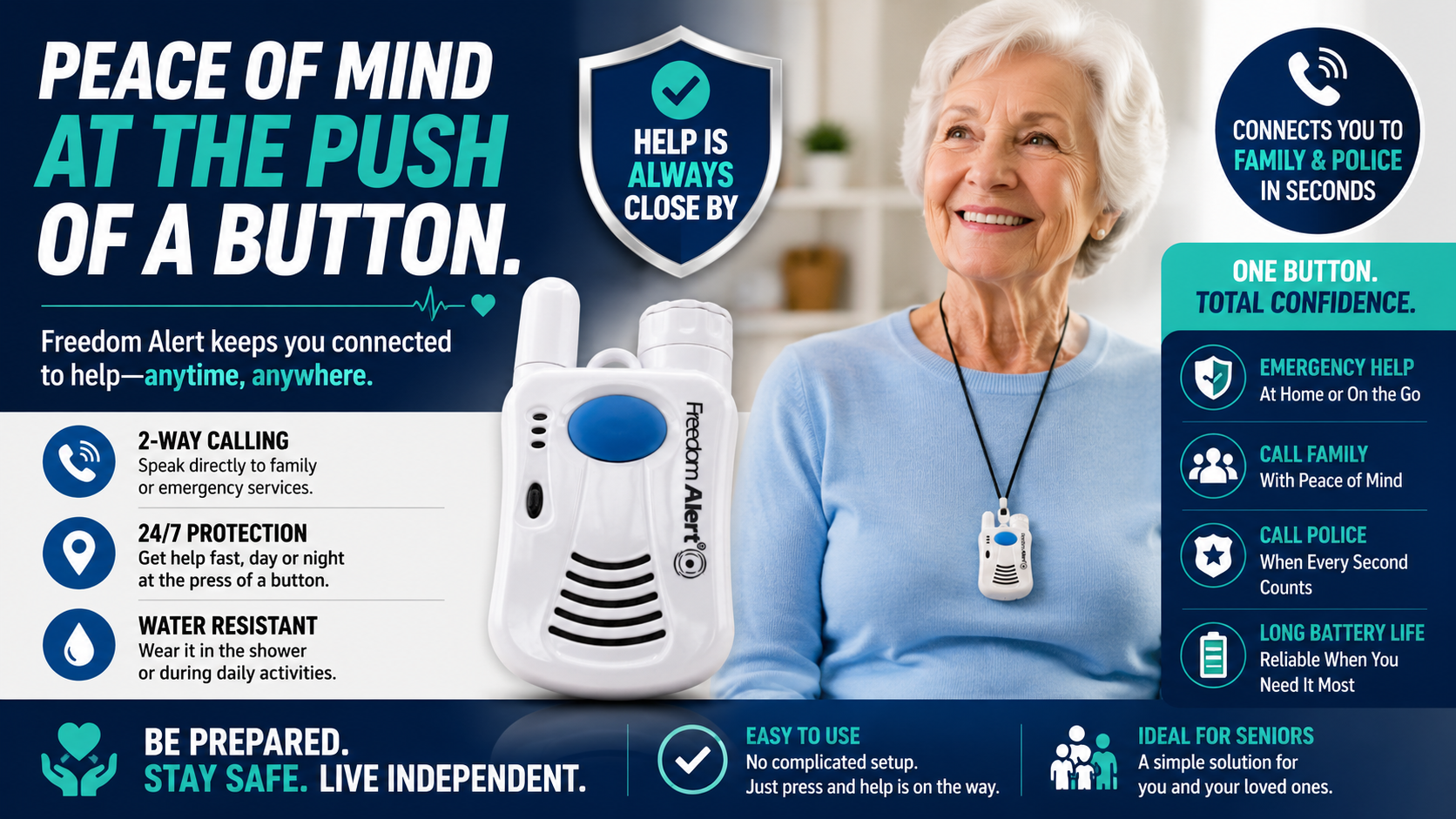
The traditional medical alert system — a pendant button worn around the neck connected to a home base unit — has been the default senior safety device for decades. Here’s the honest comparison with a modern SOS watch.
Traditional pendant advantages:
- Simple — one button, one function
- Long battery life — weeks between charges on some models
- Professional monitoring center as backup contact
- Lower monthly cost on some plans
SOS watch advantages:
- Works anywhere with cell coverage — not limited to home base unit range
- Automatic fall detection — no button press required
- GPS location with every alert — responders know exactly where to go
- Two-way communication from the wrist
- Smartwatch design — gets worn more consistently than a pendant
- Multiple features in one device — GPS tracker, medical alert, and communication in one
For most active seniors who leave home regularly and whose families want automatic fall detection and GPS location, the SOS watch provides meaningfully more comprehensive protection than a traditional pendant system.
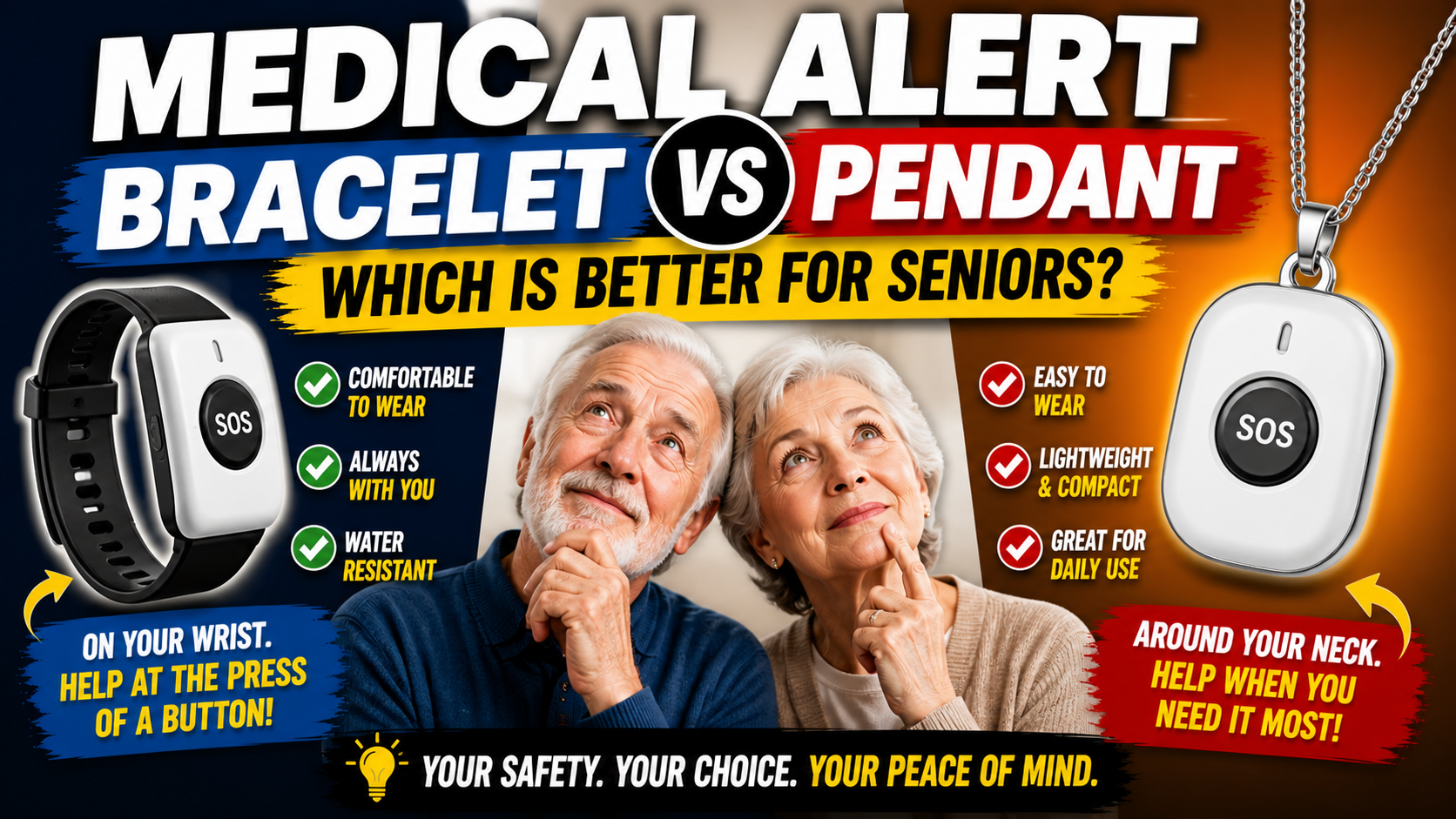
Our detailed comparison of medical alert bracelet vs pendant covers the format question in full detail. Our comparison of whether a smartwatch can replace a medical alert system covers the broader category comparison.
Real Scenarios Where the SOS Watch Makes the Difference
Abstract features become concrete when you think through the specific scenarios they protect against.
The Fall During a Morning Walk
A senior falls on their usual morning walk — a block from home, on a quiet street. They’re conscious but can’t get up. Their phone is in their jacket pocket but they can’t reach it from the ground. They press the SOS button on their watch. Within seconds their daughter’s phone alerts with their exact GPS location. She calls back through the watch immediately. She’s there in three minutes.
Without the SOS watch: lying on a quiet street until someone happens to walk by.
The Fall in the Shower
A senior falls in the shower. The impact causes brief unconsciousness. The automatic fall detection triggers within 30 seconds of no movement. Their son receives an alert — fall detected, location shared — before they’ve regained consciousness. Emergency services are called. Help arrives within minutes.
Without automatic fall detection: lying in the shower until the next scheduled check-in call, hours later.
Our complete guide on safe shower setup for elderly adults covers the modifications that reduce shower fall risk. The SOS watch is the safety net for when those modifications aren’t enough.
The Medical Event at Home
A senior experiences a cardiac event while watching television. They’re conscious enough to press the SOS button but can’t reach their phone. The watch initiates two-way calling immediately — their family member stays on the line while emergency services are dispatched. The GPS location is shared with the 911 call.
Without the SOS watch: a medical event at home alone with no way to call for help.
The Wandering Episode — Dementia
A senior with early dementia leaves the house at 3am confused about where they’re going. The geofencing alert triggers on their family member’s phone the moment they cross the defined boundary around the home. GPS location shows them two blocks away walking in the wrong direction. They’re reached and guided home before they’ve gone further.
Without GPS geofencing: a missing person discovered hours later.
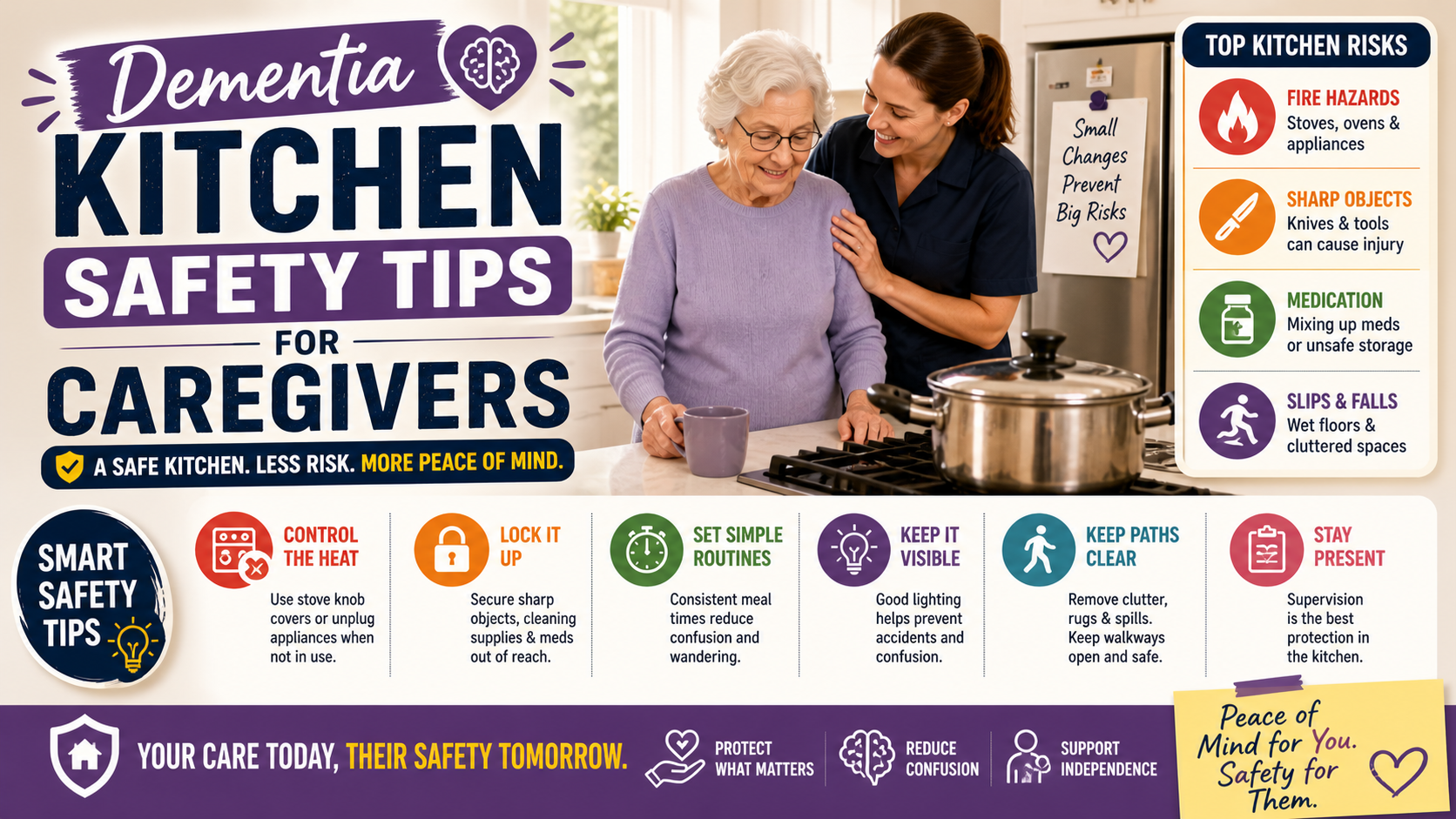
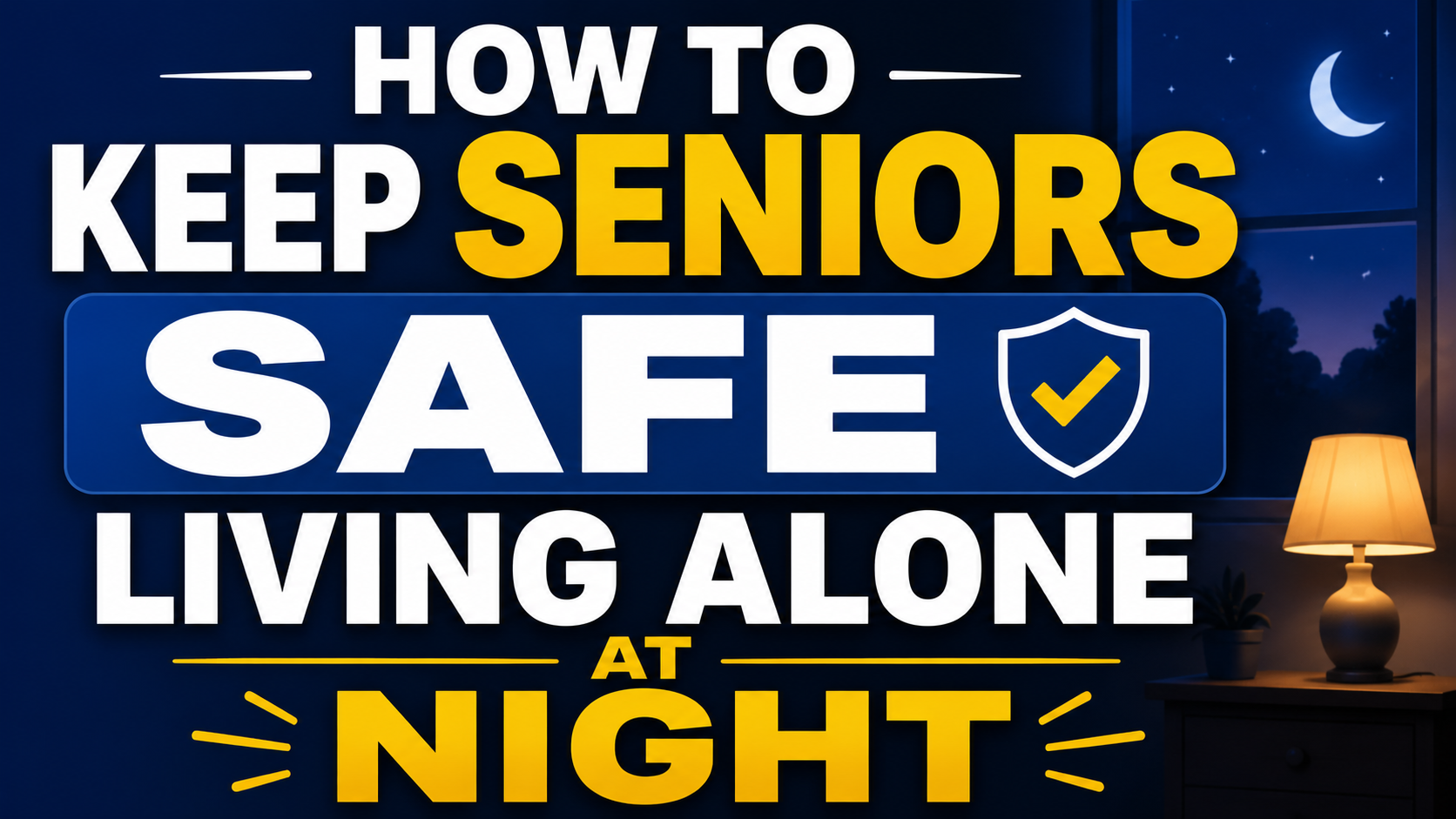
Our guide on keeping a parent with dementia safe at night covers the complete nighttime safety picture for this specific scenario.
Setting Up the SOS Watch for Your Parent
Setup is done by the family member — not the parent who will be wearing it. Here’s the process.
- Download the SecuPro app on your smartphone
- Activate the service plan through the app
- Add emergency contacts — family members who should receive SOS alerts and location sharing
- Configure geofencing if relevant — define the safe zone and alert thresholds
- Set up fall detection sensitivity — adjust based on the wearer’s activity level
- Do a test run — test the SOS button, confirm contacts receive the alert, verify GPS location is accurate
- Establish the charging routine — charge every night, back on every morning
The parent’s interaction with the device is simply wearing it and charging it. No apps to navigate, no settings to manage, no technical knowledge required from the wearer. The family member handles setup and the device handles the rest.
The SOS Watch and the Complete Safety Picture
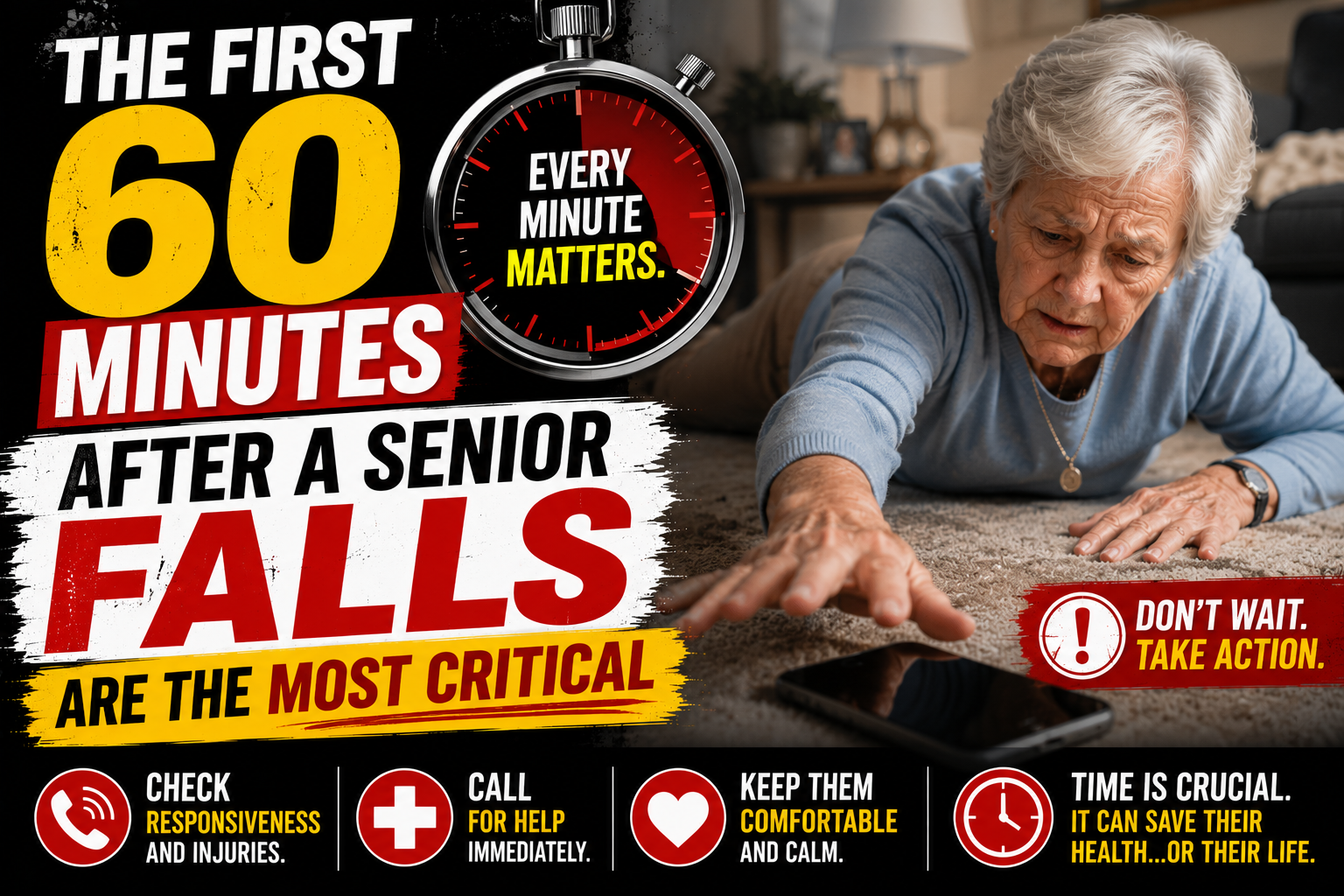
An SOS watch is the safety net — the measure that determines what happens after something goes wrong. It works best alongside home modifications that reduce how often something goes wrong in the first place.
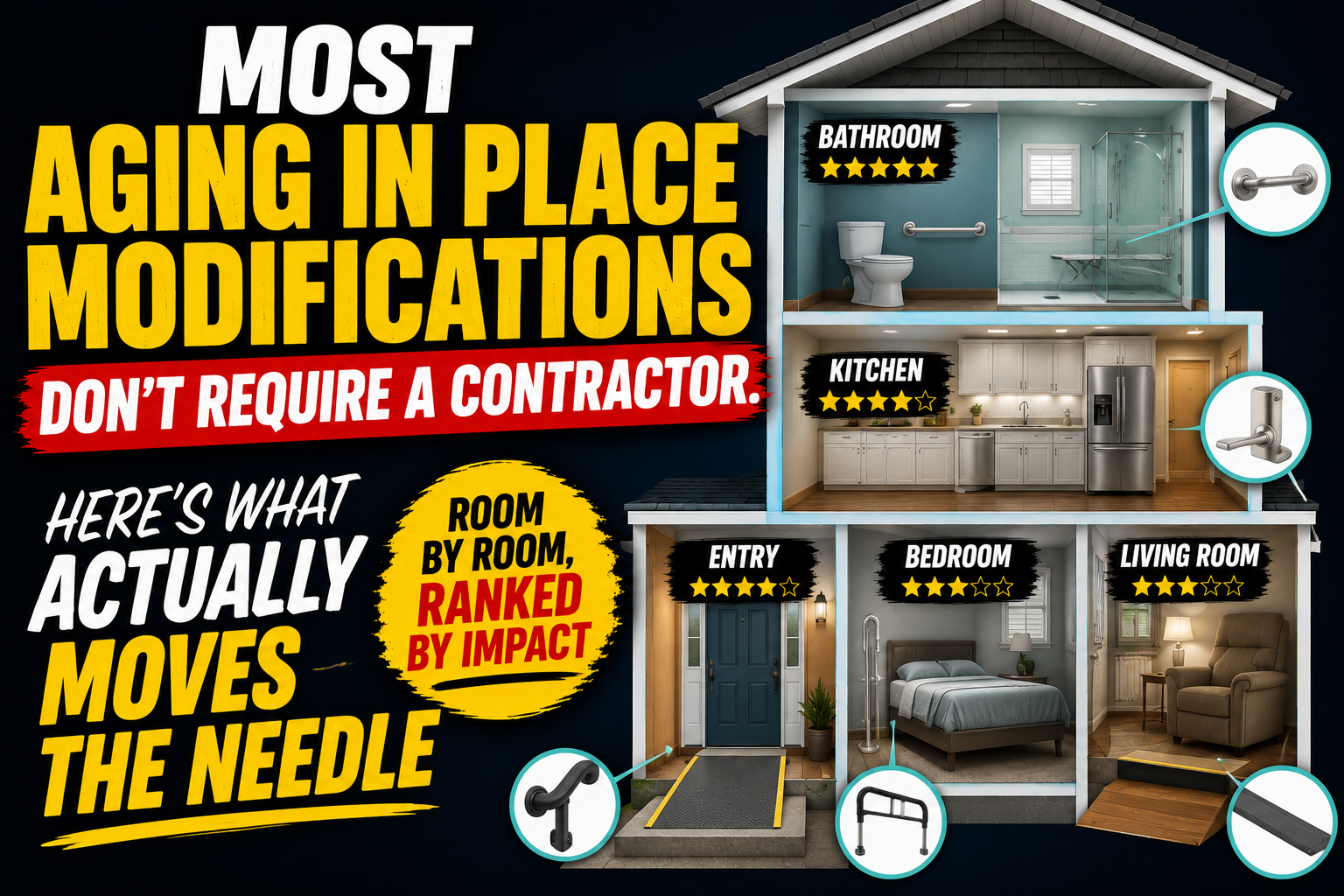
The highest-impact home modifications for fall prevention are bathroom safety measures — grab bars, toilet safety rails, non-slip bath mat, and shower chair. Our complete guide on how to make a bathroom safer for seniors covers every upgrade.
See our reviews: Best Grab Bars | Best Toilet Safety Rails | Best Shower Chair | Best Non-Slip Bath Mat
→ Get the Toilet Safety Rails on Amazon
→ Get the Shower Chair on Amazon
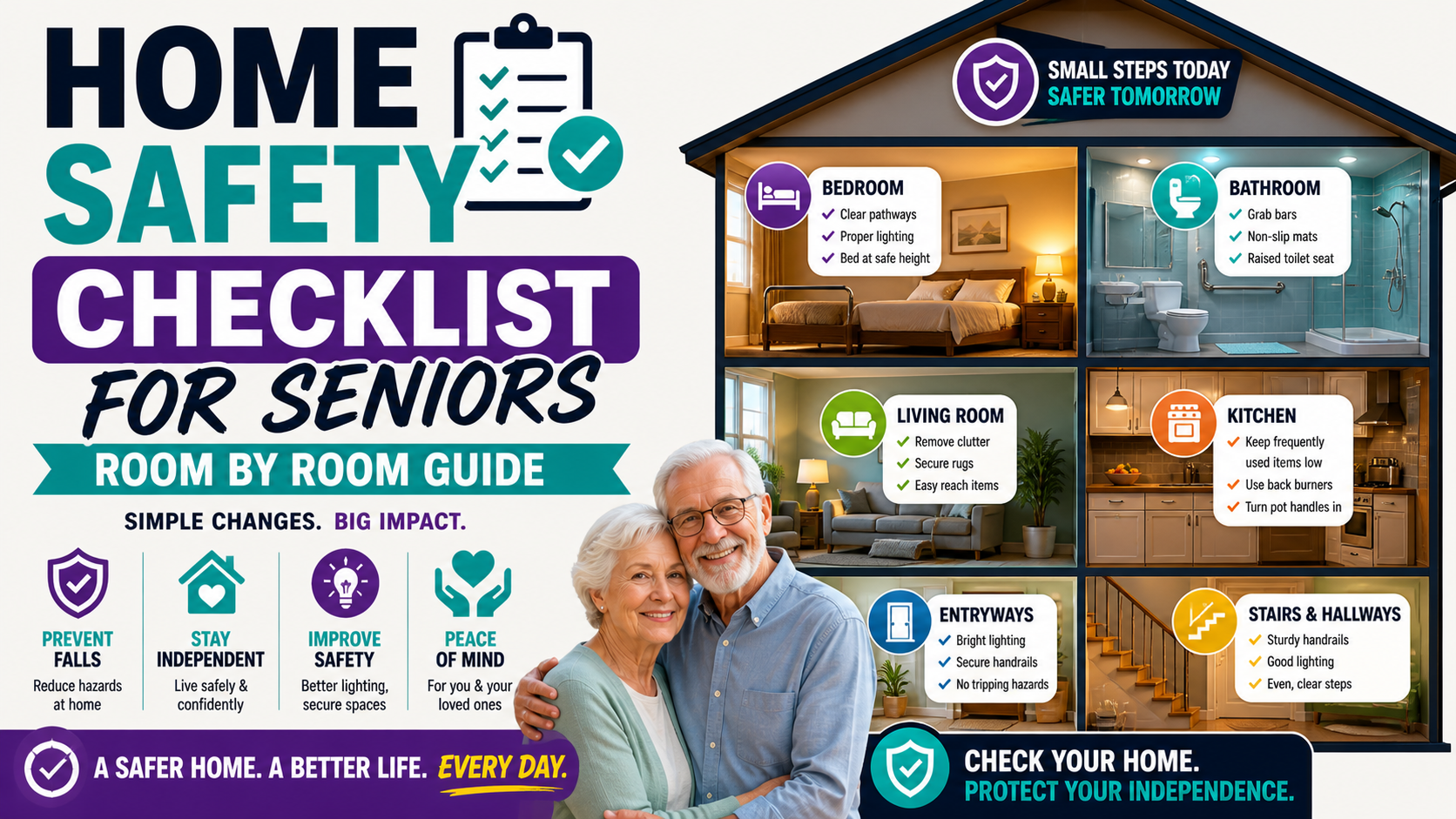
For the complete senior safety picture our home safety checklist for seniors covers every room. Our comprehensive guide on how to help an elderly parent live safely alone covers every component of keeping a solo-living parent safe.
Frequently Asked Questions
What’s the difference between an SOS watch and a Life Alert system?
Traditional Life Alert-style systems use a home base unit with a pendant button — providing in-home coverage connected to a professional monitoring center. An SOS watch like the SecuLife works anywhere with cell coverage, provides automatic fall detection without a button press, connects directly to designated family members rather than a call center, and looks like a regular watch rather than a medical device. For active seniors who leave home and whose family wants to be the primary contact, the SOS watch provides broader and more personal coverage. Our guide on signs it’s time for a medical alert system covers how to assess which type is right for your situation.
Can the SOS button be accidentally triggered?
The press-and-hold activation requirement — holding the button for several seconds before the alert triggers — prevents accidental activation during normal wrist movements. Short accidental presses don’t trigger the alert. This deliberate activation design balances the need for easy intentional activation with protection against false alarms that would create alert fatigue in designated contacts.
What happens when the SOS is triggered — step by step?
When SOS is triggered — by button press or automatic fall detection — the SecuLife immediately sends alert notifications to all designated contacts through the SecuPro app, including current GPS location. It simultaneously initiates a two-way call attempt to the primary contact. Designated contacts can call back through the app directly to the watch. The current GPS location is visible in the app in real time so contacts can monitor movement and share location with emergency services if needed.
Does the SOS watch work if there’s no cell signal?
Cellular features — SOS alert, GPS location sharing, two-way calling — require cell coverage to function. In areas without cell signal these features won’t operate. For most suburban and urban environments coverage is adequate. For seniors in rural areas with limited coverage, verify signal strength at their specific location before purchasing. GPS location may still be calculated by the device even without cell coverage but can’t be transmitted until coverage is restored.
My parent already has a phone — do they still need an SOS watch?
Yes — for most seniors living alone. A phone requires finding it, picking it up, unlocking it, navigating to the dialer or emergency call, and pressing the right buttons. An SOS watch requires pressing one button on the wrist — or nothing at all with automatic fall detection. In the scenarios where help is most urgently needed — a serious fall, a medical event, a moment of significant disorientation — the difference between one button on the wrist and the multi-step phone sequence is the difference between getting help and not getting it.
One Button. Automatic Detection. Peace of Mind.
The SOS watch doesn’t prevent falls or medical events. It determines what happens next — how quickly help comes, whether family knows immediately, whether the person who needs help has to do anything at all to get it.
For a senior living alone that determination is everything. The SecuLife delivers it in a device that gets worn, works anywhere, and provides automatic protection even when pressing a button isn’t possible.
That’s the device worth having.
→ Get the SecuLife SOS Watch on Amazon — automatic fall detection and GPS for seniors
Read our full review: SecuLife Smartwatch Review — Is It Worth It for Seniors?
About the Author
Margaret Holloway, RN spent 22 years in geriatric nursing watching the outcomes of medical emergencies where help came quickly versus those where it didn’t. The difference in those outcomes is what drives her conviction that every senior living alone needs a device that can call for help automatically — not just when they’re able to press a button. She writes for Elder Safety Guide to give families the honest, specific guidance that leads to the devices that actually provide protection when it matters most.