A medical alert watch does more than a pendant ever could. Here’s what separates a great medical alert watch from a mediocre one — and the specific option we recommend.
The medical alert pendant has been the default senior safety device for 40 years. Press the button, get help. Simple concept. Real limitation: it only works when the person who needs help can press it — is conscious, can reach it, has the presence of mind to use it.
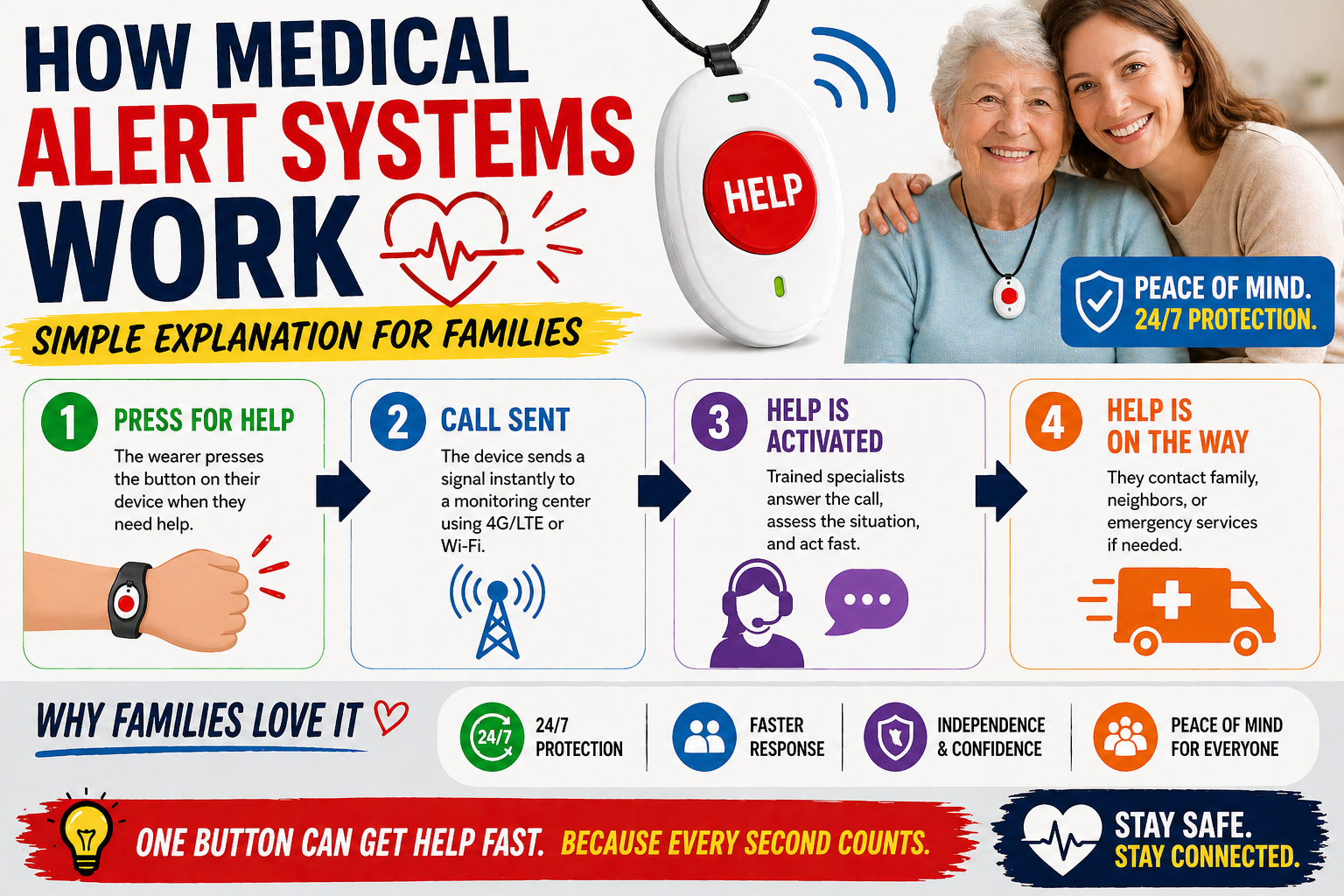
A medical alert watch changes the equation in two important ways. First, it adds automatic fall detection — alerting family even when pressing a button isn’t possible. Second, it goes everywhere the person goes, on the wrist, rather than sitting on a base unit that stops working the moment they leave the house.
For most older adults those two differences represent the gap between adequate protection and real protection. This guide covers exactly what to look for in a medical alert watch, what separates good from great, and the specific option that earns our recommendation.
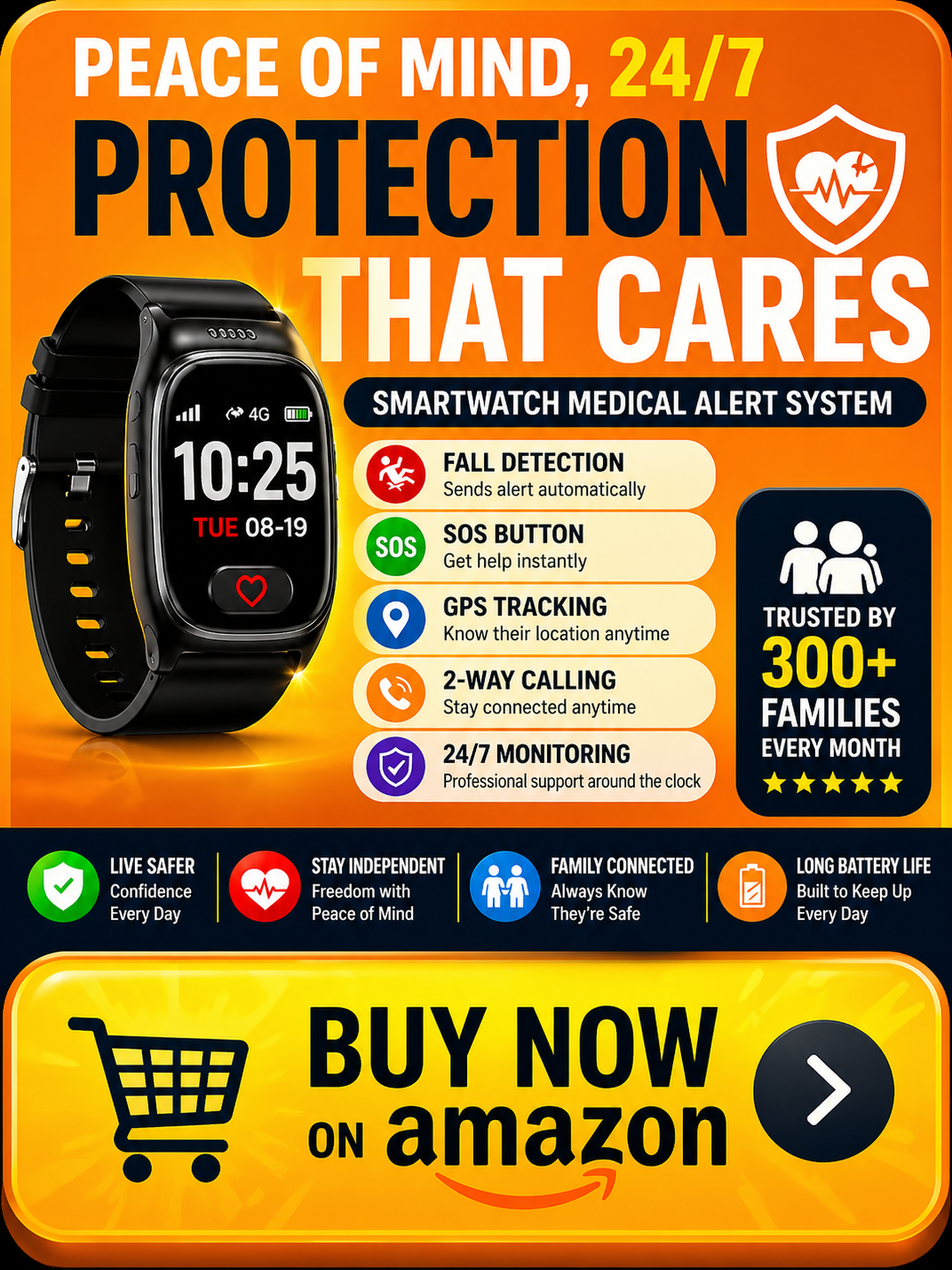
→ See the SecuLife Medical Alert Watch on Amazon
Read our full review: SecuLife Smartwatch Review — Is It Worth It for Seniors?
Medical Alert Watch vs Medical Alert Pendant — Why the Watch Wins
This comparison comes up in almost every family’s research process and it’s worth addressing directly before getting into specific features.
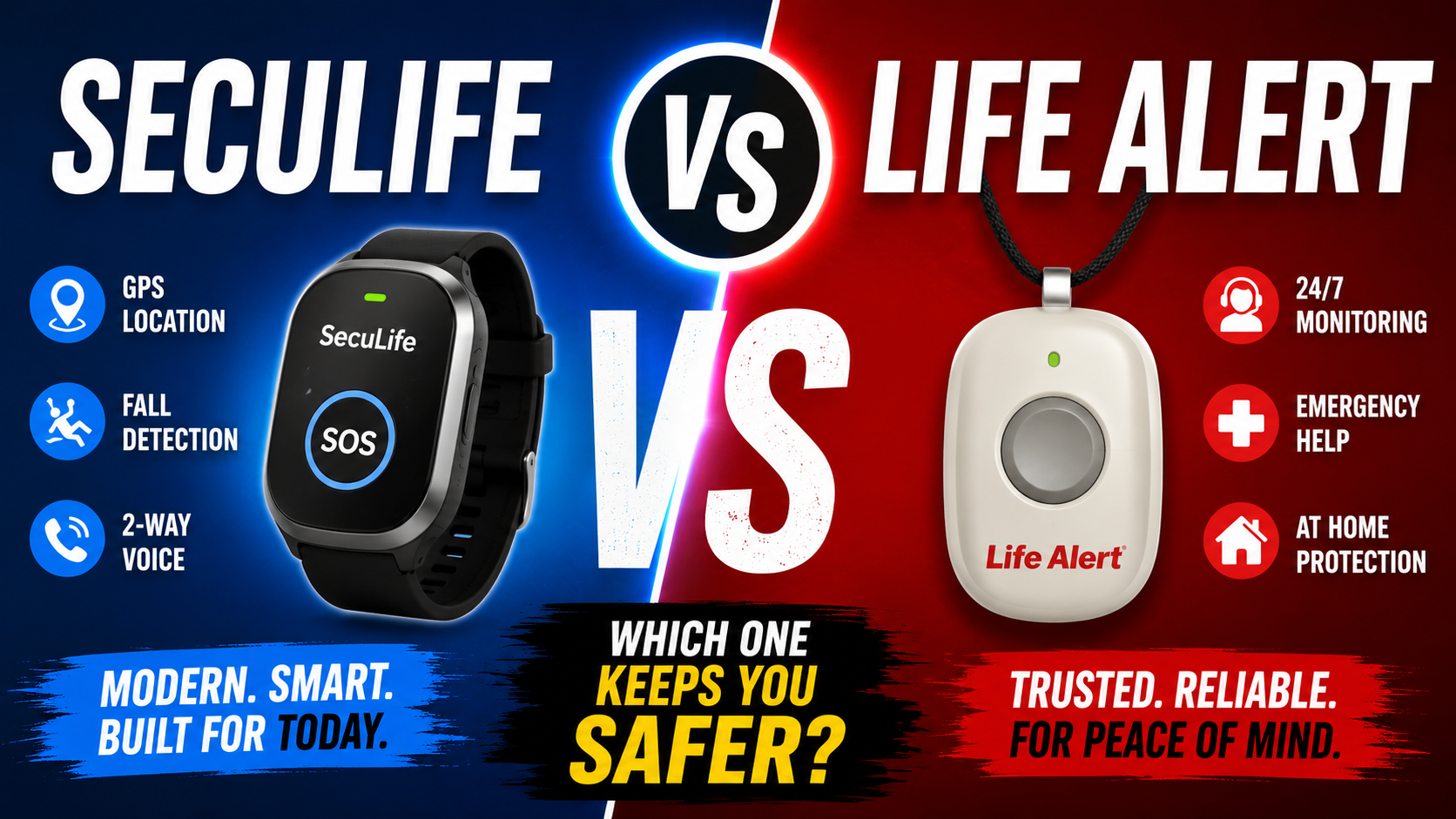
Traditional medical alert systems — a pendant button connected to a home base unit — have genuine strengths. They’re simple. The button is obvious and easy to find. Professional monitoring centers provide 24/7 response. Monthly costs are often lower.
But they have two fundamental limitations that matter enormously for real-world protection.
Limitation 1 — Range. The pendant only works within range of the home base unit — typically 300 to 600 feet. The moment your parent leaves the house, they’re outside that range and the pendant provides zero protection. For any senior who drives, walks, shops, or attends appointments — which is most of them — a home-only system leaves them unprotected for significant portions of every day.
Limitation 2 — Button dependency. The pendant requires a button press. In the scenarios where help is most critically needed — an unconscious fall, a stroke, a cardiac event — the person may not be able to press it. Button-only protection is no protection at all in those worst-case scenarios.
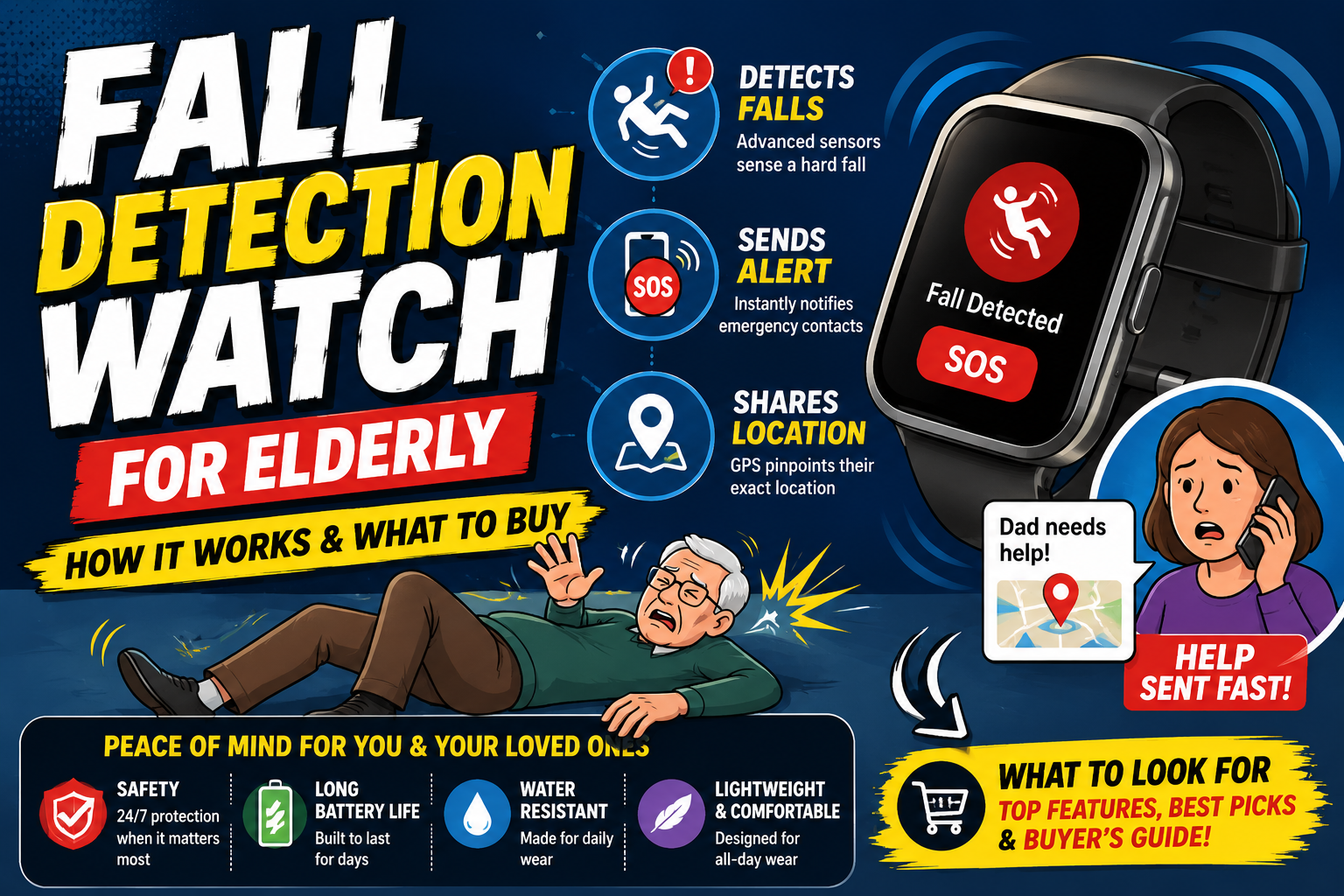
A medical alert watch with cellular operation and automatic fall detection addresses both limitations simultaneously. It works anywhere with cell coverage. It alerts automatically when a fall is detected without requiring any action from the wearer.
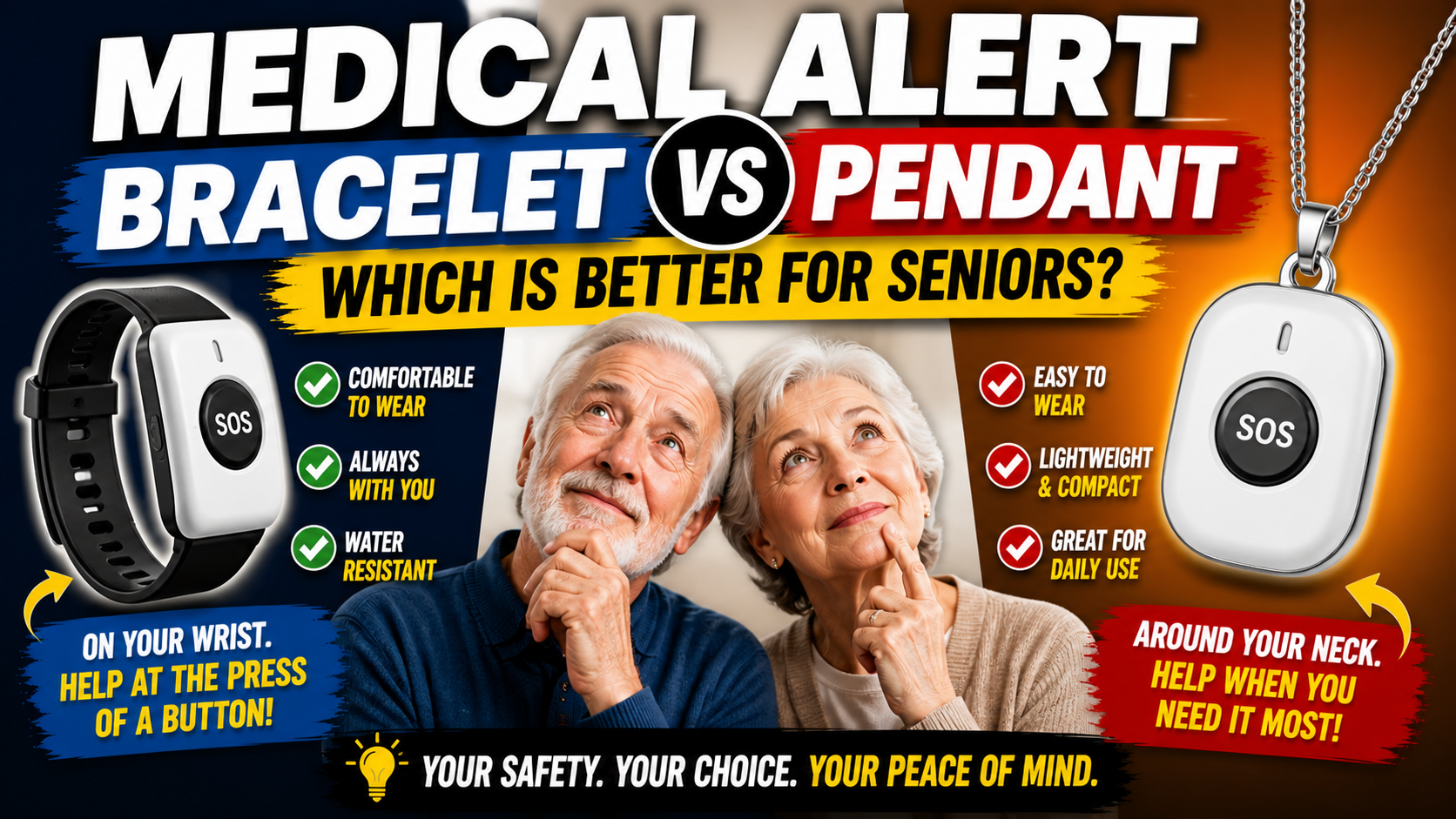
Our comparison of medical alert bracelet vs pendant covers the format question in full detail. Our guide on whether a smartwatch can replace a medical alert system covers the broader comparison.
The Features That Define a Great Medical Alert Watch
Automatic Fall Detection — The Non-Negotiable Feature
Any medical alert watch worth buying has automatic fall detection. This is the feature that provides protection in the scenarios a button-only device doesn’t cover — the unconscious fall, the medical event that leaves the person incapacitated, the fall where the watch ends up pinned under the body.
Fall detection quality varies between devices. Consumer smartwatches calibrate their detection for general adult populations — typically higher-velocity falls from active younger users. Dedicated senior medical alert watches calibrate specifically for the movement patterns of older adults — lower velocity, more gradual balance loss, the specific fall signatures that are most common in the elderly population.
This calibration difference isn’t theoretical. It shows up in real-world detection rates for the fall patterns that actually occur in older adults. For this use case specifically, dedicated senior fall detection outperforms repurposed consumer detection.
Our guide on best medical alert system for seniors living alone covers fall detection as the primary feature criterion for solo living specifically.
Cellular GPS — Works Anywhere
The medical alert watch needs its own cellular connection — operating independently of any smartphone, home Wi-Fi, or base unit. This means full protection anywhere with cell coverage — at the grocery store, on a walk, at an appointment, in the car, in the garden.
GPS location should accompany every alert — so designated contacts and emergency responders know exactly where to go, not just that something happened. Location without communication is less useful than location with it. Communication without location is less useful than communication with it. Both together is what provides complete emergency response capability.
SOS Button — Designed for Stress
The manual SOS button needs to work under the worst conditions — in the dark, with shaking hands, from the floor, possibly injured, certainly frightened. Large, clearly identified, requiring a deliberate press-and-hold that prevents accidental triggers while remaining simple enough to execute under extreme stress.
The SOS button is the complement to automatic fall detection — covering conscious emergencies where the person needs help but hasn’t fallen, and providing a manual override for any scenario where automatic detection is preferred to be triggered manually.
Two-Way Communication
When an alert triggers, designated contacts need to be able to speak with the person — to assess what happened, provide reassurance, coordinate emergency response, and stay connected until help arrives. Two-way calling through the watch itself — without the person needing to find or use their phone — is essential for this communication capability.
Family App With Real-Time GPS
A companion app that shows real-time GPS location, receives SOS alerts with location, and supports multiple family members is the interface through which the medical alert watch delivers its value to the family. The app should be clear enough for non-technical family members to use confidently — not a complex interface that requires technical literacy to interpret.
Design That Gets Worn
The most sophisticated medical alert watch provides zero protection if it’s sitting on the nightstand. Design determines wearing consistency — and wearing consistency determines whether the device protects or doesn’t.
The smartwatch format — something that looks and feels like a regular watch — dramatically outperforms the pendant format for consistent daily wearing. Seniors who have refused pendants for years routinely accept a smartwatch because it doesn’t announce its purpose and wearing it requires no identity shift. A device that gets worn provides protection. One that doesn’t provides nothing.
The Best Medical Alert Watch for Seniors
SecuLife Smartwatch — The Medical Alert Watch We Recommend
The SecuLife earns our recommendation for most older adults because it addresses every feature that matters — fall detection calibrated for seniors, independent cellular GPS, large SOS button, two-way communication, family app with real-time tracking — in a smartwatch design that consistently gets worn.
→ Check current price and availability on Amazon
Read the complete review: SecuLife Smartwatch Review — Full Feature Breakdown and Honest Assessment
Fall detection calibrated for senior movement patterns runs continuously without any interaction from the wearer. When a fall is detected and there’s no response, the alert goes automatically to designated contacts with GPS location. No button press required. No consciousness required. The protection exists even in the scenarios where the person who has fallen can do nothing.
Fully independent cellular operation means the SecuLife works anywhere with cell coverage — on a morning walk, at an appointment, in a parking lot, at a friend’s house. The GPS location, SOS alerts, and two-way calling all operate from the watch’s own cellular connection without any dependency on a nearby phone or home base unit.
Real-time GPS in the SecuPro app gives family members location visibility at any moment — not just when an alert triggers. Check in without calling. See that your parent arrived home safely. Know they’re on their usual walk route. This continuous low-level location awareness is one of the most practically valuable features for distance caregivers managing the anxiety of not knowing.
Geofencing alerts notify designated contacts automatically when the wearer leaves a defined geographic boundary — the home neighborhood, a safe zone around the house, any configured area. For parents with early memory concerns this feature provides early warning before a wandering episode develops. Our guide on wandering prevention for seniors with dementia covers GPS geofencing as part of the complete dementia safety approach.
Two-way calling through the watch connects family immediately when an alert triggers — speaking directly, assessing the situation, staying connected until help arrives. Family members can also call the watch directly from the SecuPro app for regular check-ins without the senior needing to find their phone.
The SecuLife looks like a regular smartwatch. Nothing about it signals medical device. Nothing about wearing it requires acknowledging vulnerability. It’s a watch — and watches get worn. This design decision is what makes the difference between a device that consistently protects and one that consistently sits unused because wearing it feels like too much of an admission.
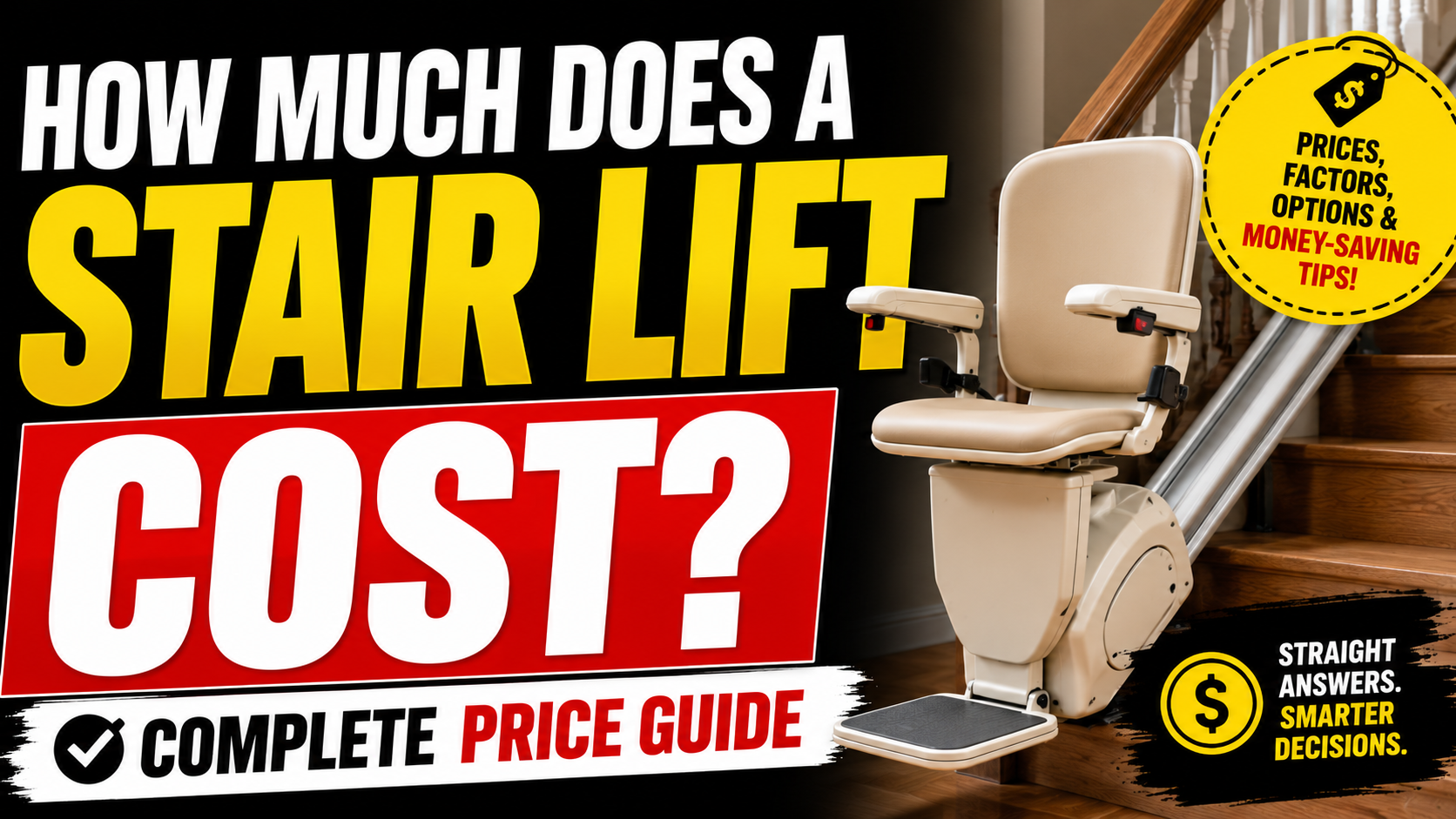
Service plans from $20/month on the annual plan — all core features included at every tier. Our complete guide on how much a medical alert system costs breaks down pricing across all options and plan types.
→ Get the SecuLife Medical Alert Watch on Amazon
Who Needs a Medical Alert Watch — Specific Situations
Seniors Living Alone
The gap between a fall happening and help arriving is entirely determined by the safety measures in place when someone lives alone. Automatic fall detection closes that gap even in scenarios where the person can’t press anything. For anyone living alone this isn’t a nice-to-have — it’s the essential safety measure that makes independent living genuinely safe rather than just optimistically assumed to be safe.
Our guide on best medical alert system for seniors living alone covers the complete solo living safety picture. Our guide on elderly safety tips for independent living covers everything that makes solo living sustainable long-term.
Active Seniors Who Leave Home Regularly
A home-only medical alert system provides zero protection the moment your parent leaves the house. For any active senior who drives, walks, shops, attends church, visits friends, or goes to appointments — which describes most independently living seniors — cellular GPS operation that goes wherever they go is the baseline requirement, not an upgrade.
Seniors With Any Fall History
A first fall more than doubles the risk of a second. The period immediately following a first fall is one of the highest-risk windows for a more serious subsequent fall. Getting a medical alert watch with automatic fall detection in place after any fall — even a minor one — is one of the highest-impact post-fall safety interventions available.
Our guide on fall prevention tips at home covers the home modifications that reduce ongoing fall risk alongside the detection safety net. Our guide on tips for balance problems covers the physical interventions that address the underlying cause.
Seniors With Early Cognitive Changes
Early memory changes and cognitive decline increase fall risk through reduced attention to environmental hazards, medication management errors that affect blood pressure and stability, and the specific risks of nighttime disorientation. GPS geofencing adds the wandering protection layer that becomes relevant as cognitive changes progress.
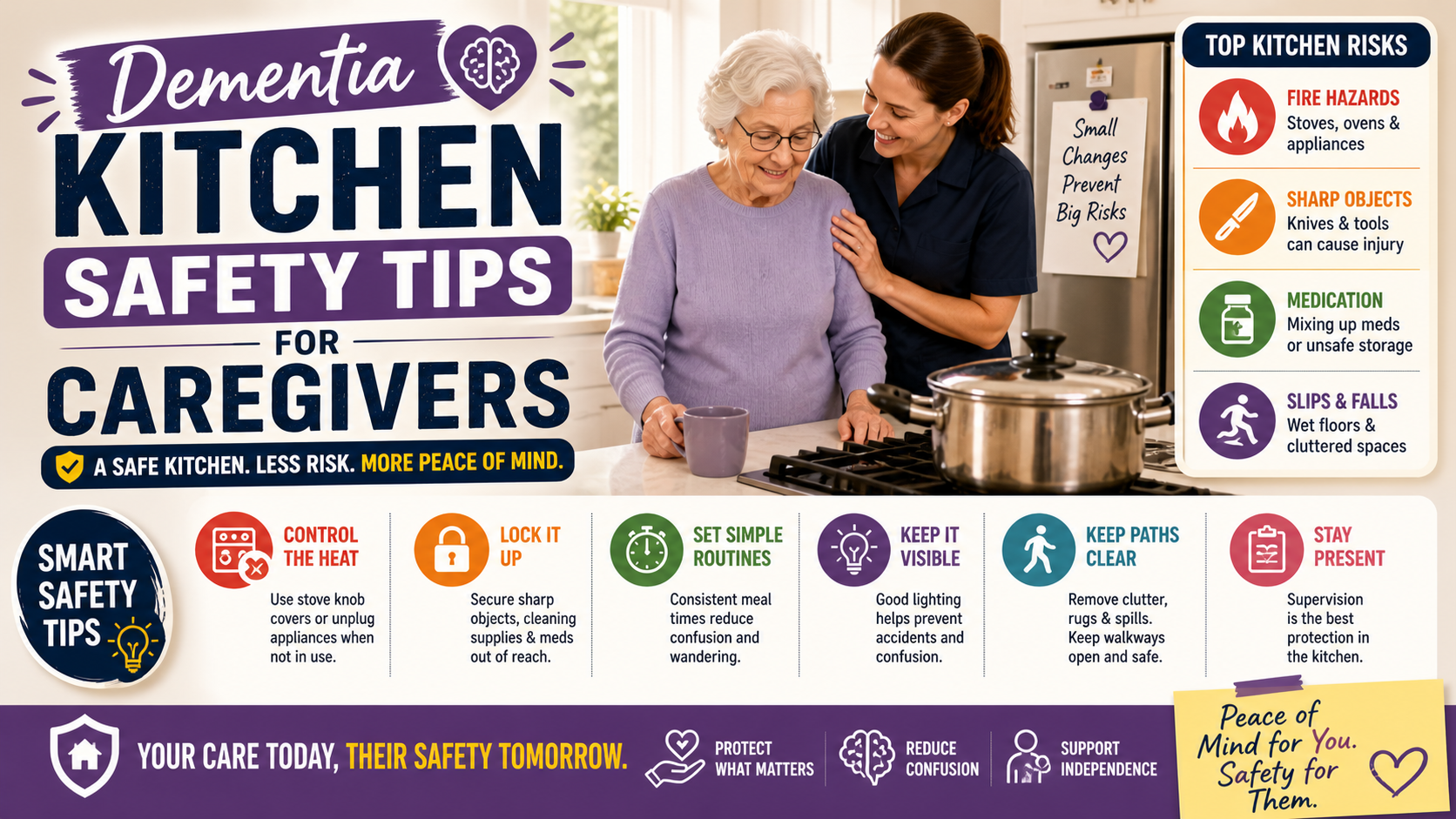
Our guide on home safety tips for seniors with dementia covers the complete dementia safety picture. Our guide on keeping a parent with dementia safe at night covers the highest-risk period specifically.
Any Senior Whose Family Worries From a Distance
Distance caregiving — managing a parent’s safety from another city or state — is one of the most anxiety-producing situations in family caregiving. A medical alert watch with GPS provides the visibility that converts constant background worry into a manageable check. Open the app. See the location. Close the app. The anxiety doesn’t disappear but it becomes proportionate rather than overwhelming.
Our comprehensive guide on how to help an elderly parent live safely alone covers everything a distance caregiver needs to address — GPS tracking, home modifications, health management, legal planning, and the conversations that make all of it happen.
Addressing the Common Objections
“I don’t need one of those.”
The most common objection — and the one least connected to actual risk level. Most seniors who say this have either had a fall and minimized it or haven’t had one yet and believe their good health makes them immune to the need. Neither is an accurate risk assessment. The most effective response: frame it as for your peace of mind, not their vulnerability. “This means I worry less and call you less” lands completely differently than any safety-focused argument.
“It looks like a medical device.”
Show them the SecuLife before describing it. The visual of a regular-looking smartwatch does more persuasion work than any explanation. Nothing about it announces its purpose. It looks like what everyone is wearing. Once they see it the “medical device” objection frequently evaporates.
“I already have my phone.”
A phone requires finding it, picking it up, unlocking it, navigating to the dialer, and making a call. An SOS watch requires pressing one button on the wrist — or nothing at all with automatic detection. In the scenarios where help is most urgently needed the multi-step phone sequence is often the difference between getting help and not getting it. Our guide on best SOS watch for seniors covers this specific objection in detail.
“I don’t want to be tracked.”
A legitimate concern worth addressing honestly rather than dismissing. Tell them exactly who can see the location, when you’d actually look at it, and what you’d use it for. “I’d check it when I haven’t heard from you and I’m worried — not as a daily monitoring thing.” Specific honesty about the actual use case is more reassuring than vague promises not to misuse it. Our guide on how to talk to a parent about a medical alert system covers every objection with the framings that actually work.
The Medical Alert Watch and the Complete Safety System
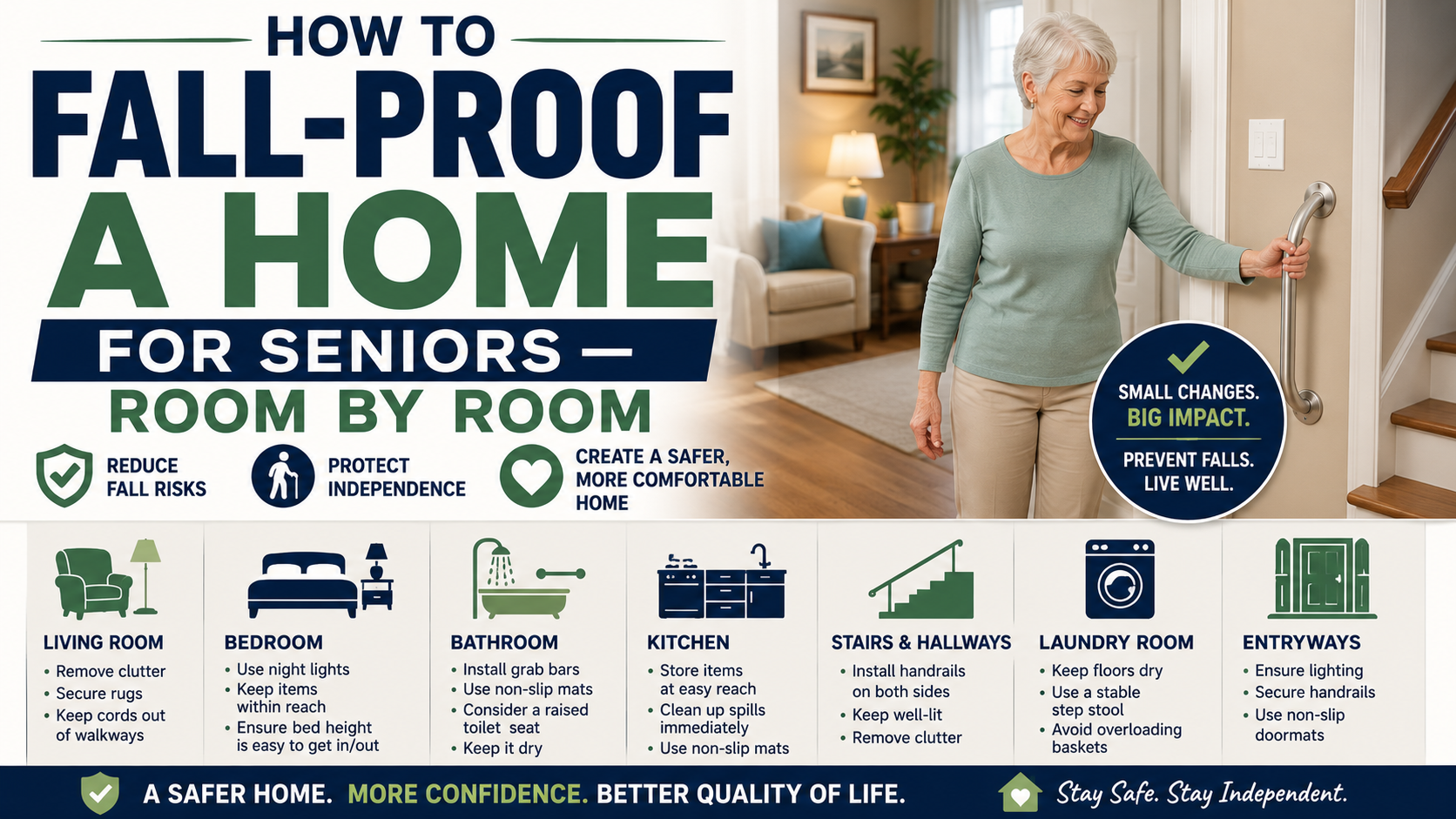
A medical alert watch is the safety net — what happens after something goes wrong. Home safety modifications are what reduce how often something goes wrong. Both are necessary. Neither replaces the other.
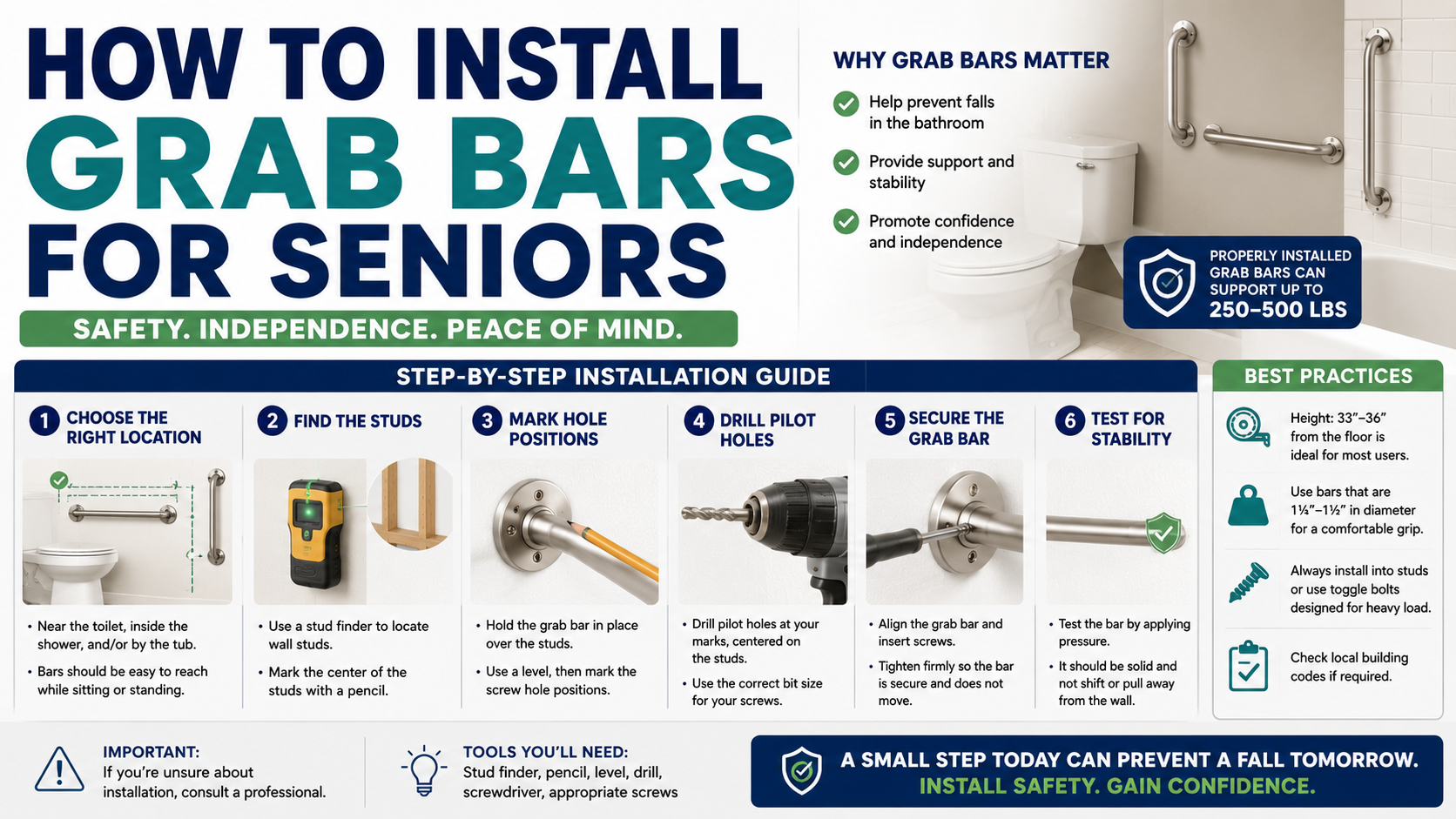
The bathroom modifications that have the highest impact on fall risk — grab bars at the shower and toilet, toilet safety rails, non-slip bath mat, shower chair — address the highest-risk room in the home.
See our reviews: Best Grab Bars | Best Toilet Safety Rails | Best Non-Slip Bath Mat | Best Shower Chair
→ Get the Toilet Safety Rails on Amazon
→ Get the Shower Chair on Amazon
The bedroom modifications — bed rail and auto-on night lights — address the nighttime transition risks that create the highest-risk moments of every day.
See our reviews: Best Bed Rail | Best Auto-On Night Lights
→ Get the Night Lights on Amazon
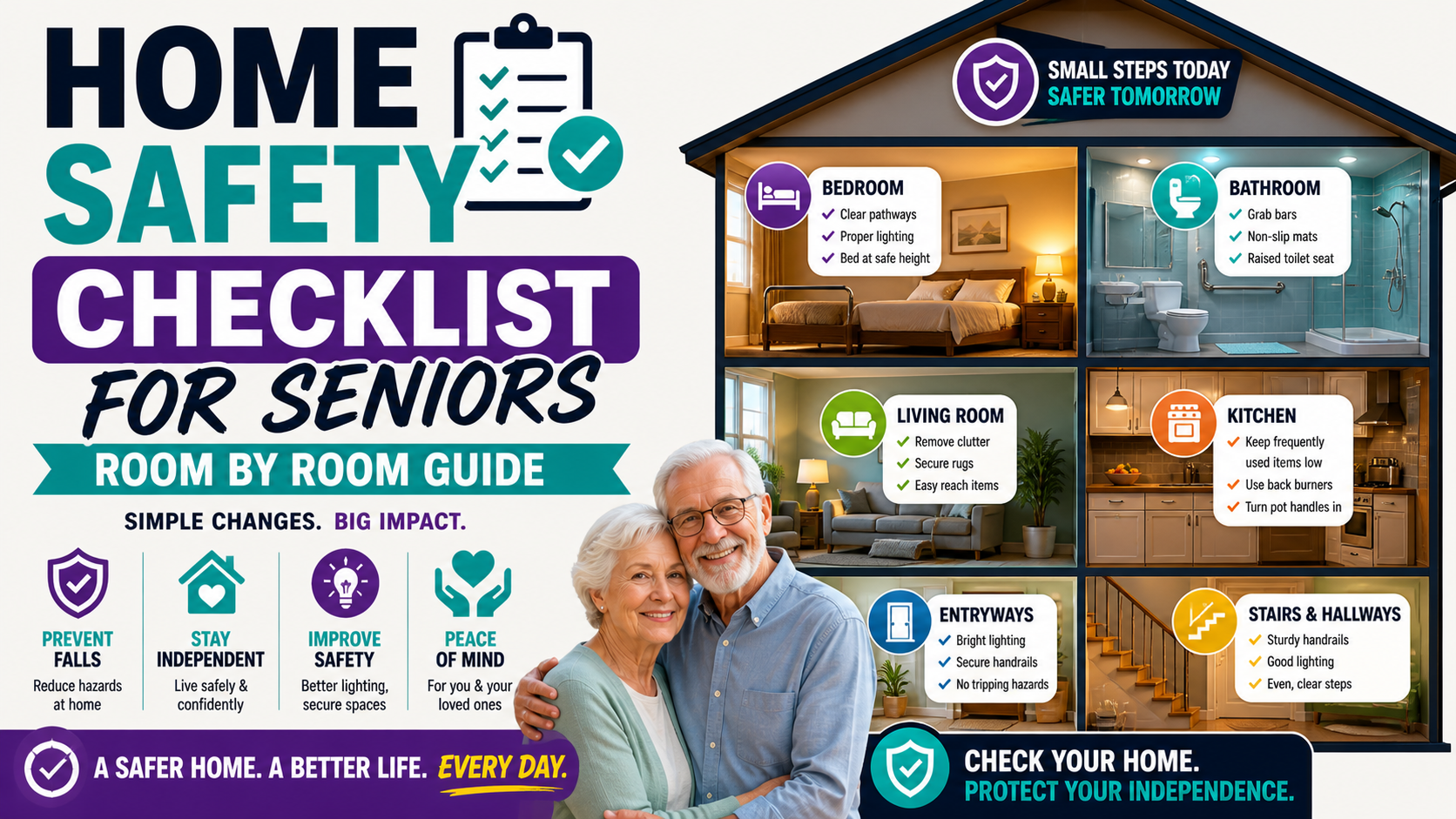
For the complete home safety picture our home safety checklist covers every room systematically. Our guide on home modifications ranked by impact tells you exactly what to prioritize.
Frequently Asked Questions
How is a medical alert watch different from a regular smartwatch?
A medical alert watch is purpose-built for senior safety — with fall detection calibrated for senior movement patterns, a dedicated SOS button designed for stress scenarios, cellular operation independent of any phone, and a family monitoring app built around safety rather than fitness. A regular smartwatch is designed for general adult fitness and productivity use — with features adapted for safety as secondary additions rather than primary design goals. For most seniors with fall risk the purpose-built device outperforms the adapted general device in real-world protection. Our comparison of medical alert watch vs Apple Watch covers this in full detail.
Does the medical alert watch require a monthly fee?
Yes — cellular operation, GPS tracking, and alert services require an active service plan. The SecuLife starts at $20/month on the annual plan with all core features included. This is comparable to or less than traditional medical alert monitoring services and includes GPS and fall detection that many traditional services charge extra for. Our guide on how much a medical alert system costs covers the full pricing picture across all options.
Can the medical alert watch call 911 directly?
The SecuLife alerts designated family contacts and can include emergency services as a designated contact. It’s not a direct 911 dialer in the same way some traditional systems are — the alert goes to designated people who can then call 911 or assess the situation. For most families having family members as the primary alert recipients — who can then call 911 with context — provides a more responsive and informed emergency response than a direct 911 connection.
How do I know the fall detection is working correctly?
The SecuLife’s fall detection runs continuously as a background function. Verify it’s active in the app settings when setting up. Test the SOS button to confirm alerts reach designated contacts correctly — this tests the alert delivery system that fall detection also uses. Periodically confirm the service plan is active and the device has cellular connectivity. A device with an active plan and confirmed alert delivery is providing fall detection protection.
What if my parent takes the watch off during the day?
A watch not on the wrist provides no protection. Building the wearing routine from day one — watch goes on as part of getting dressed, comes off at bedtime for charging — is the most important habit to establish. For parents who are inconsistent wearers, the companion app can show when the watch is off the wrist based on movement data, allowing family to prompt wearing during gaps. The long-term solution is establishing wearing as a non-negotiable daily habit through consistent reinforcement in the first weeks of ownership.
The Right Watch. The Right Protection. Starting Today.
A medical alert watch with automatic fall detection and cellular GPS is the single most important senior safety investment available for older adults who live alone or spend meaningful time without others nearby. It doesn’t prevent falls. It determines what happens next — how quickly help comes, whether family knows immediately, whether the person who has fallen has to do anything at all.
The SecuLife delivers that protection in a device that earns consistent daily wearing, at a monthly cost that’s genuinely accessible, with the features that matter most built in from the ground up rather than added on as afterthoughts.
Get it in place before it’s needed. That’s always the right time.
→ Get the SecuLife Medical Alert Watch on Amazon
Read our complete review: SecuLife Smartwatch Review — Is It Worth It for Seniors?
About the Author
Carol Simmons is a Certified Aging-in-Place Specialist (CAPS) who has helped hundreds of families evaluate medical alert options as part of comprehensive aging in place planning. She writes for Elder Safety Guide to give families honest, specific guidance on the devices that provide real protection — not just impressive-sounding specifications — in the daily reality of senior independent living.